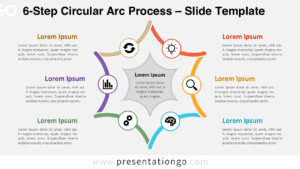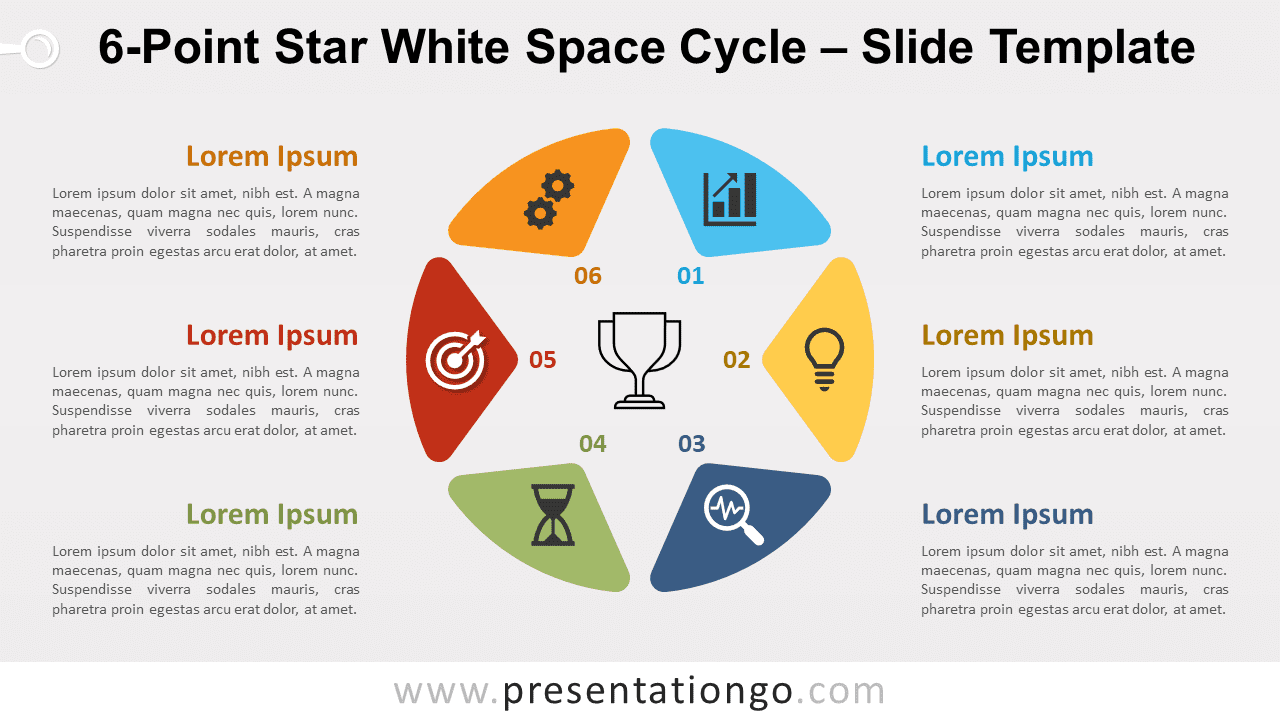
Free 6-point star white space cycle for PowerPoint and Google Slides. A circular process diagram with 6 steps revealing a star in the negative space. Editable graphics with numbers, icons, and text placeholders.
6-Point Star White Space Cycle
Be the star of your professional circle thanks to this chart representing a star inside a circle! This 6-point Star White Space Cycle template will help you get your point across. So let your visual aids enlighten your audience!
This simple yet remarkable diagram shows a circle with a white space inside (aka negative space), which takes the shape of a 6-point star. This is the place where you can insert an icon to characterize your main central idea. Around it, you have 6 options to describe your peripheral ideas. These will appear in the form of icons inside the colorful outside parts of this circular shape. You can indeed place an icon and a number to illustrate your 6 ideas, concepts, steps, or facts.
This 6-point Star White Space Cycle template is a multipurpose chart that you can use as an infographic to share 6 ideas that are interconnected to the main one. Besides, you can enjoy it as a circular process with 6 steps.
Shapes are 100% editable: colors and sizes can be easily changed.
Includes 2 slide option designs: Standard (4:3) and Widescreen (16:9).
Widescreen (16:9) size preview:


This ‘6-Point Star White Space Cycle’ template features:
- 2 unique slides
- Light and Dark layout
- Ready to use template with numbers, icons, and text placeholders
- Completely editable shapes
- Uses a selection of editable PowerPoint icons
- Standard (4:3) and Widescreen (16:9) aspect ratios
- PPTX file (PowerPoint) and for Google Slides
Free fonts used:
- Helvetica (System Font)
- Calibri (System Font)