The 7-Step Circle Timeline is a free, editable diagram for PowerPoint and Google Slides. It organizes seven consecutive stages along a horizontal timeline, combining circular markers with dedicated text cards. Use this layout to explain a process, outline milestones, or present a sequence of objectives in a structured format.
Diagram Preview
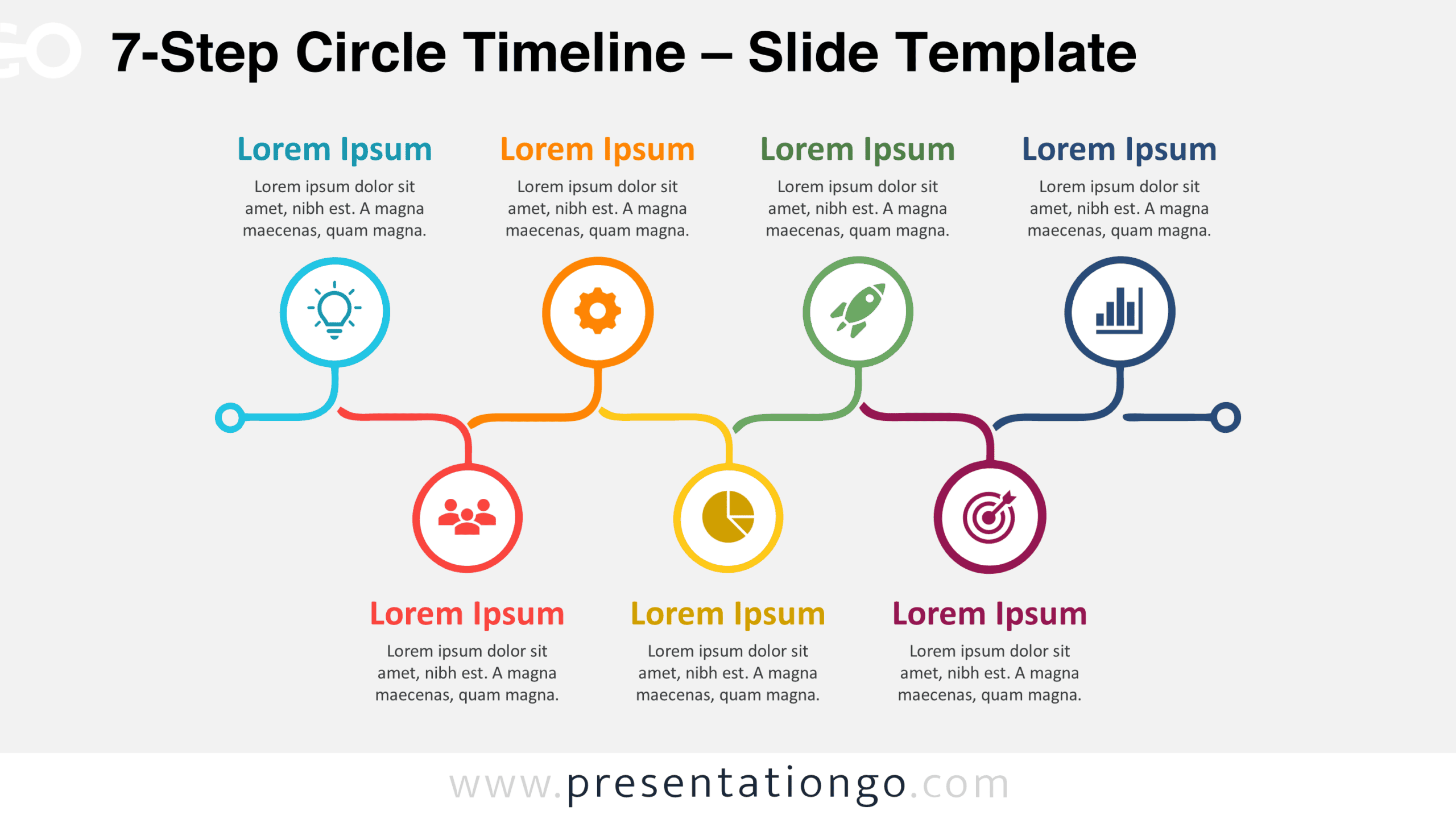
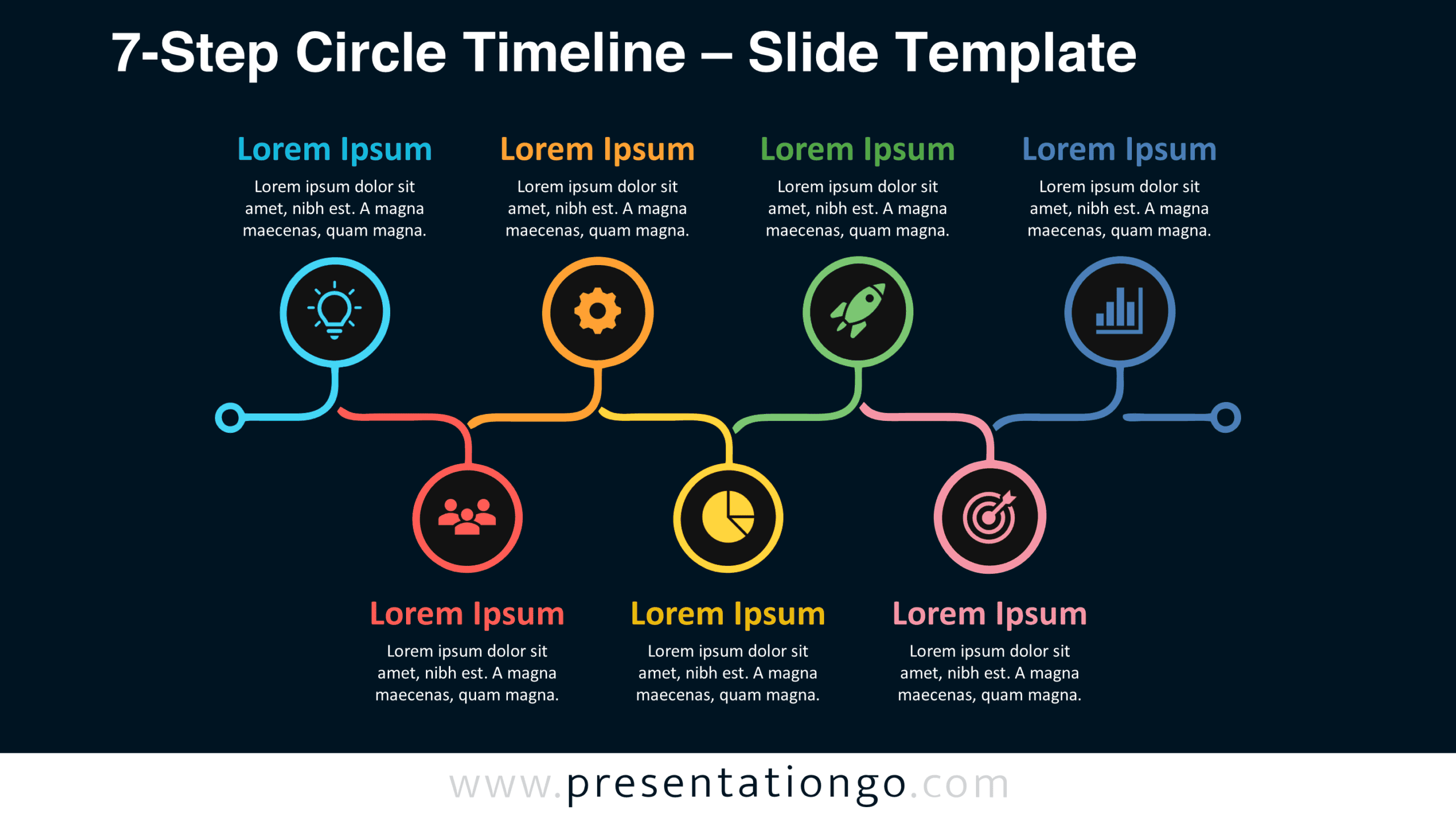
Explore the 7-Step Circle Timeline in the preview below. Both included versions present the same seven-stage arrangement, allowing you to choose the format that suits your presentation.
Features and Customization Options
- Compatible with Microsoft PowerPoint and Google Slides.
- Includes two editable slides featuring the same seven-stage layout.
- Seven-step timeline with connected circular markers and text cards.
- Editable text, shapes, connectors, and icon placeholders.
- Adjustable milestone labels and descriptions.
- Icons come from the Office library, are easily modifiable, and serve illustration purposes only.
- Includes both light and dark background versions.
Design and Structure
The 7-Step Circle Timeline uses a left-to-right arrangement to establish a consistent reading order. A continuous horizontal line connects seven evenly spaced circular markers. Each marker contains an icon placeholder inside an outlined ring. Short vertical connectors extend downward from the circles toward corresponding information cards. Small rounded endpoints finish these connectors, while pointed card tops create a direct visual relationship with the markers. The connecting line unifies the diagram without interfering with the information displayed beneath it.
Seven rectangular cards follow a consistent layout with rounded corners, bold headings, and centered descriptions. Each card provides a dedicated area for its stage information. Uniform dimensions, alignment, and spacing establish a repeated visual rhythm across the slide. The circular markers sit above the information cards, separating symbolic references from written explanations. This hierarchy helps viewers distinguish the individual stages while following their shared sequence. The symmetrical composition also gives each stage equal importance rather than emphasizing one particular milestone.
Practical Applications
- Outline seven product development phases, from research and concept validation through design, testing, launch, and evaluation.
- Present a project schedule with seven milestones, assigned responsibilities, and expected deliverables.
- Explain a customer onboarding journey covering registration, verification, setup, training, activation, adoption, and follow-up.
- Structure a marketing campaign around research, audience definition, planning, creation, approval, distribution, and performance analysis.
- Map an employee recruitment process from job definition and advertising through screening, interviews, selection, offers, and onboarding.
- Illustrate a quality improvement cycle covering assessment, diagnosis, prioritization, planning, implementation, monitoring, and review.
Summary
The 7-Step Circle Timeline brings seven related stages into one consistent diagram. Its connected markers, separate information cards, and editable components support presentations that require a defined sequence. Download it for PowerPoint or Google Slides and adapt the seven stages to your own content.