The 8-Step Circular Plus Diagram is a free infographic for PowerPoint and Google Slides that organizes eight related concepts around a circular layout. Each segment combines an icon with a corresponding text section, helping presenters explain multiple ideas within one cohesive visual. Use it to structure business frameworks, operational priorities, or multi-part presentations without splitting the information across several slides.
Diagram Preview
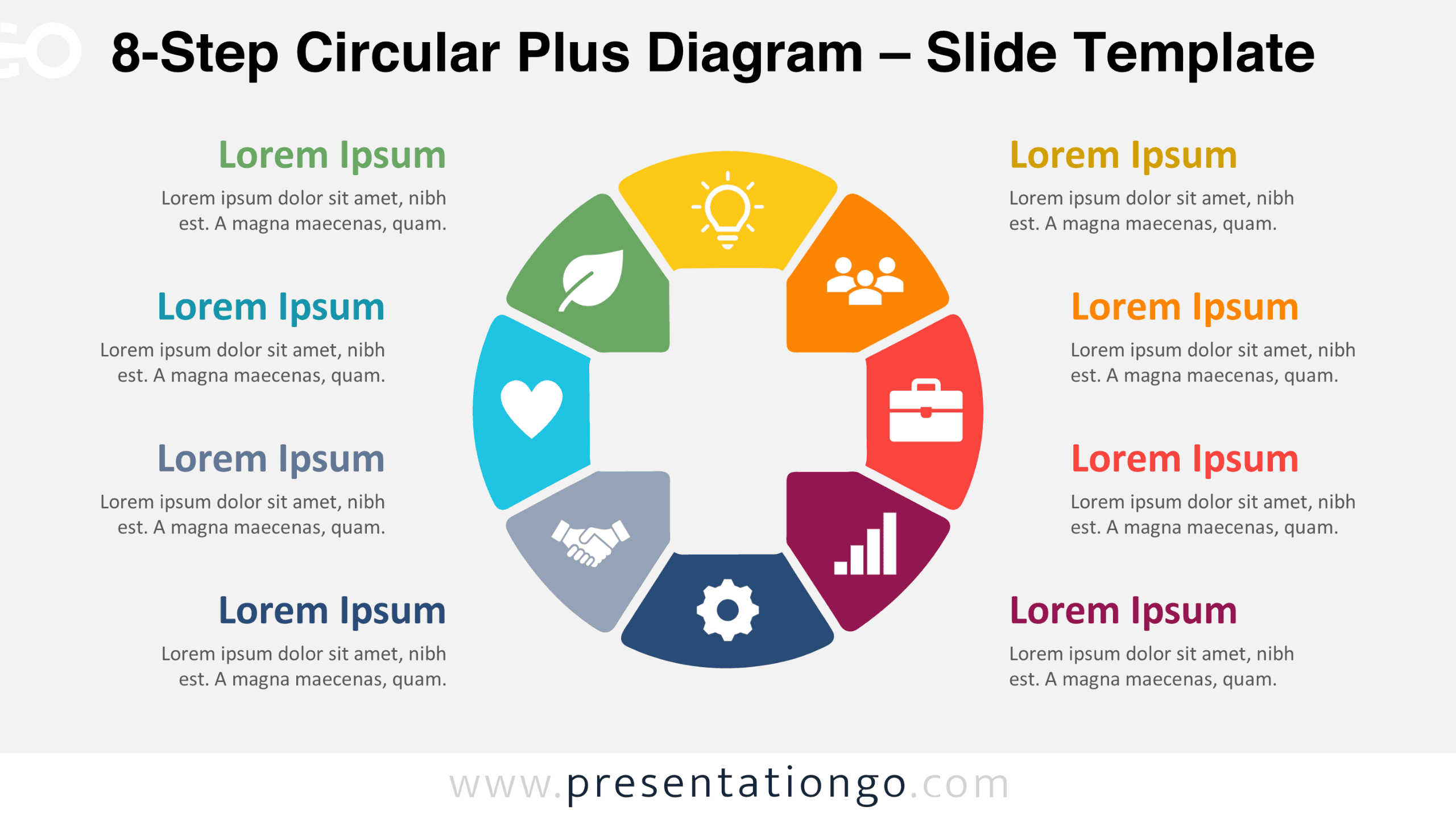
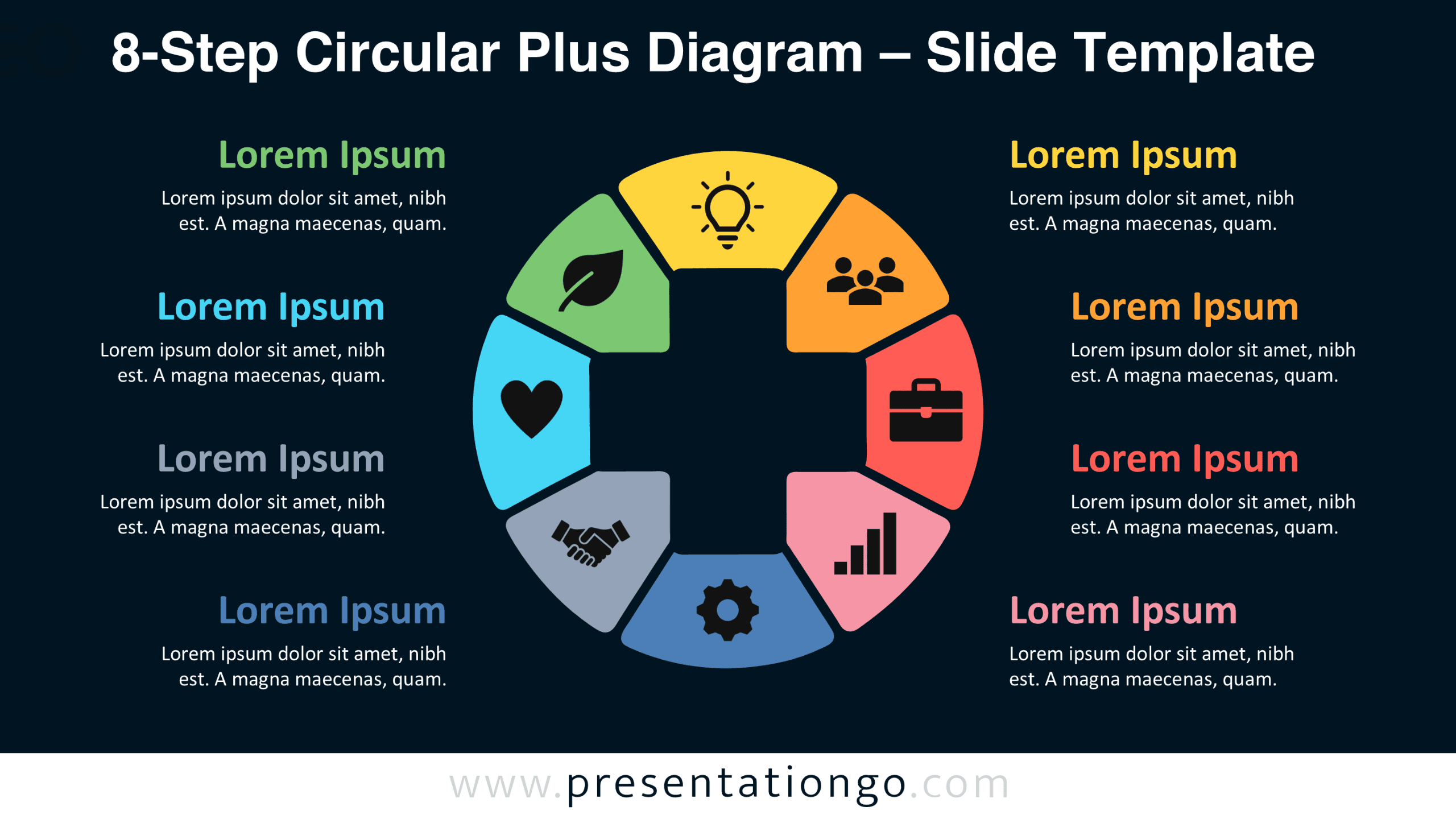
The preview shows eight distinct sections arranged around an open center, with supporting text positioned on both sides. Two slide versions offer different presentation settings while retaining the same diagram structure and content areas.


Features and Customization Options
- Compatible with Microsoft PowerPoint and Google Slides
- 8-step circular infographic with an icon-and-text layout
- Editable text, shapes, and icon placeholders
- 100% editable vector shapes that retain quality when resized
- Adjust individual segments and supporting text areas
- Icons shown are for illustration purposes only. They come from the Office library and are easily modifiable.
- Includes both light and dark background versions
Design and Structure
The diagram features eight curved segments arranged in a symmetrical ring around an empty central area. Each segment resembles a rounded wedge, with gently curved outer edges and narrower inner boundaries. Small gaps separate the sections, allowing viewers to distinguish individual elements without losing the circular composition. Every segment contains a pictogram representing a different concept, including innovation, teamwork, business, performance, operations, partnership, well-being, and sustainability. The consistent icon placement creates a recognizable pattern throughout the diagram.
Four text blocks appear on each side of the central graphic, creating a balanced composition. Each block includes a prominent heading followed by a short description. The headings correspond to individual segments, connecting the circular graphic with its supporting explanations. This arrangement keeps the diagram itself relatively compact while providing enough space to develop each topic. The open center maintains visual separation between the segments and prevents the composition from becoming overcrowded. Rounded corners and consistent spacing reinforce the diagram’s unified appearance.
Practical Applications
- Outline eight strategic priorities during an annual business planning presentation.
- Present the eight stages of a customer onboarding process, from registration to retention.
- Summarize eight departmental responsibilities in an organizational overview.
- Explain eight components of a sustainability action plan to internal stakeholders.
- Compare eight product development considerations during a project kickoff meeting.
- Organize eight training modules into a single course overview.
- Introduce eight performance improvement initiatives during a management review.
Summary
The 8-Step Circular Plus Diagram brings eight interconnected topics into one organized presentation graphic. Its segmented structure, integrated pictograms, and separate explanation areas support detailed discussions without requiring multiple diagrams. The editable PowerPoint and Google Slides format also allows presenters to adapt the layout to different subjects and presentation requirements.