The 4-Step Circular Plus Diagram is a free PowerPoint and Google Slides infographic for presenting four interconnected concepts. Its puzzle-inspired sections form a circular structure with a distinctive plus-shaped opening at the center. Each section combines an icon with a corresponding explanation, making the layout suitable for exploring relationships, shared objectives, and complementary business functions.
Diagram Preview
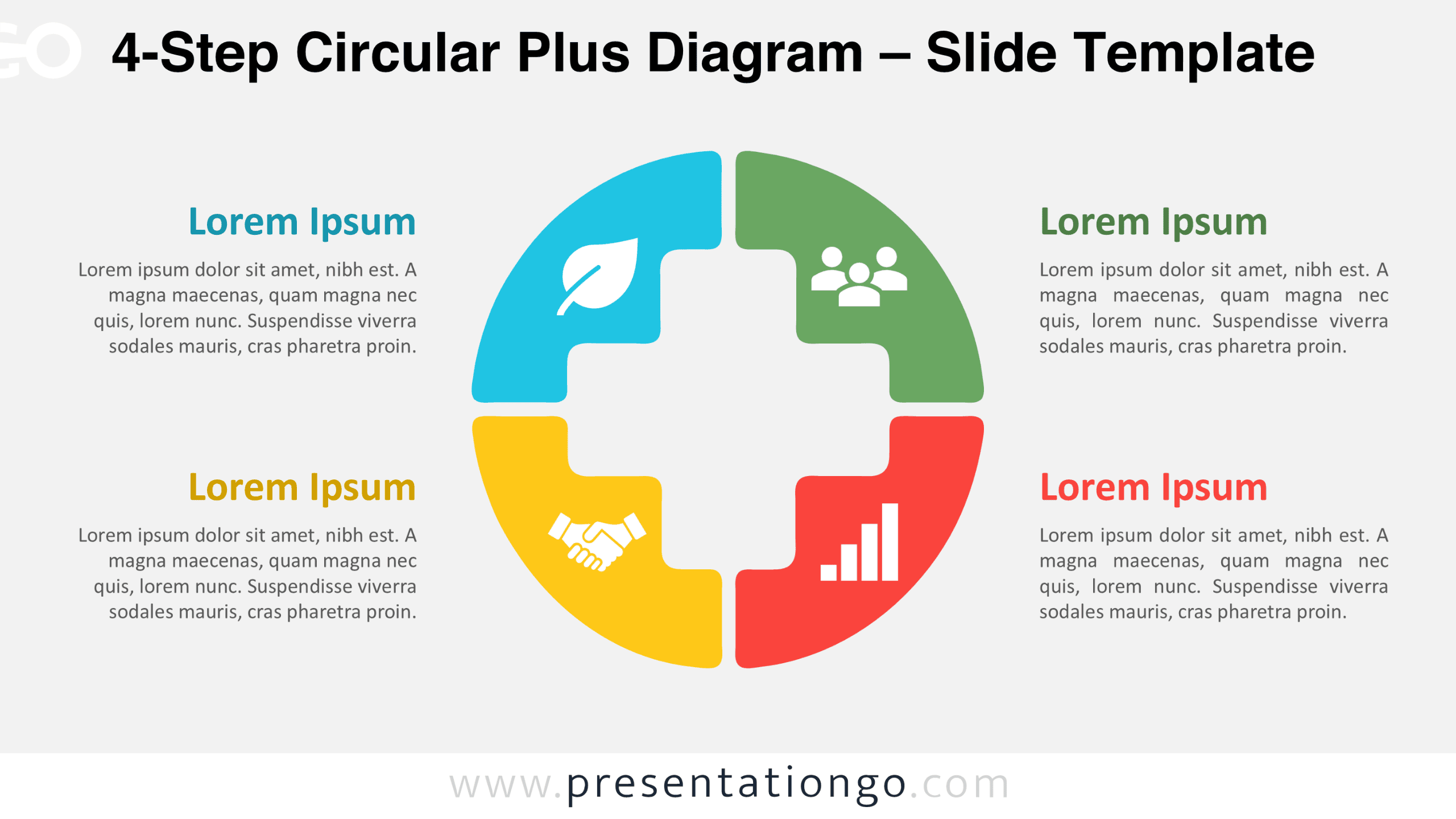
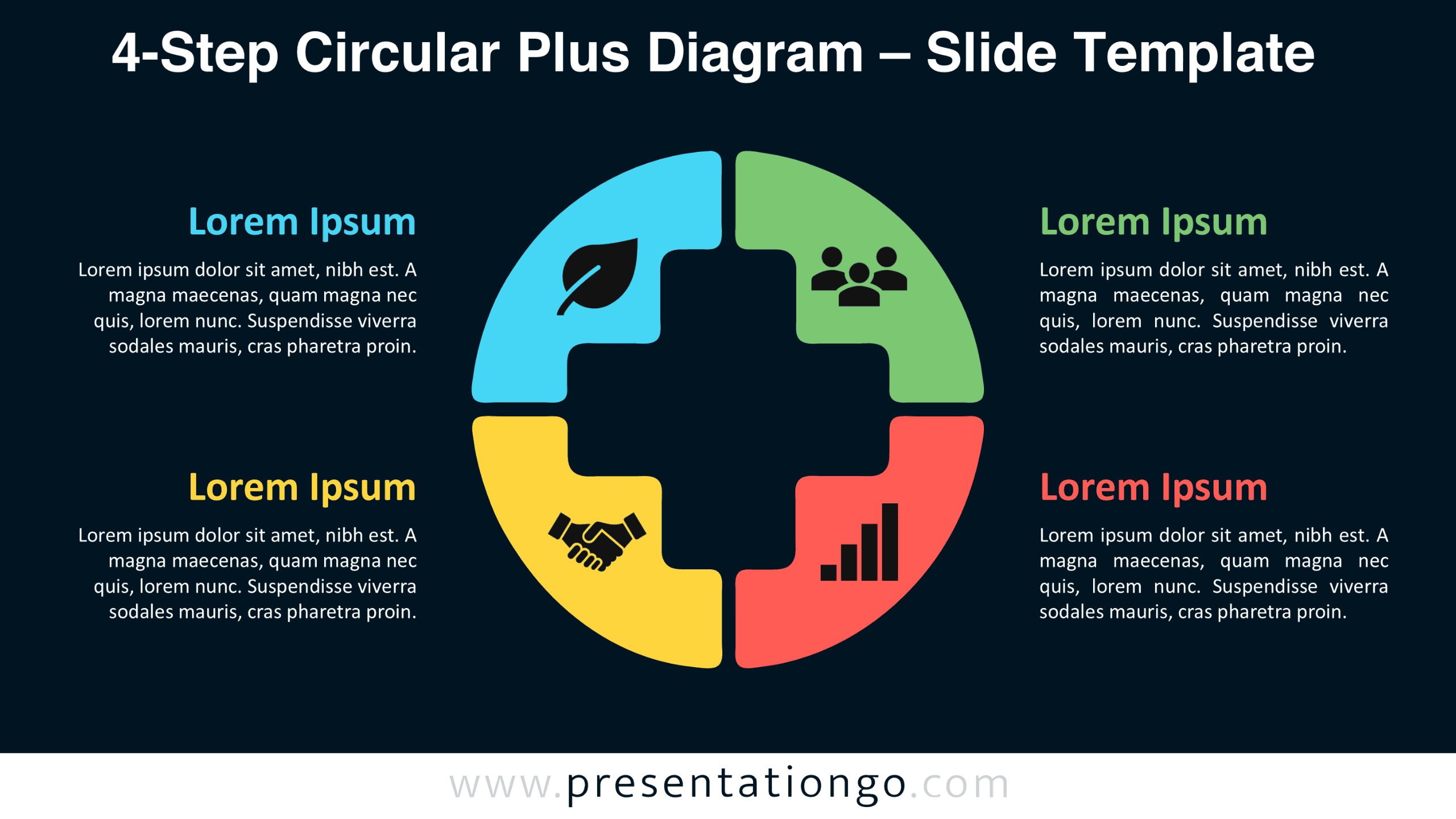
The preview presents four interlocking sections that complete a unified circular figure. Each section has an accompanying heading and description, arranged alongside the graphic. The download includes two background versions with the same composition and editable elements.
Features and Customization Options
- Compatible with Microsoft PowerPoint and Google Slides
- 4-step circular puzzle diagram, fully editable
- Editable text, shapes, and icon placeholders
- 100% editable vector shapes — no quality loss when resized
- Adjust individual sections and supporting labels
- Icons are from the Office library, easily modifiable, and shown for illustration purposes only
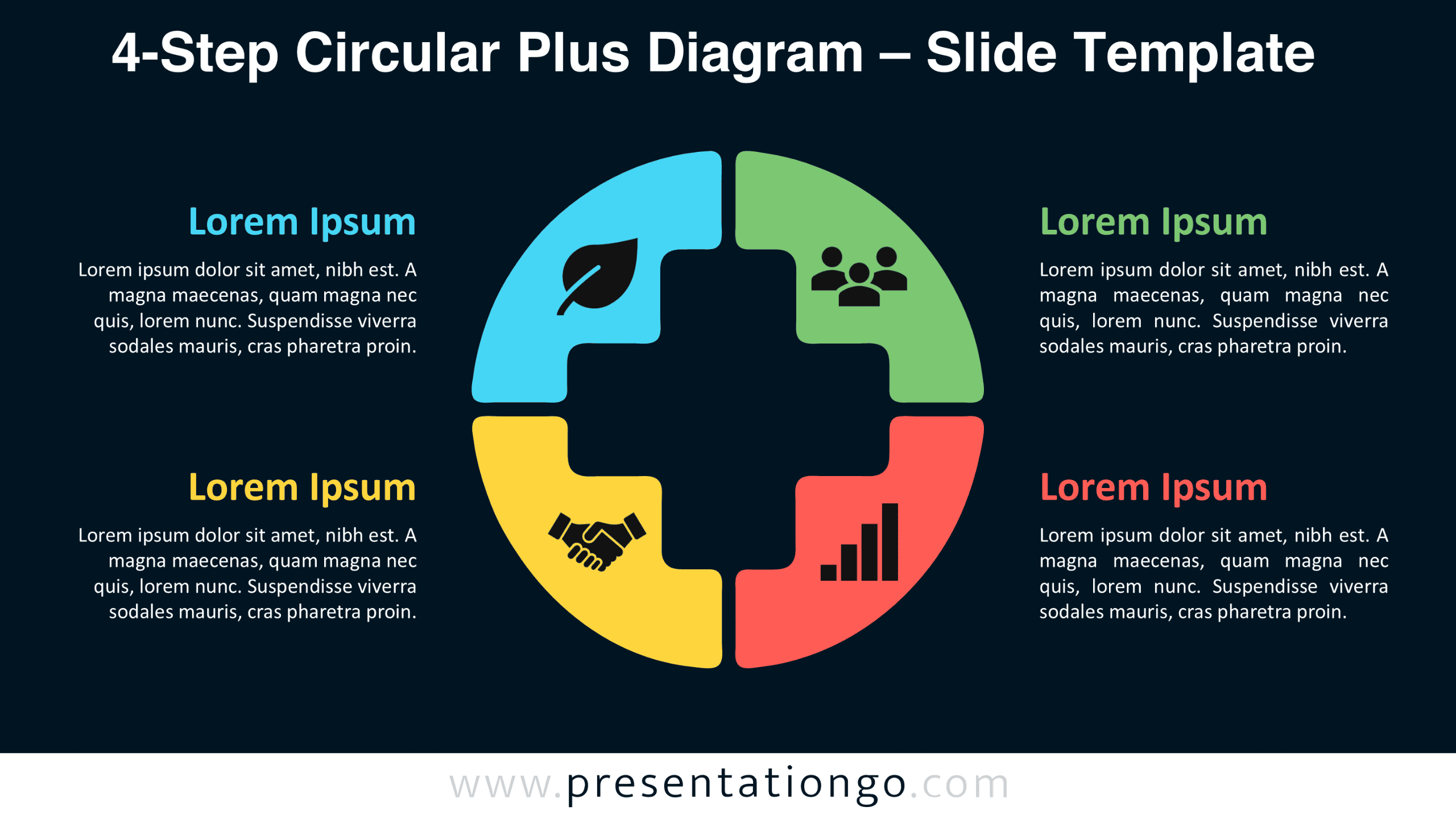
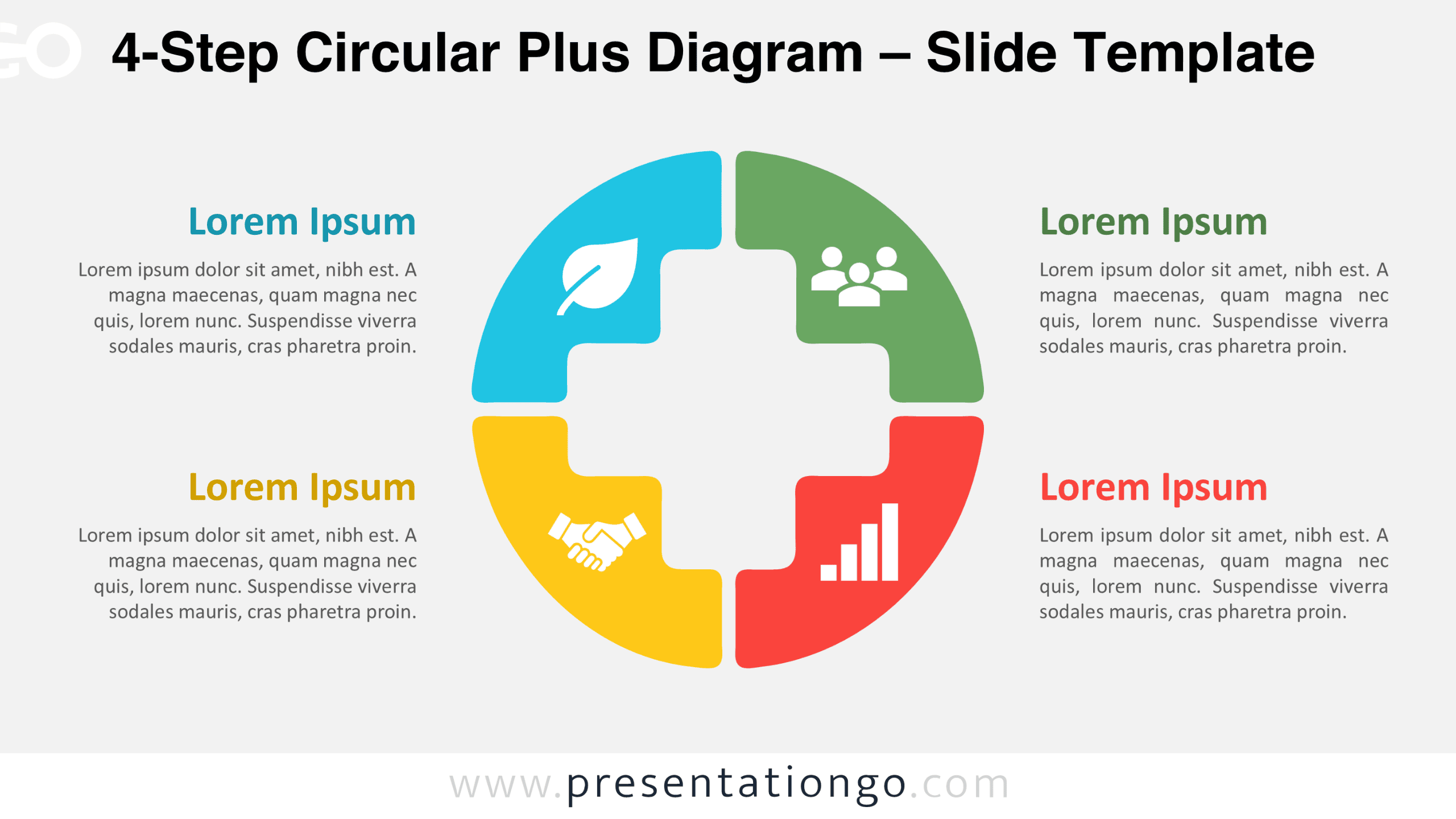
- Includes both light and dark background versions
Design and Structure
The diagram consists of four large, curved sections that fit together around a central opening. Each section occupies approximately one quarter of the circular composition. Their outer edges follow a continuous circular outline, while their inner boundaries feature stepped contours. These contours combine to create a recognizable plus sign in the middle. Small spaces separate the four sections, preserving their individual identities within the larger figure. The arrangement suggests that each component contributes to a shared system.
The upper sections contain leaf and people pictograms, while the lower sections feature handshake and growth chart symbols. All four icons sit inside their respective shapes, following a consistent placement pattern. Two text blocks appear to the left of the diagram, with another two on the right. Each block includes a heading and a paragraph that explains its associated component. This symmetrical arrangement gives every topic comparable visual importance. The generous spacing between the illustration and text also supports longer explanations without interrupting the central composition.
Practical Applications
- Define four pillars of a corporate responsibility program: environment, employees, community, and governance.
- Map a partnership model covering shared goals, contributions, responsibilities, and expected outcomes.
- Introduce four functions of a cross-functional project team and explain how they cooperate.
- Present a four-part employee engagement framework covering feedback, recognition, development, and support.
- Structure a stakeholder analysis around influence, interest, expectations, and communication needs.
- Explain four elements of a product value proposition during a sales presentation.
- Summarize four organizational capabilities required to deliver a transformation initiative.
Summary
The 4-Step Circular Plus Diagram offers a compact way to describe four components that function as one system. Its interlocking shapes emphasize their relationships, while the accompanying descriptions provide context for each component. Presenters can adapt the editable layout for frameworks where collaboration, mutual dependence, or balanced contributions matter more than a fixed sequence.