
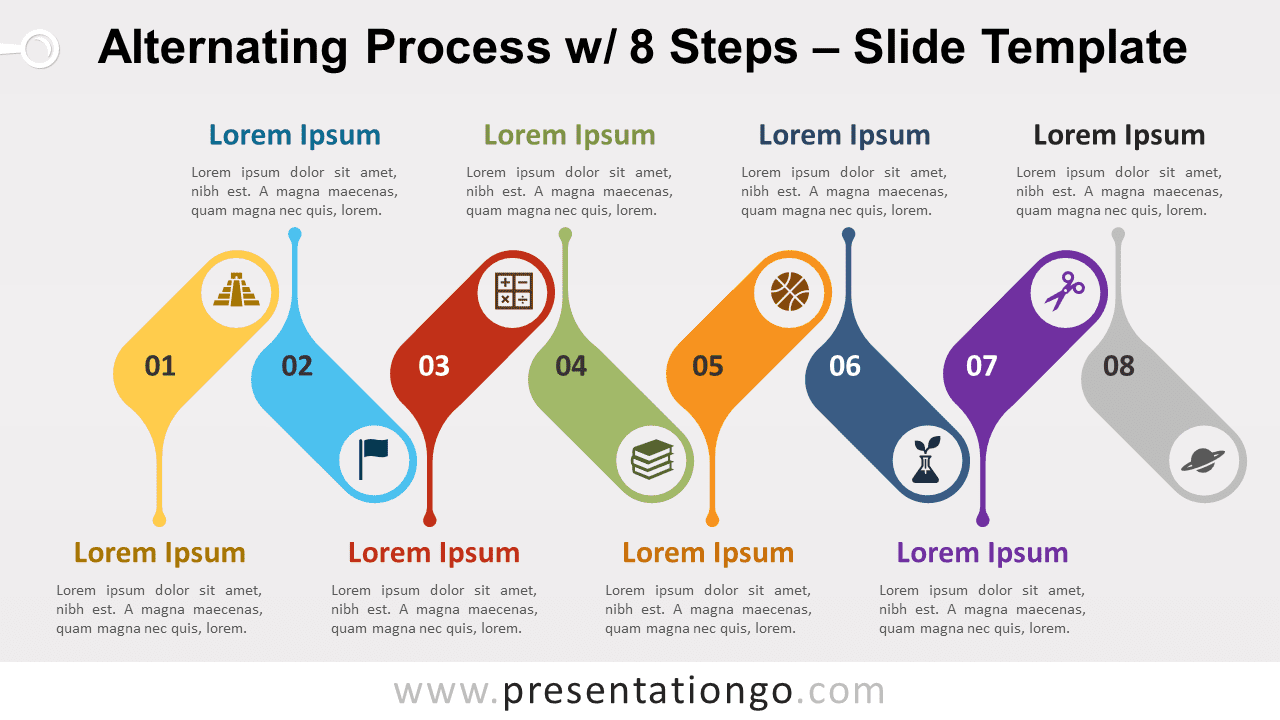
Free alternating process with 8 steps for PowerPoint and Google Slides. A simple yet dynamic sinuous process diagram with 8 sequential steps. Editable graphics with numbers, icons, and text placeholders.
Alternating Process w/ 8 Steps
Up and down, and up again! Time to give movement to your infographics thanks to this free Alternating Process with 8 Steps!
As a matter of fact, we offer you a simple yet dynamic design to present your alternating processes. Indeed, each step is represented by a long oval shape pointing 45-degree up or down. It thus creates a serpentine horizontal line looking like a sine wave. You can also insert a number and an icon inside each geometric shape to order and illustrate your 8 options. Besides, each shape possesses a pinpointer that leads to a text placeholder for you to describe your stages in writing.
This free Alternating Process with 8 Steps is ideal to showcase the evolution of a process, task, or workflow. You can indeed perfectly illustrate the conversions and connections between each step.
Shapes are 100% editable: colors and sizes can be easily changed.
Includes 2 slide option designs: Standard (4:3) and Widescreen (16:9).
Widescreen (16:9) size preview:


This ‘Alternating Process w/ 8 Steps’ template features:
- 2 unique slides
- Light and Dark layout
- Ready to use template with numbers, icons, and text placeholders
- Completely editable shapes
- Uses a selection of editable PowerPoint icons
- Standard (4:3) and Widescreen (16:9) aspect ratios
- PPTX file (PowerPoint) and for Google Slides
Free fonts used:
- Helvetica (System Font)
- Calibri (System Font)





