
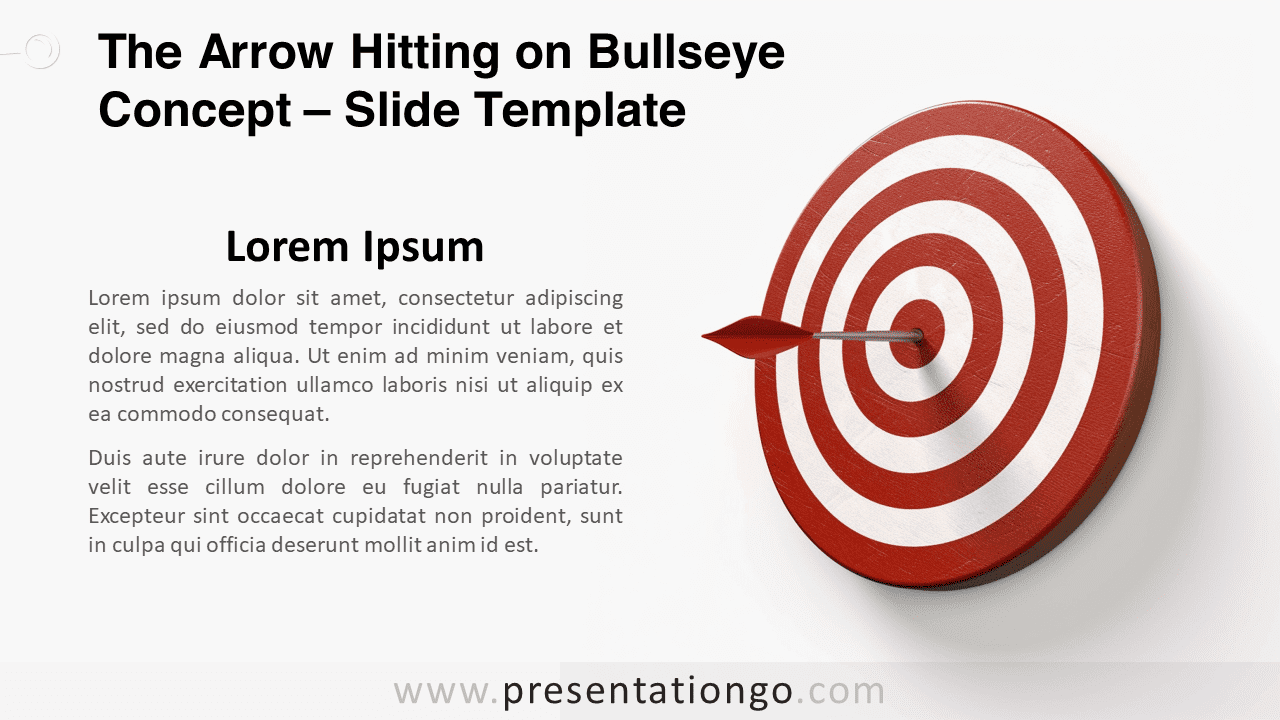
Discover the transformative potential of our “Arrow Hitting on Bullseye” slide for PowerPoint and Google Slides. This high-quality, 3D-effect template features a metaphorical representation of hitting targets, thus making it a versatile slide for various presentation topics.
Arrow Hitting on Bullseye Concept
Take your presentations to the next level with our exclusive, modern, and realistic Arrow Hitting on Bullseye Concept for your PowerPoint and Google Slides presentations. This distinctive visual design will make your content stand out, and moreover, engage your audience effectively.
On the right side of the slide, you will encounter a high-quality, photo-realistic illustration. This depicts an arrow hitting right on the bullseye of a target. Rendered with a modern 3D design, the image exudes a dynamic and professional vibe.
Now, you might ask: how can this innovative design be used in a presentation? Well, it’s simple. Pair your key messages or focal points with this striking image. On the left side of the slide, there’s a text placeholder where you can easily insert your content.
The illustration isn’t just a mere decoration. It serves as a powerful metaphor for precision, achieving goals, or hitting business targets. Consequently, you can utilize it for a variety of business presentations—be it a sales strategy meeting, a performance review, or a project update session.
Finally, this resourceful illustration could be used across various topics and contexts, from business strategy, marketing to personal growth, or employee motivation.
In conclusion, seize this opportunity to make your presentations captivating and impactful. Try the “Arrow Hitting on Bullseye Concept for PowerPoint and Google Slides” and feel the difference in your audience’s engagement and your content delivery.
Includes 2 slide option designs: Standard (4:3) and Widescreen (16:9).
Widescreen (16:9) size preview:


This ‘Arrow Hitting on Bullseye Concept’ template features:
- 1 unique slide
- Light layout
- Ready to use template with text placeholders
- Standard (4:3) and Widescreen (16:9) aspect ratios
- PPTX file (PowerPoint) and for Google Slides
Free fonts used:
- Helvetica (System Font)
- Calibri (System Font)



