
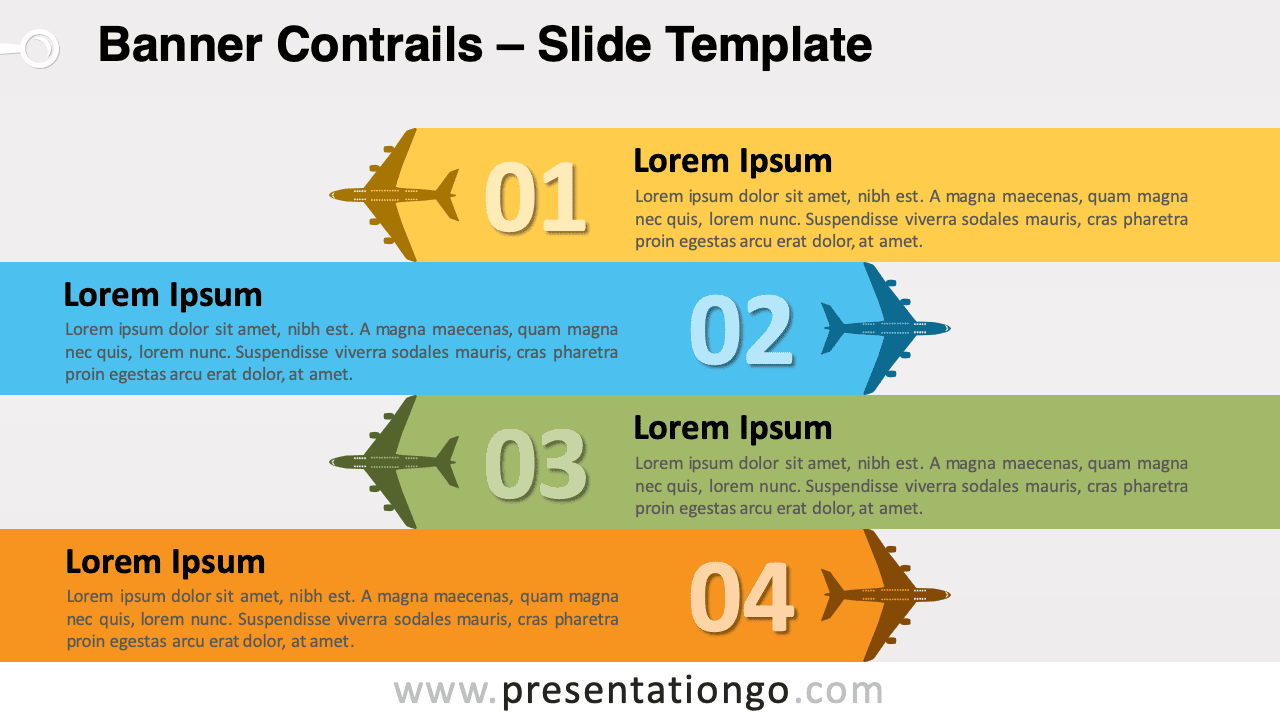
Free banner contrails for PowerPoint and Google Slides. Four horizontal opposing banners designed with plane icons and colorful trails. Editable graphics with numbers and text placeholders.
Banner Contrails
The orientation of the planes looks like aerobatic flying maneuvers where airplanes make a head-on pass (that is usually a two-plane maneuver). The planes start at opposite ends, fly toward each other, and pass.
Horizontal banners have the advantage to use most of the space available in the slide.
Use this vertical block list template in your presentations to show four grouped blocks of information (like ideas, or concepts). It can then work with a large amount of text.
Planes can be associated with the following topics: travel, leisure, and tourism, aviation.
Shapes are 100% editable: colors and sizes can be easily changed.
Includes 2 slide option designs: Standard (4:3) and Widescreen (16:9).
Widescreen (16:9) size preview:


This ‘Banner Contrails for PowerPoint and Google Slides’ features:
- 2 unique slides
- Light and Dark layout
- Ready to use template with numbers and text placeholders
- Completely editable shapes
- Standard (4:3) and Widescreen (16:9) aspect ratios
- PPTX file and for Google Slides
Free fonts used:
- Helvetica (System Font)
- Calibri (System Font)



