

The 4-Step Curved Block List organizes four sequential steps or tasks with a distinctive curved alignment, designed for PowerPoint and Google Slides.
A 4-Step Design for Sequential Processes
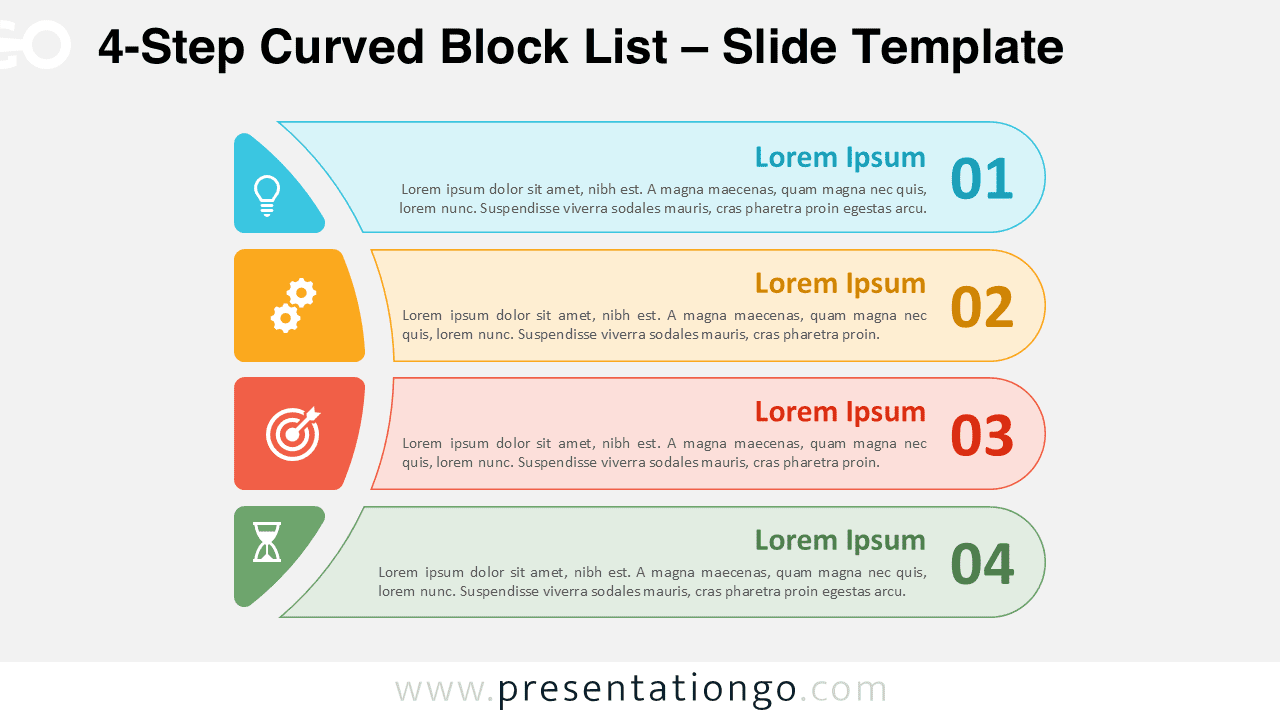
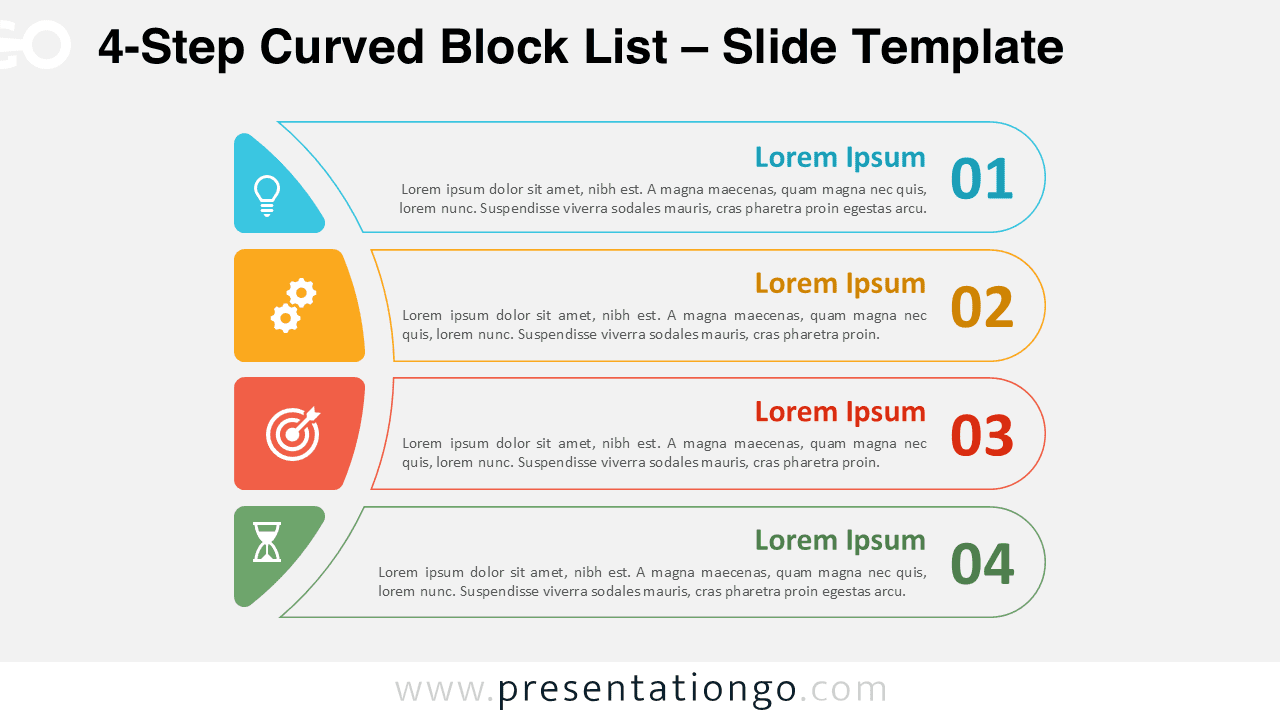
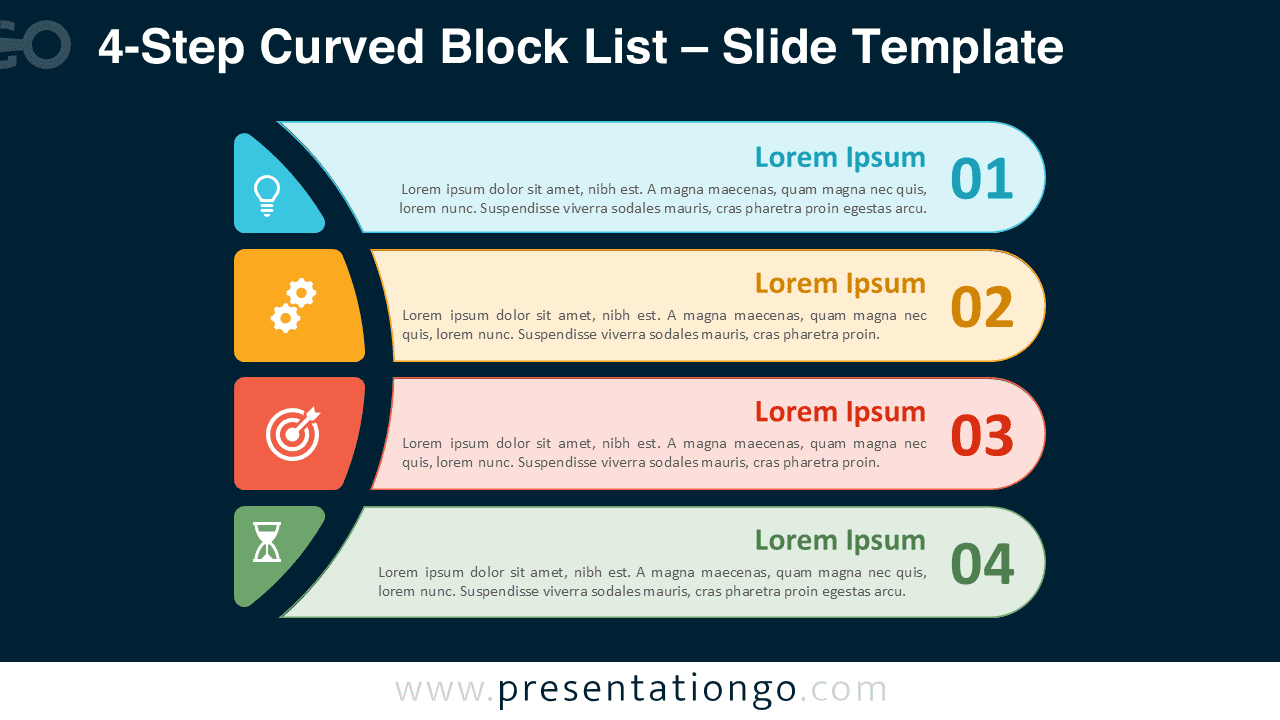
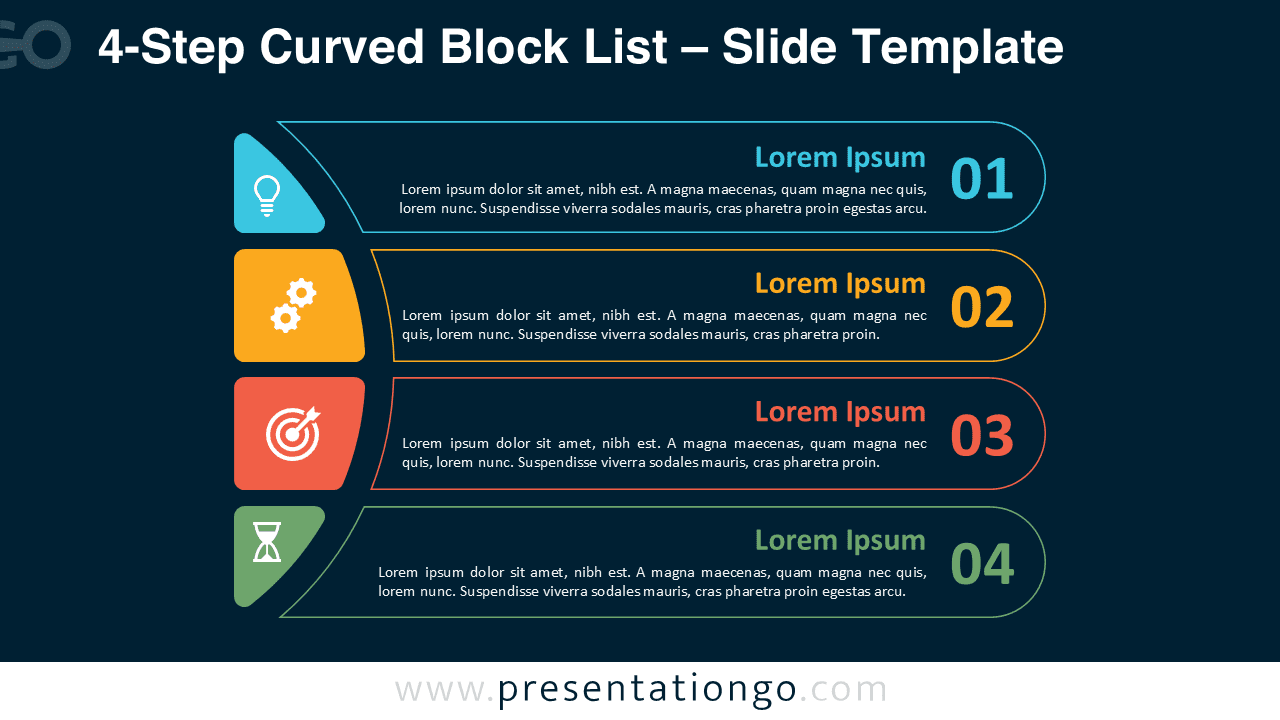
The template displays four horizontal text blocks stacked vertically on the right. Each block ends with a rounded circle containing the step number, which makes the order easy to follow. On the left, a semicircular column of icon blocks anchors the layout and guides the eye downward. This curved alignment adds movement while balancing visuals with descriptive space. The icons also serve as quick visual cues for each phase or idea.
Block lists are helpful when presenters need to show ideas or tasks in a clear order. This diagram works well for displaying phases of a workflow, steps in a procedure, or a checklist of priorities. Because the curved anchor directs attention smoothly, audiences can follow the sequence without effort. For example, a manager might present quarterly milestones, while a teacher could use it to explain stages of a learning process.
This template includes four design variants that adapt to different presentation styles. The first version uses colorful filled blocks for a bold approach. The second version introduces outlined blocks with color accents for a lighter style. In addition, the third and fourth versions place these two designs on dark backgrounds, creating strong contrast and a more striking look.
Presenters can quickly edit shapes, replace icons, or adjust colors to match their own brand. Furthermore, both light and dark themes are available, giving flexibility for different contexts. The template comes in Standard (4:3) and Widescreen (16:9) formats, and it works smoothly in PowerPoint PPTX and Google Slides.
Download this 4-step diagram with four design options to present processes, phases, or tasks in a clear and professional way.
Widescreen (16:9) size preview:


This template offers:
- 4 unique slides
- Options for both light and dark themes
- Pre-populated with numbers, icon, and text placeholders
- Fully customizable shapes for complete control
- Available in both Standard (4:3) and Widescreen (16:9) ratios
- Offered in both PowerPoint PPTX and Google Slides formats
The complete Curved Block List collection:



