

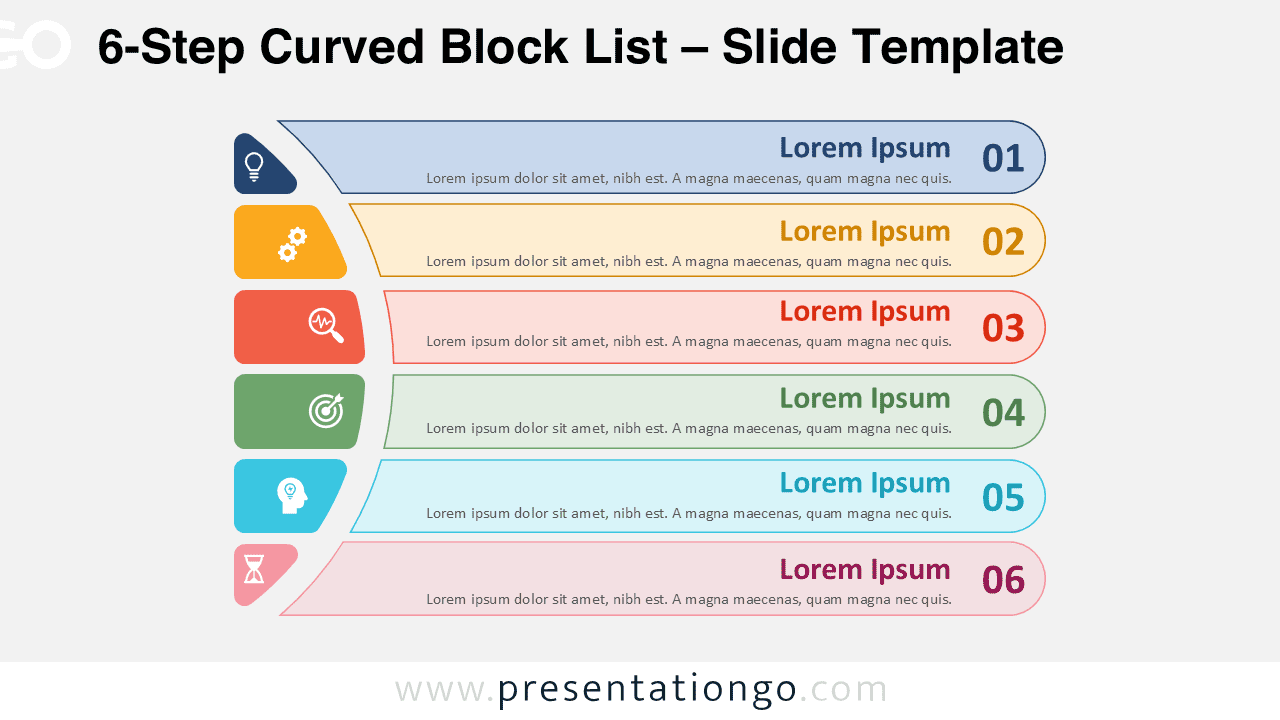
The 6-Step Curved Block List is a presentation diagram designed for PowerPoint and Google Slides, featuring six stages arranged in a curved sequence.
Six-Part Diagram for Sequential Ideas and Processes
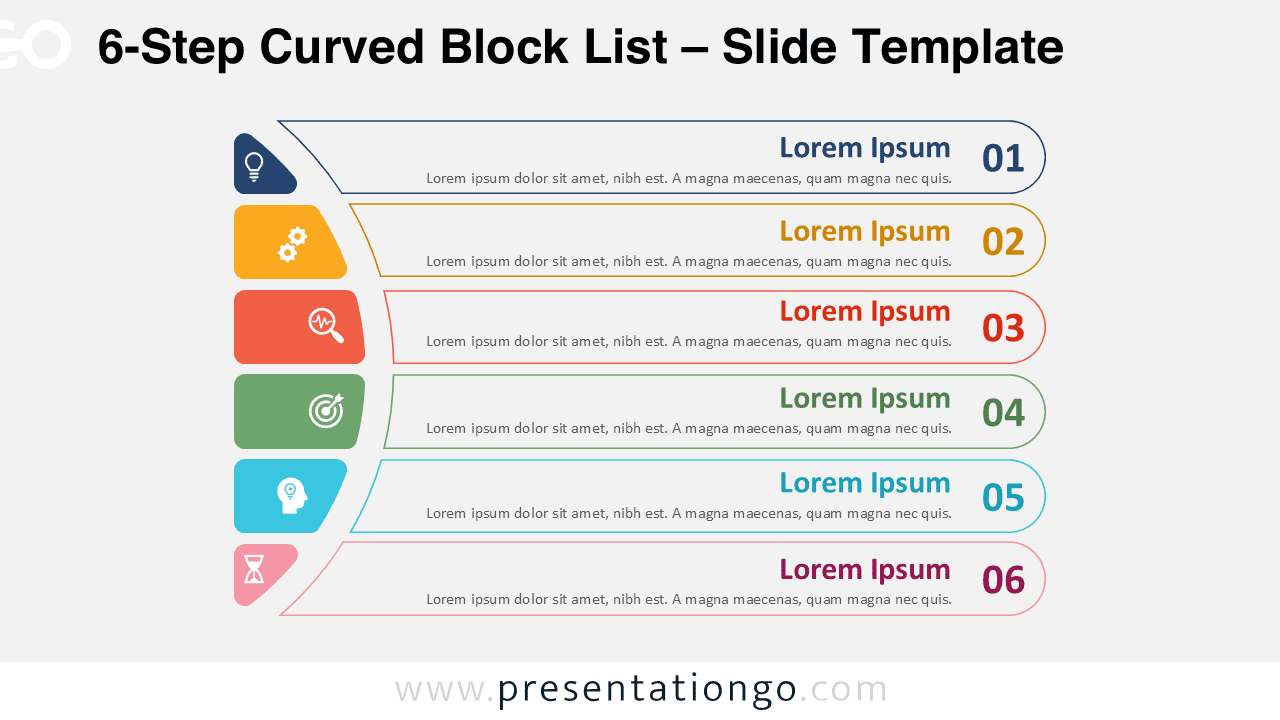
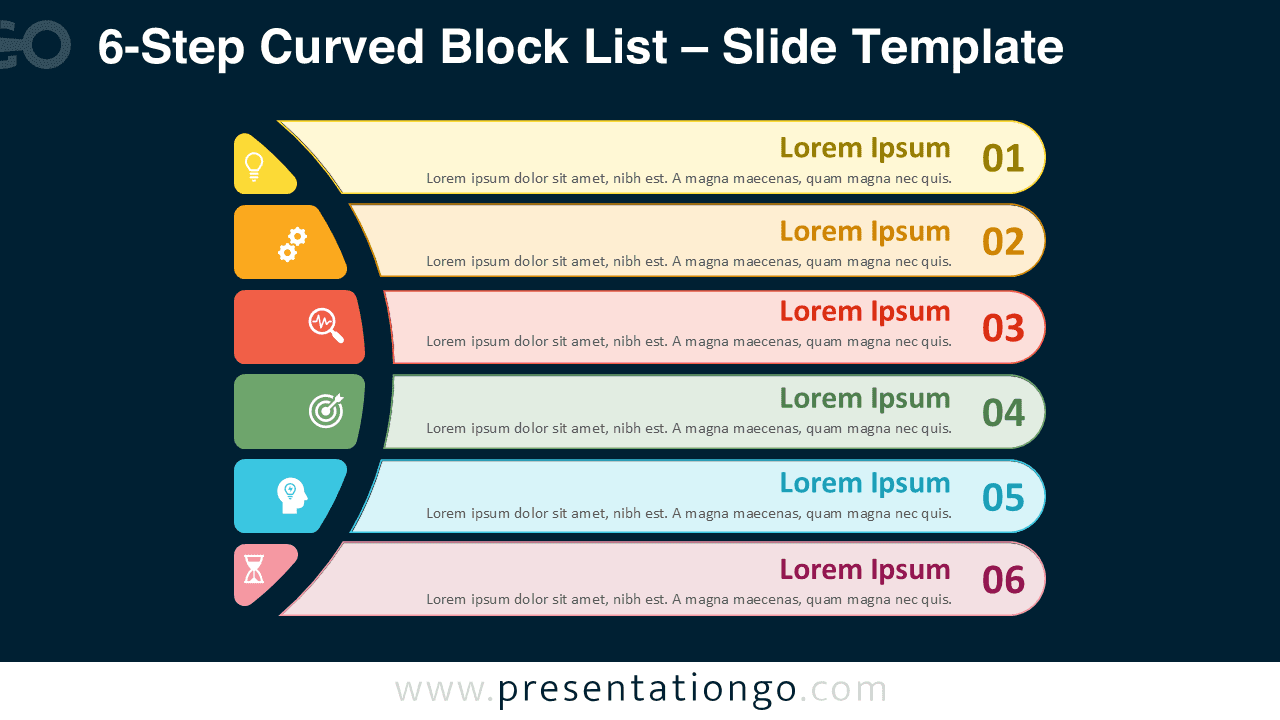
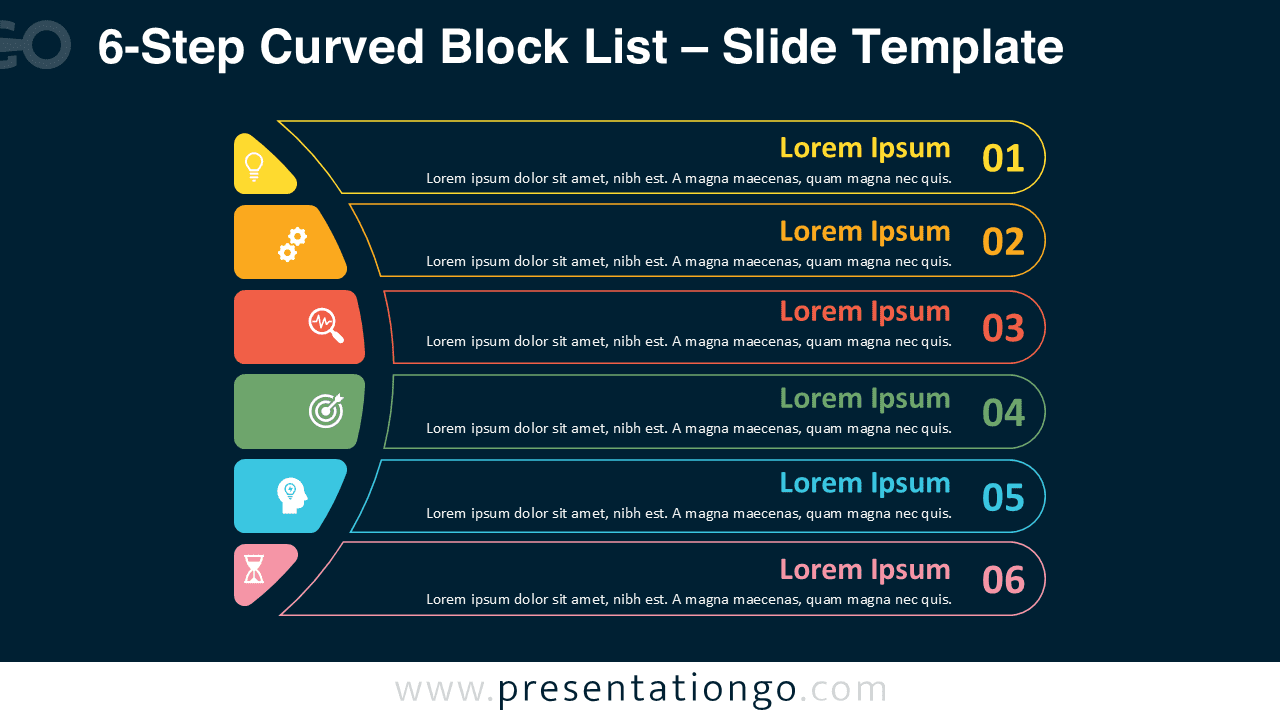
This design displays six horizontally aligned blocks, each connected to a vertical semicircular row of icons on the left. The layout balances clarity with visual flow, as every block extends outward and concludes with a numbered circle on the right edge. The curved alignment of the icons reinforces step-by-step progression, while the consistent spacing across the six boxes ensures balance. Variants include solid-color blocks for a vivid appearance, outlined versions with colored strokes for a lighter style, and both designs on dark backgrounds for enhanced contrast.
Numbered block lists provide a clear framework for sequencing ideas, presenting workflows, or comparing related points. This specific diagram is especially effective when illustrating six connected phases or highlighting distinct aspects of a larger concept. For example, a project manager could map out the six key phases of a launch, or a teacher could use it to present six milestones in a learning program. The icons introduce instant recognition of themes, while the numbers emphasize clear order, making the slide practical for stepwise explanations.
The template contains four unique slide variants, already populated with numbers, icons, and placeholder text for quick customization. Users can modify colors, swap icons from the Office library, or edit shapes to fit their needs. Each design is available in light or dark backgrounds and can be displayed in both standard (4:3) and widescreen (16:9) formats. Compatibility with both PowerPoint and Google Slides makes the set flexible for a range of professional and educational contexts.
Download this 6-step diagram to present your information across six clear and engaging parts.
Widescreen (16:9) size preview:


This template offers:
- 4 unique slides
- Options for both light and dark themes
- Pre-populated with numbers, icon, and text placeholders
- Fully customizable shapes for complete control
- Available in both Standard (4:3) and Widescreen (16:9) ratios
- Offered in both PowerPoint PPTX and Google Slides formats
The complete Curved Block List collection:



