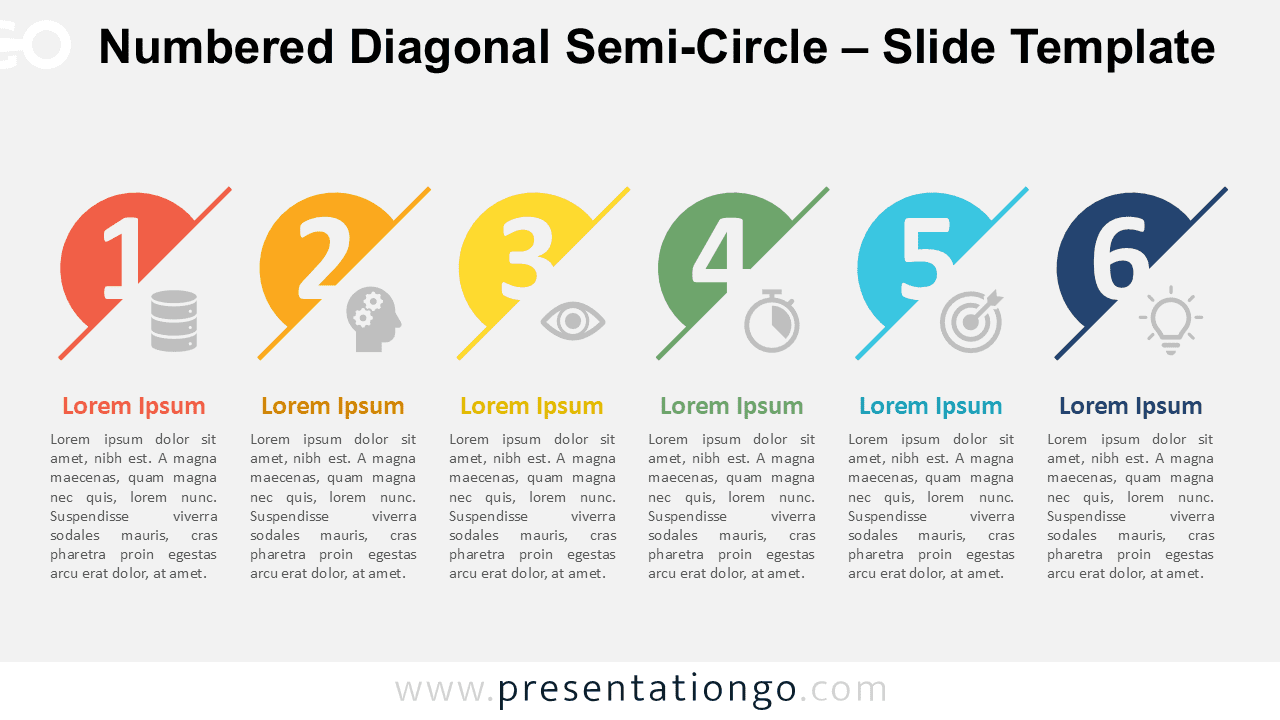
The Numbered Diagonal Semi-Circle is a six-step diagram designed for PowerPoint and Google Slides, offering an organized way to present processes.
Six-Step Customizable Process Diagram With Numbers
The Numbered Diagonal Semi-Circle features a visually appealing design with six distinct sections. Each section consists of a semi-circle divided diagonally, with a bold number prominently displayed within. These numbers, ranging from one to six, are paired with icons that visually represent the content of each step. Beneath each semi-circle, a clear headline and placeholder text provide ample space for details, ensuring a structured and cohesive layout. The template is designed to maintain clarity while delivering an organized step-by-step flow, adaptable for light or dark themes and various presentation styles.
This diagram is ideal for structuring information into clear, sequential steps, making it a perfect choice for presentations that need to explain multi-phase processes or workflows. It can be effectively used in business settings to illustrate project roadmaps, marketing strategies, or training modules. For example, a product development team could use it to showcase the six stages of a launch cycle, while an educator might adapt it to present a lesson plan or curriculum outline. Its professional and versatile design makes it equally suitable for strategic planning, onboarding programs, or presenting KPIs in a visually engaging format.
This template includes two unique slides, complete with pre-filled icons and text placeholders for quick setup. The shapes are fully customizable, allowing users to edit colors, replace icons, and modify text effortlessly. Both standard (4:3) and widescreen (16:9) layouts are available, ensuring compatibility with diverse presentation requirements. The design is optimized for both PowerPoint PPTX and Google Slides formats, offering flexibility for any user.
Download this six-step Numbered Diagonal Semi-Circle diagram to streamline your processes and enhance your presentations seamlessly.
Widescreen (16:9) size preview:


This template offers:
- 2 unique slides
- Options for both light and dark themes
- Pre-populated with icons and text placeholders
- Fully customizable shapes for complete control
- Available in both Standard (4:3) and Widescreen (16:9) ratios
- Offered in both PowerPoint PPTX and Google Slides formats