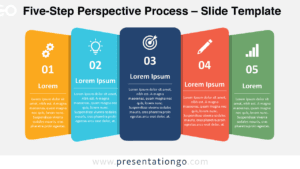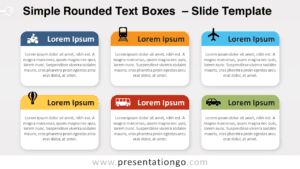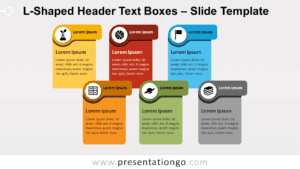
Free perspective text boxes for PowerPoint and Google Slides. An alignment of trapezoid shapes to replace your traditional text boxes. Editable graphics with text placeholders.
Perspective Text Boxes
Do you need to share important facts with your audience? Do you want to show their importance and progression? Time to put your information into perspective with this free Perspective Text Boxes template!
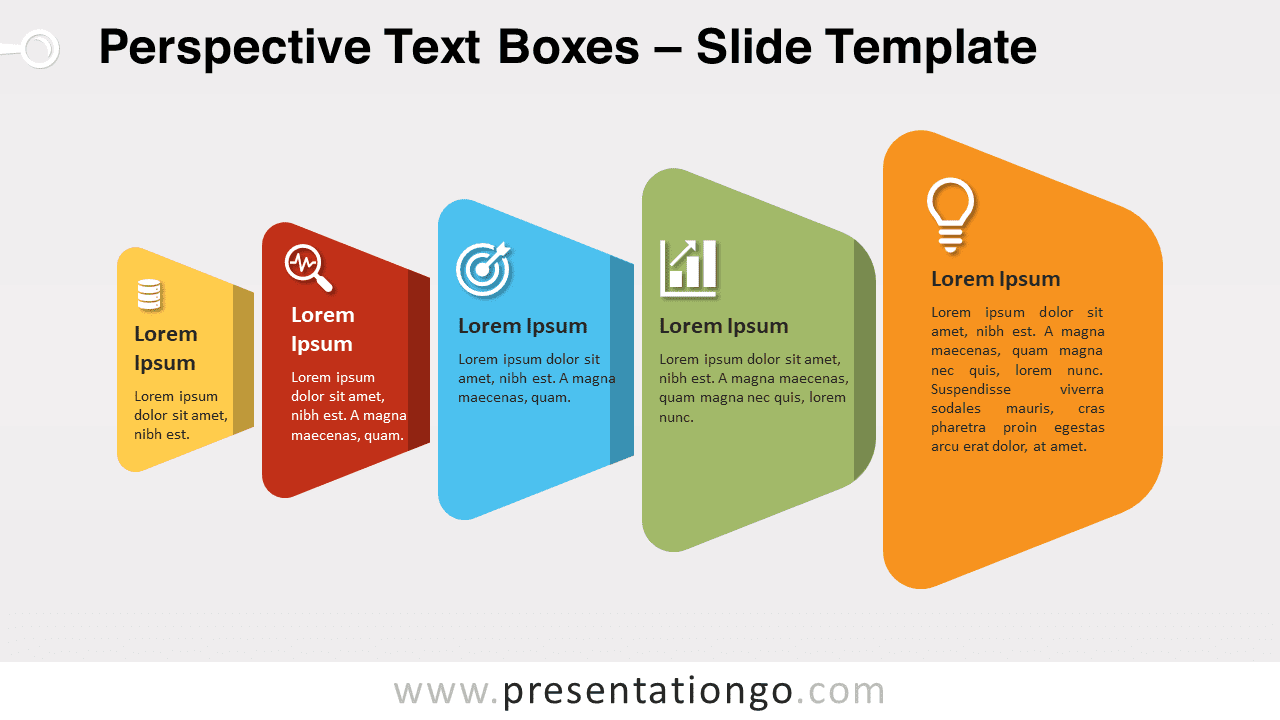
Both infographic slides of this set offer a white background over which 5 or 6 textboxes stand out. Indeed, their trapezoid and diagonal shape and horizontal layout give a 3D effect to your 5 or 6 options. Moreover, these text boxes have different sizes and colors as well as shade effects. Therefore, it will give an impression of progression when you expose your facts.
Enjoy this simple yet powerful infographic to present a list of facts or pieces of information. You can also establish a hierarchy among them thanks to the different sizes and dispositions of the text boxes. Download this free Perspective Text Boxes template now!
Shapes are 100% editable: colors and sizes can be easily changed.
Includes 2 slide option designs: Standard (4:3) and Widescreen (16:9).
Widescreen (16:9) size preview:

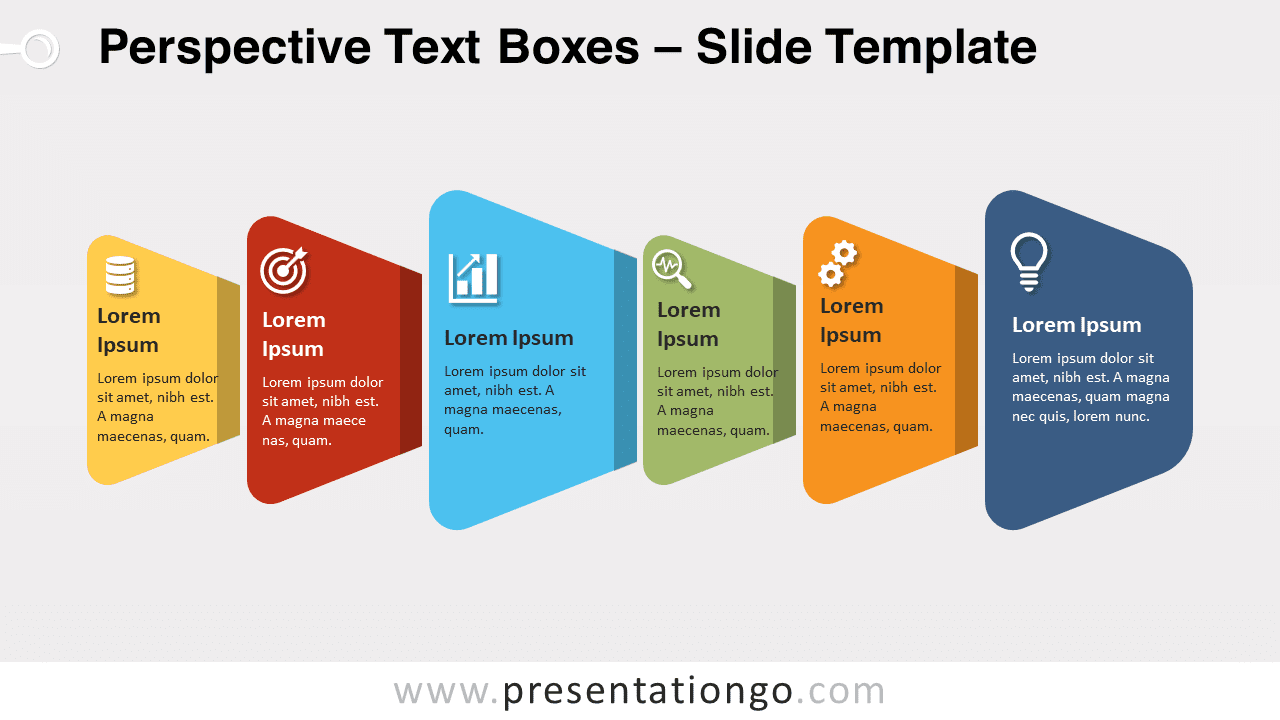


This ‘Perspective Text Boxes’ template features:
- 3 unique slides
- Light and Dark layout
- Ready to use template with icons and text placeholders
- Completely editable shapes
- Uses a selection of editable PowerPoint icons
- Standard (4:3) and Widescreen (16:9) aspect ratios
- PPTX file (PowerPoint) and for Google Slides
Free fonts used:
- Helvetica (System Font)
- Calibri (System Font)