
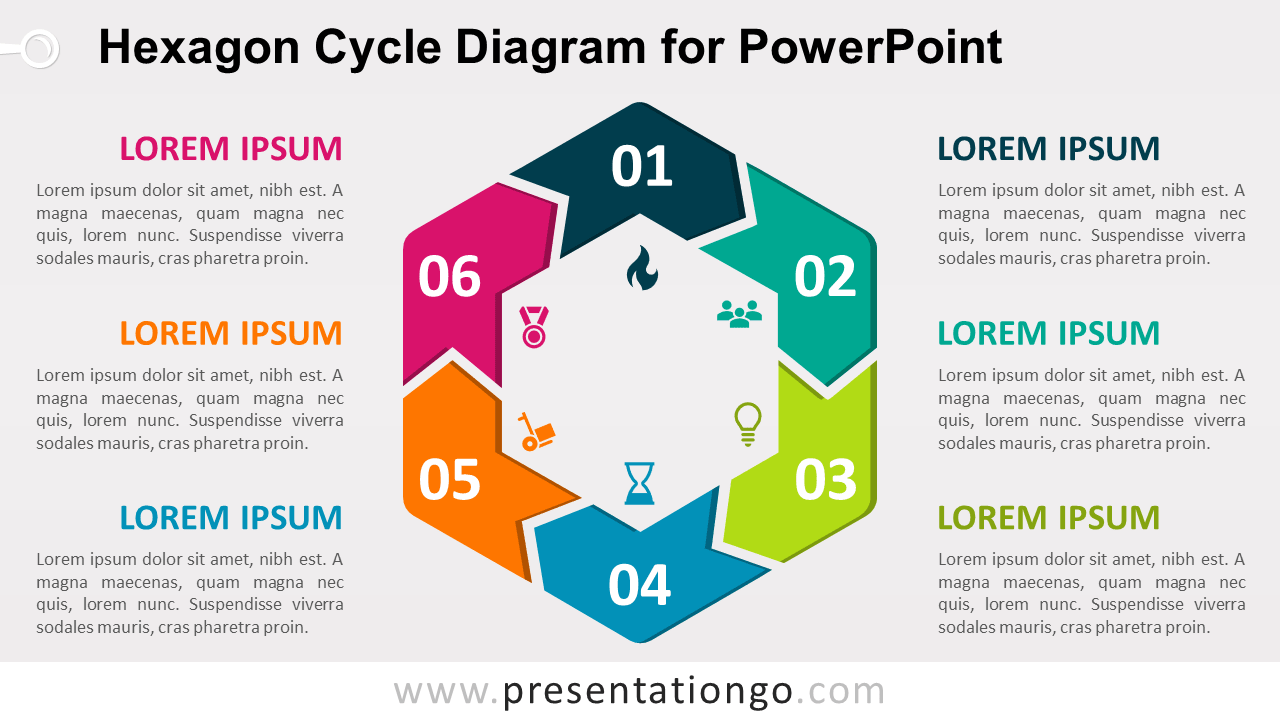
Hexagon Cycle Diagram for PowerPoint
Hexagon shape made with 6 bent arrows, in a circular flow.
PPTX
4:3,16:9
Explore our collection of 22 Hexagon templates, perfect for creating visually appealing and engaging PowerPoint and Google Slides presentations that showcase interconnected concepts and ideas. Hexagons offer a unique and visually appealing way to present information in PowerPoint and Google Slides. These symmetric six-sided geometric figures are often used to represent interconnectivity, balance, and unity, making them a versatile choice for various presentation topics. Incorporating Hexagon templates into your slides can help you create visually striking and professional-looking presentations. They can be used to display interrelated concepts, organize ideas, or showcase a process where each step is connected. Their distinctive shape captures the audience’s attention and keeps them engaged throughout the presentation. Additionally, Hexagons can be combined with other geometric shapes or graphic elements to create dynamic and visually stimulating slides. The use of Hexagons in your presentation design can help convey a sense of innovation, modernity, and sophistication, setting your content apart from more traditional formats.
PPTX
4:3,16:9
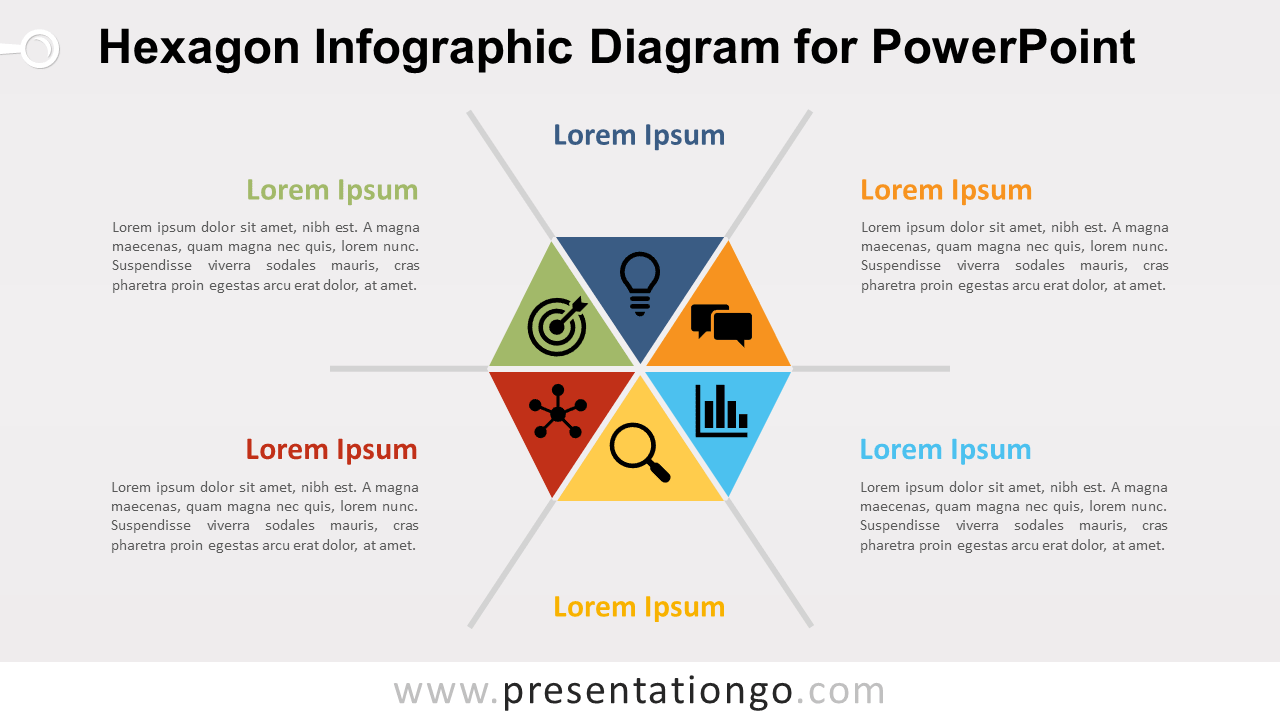
PPTX
4:3,16:9
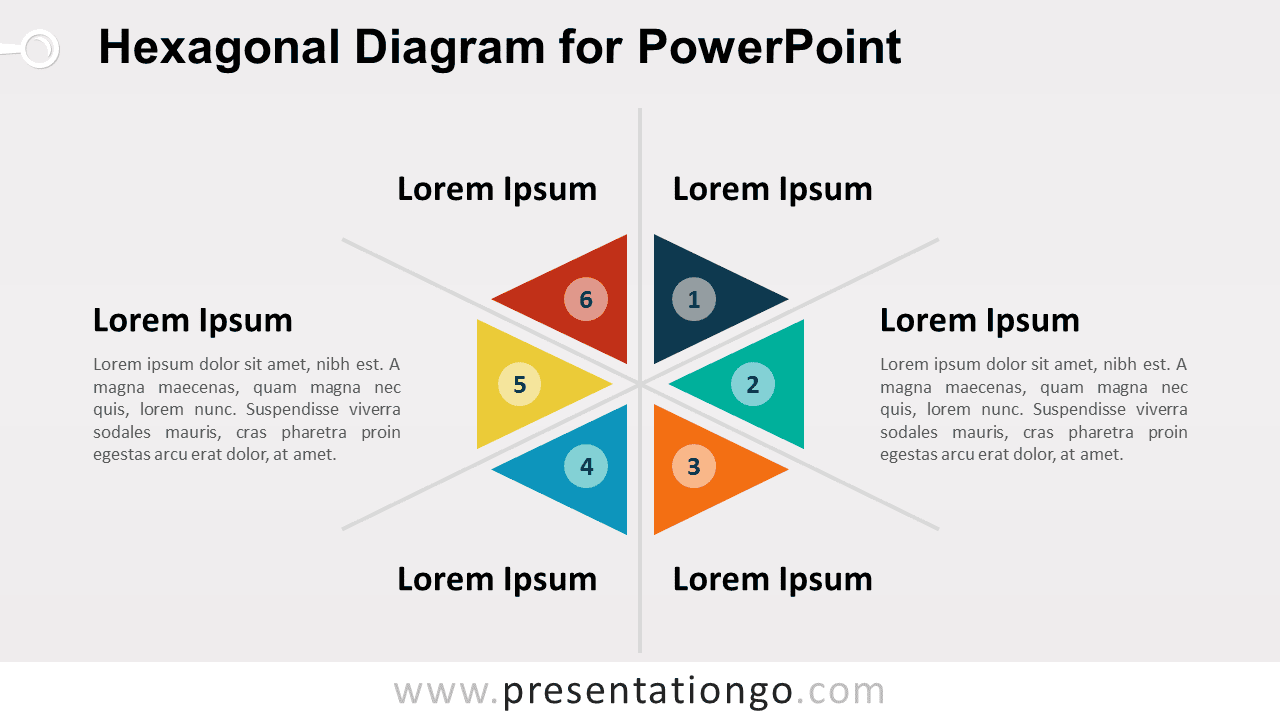
PPTX
4:3,16:9

PPTX
4:3,16:9
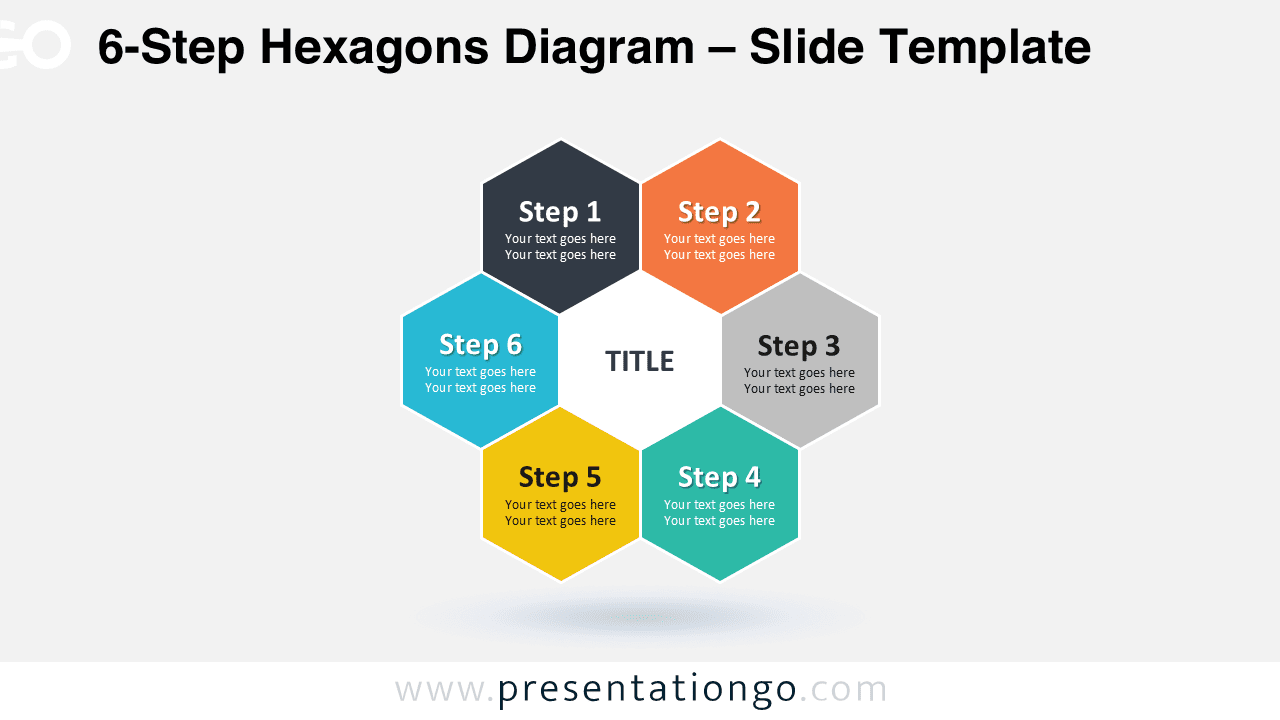
PPTX
4:3,16:9
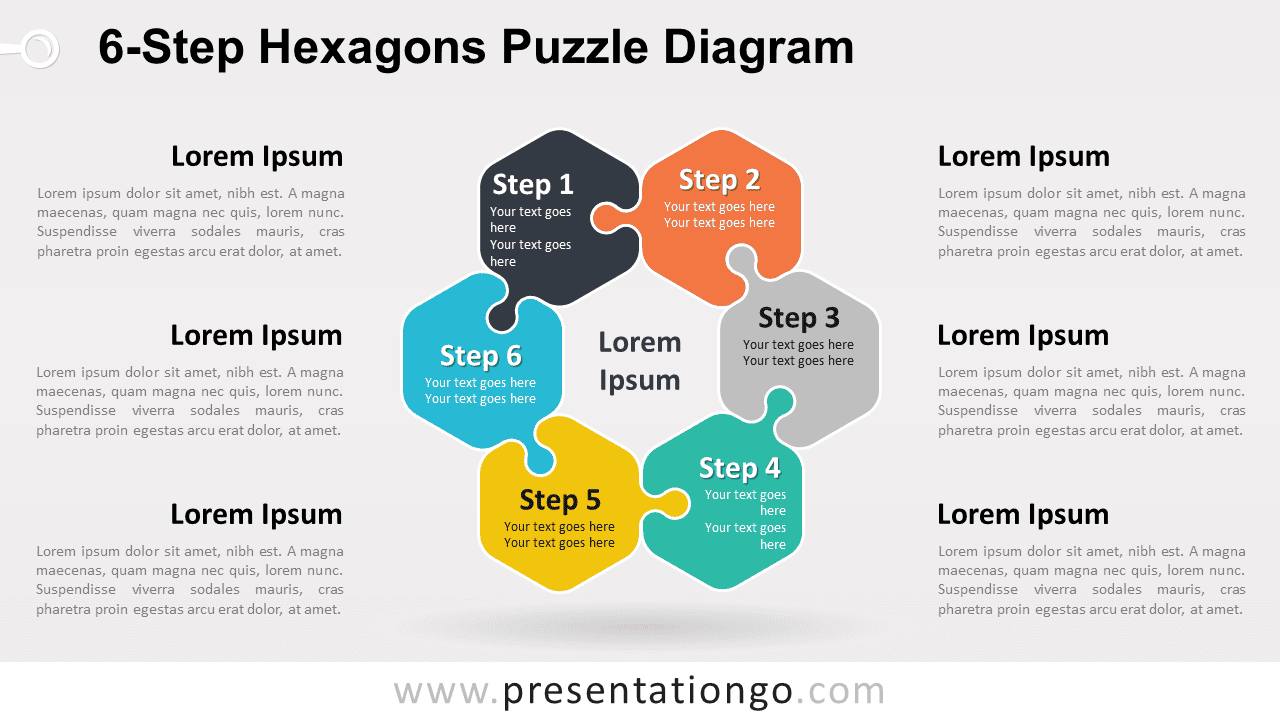
Google SlidesPPTX
4:3,16:9
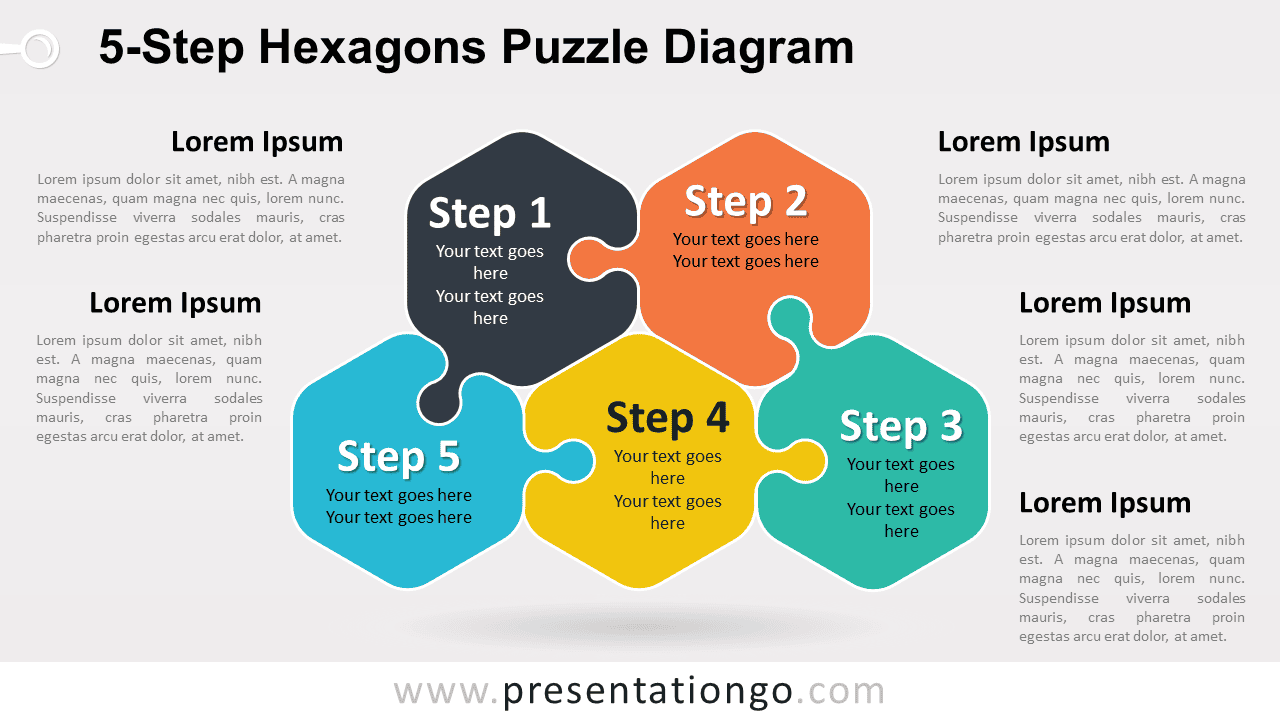
Google SlidesPPTX
4:3,16:9
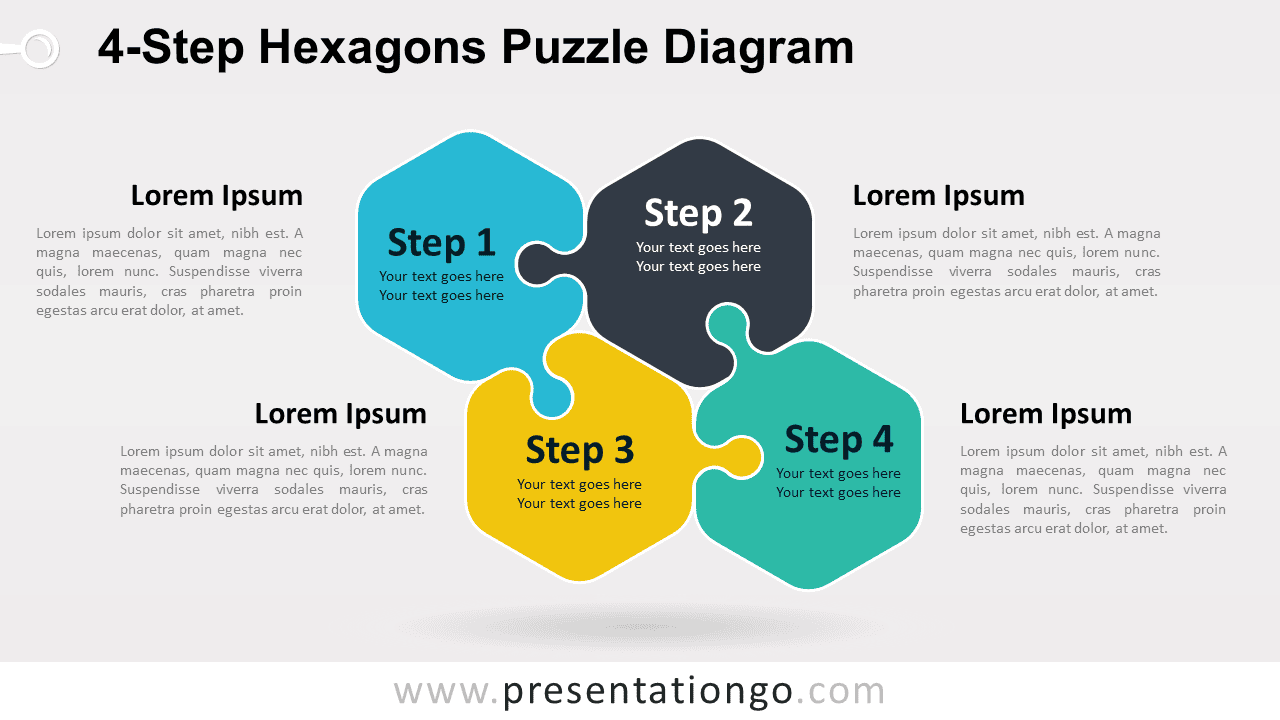
Google SlidesPPTX
4:3,16:9
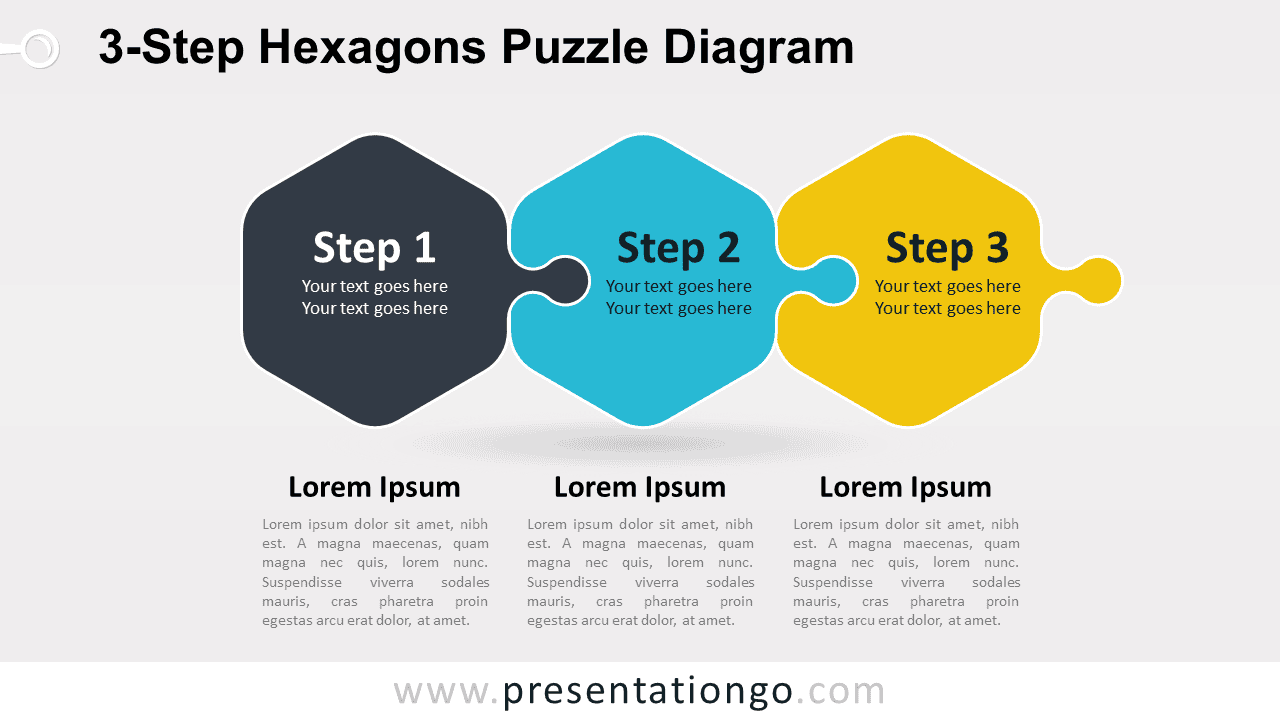
Google SlidesPPTX
4:3,16:9
Showing 14–22 of 22 templates

