
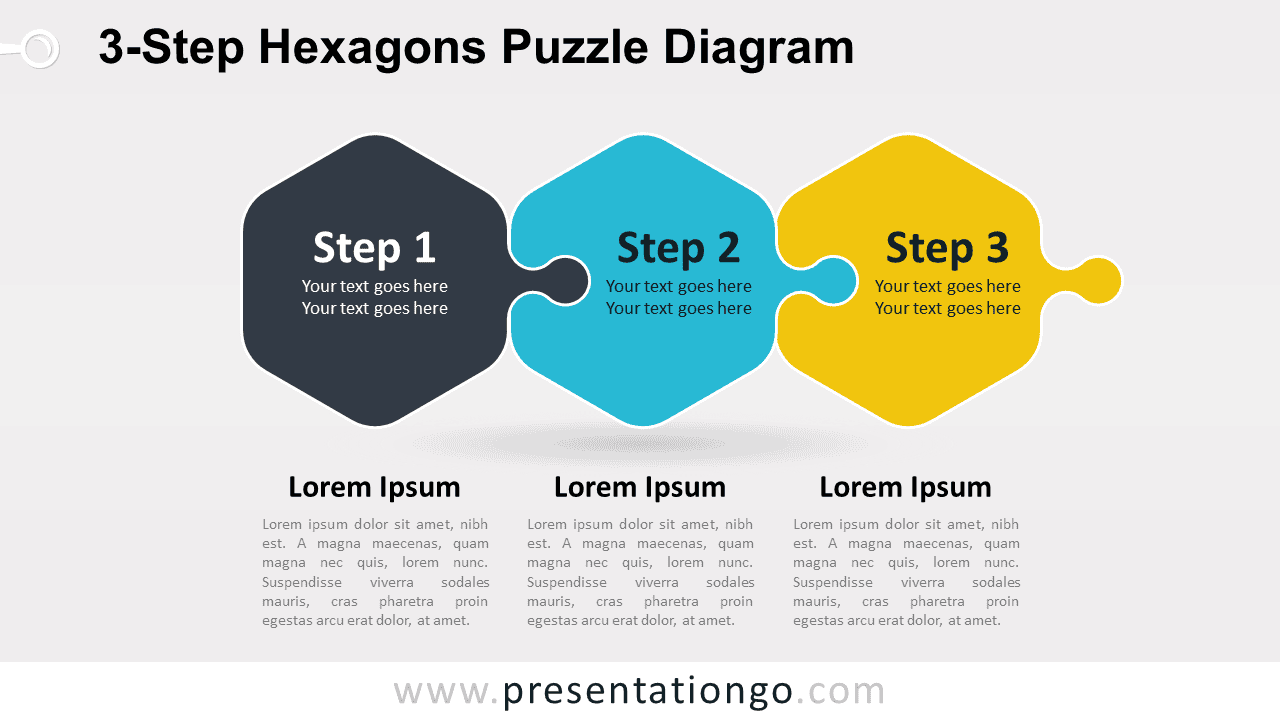
The 3-Step Hexagons Puzzle Diagram for PowerPoint and Google Slides organizes three related stages inside interlocking hexagonal puzzle pieces. Each section includes a numbered step and short supporting text, while three text blocks below provide room for additional explanations. The layout suits processes, workflows, project phases, frameworks, and connected concepts.
Diagram Preview


Features and Customization Options
- Includes 16:9 and 4:3 versions, for PowerPoint and Google Slides
- Includes 2 editable slides with matching layouts
- 3-step process diagram, fully editable
- Editable text, shapes, colors, and sizes
- 100% editable vector shapes — no quality loss when resized
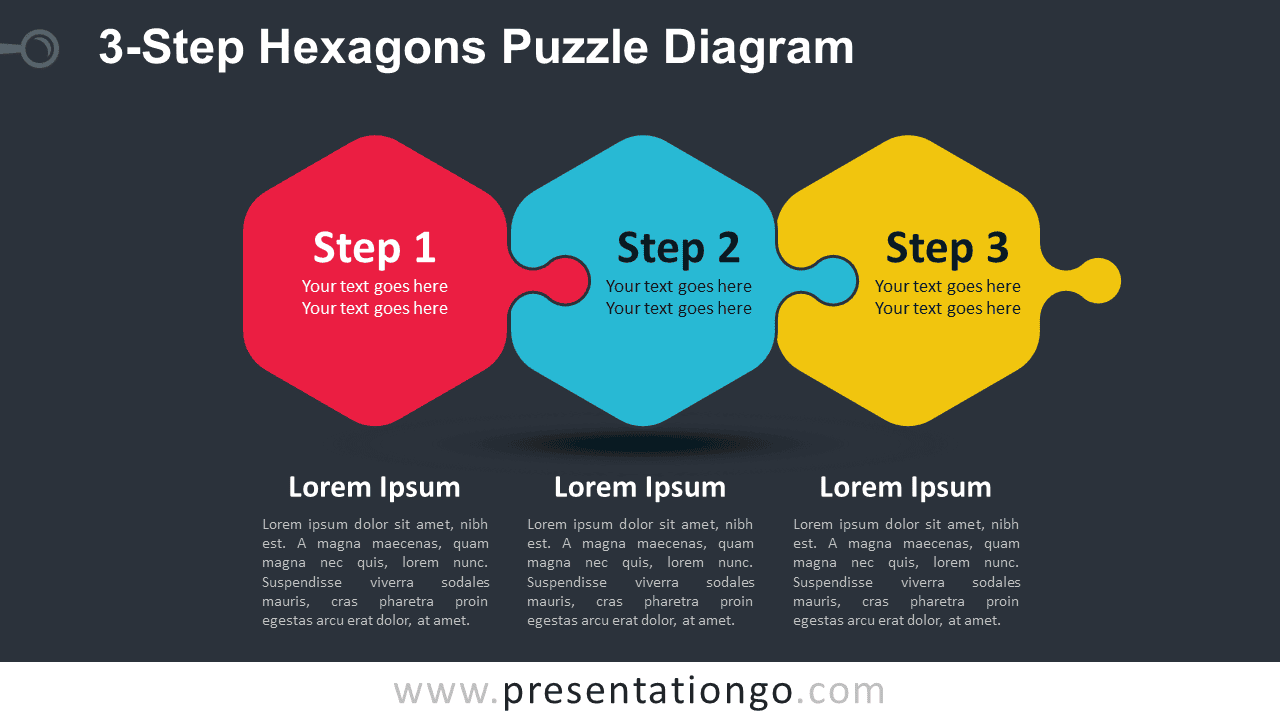
- Includes both light and dark background versions
Design and Structure
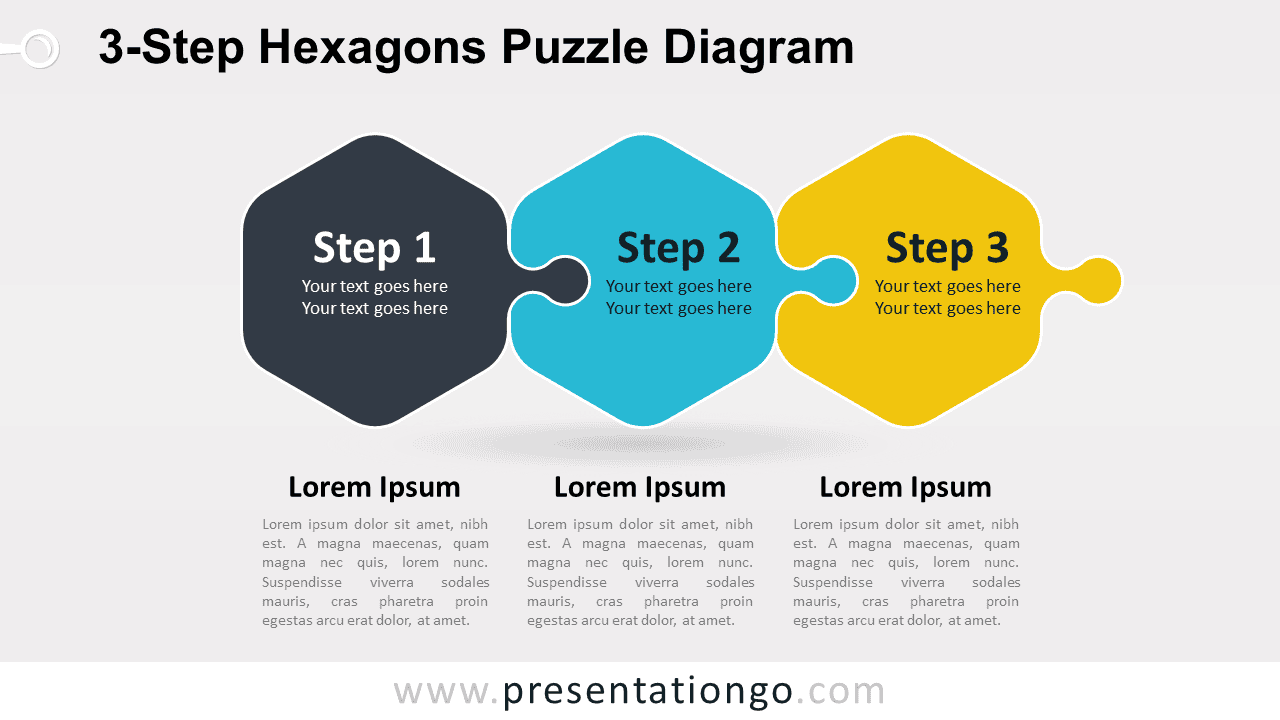
The 3-Step Hexagons Puzzle Diagram places three interlocking pieces in a horizontal sequence. Each hexagonal section contains a step number and short text, creating an easy Step 1 to Step 3 flow. The puzzle joints emphasize the relationship between stages and work well when each step depends on the previous one.
Three supporting text areas sit below the diagram, giving each stage additional space for details without crowding the central graphic. You can edit the step labels, descriptions, shapes, and supporting text in PowerPoint or Google Slides. The included 16:9 and 4:3 sizes also make the diagram practical for different presentation setups.
Practical Applications
- Present a three-step business process
- Explain three connected project phases
- Build a three-part strategic framework
- Show interdependent workflow stages
- Organize three components of a model
- Present related ideas within one system
Summary
The 3-Step Hexagons Puzzle Diagram provides an editable layout for presenting three connected stages or concepts in PowerPoint and Google Slides. Its interlocking structure works well for processes, frameworks, workflows, project phases, and other three-part explanations.






