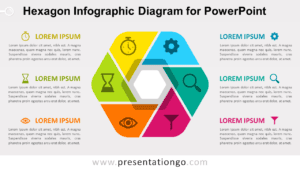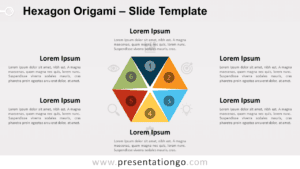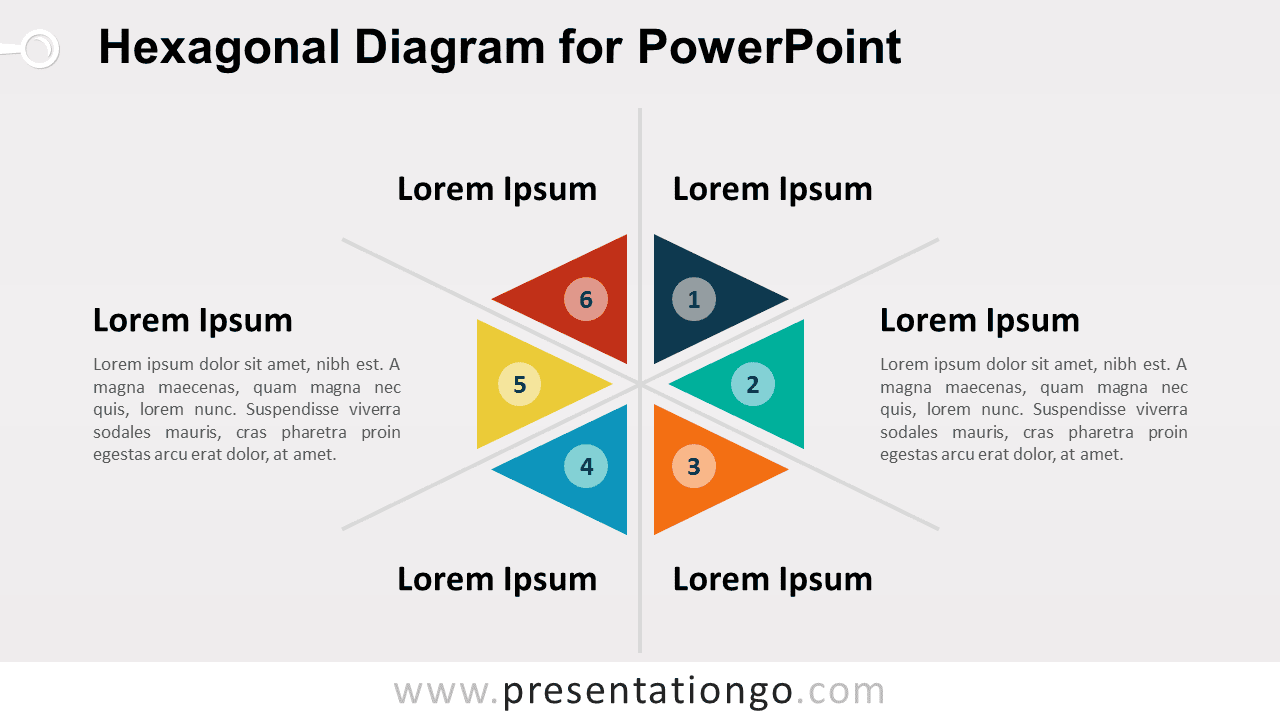
The Hexagonal Diagram for PowerPoint organizes six related concepts around a shared center. Six numbered triangular segments form a balanced hexagonal structure, while surrounding text areas provide space for headings and concise explanations. The layout works well for frameworks, categories, strategic factors, process stages, business models, and other six-part concepts.
Diagram Preview


Features and Customization Options
- Includes 16:9 and 4:3 versions for Microsoft PowerPoint
- Includes 2 editable slides with matching layouts
- 6-part radial diagram, fully editable
- Editable text, shapes, colors, and sizes
- 100% editable vector shapes — no quality loss when resized
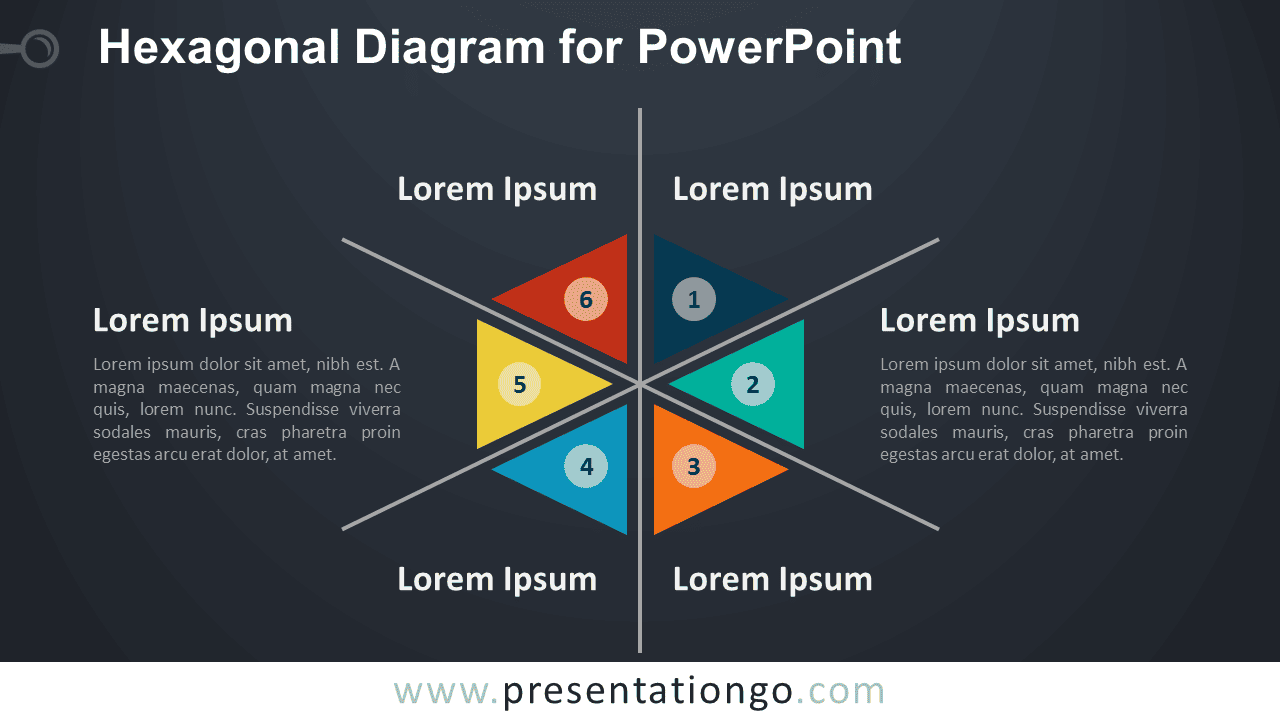
- Includes both light and dark background versions
Design and Structure
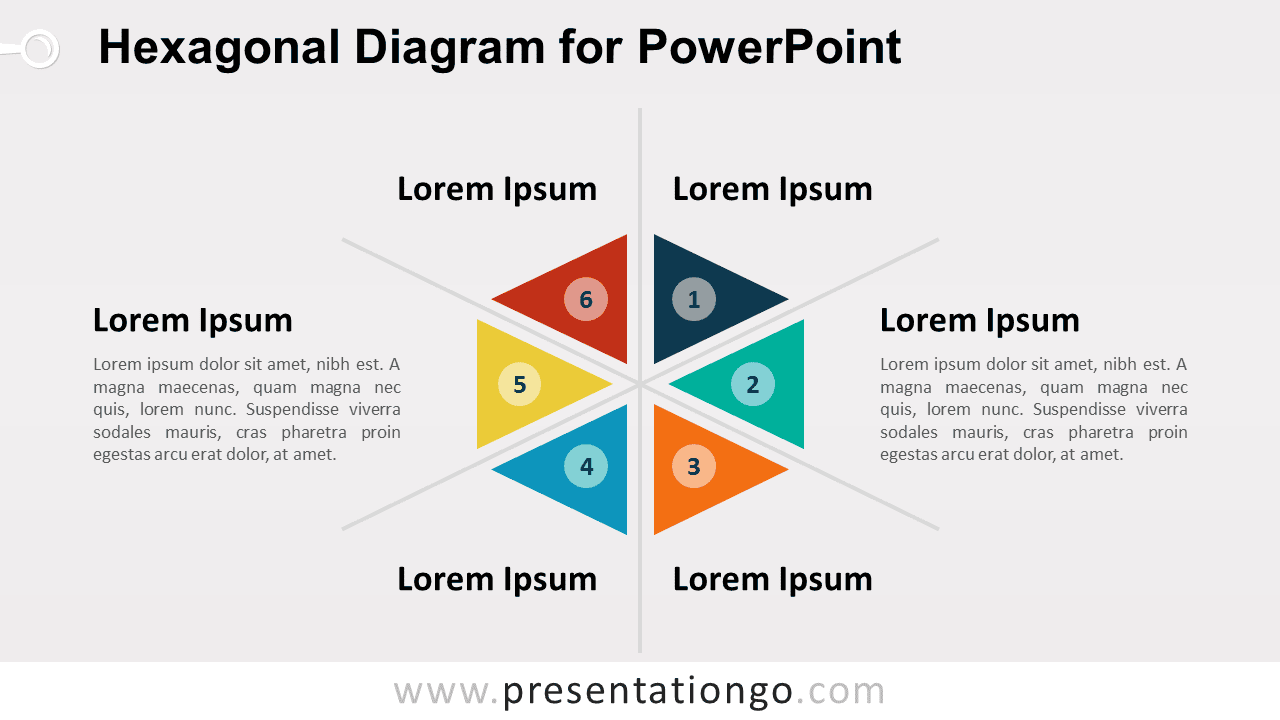
The Hexagonal Diagram uses six triangular sections positioned around one central point. Together, the segments create a compact radial hexagon that gives each category equal visual weight. Number labels from 1 to 6 help establish a clear order when needed, while the surrounding text areas provide room for details without crowding the central diagram.
The radial structure works well when six ideas belong to one broader framework or system. You can replace the numbers, headings, descriptions, and shapes directly in PowerPoint. Each segment can also be resized or repositioned when adapting the diagram to a different presentation. The package includes both 16:9 and 4:3 presentation sizes for different slide setups.
Practical Applications
- Present a six-part strategic framework
- Organize six business factors or priorities
- Explain six stages of a process
- Structure six categories around one concept
- Compare six components of a model
- Build a radial concept or analysis slide
Summary
The Hexagonal Diagram provides an editable PowerPoint layout for presenting six related concepts around one central point. Its numbered radial structure works well for frameworks, processes, categories, strategic models, and other six-part explanations.