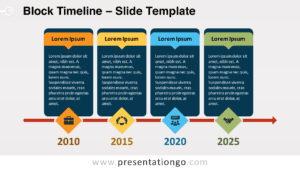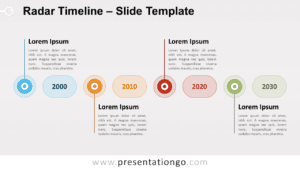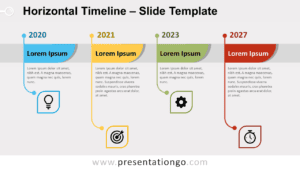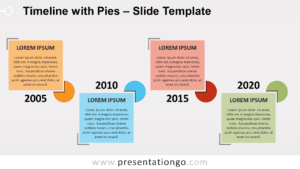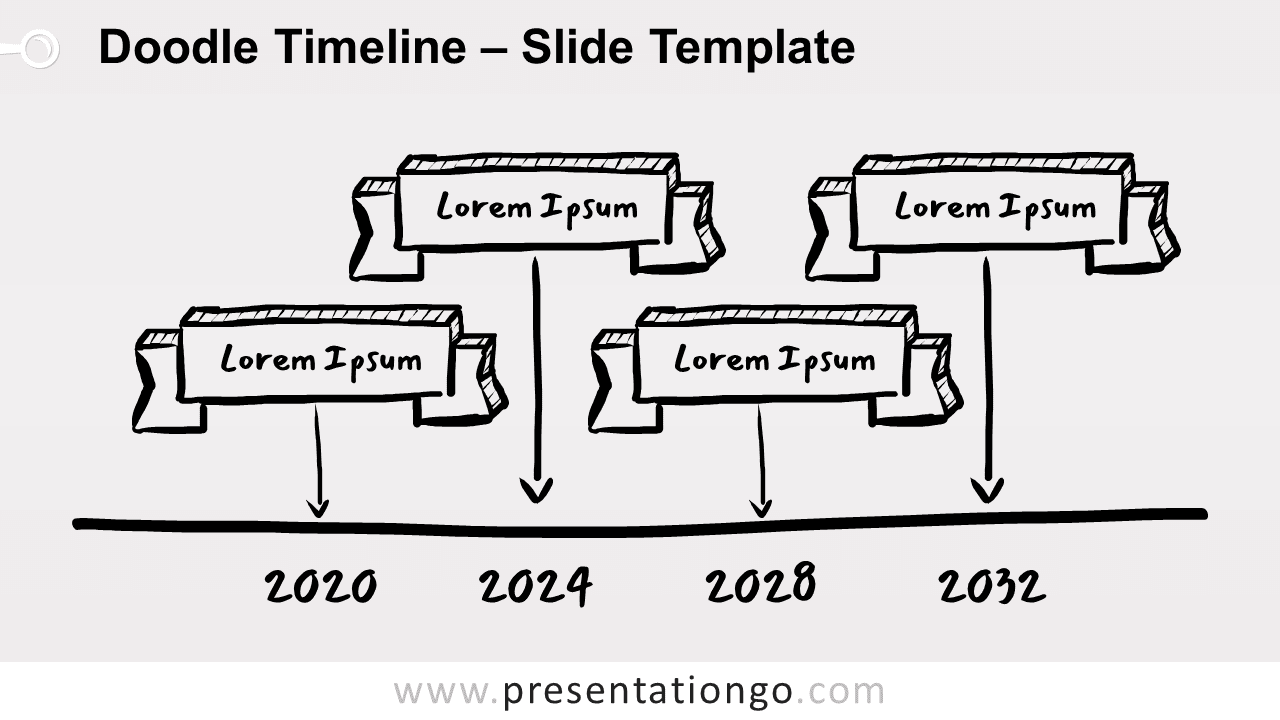
Free doodle timeline for PowerPoint and Google Slides. Drawing of four ribbon banners above a straight horizontal line. Editable graphics with dates and text placeholders.
Doodle Timeline
The doodle arrow process is part of our diagram doodle collection. As a matter of fact, we custom-designed each of them to perfectly suit your presentation needs. We hope you like them and that they will help you optimize your slides.
Doodles are simple drawings that can have concrete representational meaning or may just be composed of random and abstract lines, generally without ever lifting the drawing device from the paper, in which case it is usually called a “scribble”.
— Source: Wikipedia
Do you remember the drawings you used to make on our notebooks in school? These are doodling. When used in graphic design, Doodles are fun sketchy graphics that will give your presentation a more informal, personalized, and handcrafted tone.
More specifically, this is a hand-drawn illustration of four ribbons or banner sketches. Also, the hatched depth of the ribbons accentuates a nice 3D effect. An arrow points down each of the ribbons to its corresponding date.
Finally, you can use it as a timeline as well as a process or workflow.
Shapes are 100% editable: colors and sizes can be easily changed.
This template includes a monochrome version (on a light and a dark background) and a colored illustration. It includes 2 slide option designs: Standard (4:3) and Widescreen (16:9).
Widescreen (16:9) size preview:


This ‘Doodle Timeline for PowerPoint and Google Slides’ features:
- 3 unique slides
- Monochrome and colored variants
- Light and Dark layout
- Ready to use template with dates and text placeholders
- Completely editable shapes
- Standard (4:3) and Widescreen (16:9) aspect ratios
- PPTX file and for Google Slides
Free fonts used:
- Mansalva (Google Font – Download this font here)
- Helvetica (System Font)
- Calibri (System Font)