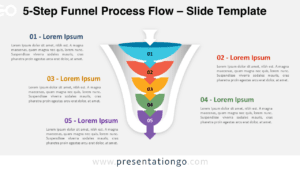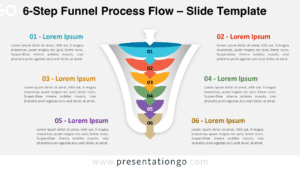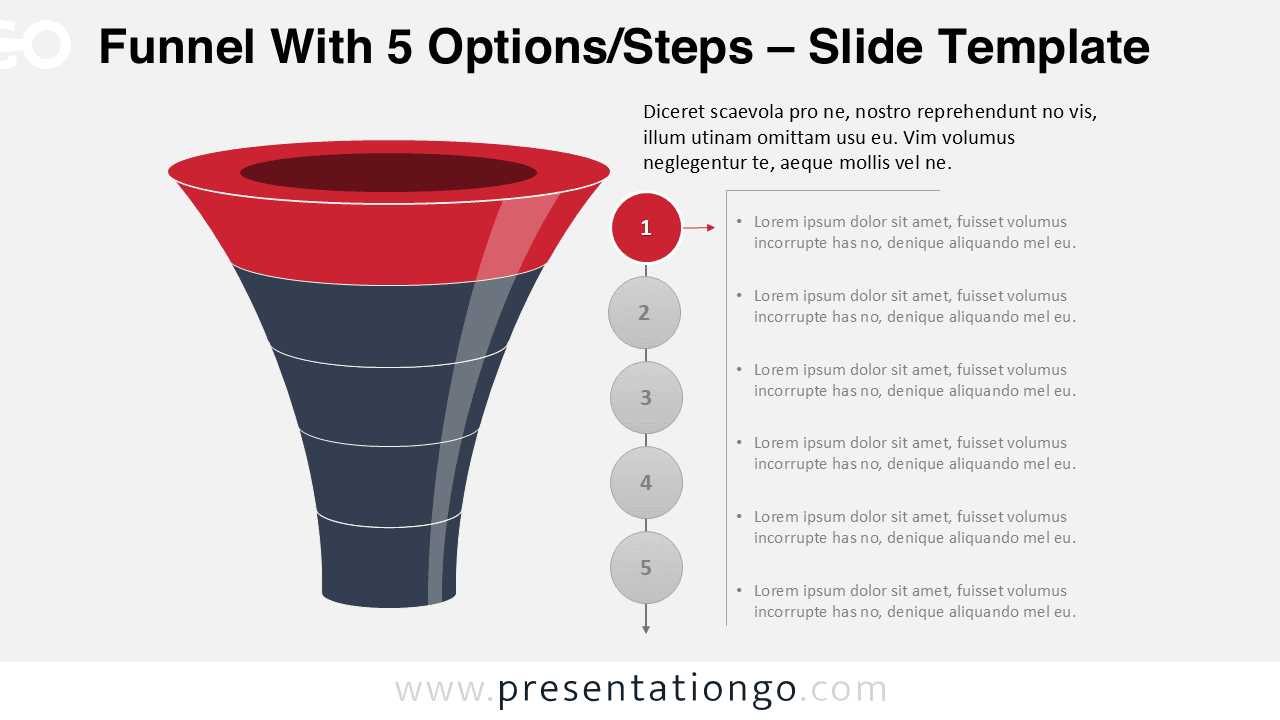
Make your presentation look professional with this free PowerPoint layered funnel process. Fully editable 5 layered vertical funnel (for 5 steps). Contains 5 slides, professionally designed and ready-to-use in your presentation. This PPT template allows you to detail and explain every stage of the funnel.
Download this 5-slide Free PowerPoint Layered Funnel Process to present a series of stages laid out in a funnel.
The editable feature of this template allows you to personalize the slides to suit your presentation (for example you can adapt colors, sizes, effects, etc. to suit your own needs).
Funnels diagrams are metaphors that marketing professionals, business consultants and sales managers usually find useful to summarize conversion phases.
How to customize the editable funnel?
- Select the funnel / shape
- Right-click
- Group>Ungroup
- Then you can select and edit all the parts of the PPT funnel
Template Preview
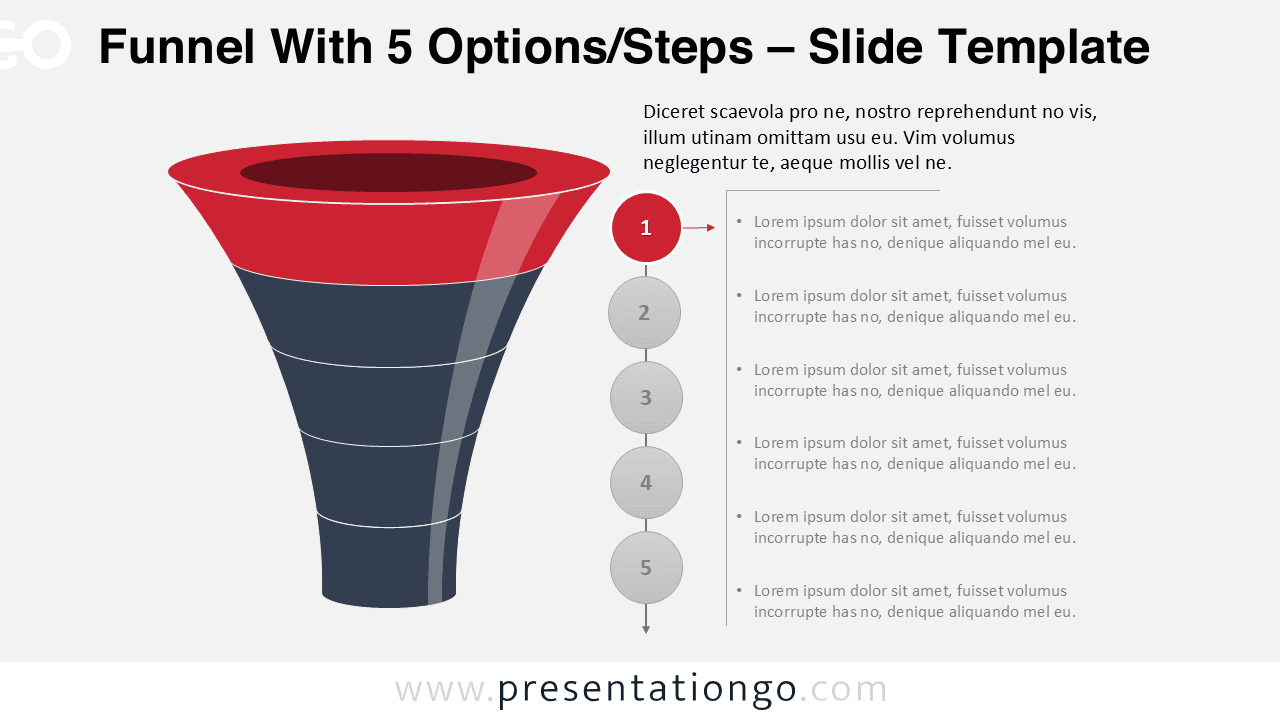
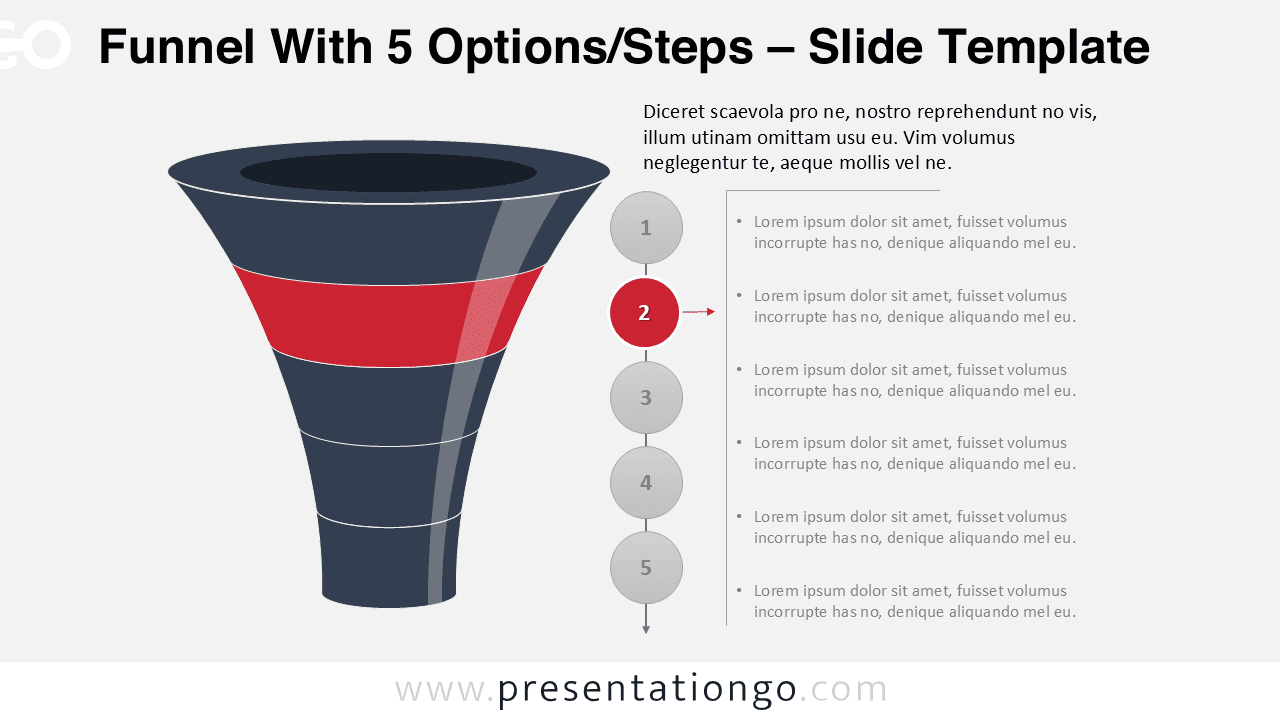
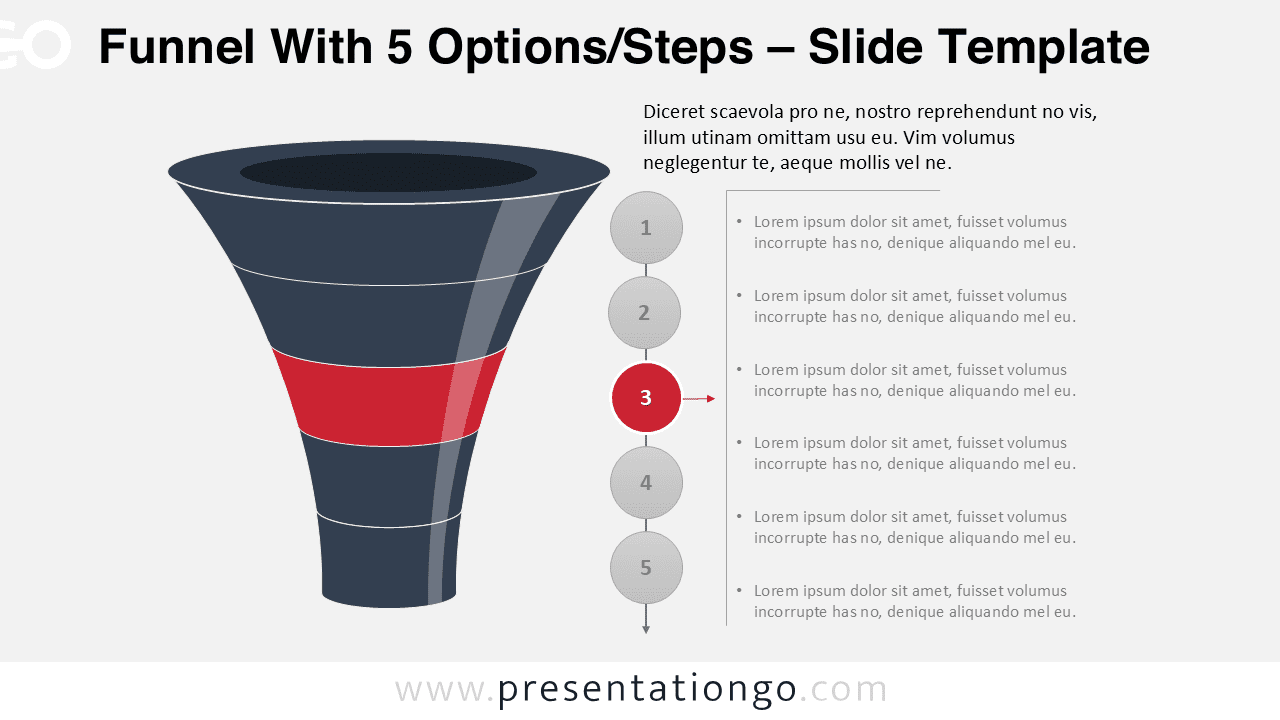
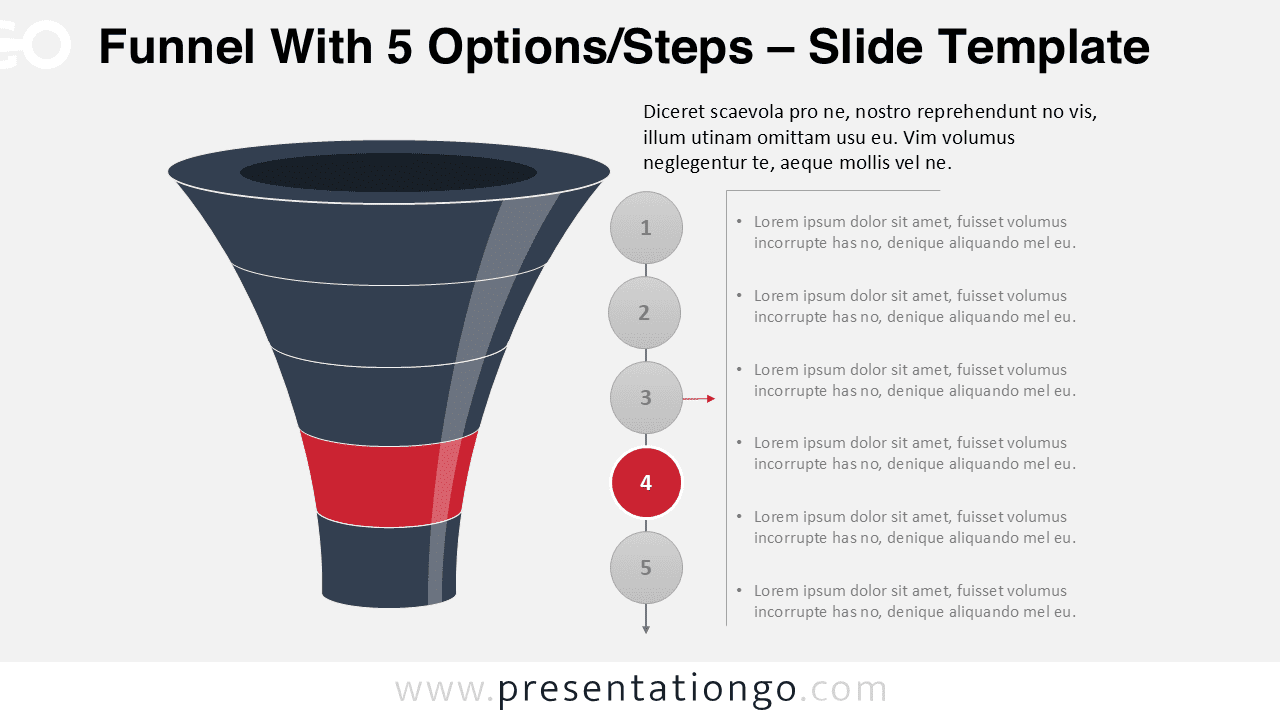
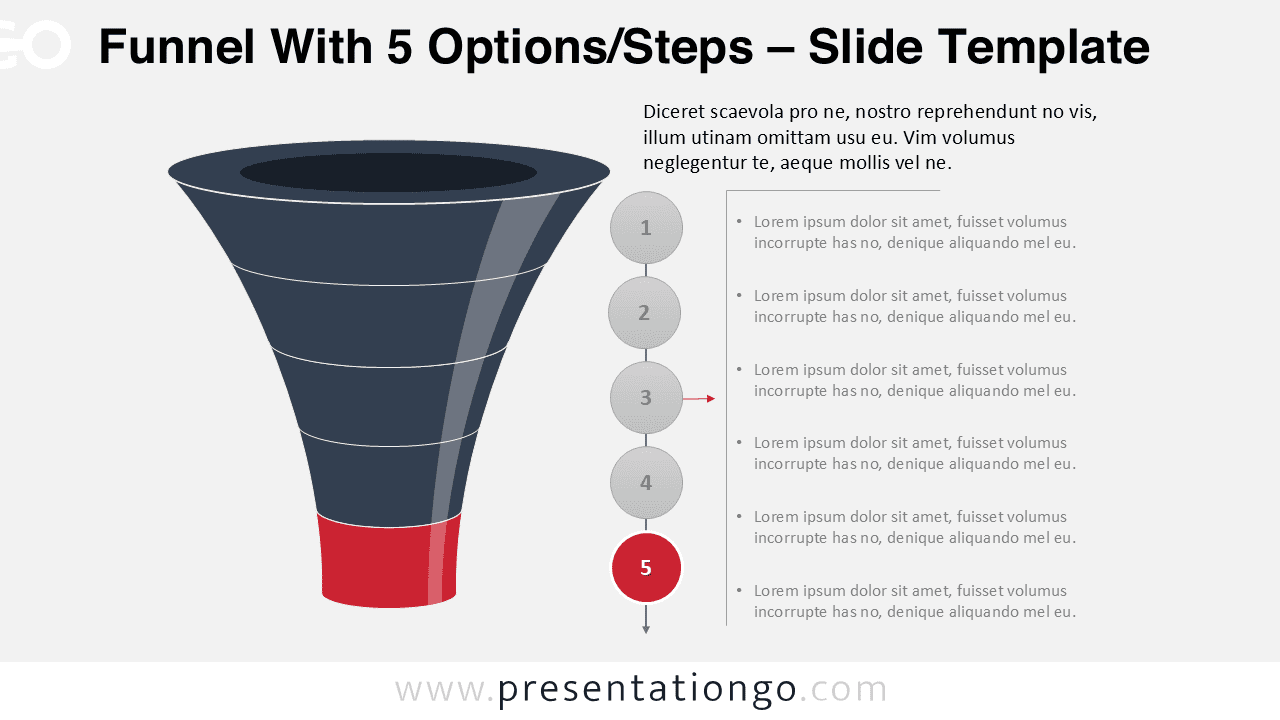


This ‘Layered Funnel Process’ template features:
- 5 unique slides
- Light layout
- Ready to use template with text placeholders
- Completely editable shapes
- Standard (4:3) and Widescreen (16:9) aspect ratios
- PPTX file (PowerPoint)
Free font used:
- Calibri (System Font)