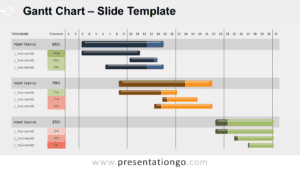
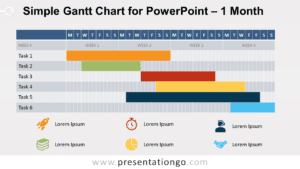
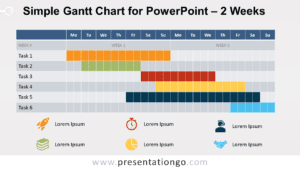
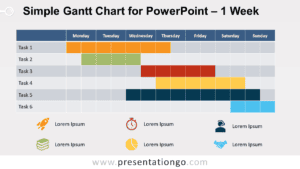
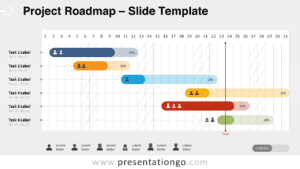
The Full-Width Yearly Gantt Chart for PowerPoint and Google Slides provides a clear, adaptable visual plan for projects over a year, with an easy-to-modify table function layout for tasks and timelines.
12-Month Project Timeline for Effective Planning
Gantt charts are vital for project managers, offering a snapshot of schedules, tasks, and milestones. This template provides a full-width, table-based design, with each month displayed as a column. It ensures a straightforward view of your project’s timeline. Horizontal bars signify the length of each task. Start and end dates are clearly marked, simplifying progress tracking and schedule scanning.
Ideal for project managers and team leaders, this Gantt chart template is a powerful aid. In presentations, it clearly conveys timelines and tasks to stakeholders and teams. It aligns everyone with the project’s goals, enhancing collaboration. The chart’s clarity allows audiences to quickly understand the project’s breadth and deadlines.
This resource includes two distinct slides. All elements are fully customizable, allowing for a perfect fit with your project. It suits various presentations, available in light and dark themes and in Standard and Widescreen ratios. PowerPoint and Google Slides formats are both on offer, maximizing user convenience.
To personalize the Gantt chart, tweak task descriptions, resize timeline bars, and alter colors and fonts. It’s that simple to tailor the template to your project’s branding or style!
Widescreen (16:9) size preview:


This ‘Full-Width Yearly Gantt Chart’ template offers:
- 2 distinct slides
- Light and dark theme options
- Fully editable shapes for complete control
- Built with a table function for easy editing of tasks
- Available in both Standard (4:3) and Widescreen (16:9) formats
- PowerPoint PPTX and Google Slides compatibility