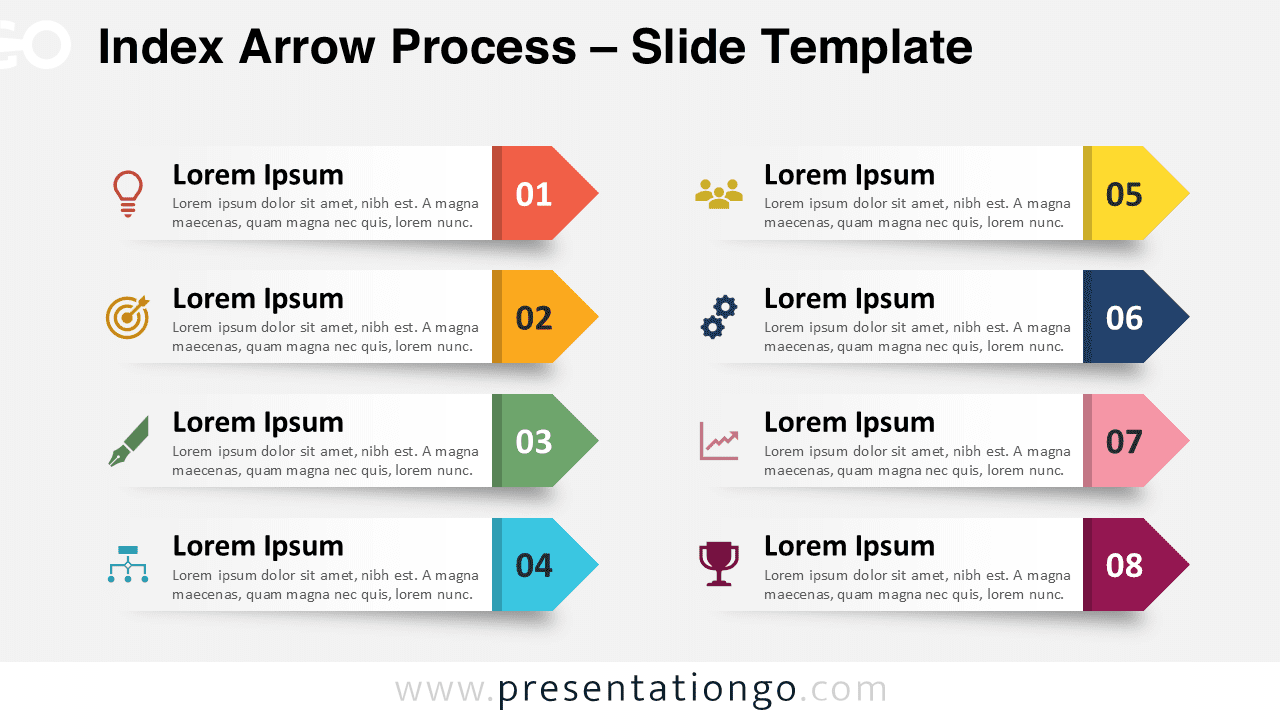
The Index Arrow Process provides an eight-step workflow diagram with numbered arrow strips and customizable icons designed for PowerPoint and Google Slides presentations.
Paper Strip Design for Step Sequences
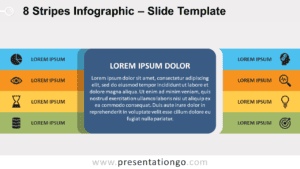
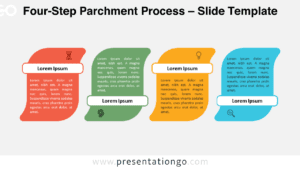
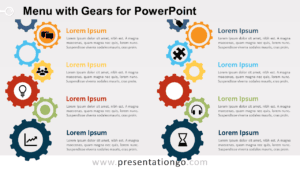
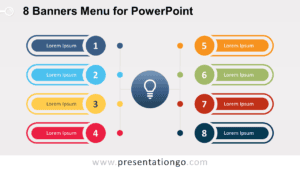
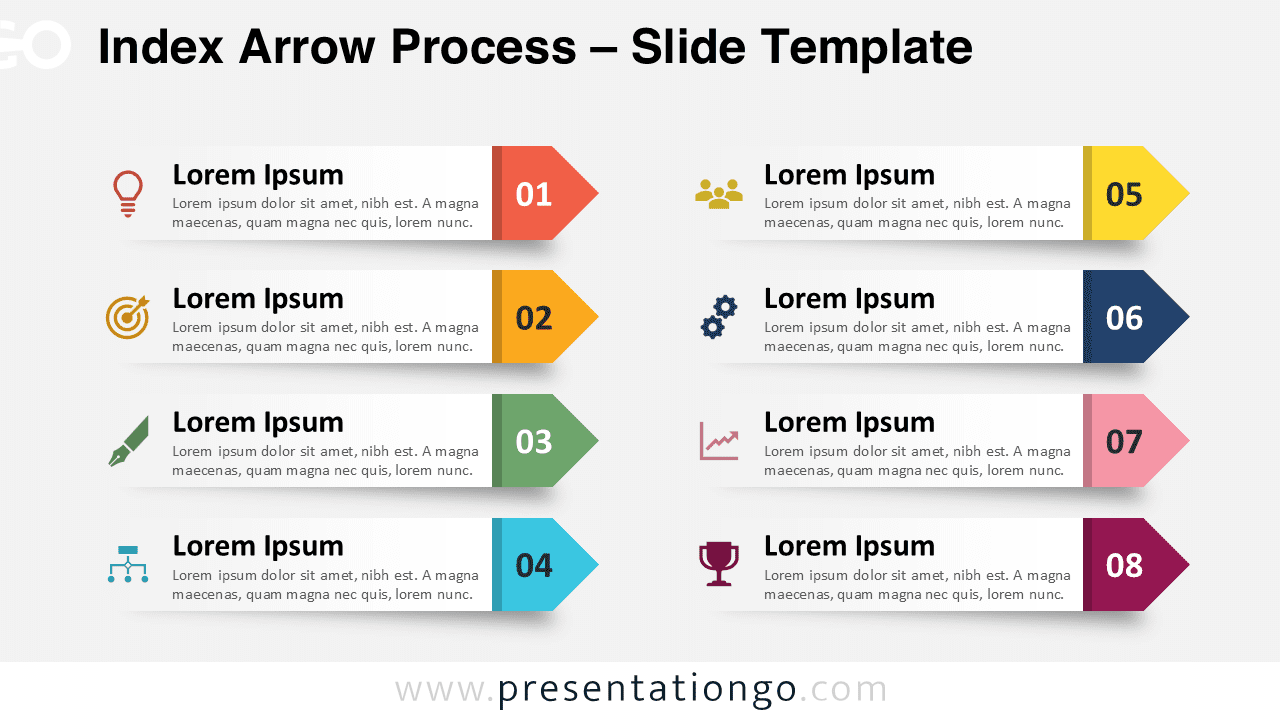
This diagram is built from eight paper-like index strips, arranged in two vertical columns with four steps on each side. Each strip features a right-facing arrowhead that emphasizes direction and continuity. On the left, a small icon offers a quick visual cue to support recognition, while the number within the arrowhead signals clear progression. Titles and text placeholders balance the design by allowing both concise labels and detailed explanations. The overall alignment is clean, balanced, and easy to follow, which makes the flow of information simple to grasp.
This template is particularly effective for multi-step processes where presenters need to show ordered tasks or phases. A project manager might display an implementation roadmap divided into eight milestones, while an educator could outline lesson stages for students. The two-column setup also supports side-by-side comparisons, such as examining parallel strategies, contrasting approaches, or dividing team responsibilities. Because the design combines numbered steps with directional arrows, it naturally guides the audience’s attention through a logical flow.
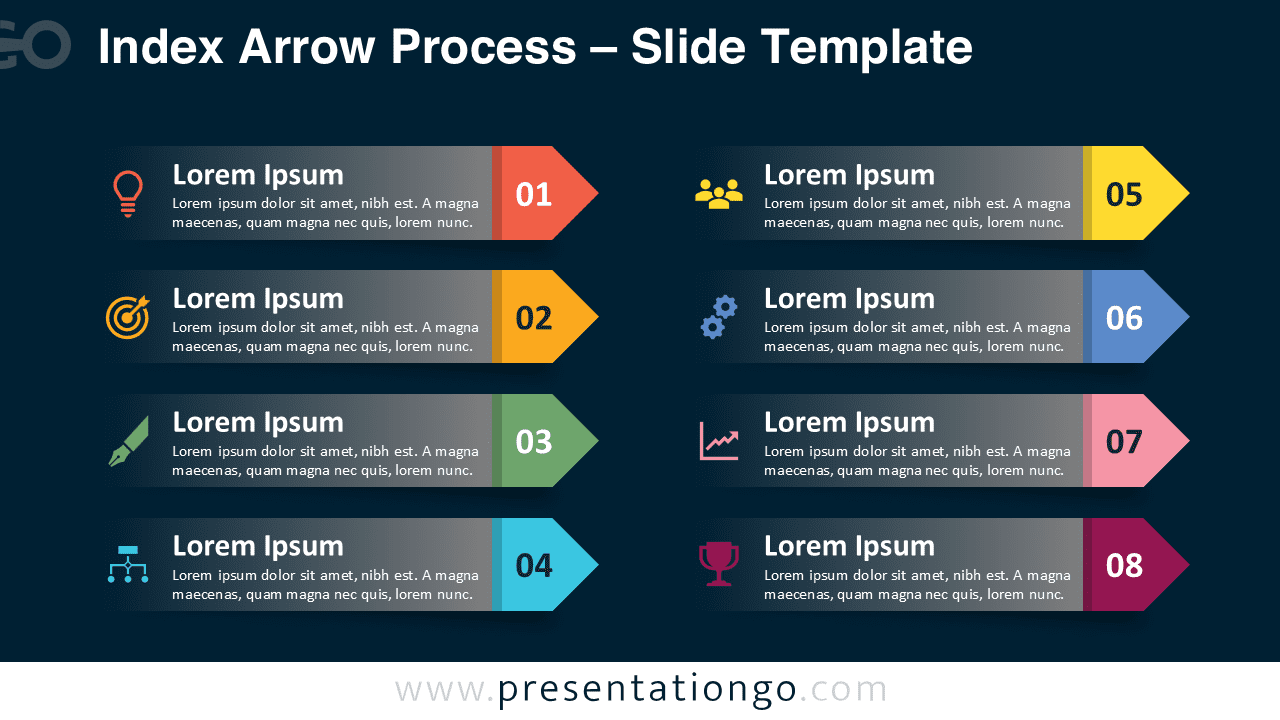
The template includes two unique slides with pre-populated numbers, icons, and text placeholders. Every shape is fully customizable, making it easy to change colors, replace icons, or adjust text. It provides both light and dark background themes and is available in Standard (4:3) and Widescreen (16:9) formats. This template is compatible with PowerPoint PPTX and Google Slides, giving presenters the flexibility to adapt it to their preferred platform.
Download this eight-step process diagram to present tasks, milestones, or categories with clarity.
Widescreen (16:9) size preview:


This template offers:
- 2 unique slides
- Options for both light and dark themes
- Pre-populated with numbers, icon, and text placeholders
- Fully customizable shapes for complete control
- Available in both Standard (4:3) and Widescreen (16:9) ratios
- Offered in both PowerPoint PPTX and Google Slides formats