The Interlocking Two-Part Diagram is a PowerPoint and Google Slides resource for presenting two related ideas within a unified visual structure. Two horizontally aligned panels feature complementary curved edges that form a distinctive interlocking junction. The design provides separate content areas for comparisons, connected concepts, and paired information while maintaining a balanced composition.
Diagram Preview
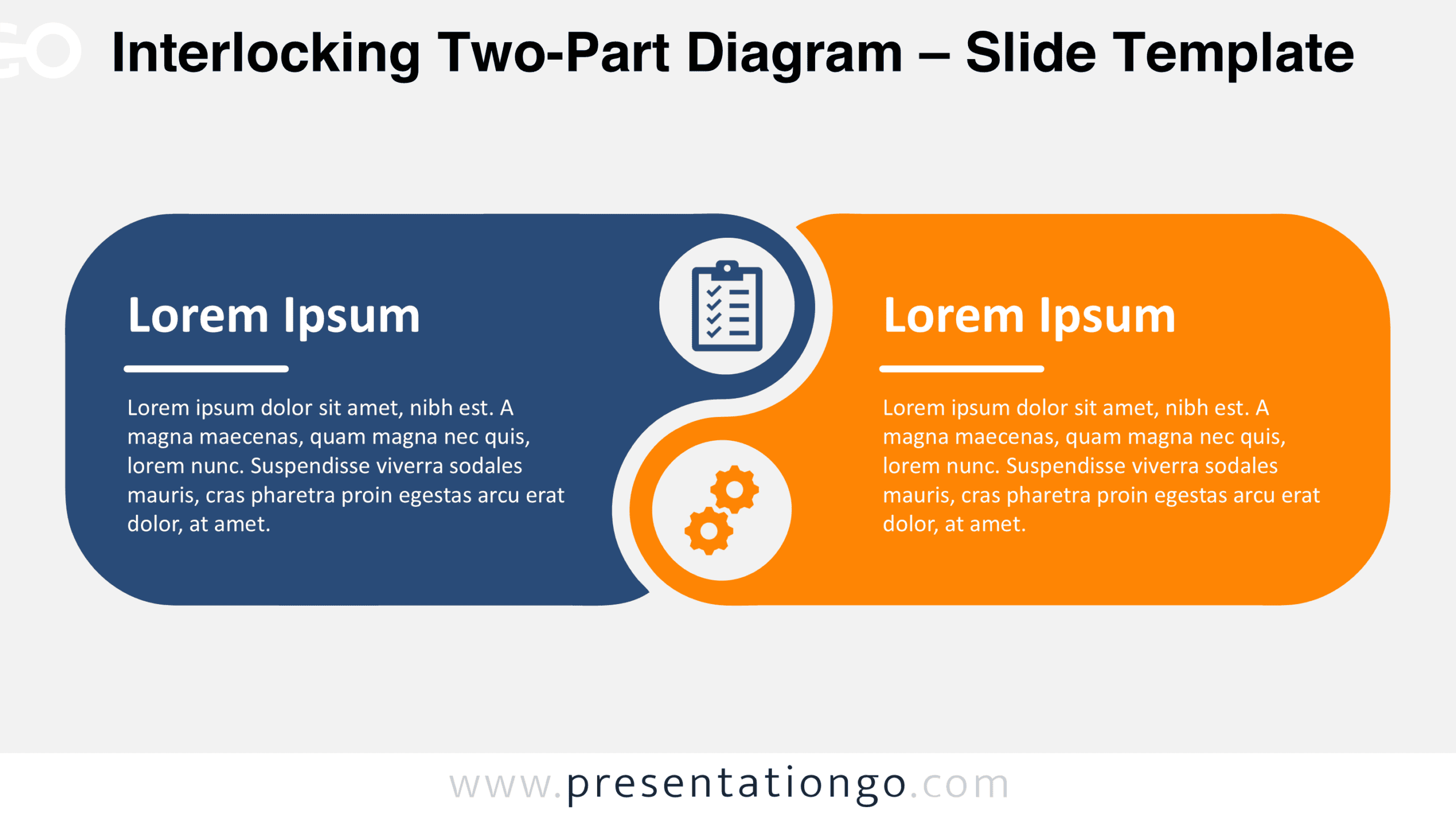
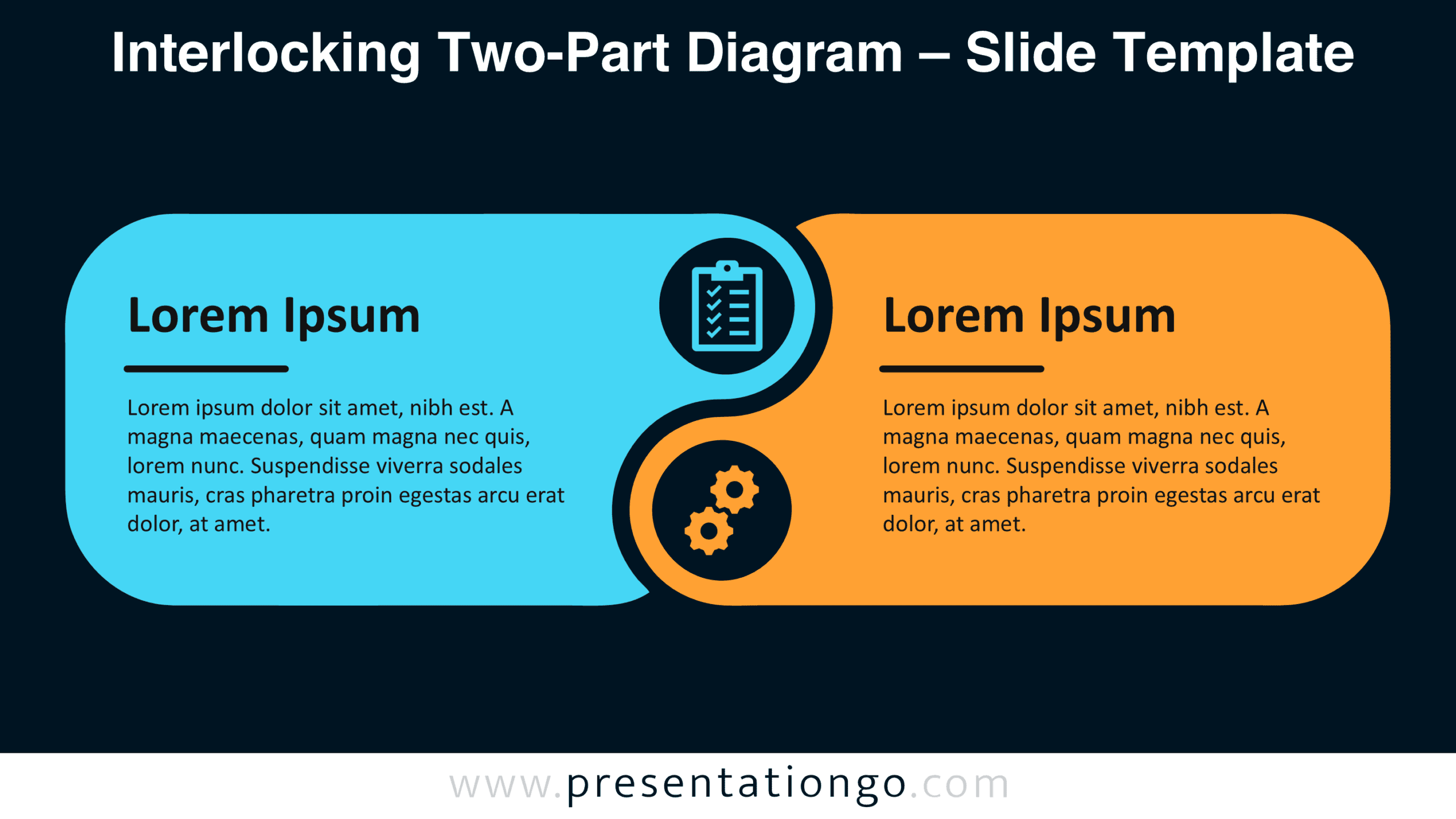
The preview shows two background variations of the same diagram. Each features rounded panels connected through a curved central junction, with circular illustrative icon placeholders positioned at different heights. Both sections contain headings, horizontal dividers, and descriptive text blocks arranged consistently across the two designs.


Features and Customization Options
- Slides: Two diagram designs with the same interlocking, two-part layout.
- Customization: Separate heading and description areas for each panel; individual-element editability is unverified.
- Graphics: Two rounded panels with complementary curved edges and illustrative icon placeholders.
- Format: Horizontal composition with Light and Dark background variations.
- Compatibility: Designed for Microsoft PowerPoint and Google Slides.
Design and Structure
The diagram consists of two elongated rectangular panels with rounded outer corners and complementary inner contours. Positioned side by side, the panels create an interlocking silhouette around a central S-shaped junction. Two circular areas interrupt the connecting boundary, with one positioned higher and the other lower. Each contains an illustrative icon placeholder. The alternating curves provide a visual connection between the panels while preserving their separate content spaces. Their matching heights and similar proportions establish a balanced horizontal arrangement without suggesting a fixed progression or hierarchy.
Each panel follows a consistent information structure. A prominent heading occupies the upper portion, followed by a short horizontal divider and a multiline description. Text appears toward the outer side of each section, leaving the interlocking curves and circular placeholders unobstructed. The arrangement creates a clear distinction between written information and decorative elements. Generous spacing around the text blocks supports readability, while the central junction draws attention to the relationship between the two panels. The composition encourages a natural left-to-right reading order but does not require a sequential interpretation.
Practical Applications
- Compare two alternatives: Present competing proposals with separate headings and supporting explanations.
- Explain complementary functions: Describe how two related activities contribute to a shared objective.
- Organize team responsibilities: Outline the distinct duties of two departments or project groups.
- Present contrasting viewpoints: Display two perspectives on a question or challenge without favoring either side.
- Describe connected concepts: Introduce two related principles and explain their individual characteristics.
Summary
The Interlocking Two-Part Diagram combines visual connection with clearly separated information areas. Its complementary curves emphasize the relationship between two subjects, while the balanced panel structure gives each equal attention. This arrangement offers a practical way to communicate comparisons, complementary roles, and related concepts within a single presentation slide.