
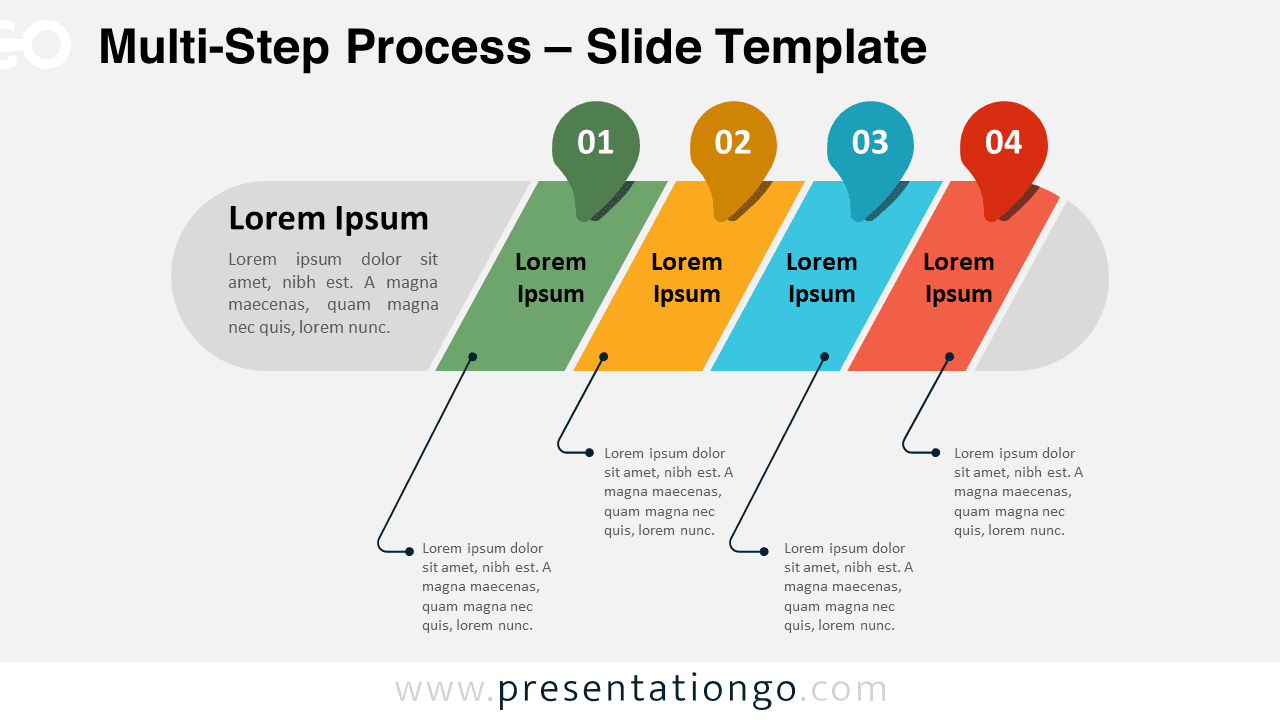
The Multi-Step Process for PowerPoint and Google Slides clearly illustrates a sequence of actions or phases, making it effortless for audiences to grasp complex procedures.
4-Stage Process Infographic for Presenting Step-by-Step Procedures
The template features a central horizontal bar divided into four distinct segments, each assigned a unique color and number. Pointer icons above each segment emphasize the corresponding number, while lines connect the segments to separate text blocks below, providing space for detailed step descriptions. This intuitive layout ensures a logical flow and easy comprehension.
Multi-step process diagrams are invaluable for breaking down intricate workflows, project timelines, or sequential tasks. This template is perfect for professionals in various fields, such as project management, operations, manufacturing, or education, who need to communicate step-by-step instructions or plans effectively. By utilizing this diagram in your presentation, you can help your audience visualize and understand the progression of ideas, fostering better engagement and retention.
The presentation document includes 2 unique slides pre-populated with numbers and text placeholders, fully customizable shapes, and options for both light and dark themes. It is available in both Standard (4:3) and Widescreen (16:9) ratios and offered in PowerPoint PPTX and Google Slides formats. Users can easily tailor the template to their specific requirements by modifying colors, fonts, or adding relevant images and icons.
Download the Multi-Step Process template today and enhance your presentations with a visually compelling and informative step-by-step diagram that will captivate your audience.
Widescreen (16:9) size preview:


This template offers:
- 2 unique slides
- Options for both light and dark themes
- Pre-populated with numbers and text placeholders
- Fully customizable shapes for complete control
- Available in both Standard (4:3) and Widescreen (16:9) ratios
- Offered in both PowerPoint PPTX and Google Slides formats






