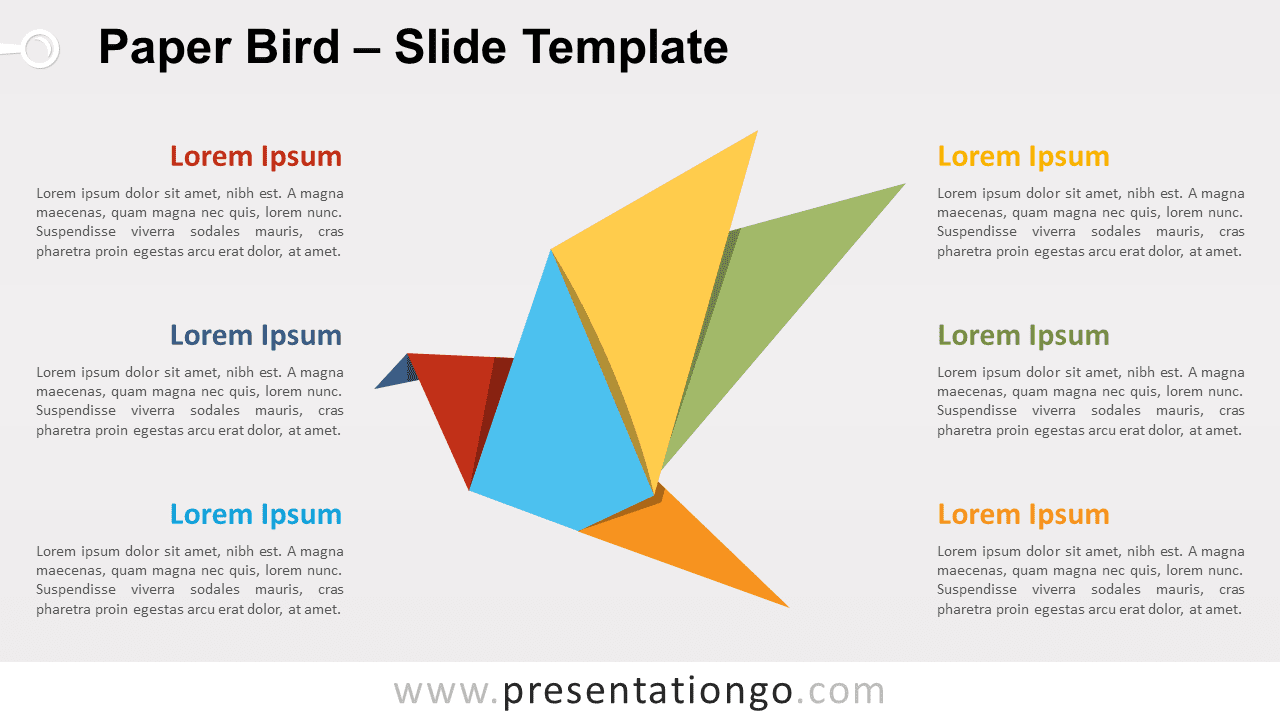
Free paper bird for PowerPoint and Google Slides. A stunning colorful origami bird. Editable graphics with text placeholders.
Paper Bird
Let your presentation fly high with this free Paper Bird template! This colorful origami bird offers a great design to take your audience on a great trip to the sky.
This infographic slide shows a stunning origami bird. Each fold that forms its shape has a different color. This allows you indeed to associate these 6 parts (beak, neck, abdomen, tail, and both wings) to your 6 options, ideas, groups of data, or information. Moreover, you will find large text placeholders on both sides to describe your thoughts in detail.
This free Paper Bird template is a great tool to show how 6 interconnected ideas can make your project fly. So, download this wonderful Paper Bird slide now: remember a bird in the hand is worth two in the bush!
Shapes are 100% editable: colors and sizes can be easily changed.
Includes 2 slide option designs: Standard (4:3) and Widescreen (16:9).
Widescreen (16:9) size preview:


This ‘Paper Bird’ template features:
- 2 unique slides
- Light and Dark layout
- Ready to use template with text placeholders
- Completely editable shapes
- Standard (4:3) and Widescreen (16:9) aspect ratios
- PPTX file (PowerPoint) and for Google Slides
Free fonts used:
- Helvetica (System Font)
- Calibri (System Font)