
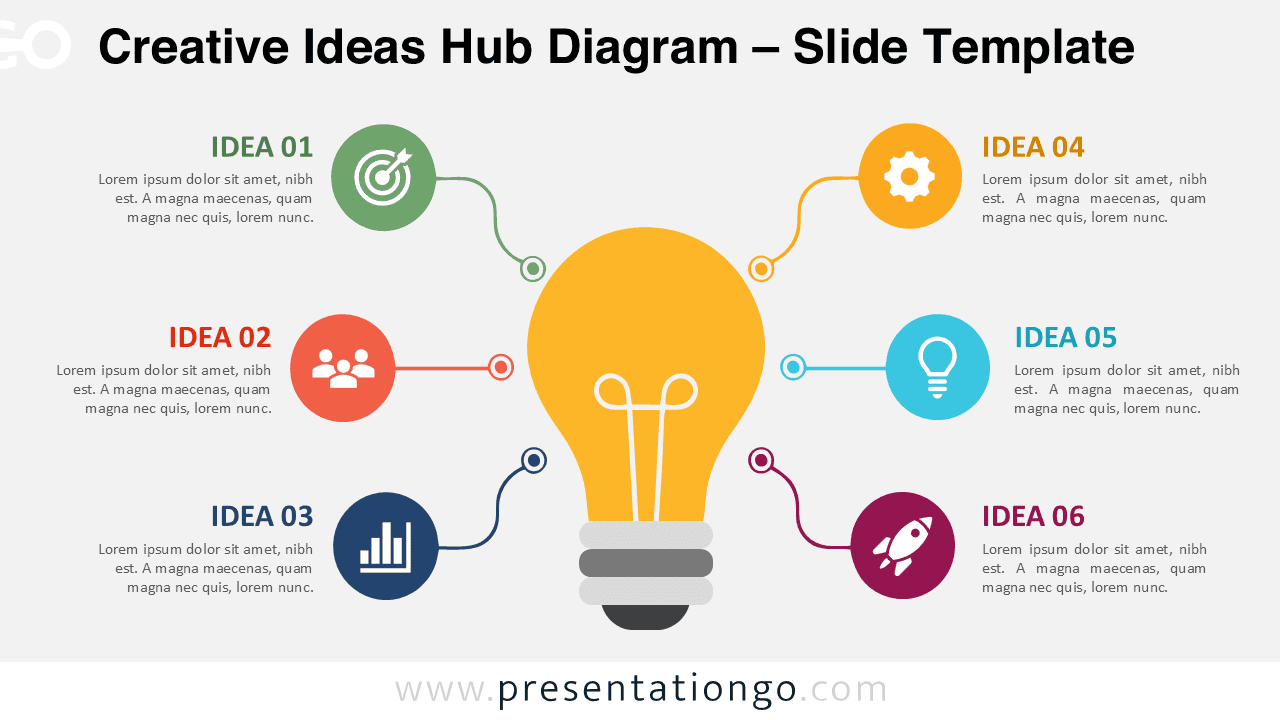
The Creative Ideas Hub Diagram helps you organize six related ideas around one clear central concept. Its radial layout creates an immediate visual hierarchy without making the slide feel crowded. A large light bulb anchors the composition, while six connected sections expand the story around it. The diagram works naturally in PowerPoint and Google Slides for brainstorming, planning, strategy, and creative presentations.
Diagram Preview
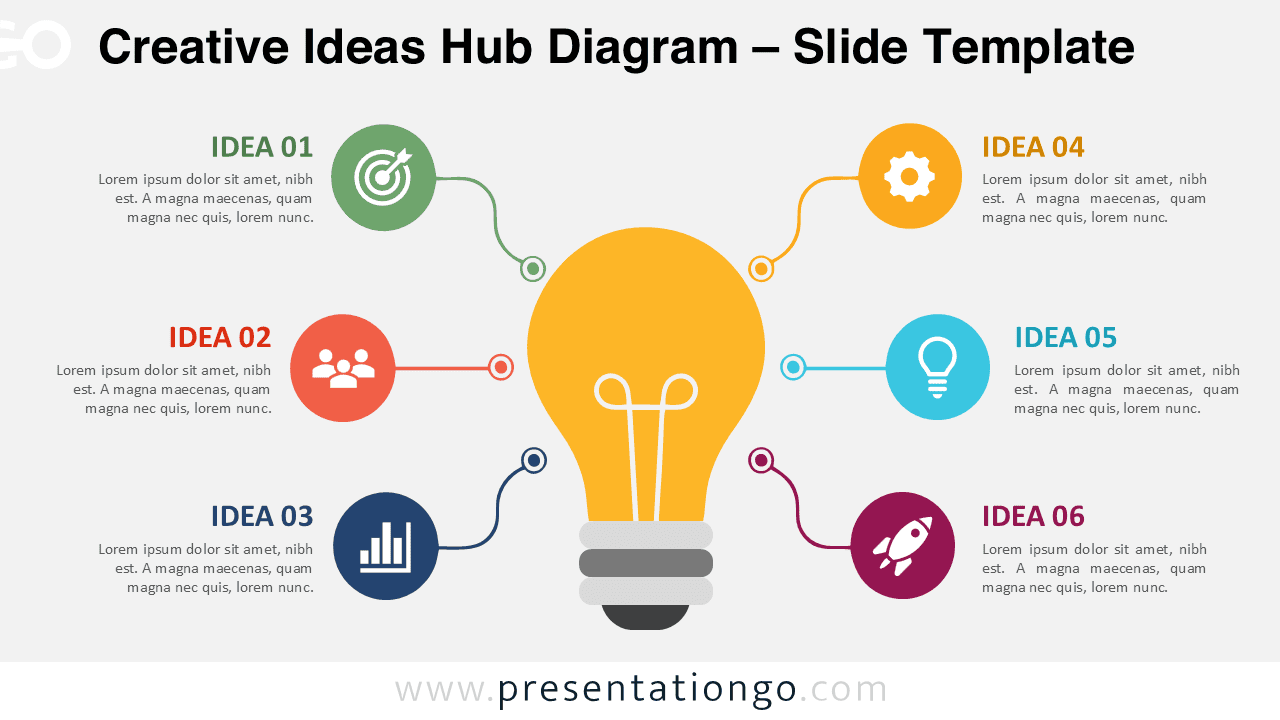
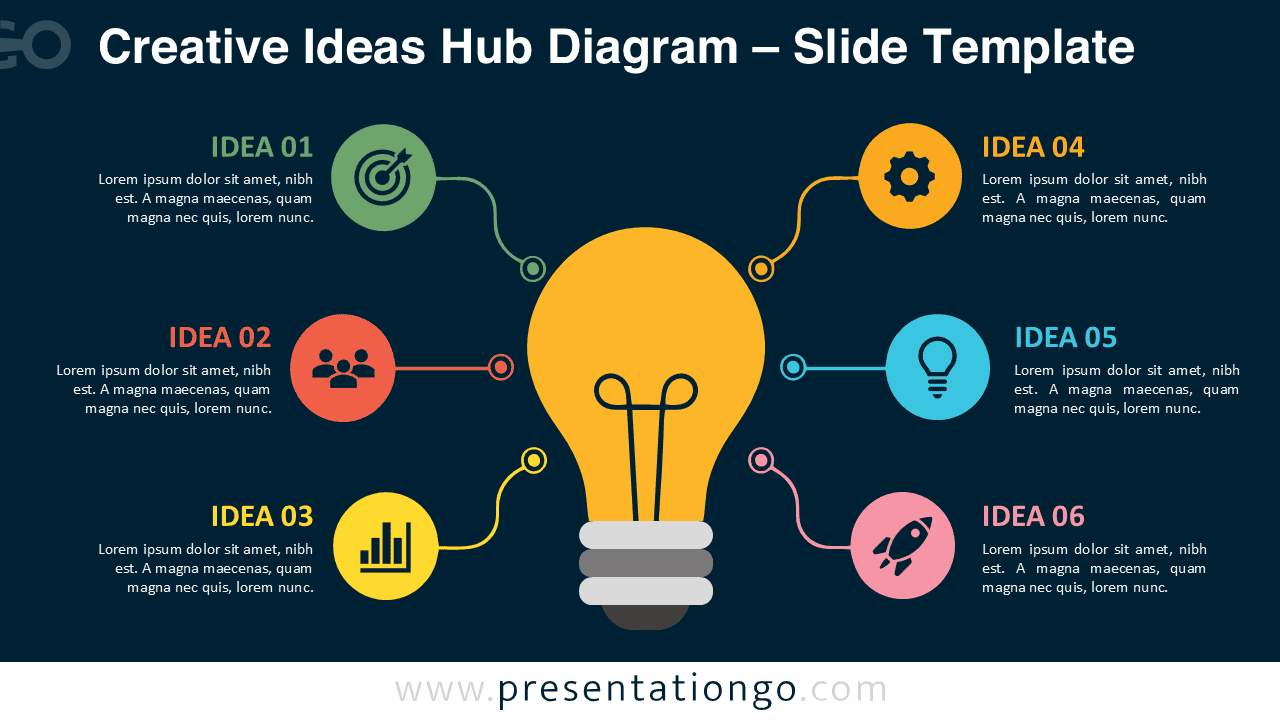


The Creative Ideas Hub Diagram uses a balanced six-part radial structure. Three elements appear on each side of the central light bulb. Curved connectors guide the eye from the main concept toward each supporting point. This arrangement keeps relationships easy to understand while maintaining generous space for short explanations.
Two coordinated versions make the diagram adaptable to different presentation styles. The underlying structure remains consistent, so you can move between versions without changing your content or presentation logic.
Features and Customization Options
- Six editable idea sections
- Editable headings and body text
- Customizable shapes and connectors
- Flexible central light bulb graphic
- Easy layout adjustments
- PowerPoint and Google Slides compatible
- Icons used for illustration purposes only
- Icons sourced from the Office icon library
- Office icons are easily modifiable
Design and Structure
The layout revolves around a single visual hub, which makes the relationship between ideas instantly recognizable. Each supporting element connects directly to the center rather than following a sequence. Therefore, the diagram works especially well when all six ideas share similar importance.
The circular nodes provide clear visual anchors for the supporting concepts. Their icons help distinguish themes at a glance, while the text areas add context. Because the sections remain independent, you can also rename them for almost any six-part framework.
Practical Applications
- Brainstorming six ideas around one central topic
- Presenting six strategic priorities
- Explaining key project components
- Mapping factors that support one objective
- Showing innovation or product development themes
- Organizing workshop discussion points
- Presenting business opportunities or initiatives
- Summarizing six success factors
Summary
The Creative Ideas Hub Diagram turns a group of related concepts into one clear visual framework. Its central hub establishes the main message, while six connected sections provide room for supporting ideas. The format is simple enough for quick presentations yet flexible enough for business, education, workshops, and creative planning.
You can edit the text, shapes, connectors, and illustrative Office icons to match your content. Use it whenever you need to connect several ideas to one central theme without suggesting a strict sequence.



