

The Central Idea Hub Diagram helps you organize six related points around one main concept. Its balanced radial layout gives every supporting topic equal visual importance while keeping the core message easy to identify. You can use it to simplify complex information, structure a discussion, or introduce the main elements of a strategy. The diagram works in both PowerPoint and Google Slides, so you can adapt it quickly for different presentation needs.
Diagram Preview
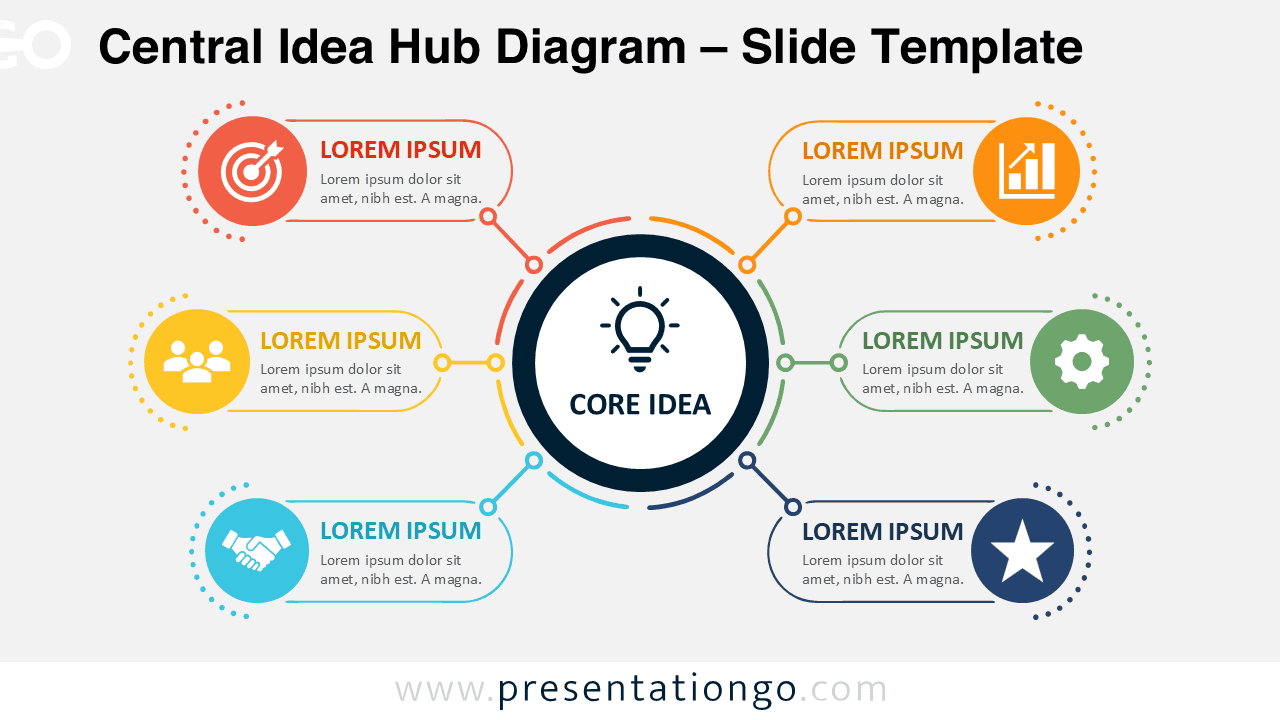
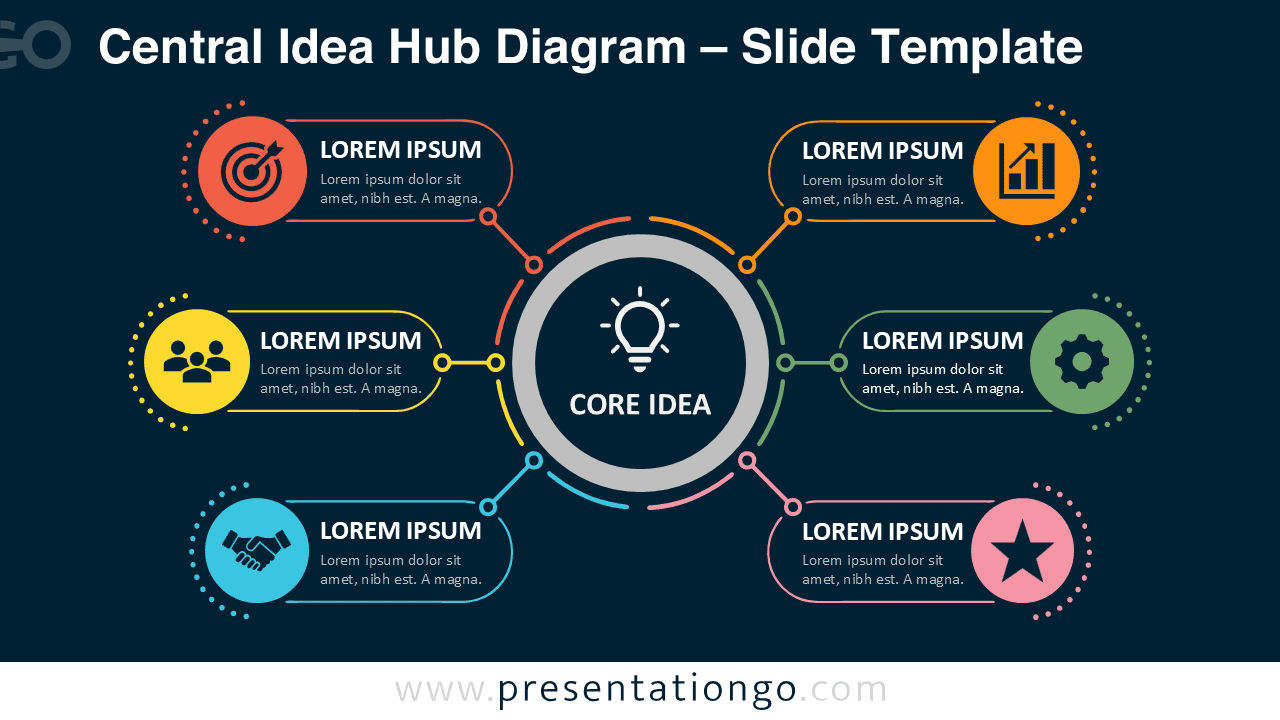


The design uses a clear hub-and-spoke structure. A large central circle holds the main idea, while six connected sections provide space for titles and short explanations. Each branch remains visually separate, which helps audiences follow the information without losing sight of the central message. The layout also gives you enough room to explain each point without making the slide feel crowded.
Features and Customization Options
- Six connected content sections
- Editable central concept
- Customizable text placeholders
- Adjustable shapes and connectors
- Icons included for illustration purposes only
- Icons sourced from the Office icon library
- Icons are easy to modify or replace
- Compatible with PowerPoint and Google Slides
- Light and dark slide versions
Design and Structure
The Central Idea Hub Diagram creates a natural reading path from the middle toward the surrounding topics. This makes it useful when one message depends on several supporting ideas. The symmetrical composition also keeps the slide organized, even when each section contains different information.
You can change the central title, rename every section, and adjust the supporting descriptions. You can also resize the elements, update the connectors, or remove sections that you do not need. The included icons act as editable placeholders, so you can replace them with symbols that better match your subject.
The diagram supports both concise summaries and more detailed explanations. For a quick overview, use short labels in each branch. For a more informative slide, add one or two brief sentences under every heading. This flexibility makes the layout suitable for business, education, training, and project communication.
Practical Applications
- Business strategy overviews
- Six key priorities
- Core values presentations
- Product feature summaries
- Marketing plan components
- Project planning discussions
- Training and workshop topics
- Research theme summaries
- Customer experience factors
- Innovation framework slides
Summary
The Central Idea Hub Diagram offers a simple way to connect six supporting topics to one main message. Its editable structure helps you present ideas clearly without overwhelming the audience. Use it in PowerPoint or Google Slides to build professional strategy, planning, training, or concept slides with a natural visual flow.



