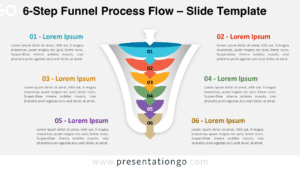
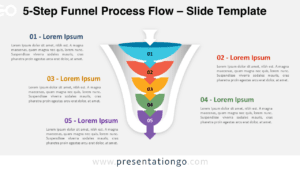
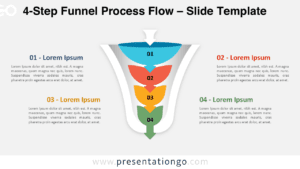
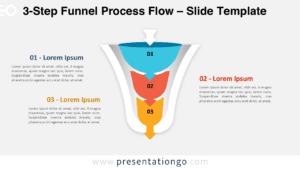
Free vertical funnel diagram for PowerPoint. Two green curved arrows indicate the flow down. Completely editable PPT diagram.
When to use the funnel diagram for PowerPoint?
Funnels are metaphors looking like an upside down pyramid. They are a simple and useful framework, widely used in business models and specifically in sales. Also better known as purchase funnel, customer funnel, marketing funnel, sales pipeline or conversion funnel.
You can basically use the funnel in order to concentrate or focus in a particular direction.
How to customize the editable funnel diagram for PowerPoint?
- Select the shape
- Right-click
- Group>Ungroup
- Then you can select and edit all the separate parts of the PPT funnel
This ‘Simple Funnel Diagram’ template features:
- 1 unique slide
- Ready to use template with text placeholder
- Completely editable shapes
- Standard (4:3) and Widescreen (16:9) aspect ratios
- PPTX file (PowerPoint)
Free font used:
- Calibri (System Font)