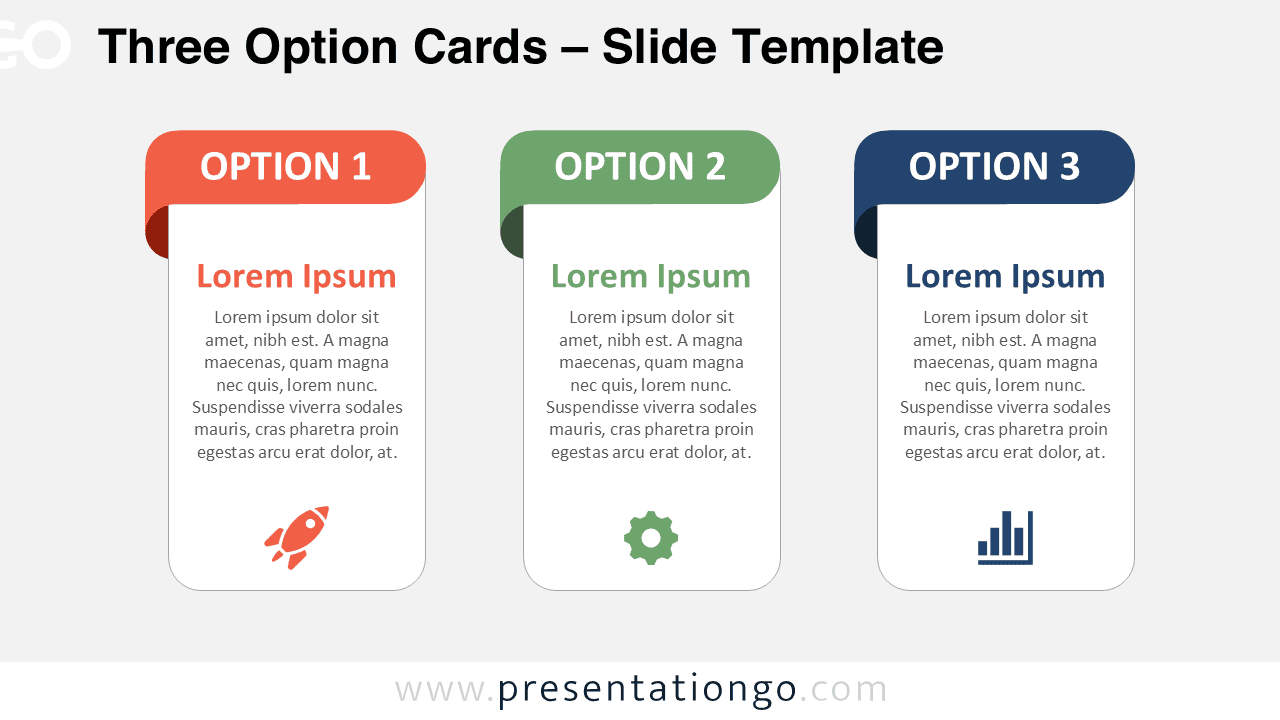
The Three Option Cards PowerPoint diagram organizes three alternatives into separate vertical cards for direct comparison. Each card combines an option label, heading, supporting text, and an editable icon placeholder. Use the layout in PowerPoint or Google Slides for choices that need equal visual weight and consistent information.
Diagram Preview


Features and Customization Options
- Compatible with Microsoft PowerPoint and Google Slides
- 2 slides × 2 backgrounds (light and dark)
- Editable text, shapes, colors, and icon placeholders
- 100% editable vector shapes — no quality loss when resized
- Icons are for illustration purposes only, sourced from the Microsoft Office icon library, and easily modified or replaced
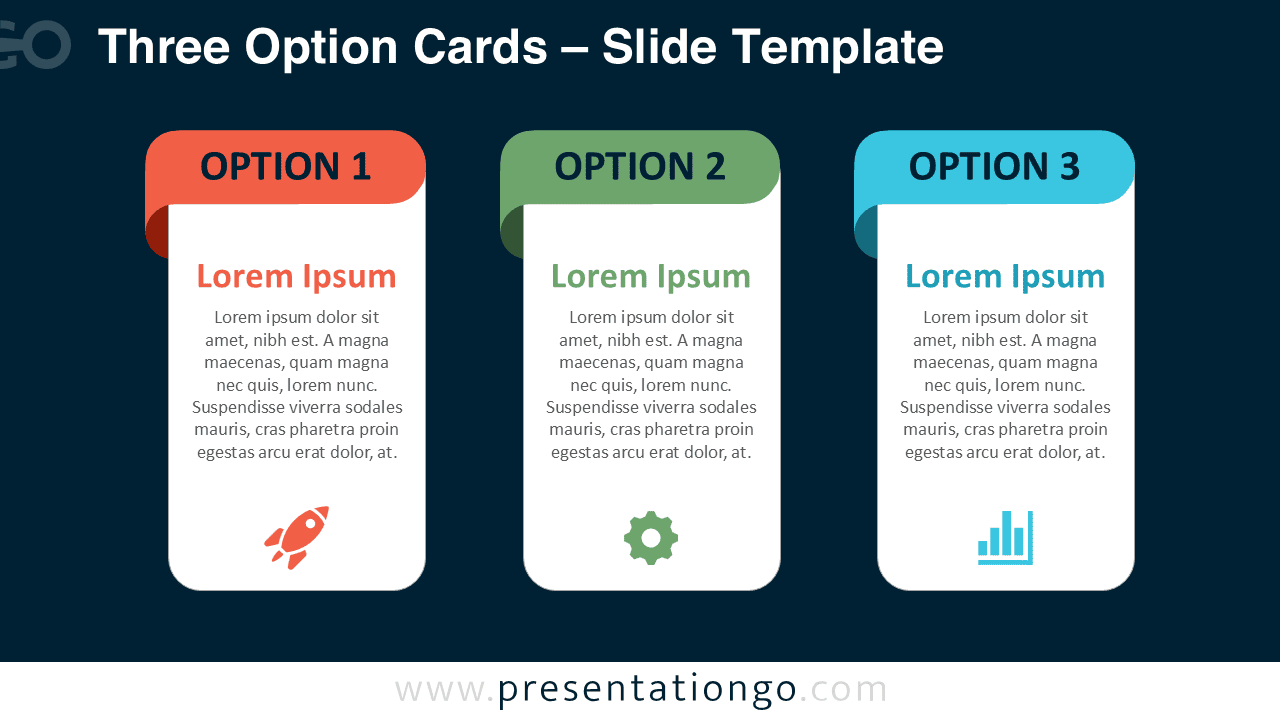
- Includes both light and dark background versions
Design and Structure
The Three Option Cards PowerPoint diagram uses three equally sized cards arranged in a single horizontal row. This structure gives each option the same amount of space, which works well when the alternatives have similar importance. A prominent label identifies each option, while the central content area provides room for a short title and supporting explanation. An icon placeholder anchors the bottom of each card and adds a visual reference without competing with the text.
The repeated card structure helps viewers compare equivalent information across all three options. You can replace the sample text with product names, service levels, strategic directions, project alternatives, or recommendation summaries. The card headings, body text, shapes, and icons are editable, so the diagram can adapt to different presentation topics while keeping the three-part comparison intact.
Practical Applications
- Compare three products or services
- Present three strategic alternatives
- Outline three pricing or package options
- Show three recommendations
- Compare project approaches
- Present three possible decisions
- Summarize three solution paths
Summary
The Three Option Cards PowerPoint diagram provides a focused structure for comparing three alternatives on one slide. Its editable cards, text areas, shapes, and icon placeholders make it suitable for business comparisons, decision presentations, proposals, product reviews, and planning discussions in PowerPoint and Google Slides.