
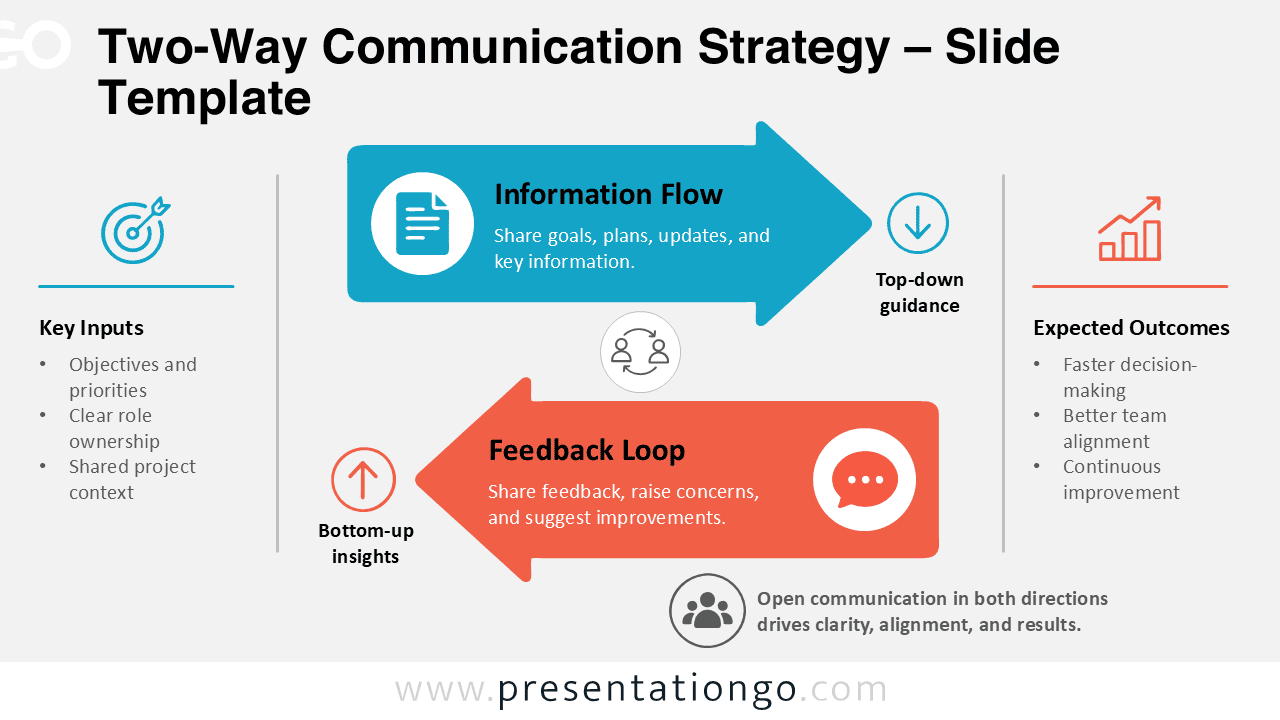
The Two-Way Communication Strategy diagram helps explain how information and feedback move through an organization. It combines top-down guidance with bottom-up insights in one easy-to-follow visual. The layout connects key inputs, communication activities, and expected outcomes while keeping both directions of communication clearly linked. Use it in PowerPoint or Google Slides when you need to present a structured communication process without making the message overly complex.
Diagram Preview
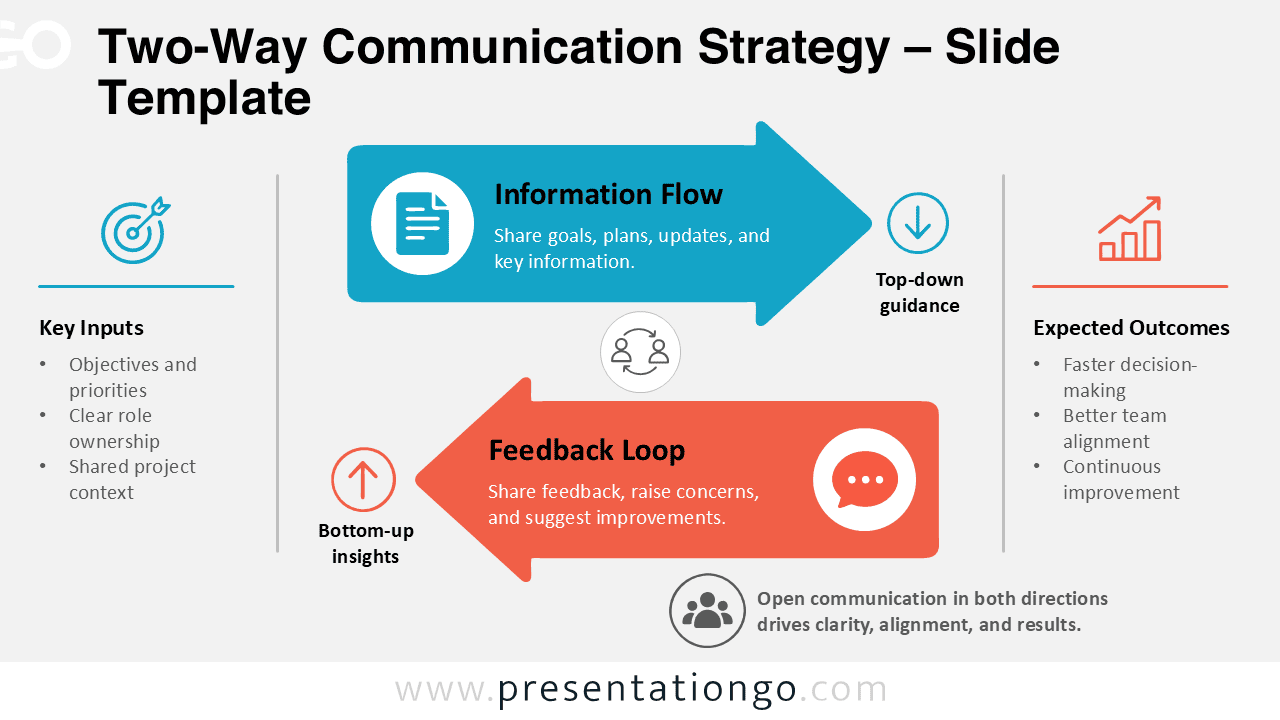
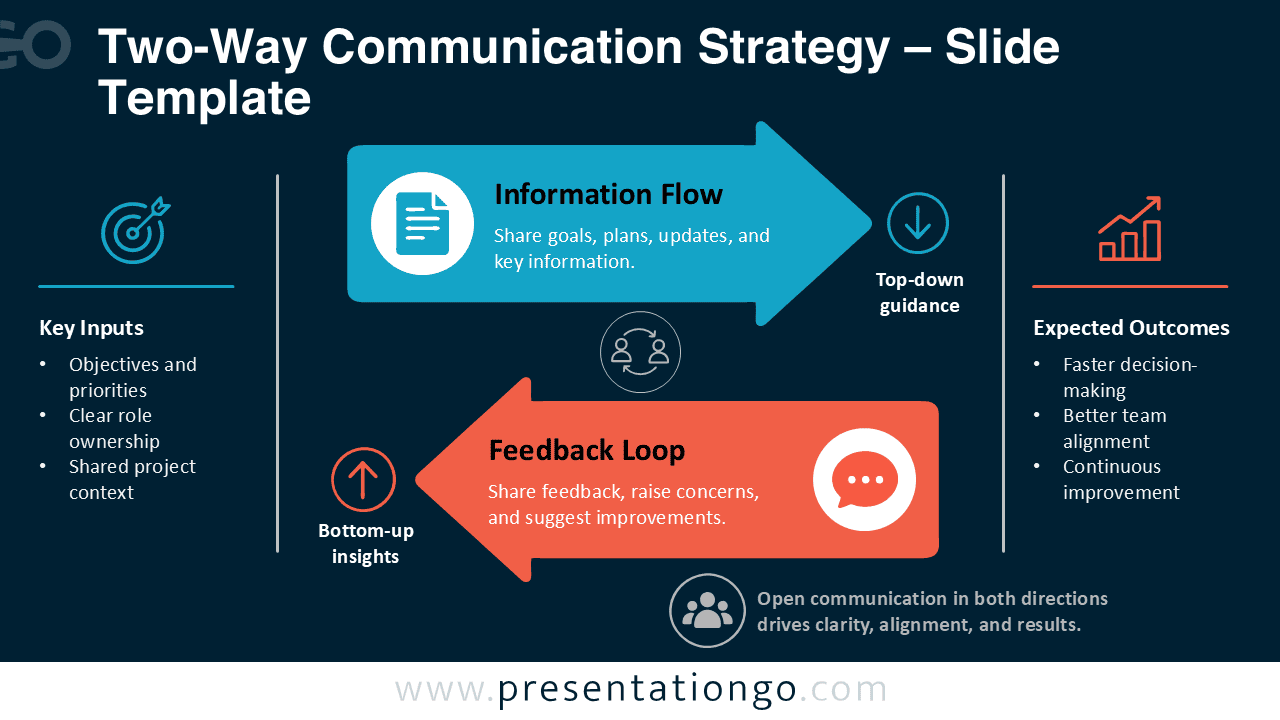


The diagram uses two opposing arrows to separate the main communication directions. The upper arrow represents information flow from leadership or decision-makers toward teams. The lower arrow brings feedback in the opposite direction. Supporting areas identify key inputs and expected outcomes, while editable icon placeholders reinforce the main concepts visually. Both supplied versions retain the same structure for consistent use across different presentation designs.
Features and Customization Options
- Compatible with Microsoft PowerPoint and Google Slides
- Fully editable in just a few clicks
- 100% editable vector shapes — no quality loss when resized
- Editable connectors and flow arrows
- Editable icons (recolor and resize freely)
- Includes both light and dark background versions
Design and Structure of the Two-Way Communication Strategy
The structure creates a clear relationship between information sharing and feedback. Key inputs sit at the beginning of the process and provide context for the communication strategy. The information-flow arrow then shows how goals, plans, updates, and guidance move toward the intended audience. A second arrow returns in the opposite direction to represent questions, concerns, observations, and suggestions.
This balanced arrangement makes the communication cycle easy to understand at a glance. Labels for top-down guidance and bottom-up insights strengthen the directional logic. The expected outcomes area completes the story by connecting open communication with faster decisions, better alignment, and ongoing improvement. You can adapt the text, shapes, arrows, and editable icon placeholders to match your own process.
Practical Applications
- Internal communication strategies
- Leadership and management presentations
- Employee feedback processes
- Team alignment discussions
- Stakeholder communication plans
- Change management presentations
- Organizational communication training
Summary
The Two-Way Communication Strategy diagram provides a practical way to visualize reciprocal communication within teams and organizations. Its opposing arrows distinguish information flow from feedback while keeping both activities part of the same process. The surrounding inputs and outcomes add useful context without overcrowding the slide.
Use the diagram to explain leadership communication, employee participation, feedback systems, or collaborative decision-making. Because the elements remain editable in PowerPoint and Google Slides, you can quickly tailor the content to your audience, terminology, and communication framework.



