
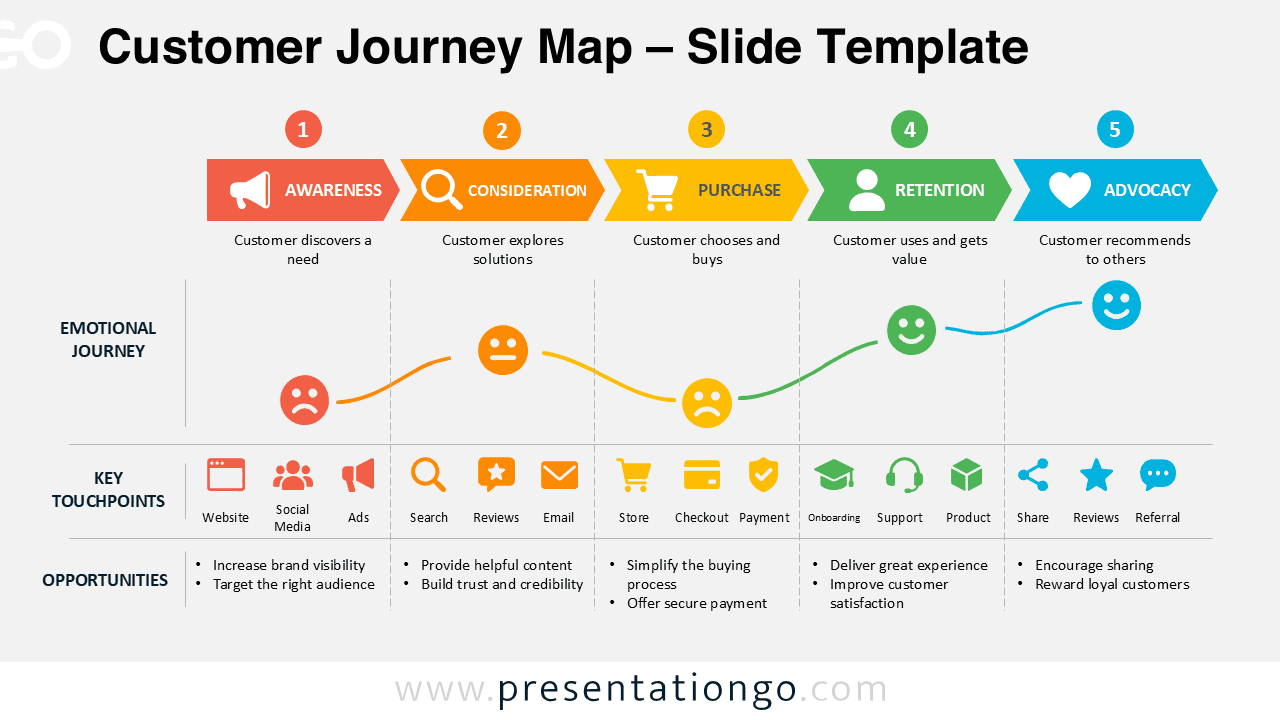
The Customer Journey Map gives you a clear way to present how people interact with a brand from first contact to advocacy. It organizes the experience into five recognizable stages: awareness, consideration, purchase, retention, and advocacy. Each stage connects customer behavior with emotions, touchpoints, and business opportunities. The result is a practical overview that helps an audience understand the entire journey without switching between several separate diagrams.
Diagram Preview
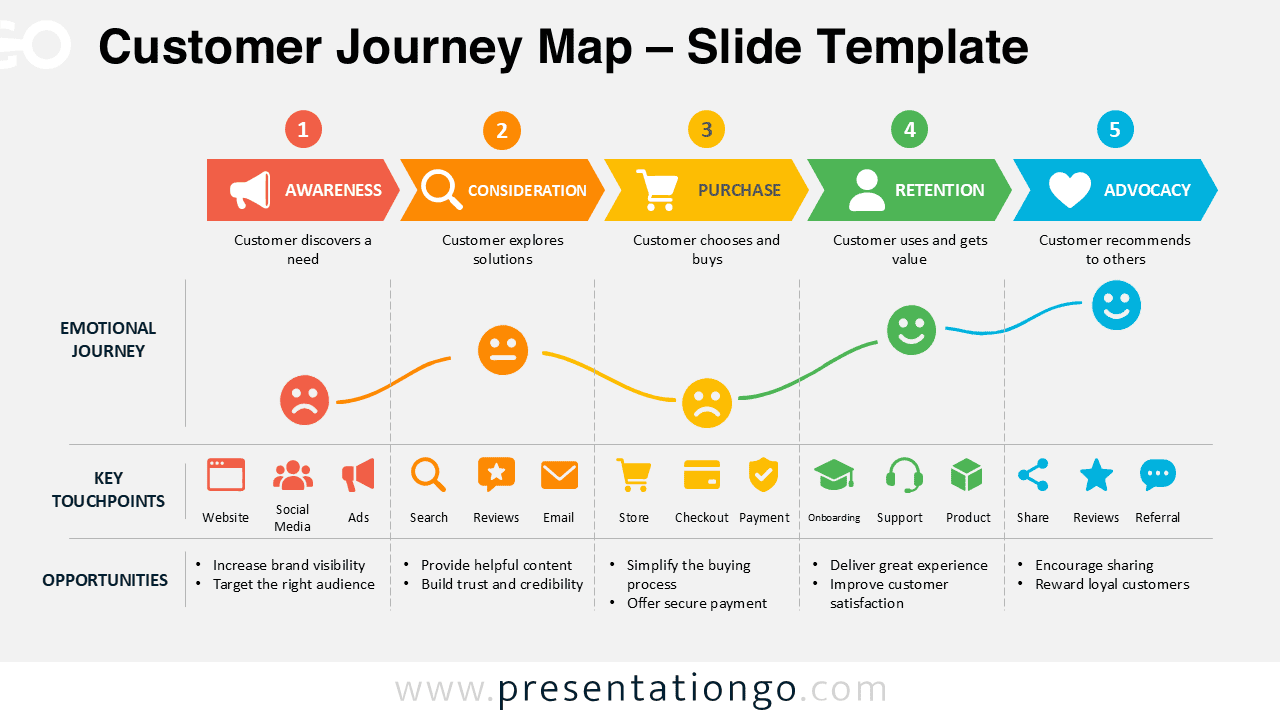
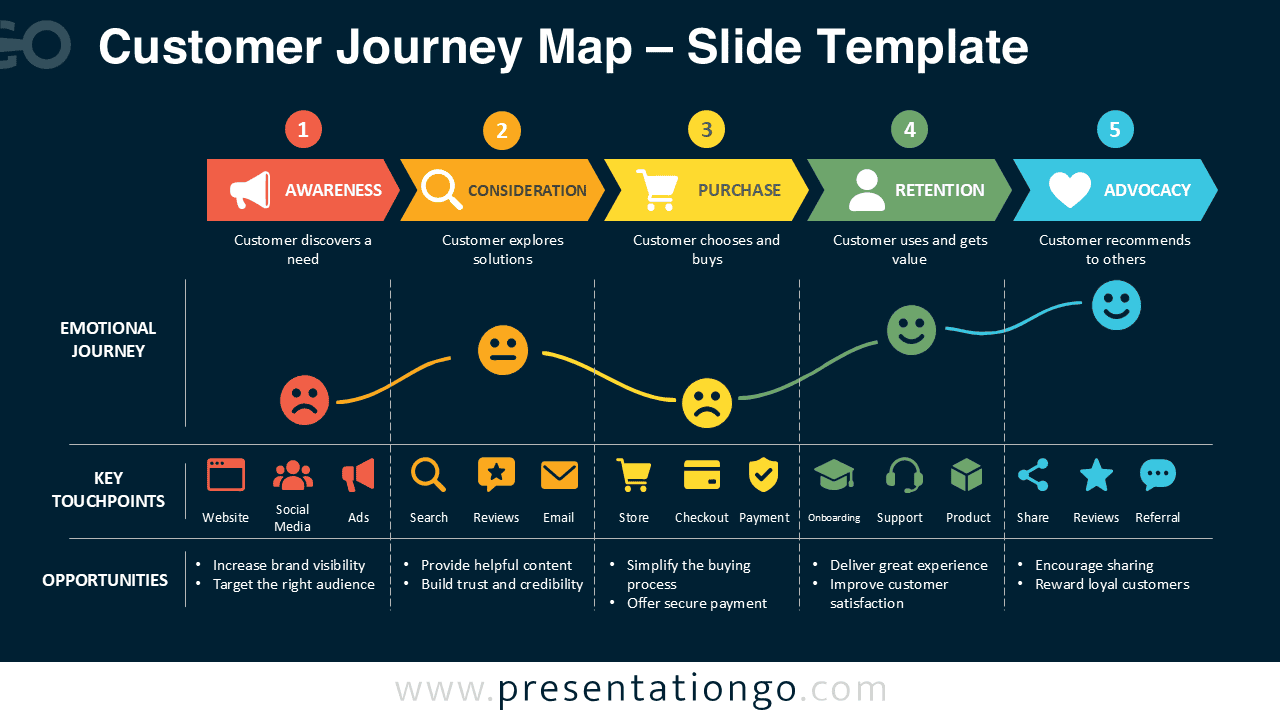


The layout follows a simple left-to-right progression that makes the customer experience easy to scan. A structured stage bar defines the five phases, while the emotional journey below shows how customer sentiment can change over time. A dedicated touchpoint row identifies important interactions across each phase. The final section connects those interactions with opportunities that teams can discuss, prioritize, or adapt to their own customer experience strategy.
Features and Customization Options
- Compatible with Microsoft PowerPoint and Google Slides
- 5-step customer journey diagram, fully editable
- Editable text, shapes, and icon placeholders
- Icons shown are from the Microsoft Office icon library and are for illustration purposes only
- Office icons can be easily replaced, resized, or modified
- Includes both light and dark background versions
Design and Structure
The Customer Journey Map uses a layered structure that keeps several types of information connected without making the slide difficult to follow. The five main stages create the backbone of the diagram. Under them, short descriptions explain what the customer is doing at each point. The emotional journey adds another level of context by showing changes in sentiment across the experience.
The touchpoint section groups common interactions under the relevant customer stage. These can include website visits, social media, advertising, search, reviews, email, checkout, support, sharing, and referrals. The opportunity section then gives teams space to connect each stage with practical actions. Because the content stays aligned vertically, viewers can quickly relate a customer stage to its emotions, interactions, and possible improvements.
Practical Applications
- Map the customer experience from awareness through advocacy
- Identify important touchpoints across the customer lifecycle
- Discuss customer emotions during each stage
- Highlight opportunities to improve the customer experience
- Support marketing and customer experience workshops
- Present service design and customer lifecycle strategies
- Compare current and desired customer experiences
- Align marketing, sales, service, and support teams
Summary
This Customer Journey Map combines customer stages, emotional responses, touchpoints, and improvement opportunities in one structured visual. It works well when you need to explain how different interactions contribute to the broader customer experience. The five-stage format also provides enough detail for strategic discussion while remaining easy to understand during a presentation.
You can adapt the text, shapes, icons, and individual elements to match your own customer journey. Use it for workshops, marketing presentations, customer experience reviews, or internal planning sessions. The editable structure makes it easy to turn a generic journey into a map that reflects your audience, services, channels, and business priorities.



