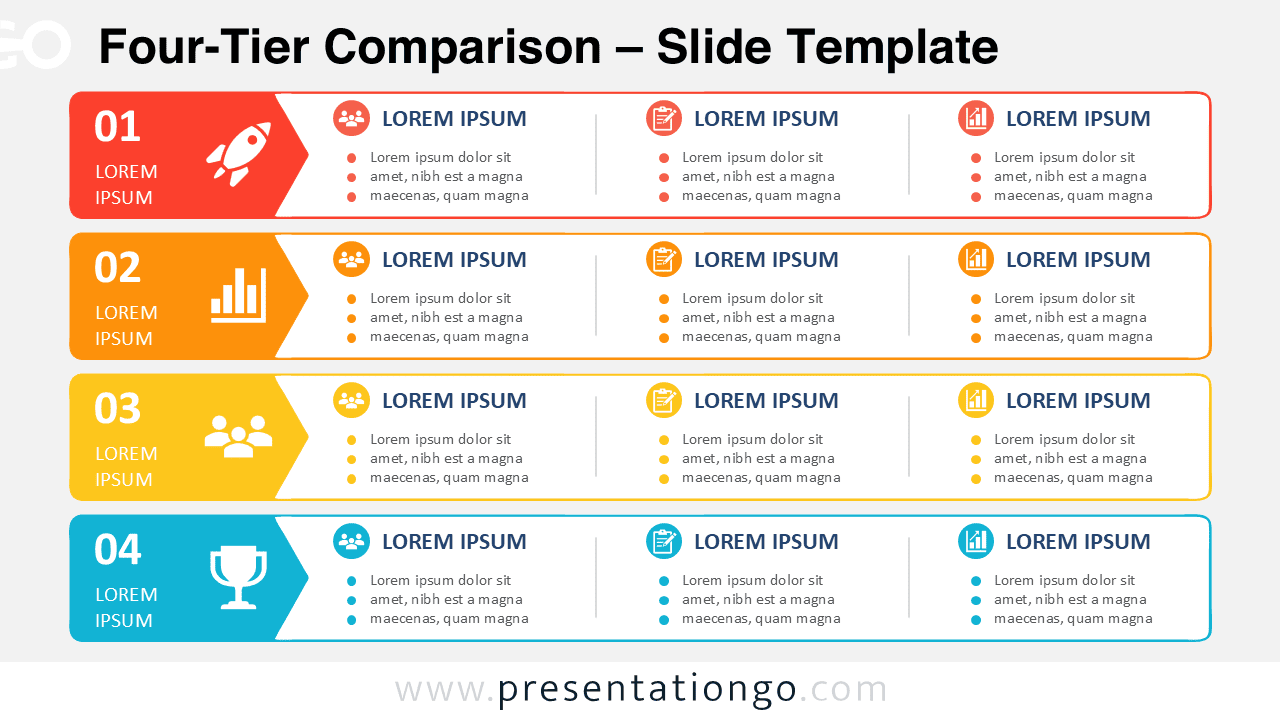
Four-Tier Comparison
Compare four service levels, departments, packages, or business criteria with an editable horizontal tier diagram for PowerPoint and Google Slides.
Google SlidesPPTX
16:9
Browse our extensive collection of 75 Comparison templates for PowerPoint and Google Slides, designed to help you present contrasting information effectively and professionally. These customizable templates are perfect for showcasing differences, similarities, pros and cons, or any other type of comparison you need to highlight. Comparison templates offer a variety of layouts and styles to display contrasting information clearly and concisely. Impress your audience with well-structured comparisons and leave a lasting impact.
Browse our extensive collection of 75 Comparison templates for PowerPoint and Google Slides, designed to help you present contrasting information effectively and professionally.
These customizable templates are perfect for showcasing differences, similarities, pros and cons, or any other type of comparison you need to highlight.
Comparison templates offer a variety of layouts and styles to display contrasting information clearly and concisely. Impress your audience with well-structured comparisons and leave a lasting impact.
Google SlidesPPTX
16:9

Google SlidesPPTX
16:9
Google SlidesPPTX
4:3,16:9
Google SlidesPPTX
4:3,16:9
Showing 1–5 of 5 templates