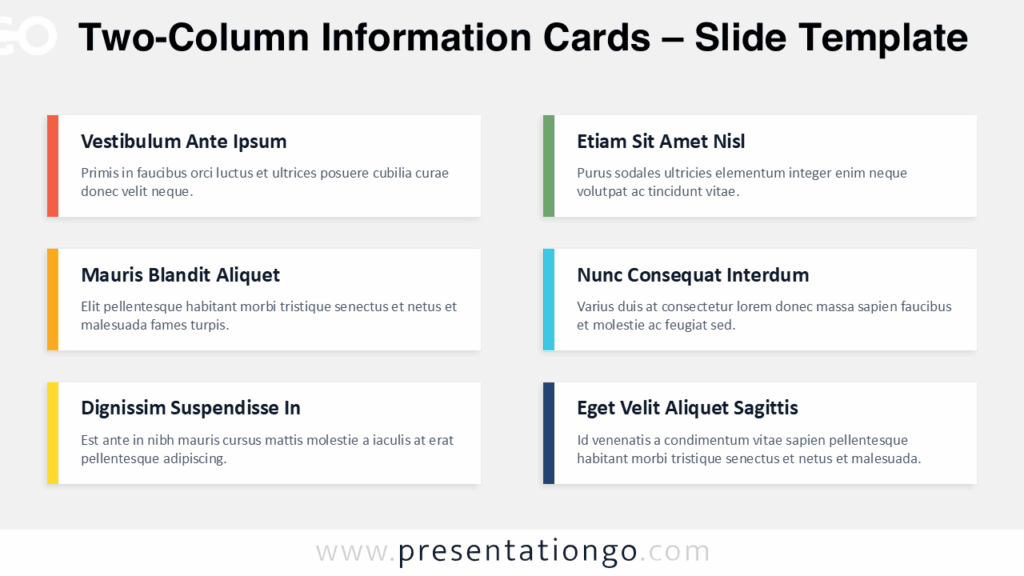
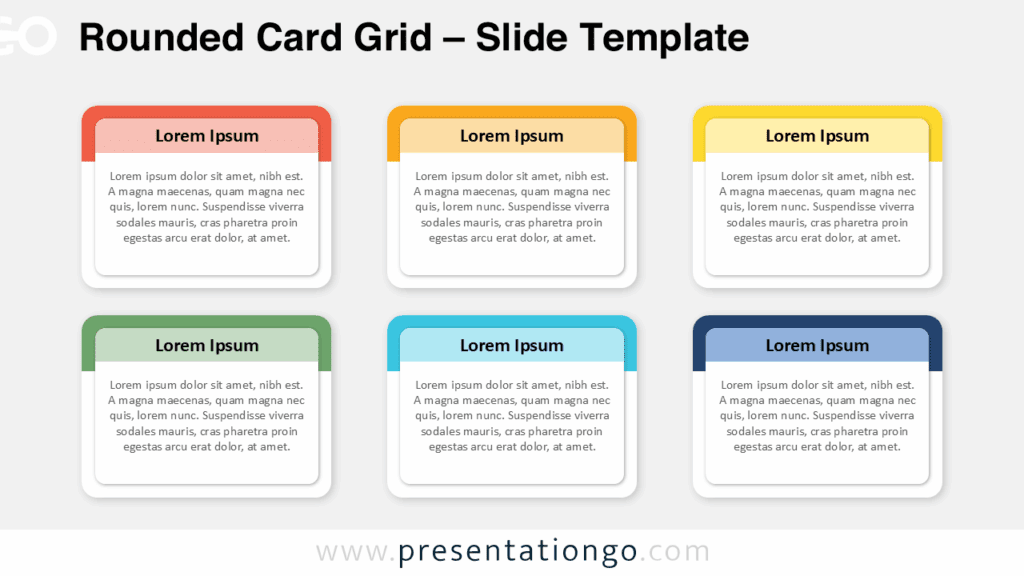
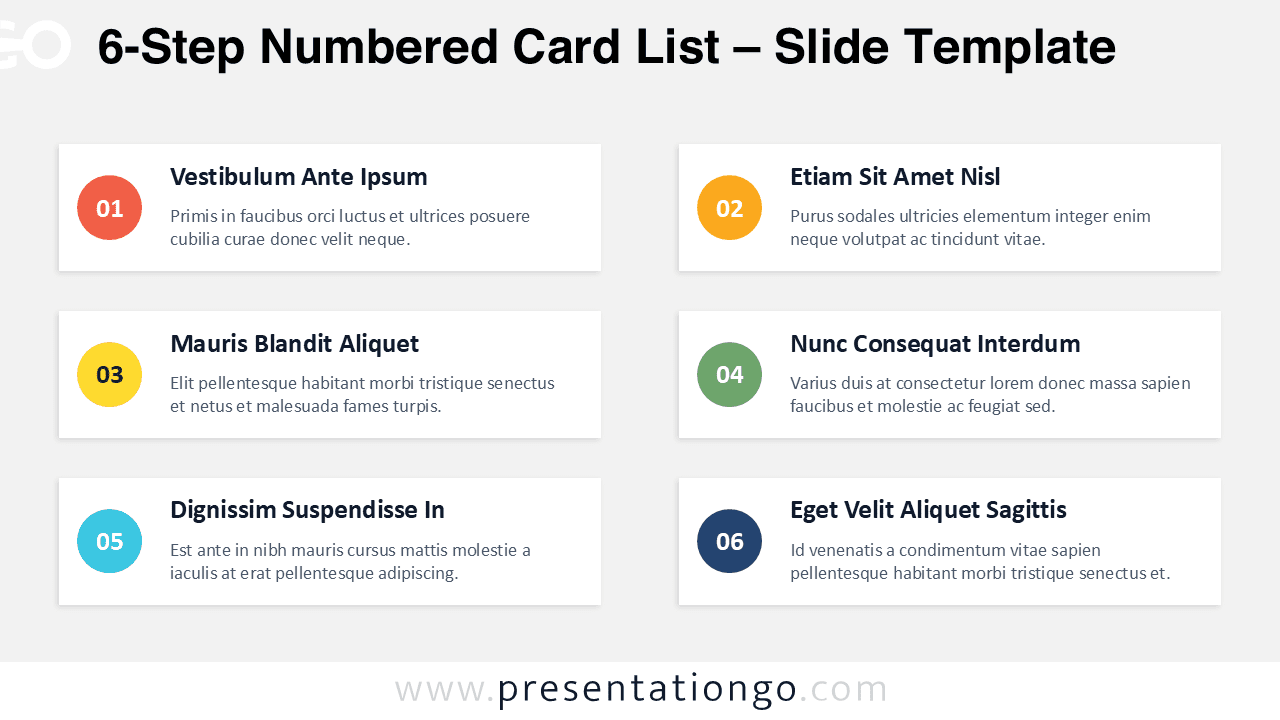
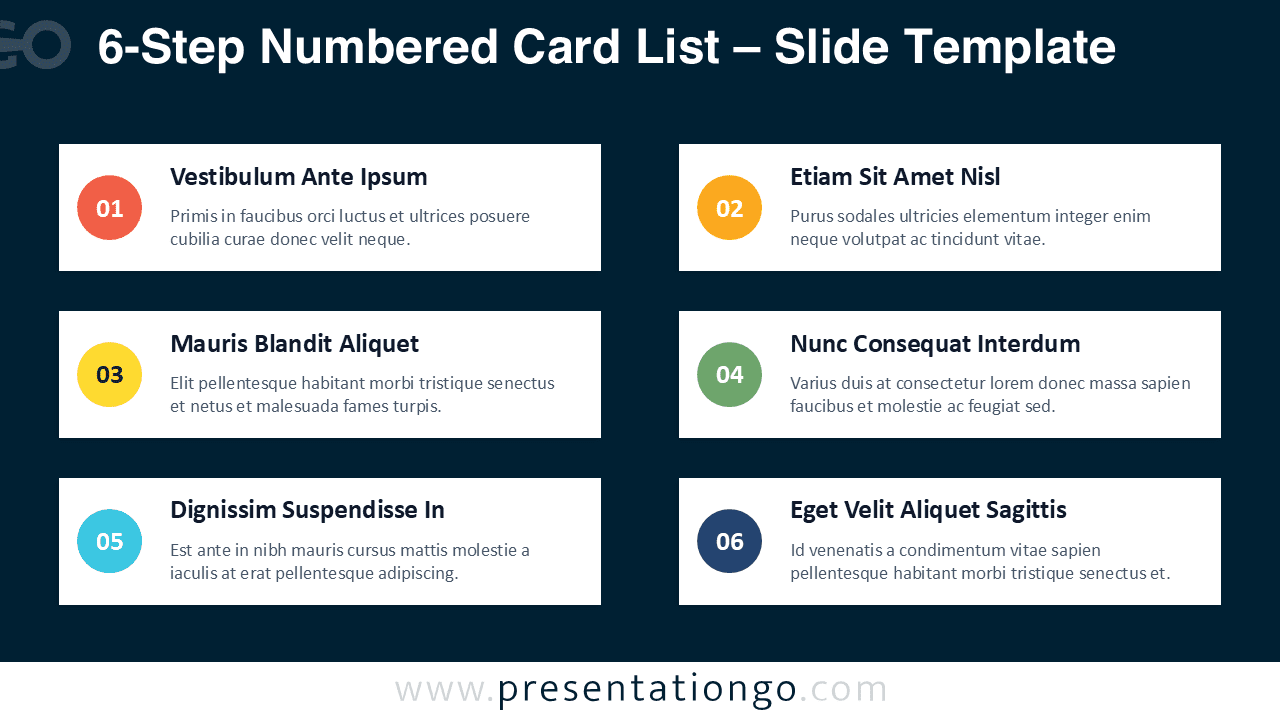
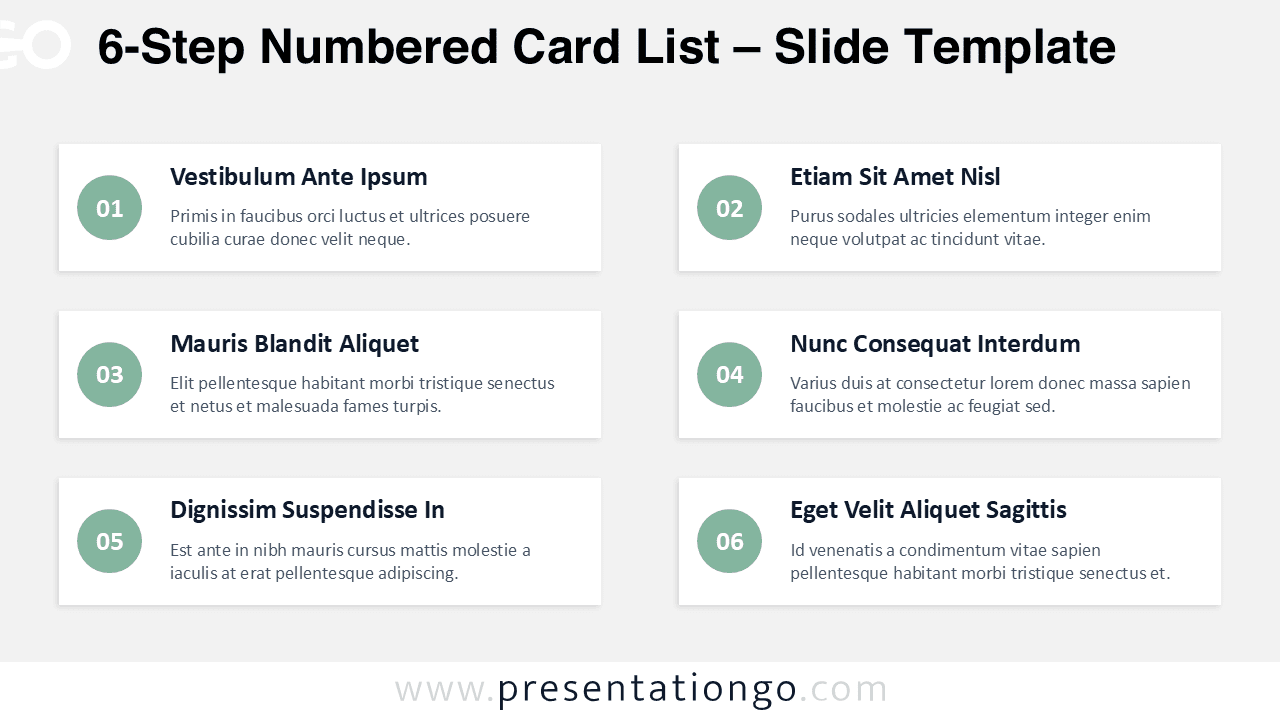
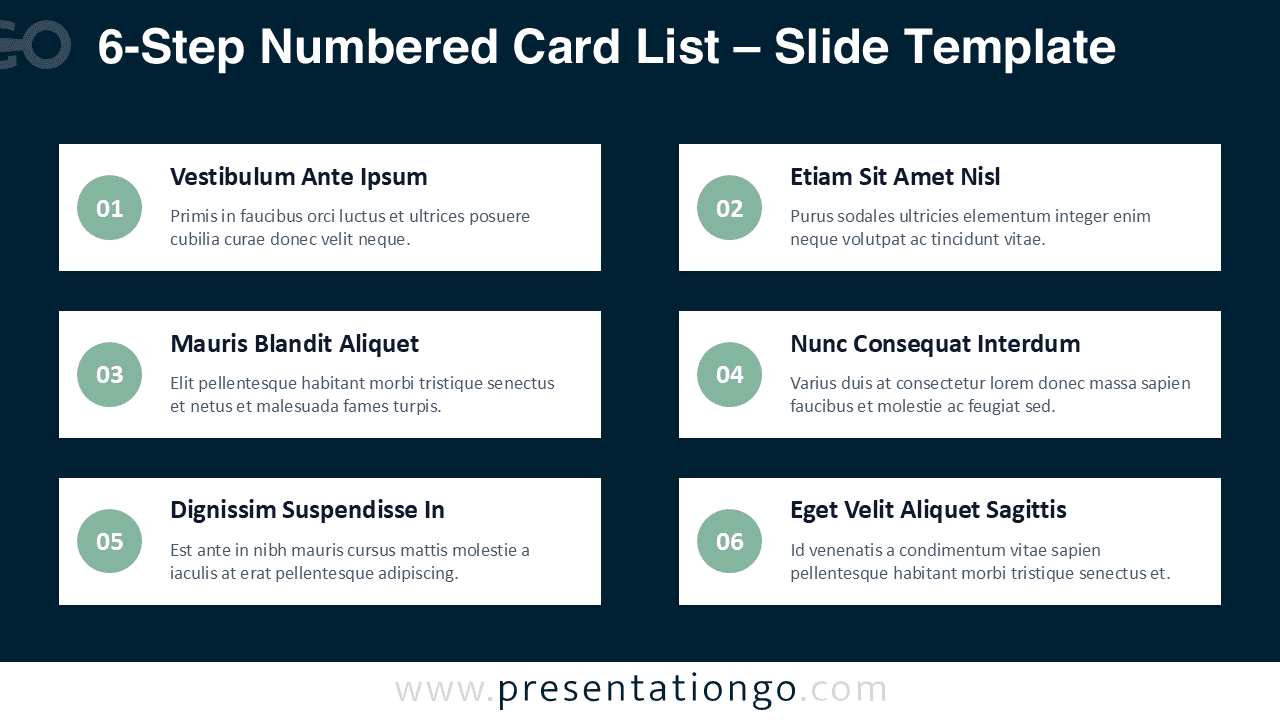
The 6-Step Numbered Card List diagram helps you present six ideas in a clean, structured layout for PowerPoint and Google Slides. It uses six rounded cards arranged in two columns, with a circular number badge, a bold title, and a short text area for each step. This format keeps attention moving in the right order while staying easy to scan on screen. Use it to explain a workflow, summarize key features, or outline a simple agenda without overcrowding the slide.
Diagram Preview
Features and Customization Options
- Includes 4 slide options: light theme and dark theme, each available in monochrome and multicolor badge styles.
- Designed for a 6-step sequence with numbered badges that guide reading order.
- Editable text placeholders for titles and descriptions in every card.
- Fully customizable shapes, including card containers, circles, shadows, and spacing.
- Quick color editing to match your brand palette or highlight priority steps.
- Available in Widescreen (16:9) ratio.
- Provided in both PowerPoint PPTX and Google Slides formats.
Design and Layout Overview
This diagram uses a modern card-based design with rounded rectangles and subtle shadows to separate each step without heavy borders. The two-column grid keeps the layout balanced and supports fast alignment. The number badge sits on the left edge of each card to reinforce sequence and improve navigation during live presentations. The monochrome version delivers a calm, corporate look, while the multicolor version adds contrast for storytelling, training, or workshops. The dark theme maintains strong readability by keeping cards bright against a deep background.
Practical Applications
- Six-step process: methodology, workflow, or operating procedure.
- Agenda slide: six topics, segments, or meeting checkpoints.
- Roadmap overview: six phases, milestones, or deliverables.
- Feature summary: six benefits, services, or product highlights.
- Checklist: six actions to complete, verify, or review.
- Training and education: six modules, lessons, or learning outcomes.
Summary
The 6-Step Numbered Card List diagram provides a simple, professional way to present six items with clear hierarchy and strong readability. With light and dark themes plus monochrome and multicolor variations, you can match different audiences and presentation styles. Edit the text, colors, and shapes quickly in PowerPoint or Google Slides to create a polished process, agenda, or feature slide in minutes.