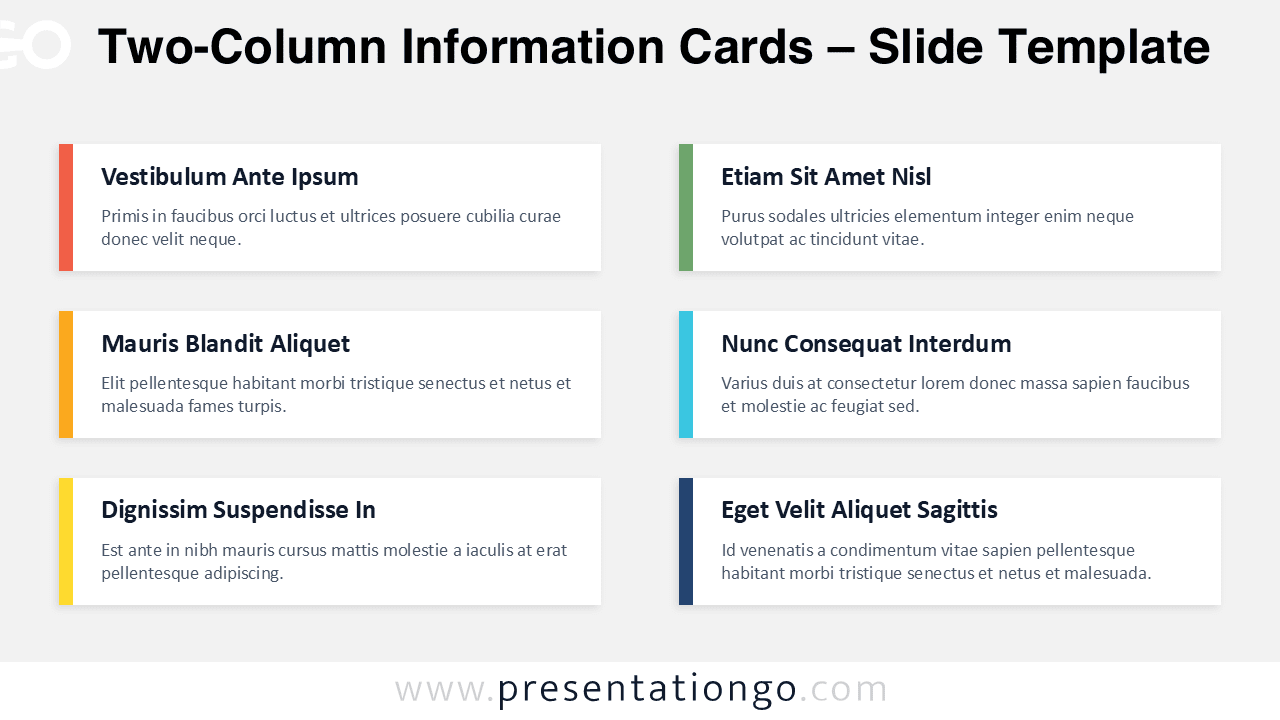
Need a fast way to present key points without clutter? The Two-Column Information Cards diagram gives you a clean, structured layout that keeps your message easy to scan. Use it to summarize agendas, highlight features, share updates, or compare categories. Each slide uses six white content cards arranged in a balanced two-column grid. The design adds soft shadows for depth and a vertical accent bar for quick visual grouping.
Diagram Preview
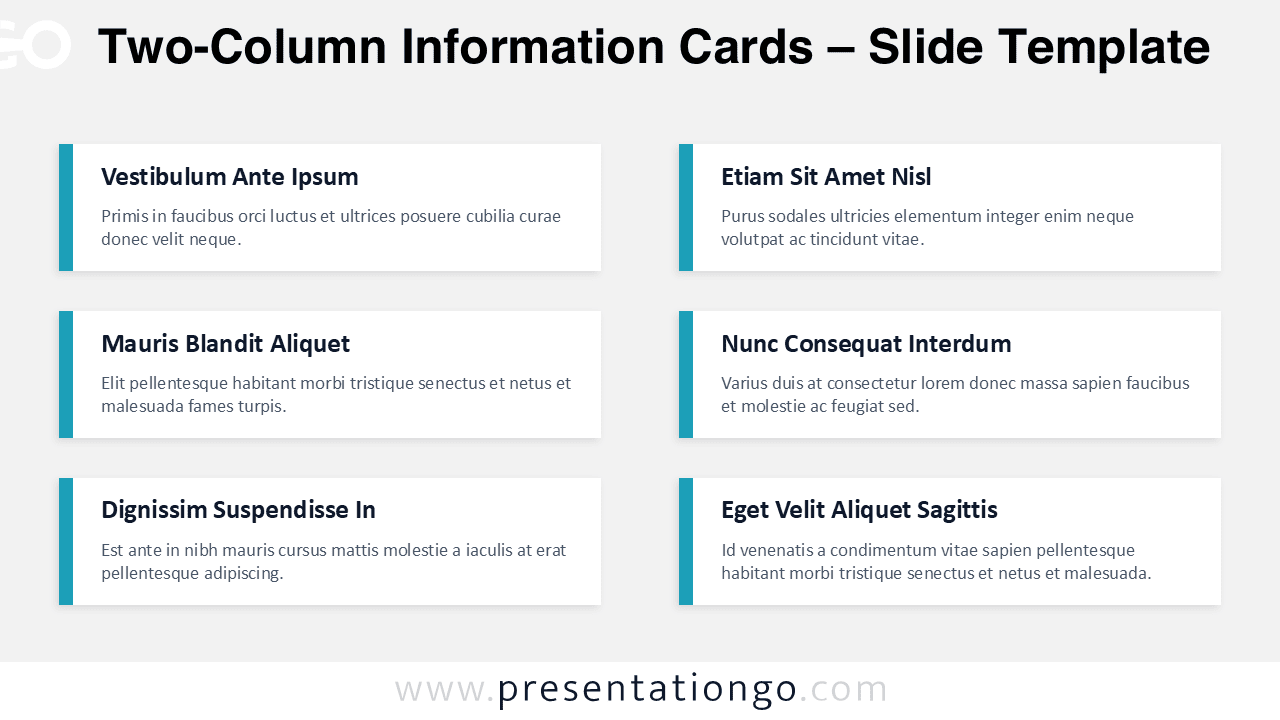
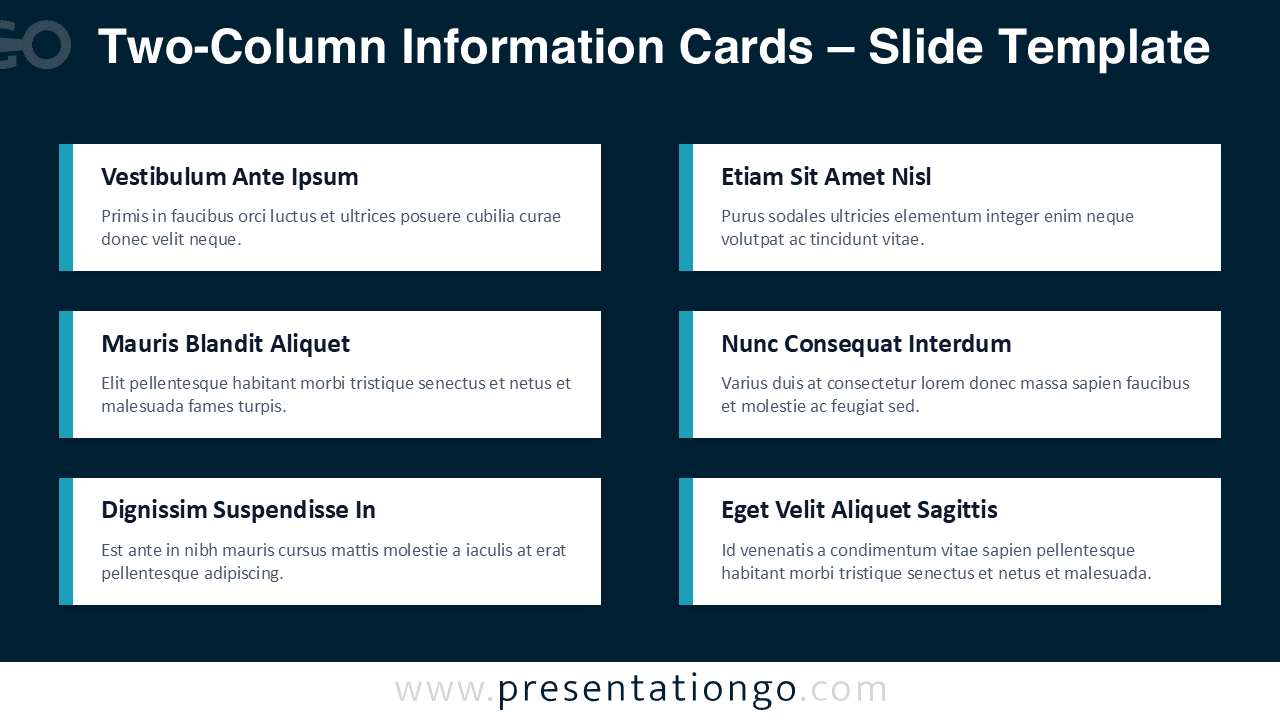


Features and Customization Options
- Includes 4 unique slide options with matching styling.
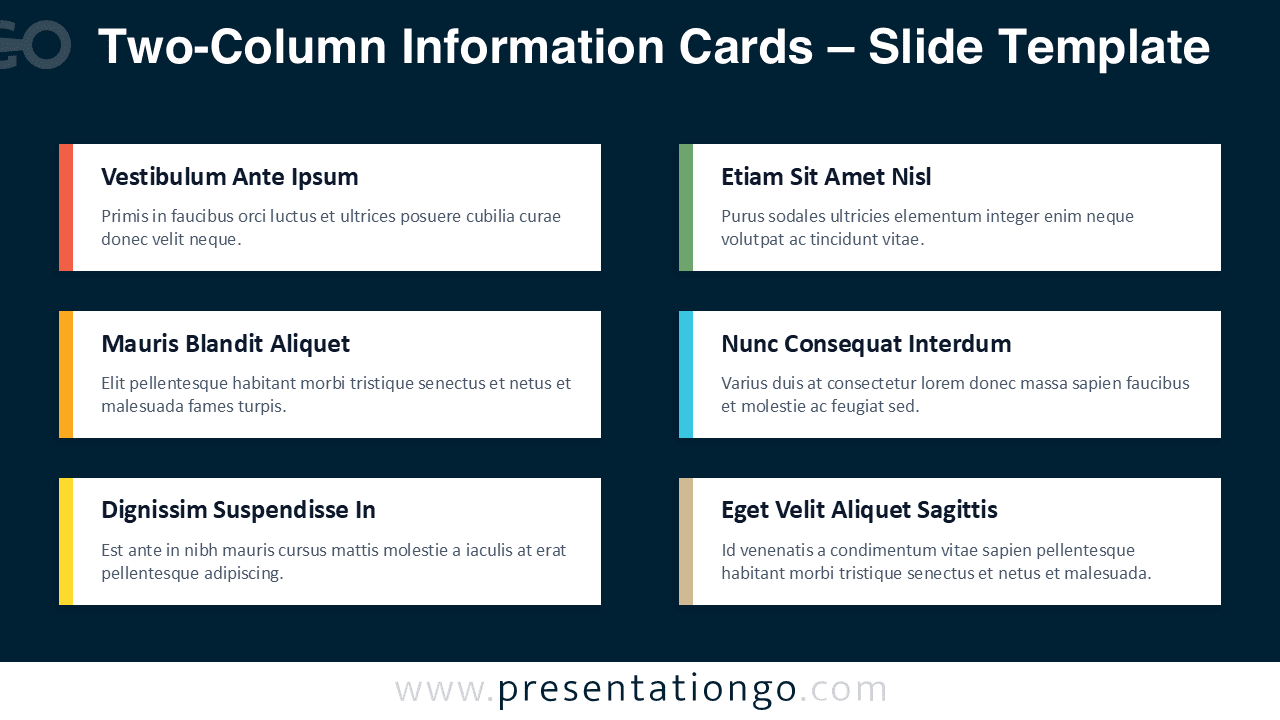
- Options for both light and dark themes.
- Pre-populated with text placeholders for fast editing (no icons included in this set).
- Fully customizable shapes for complete control.
- Quickly change accent bars to apply one color or multiple category colors.
- Edit card shadows, spacing, and alignment to match your brand system.
- Available in Widescreen (16:9) ratio.
- Offered in both PowerPoint PPTX and Google Slides formats.
Design and Layout Overview
This design uses a structured 3×2 card grid that fits six messages on one slide without crowding. Each card includes a vertical accent bar that creates hierarchy and supports visual grouping. The consistent headline style strengthens scanning, while the short body text encourages concise writing. Subtle shadows add depth so the cards separate clearly from the background. The light theme works well for reports and handouts, while the dark theme supports stage screens and high-contrast decks. You can keep a single accent color for a corporate look or apply different colors to separate topics, teams, or phases.
Practical Applications
- Agenda slide with six discussion topics and short context lines.
- Product or service overview with six features and benefits.
- Project status summary with six workstreams or milestones.
- Team responsibilities slide with six roles or ownership areas.
- Training recap with six lessons learned or key reminders.
- Executive summary slide with six outcomes or recommendations.
Summary
Use the Two-Column Information Cards diagram when you need a clear six-point overview that stays consistent across decks. Replace titles and descriptions, adjust colors, and fine-tune spacing to match your brand. The light and dark theme options help you reuse the same structure for different presentation contexts while keeping everything clean, readable, and professional.