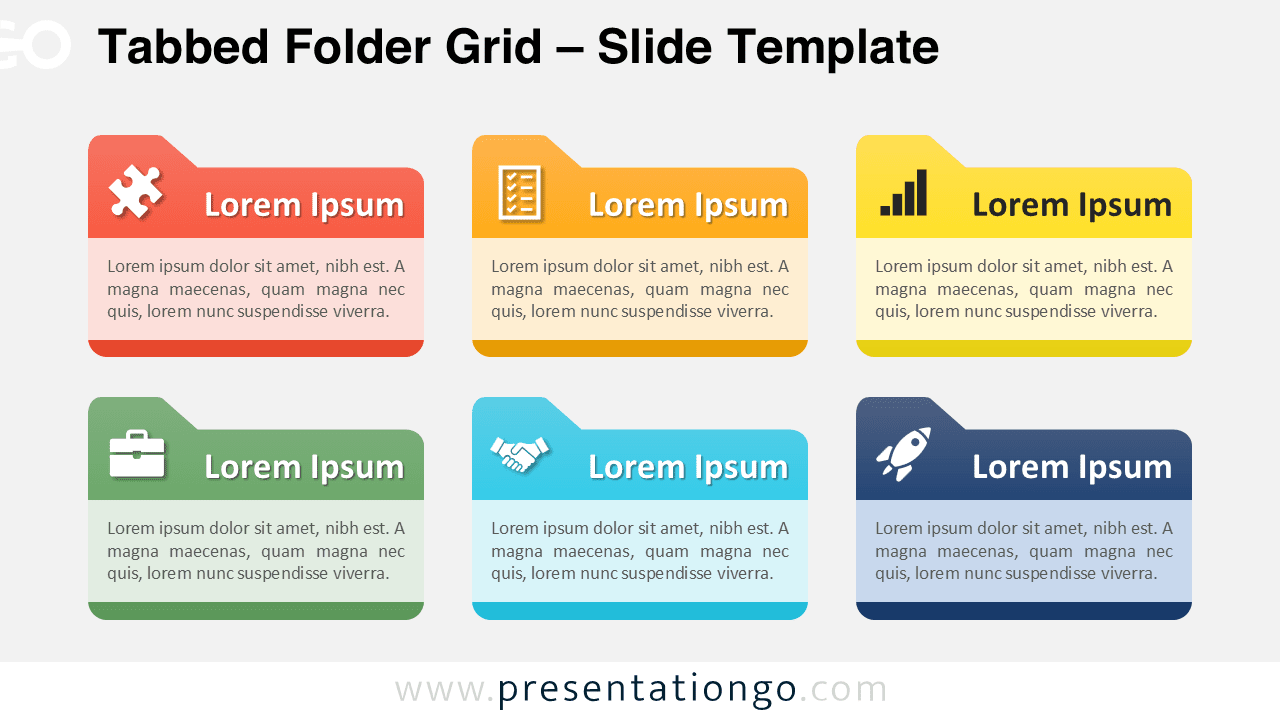
The Tabbed Folder Grid organizes six key concepts into horizontal folder-style blocks, providing a clear framework for presenting multiple related ideas in PowerPoint and Google Slides presentations.
Grid-Based Layout for Six Related Points or Ideas
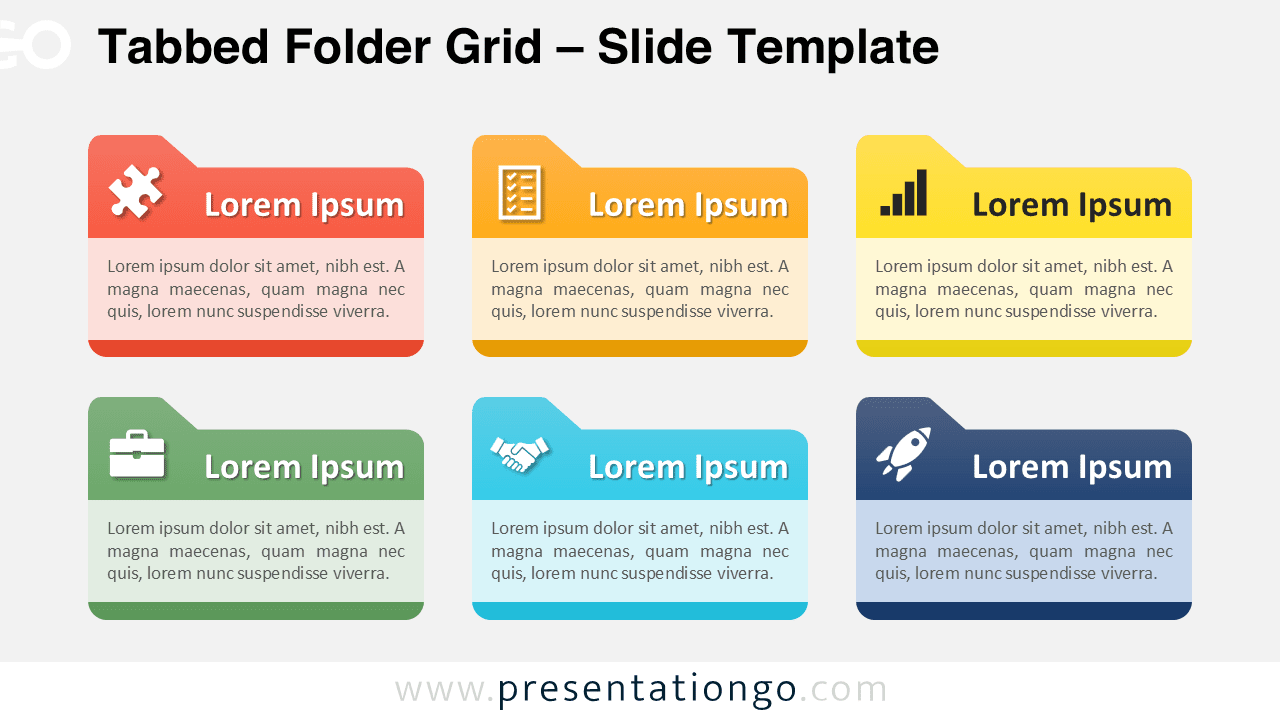
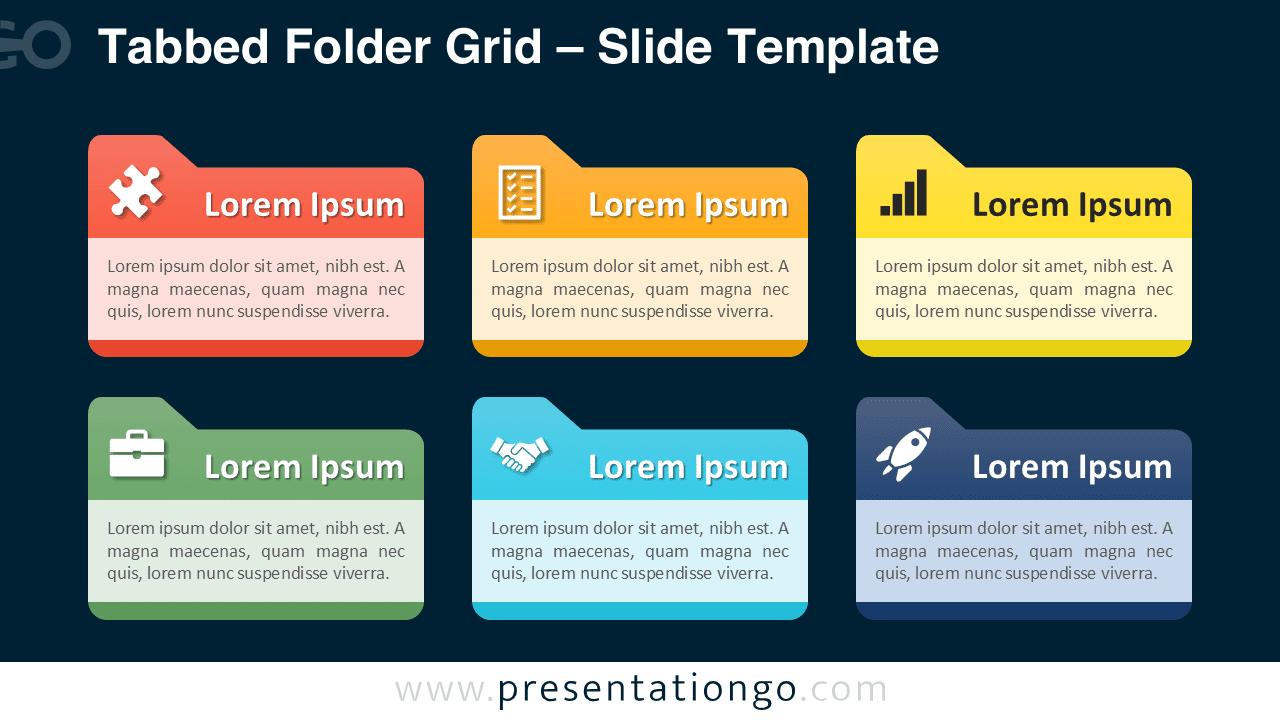
This template features six horizontal folder tab blocks arranged in a symmetrical two-row, three-column grid formation. Each block contains an upper colored tab section with an icon placeholder and bold heading, followed by a text area beneath for supporting content. The design incorporates rounded bottom corners on each block, creating a polished folder aesthetic. The horizontal orientation maximizes content space while maintaining visual hierarchy through consistent color coding and iconography across all six elements.
Grid-formatted textboxes provide presenters with an organized method to display multiple concepts simultaneously, allowing audiences to quickly scan and compare different elements. This particular diagram excels in business presentations where teams need to outline project phases, department responsibilities, or strategic initiatives. Furthermore, it works exceptionally well for training materials that cover six core competencies, product feature comparisons, or step-by-step process explanations where visual consistency enhances comprehension and retention.
The template includes 2 unique slides with pre-populated icons and text placeholders ready for immediate customization. All shapes are fully customizable, allowing users to modify colors, replace icons with alternatives from the Office icon library, or substitute numbers for icons as needed. Additionally, the template offers both light and dark theme options to match various presentation styles and is available in Standard 4:3 and Widescreen 16:9 formats. The template maintains full compatibility with both PowerPoint PPTX and Google Slides platforms.
Download this comprehensive template to organize your six key concepts into a professional grid layout that enhances audience understanding and engagement.
Widescreen (16:9) size preview:


This template offers:
- 2 unique slides
- Options for both light and dark themes
- Pre-populated with icons and text placeholders
- Fully customizable shapes for complete control
- Available in both Standard (4:3) and Widescreen (16:9) ratios
- Offered in both PowerPoint PPTX and Google Slides formats