The Rounded Card Grid diagram helps you present six ideas, categories, or items in a clear and colorful format. Available for PowerPoint and Google Slides, it combines simplicity with visual appeal.
Diagram Preview


Features and Customization Options
- Includes 2 slides with 1 unique design
- Available in both light and dark background versions
- Editable text boxes and color accents for each card
- Fully customizable in PowerPoint and Google Slides
- Modern flat style with subtle shadows and rounded corners
Design Overview
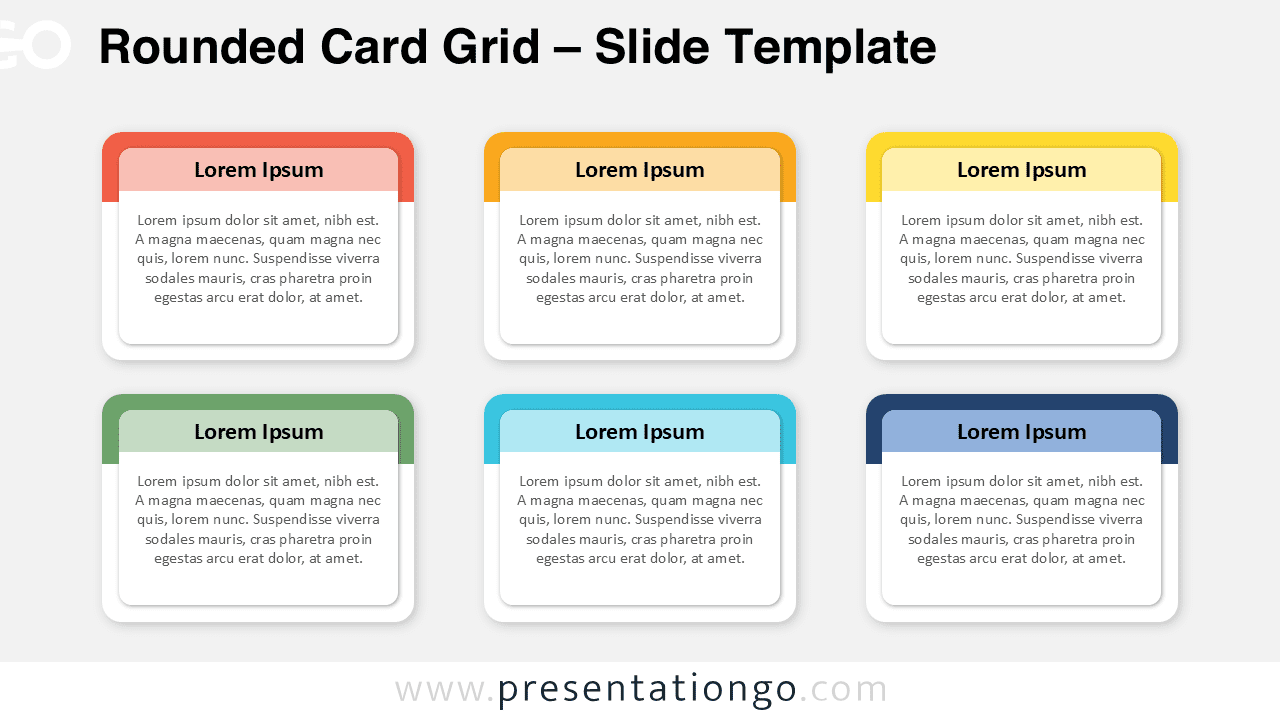
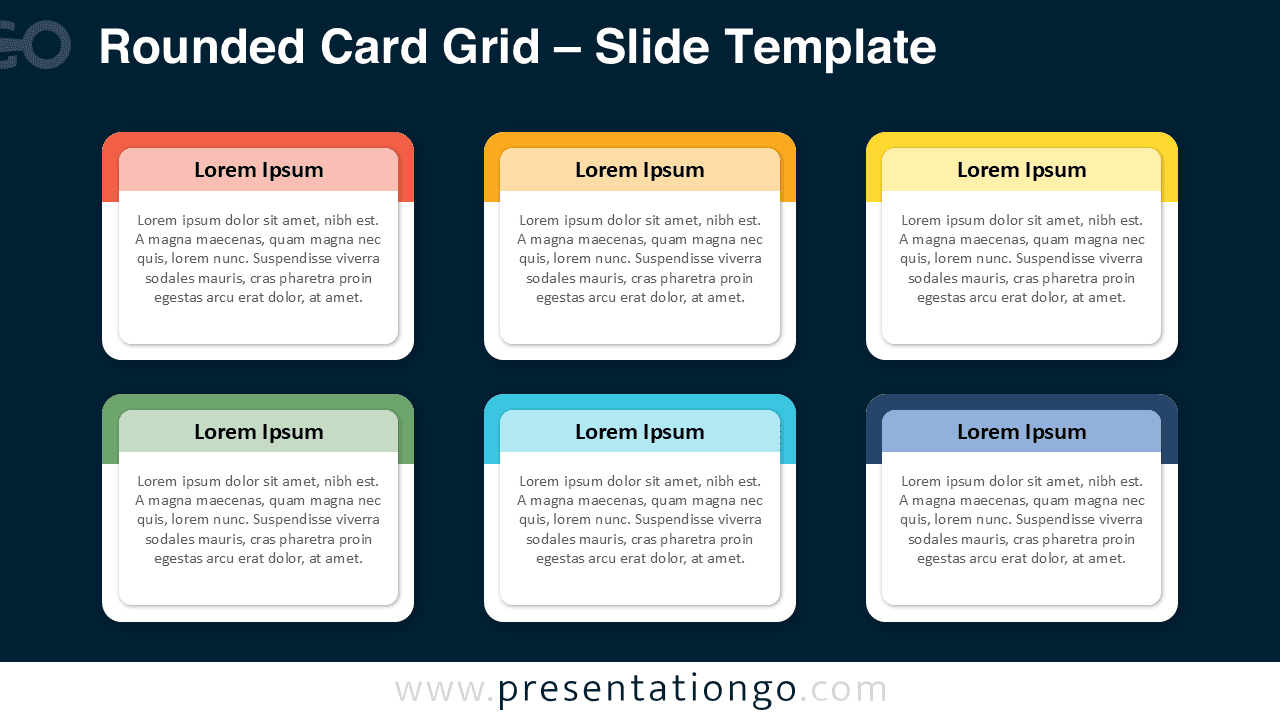
This infographic features six rounded rectangular cards arranged in a 2×3 grid.
Each block includes a bold title bar in a distinct color and a clean text area below. The design maintains perfect alignment and balanced spacing, ensuring visual harmony. On dark or light backgrounds, the bright color palette ensures high contrast and readability.
Practical Applications
- Displaying six products, features, or ideas
- Comparing categories or parallel options
- Highlighting key facts in business, education, or marketing contexts
How to Edit
- Open the file in PowerPoint or Google Slides.
- Edit titles and text directly within each card.
- Change colors from the Shape Fill menu or Slide Master.
- Duplicate or remove cards to fit your content.
Summary
The Rounded Card Grid is a colorful and professional layout for summarizing six key ideas at a glance. It’s ideal for organized, modern presentations across all topics.