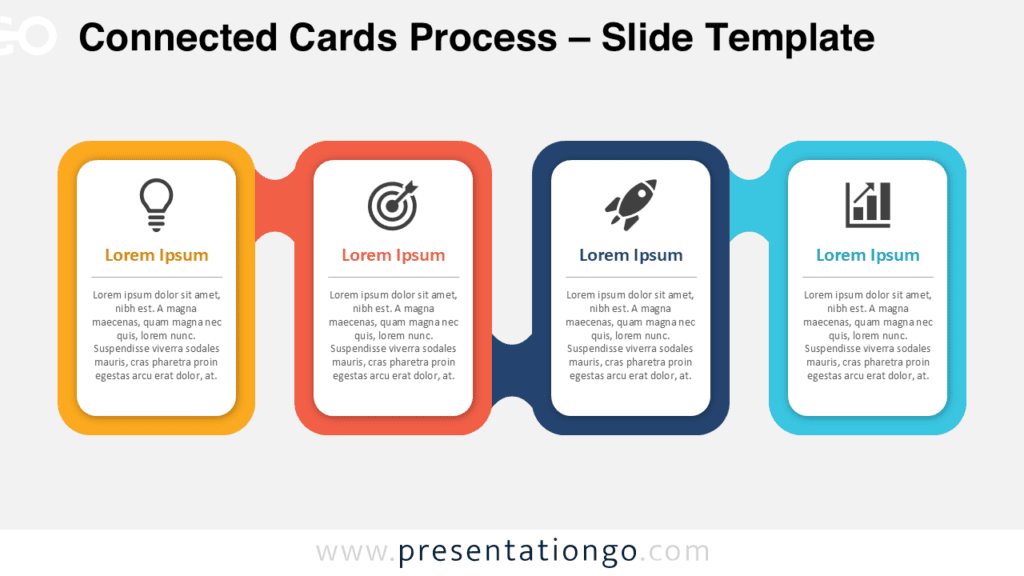
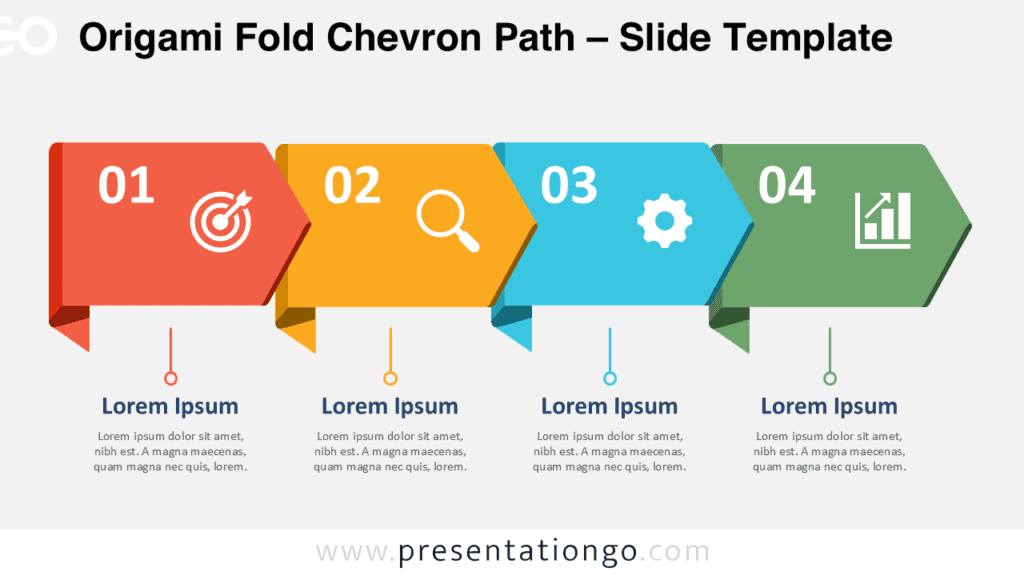
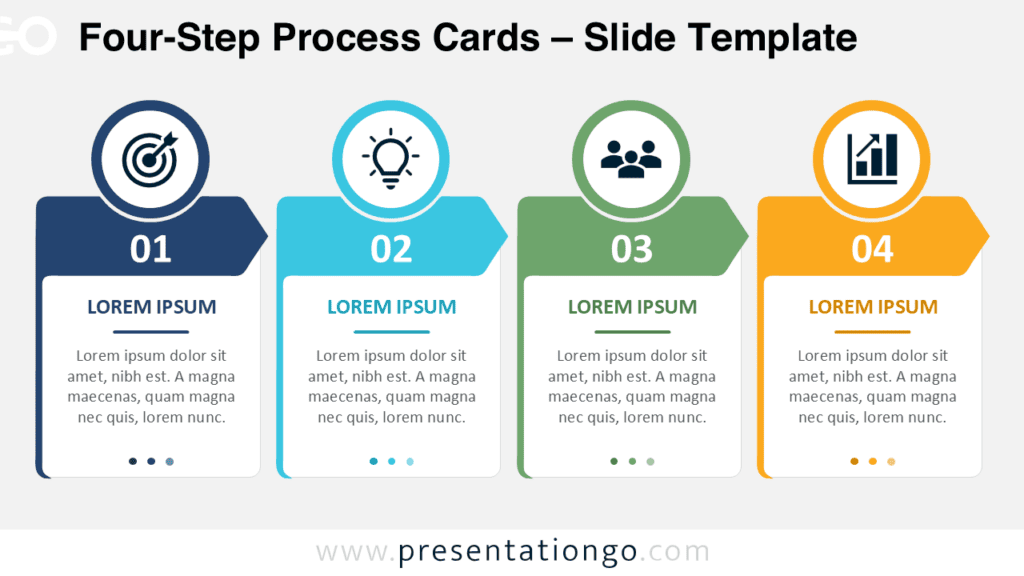
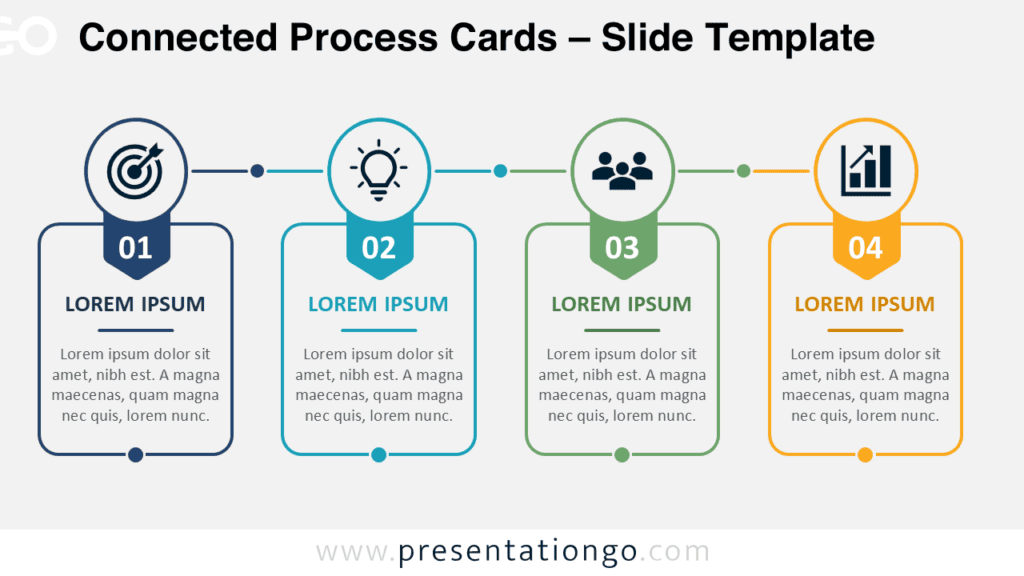
The Tabbed Arrow Process Diagram helps you present a sequence of four actions with clear structure and engaging visual rhythm. It combines tabbed cards, arrow connectors, and editable content areas, so your audience can follow each step without extra explanation. Use it when you need to turn a workflow, roadmap, onboarding journey, or service process into a polished slide.
Diagram Preview
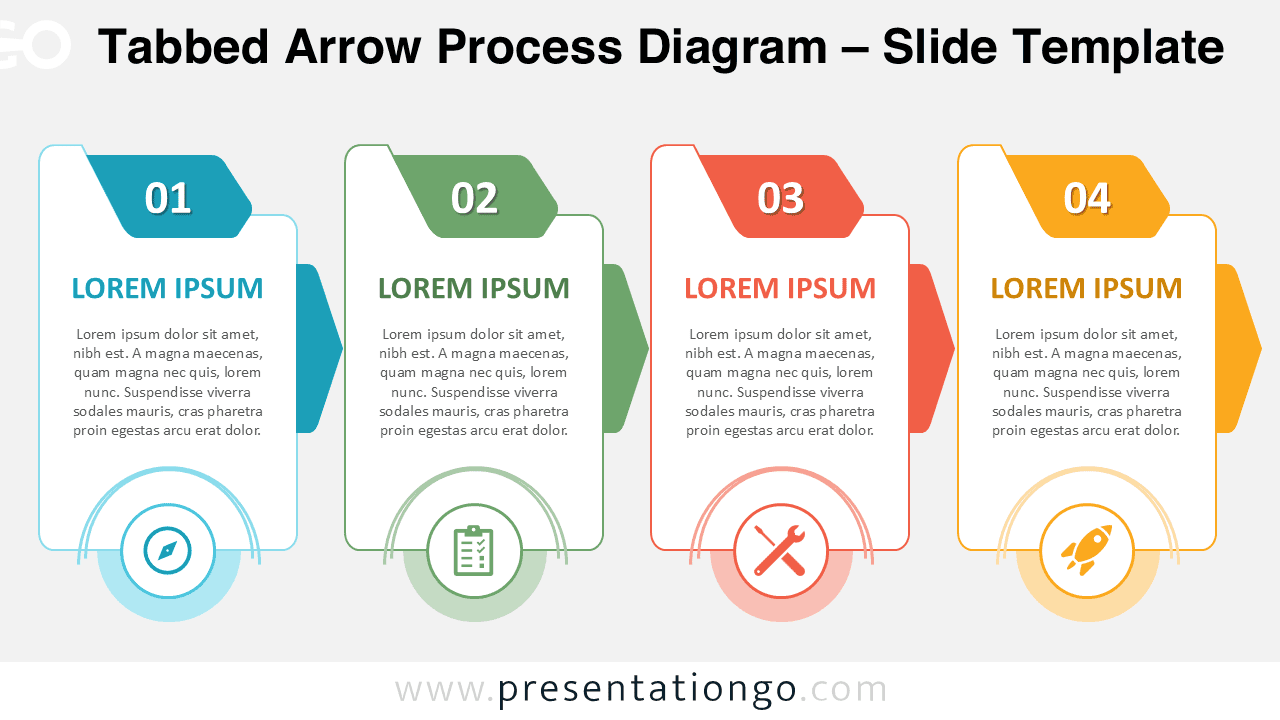
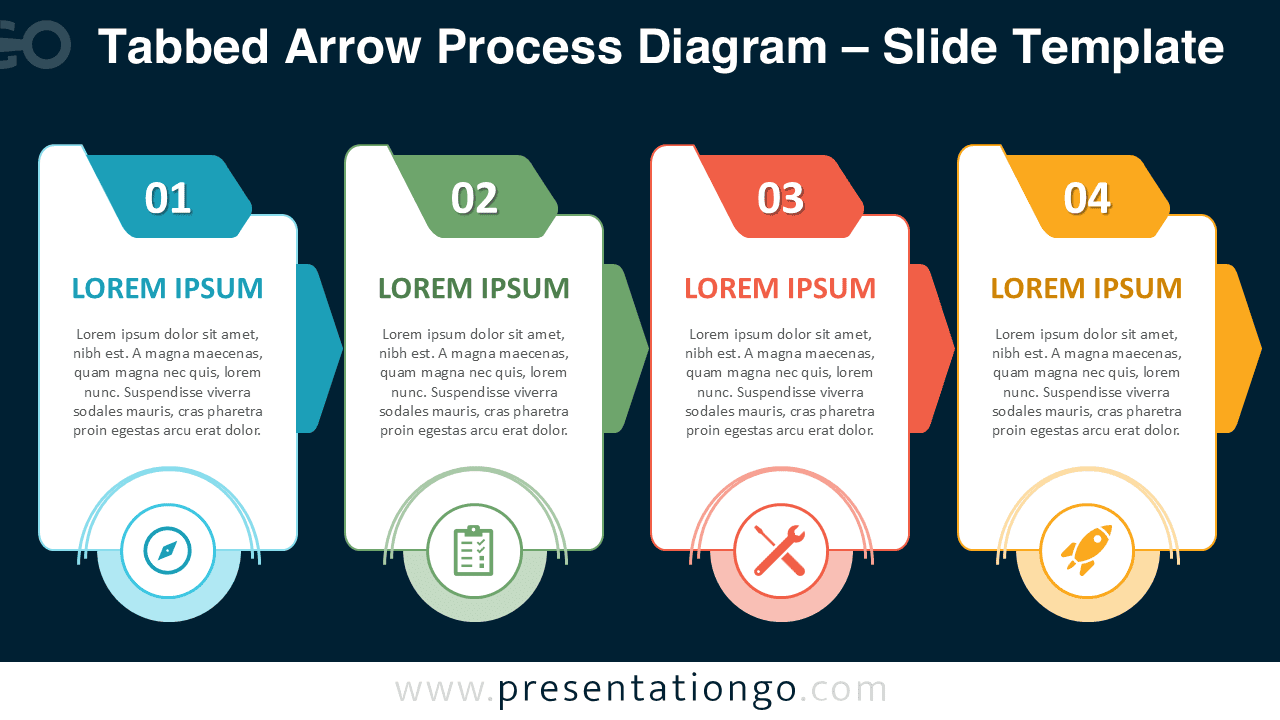
The preview shows two versions of the same four-step diagram, designed for both bright and dark presentation themes. Each card supports a step number, a short heading, body text, and a symbolic marker. The arrows create a natural reading flow from left to right, while the repeated structure keeps the message consistent.
Features and Customization Options
- Fully editable diagram for PowerPoint and Google Slides.
- Four tabbed cards for step-by-step explanations.
- Arrow connectors that guide the audience through the process.
- Editable text placeholders for headings and descriptions.
- Icons come from the Office icon library and are easy to modify.
- Replace, resize, recolor, or remove icon placeholders as needed.
- Adapt the layout for workflows, milestones, strategies, or timelines.
Design and Structure
The Tabbed Arrow Process Diagram uses a balanced horizontal composition. It presents each step as a separate card, which helps users compare stages at a glance. The top tabs highlight the sequence, and the arrow shapes reinforce movement. The bottom markers add visual anchors that help viewers remember the meaning of each step.
This structure works well when you want to simplify a complex process. You can use the first card for discovery, the second for planning, the third for execution, and the fourth for results. You can also adapt the labels for customer journeys, training modules, project delivery, or marketing funnels.
Practical Applications
- Explain a four-step business process during a client meeting.
- Show project phases in a roadmap or status update.
- Present onboarding steps for employees, partners, or customers.
- Map a service journey from first contact to delivery.
- Organize strategic actions during planning workshops.
- Summarize milestones in training or education presentations.
Summary
Use the Tabbed Arrow Process Diagram when you need a clear, editable, and professional way to present four connected steps. Its card-based layout keeps every stage easy to read, while the arrows make progression obvious. Download it for PowerPoint and Google Slides, then customize the text, icons, and structure to match your message.