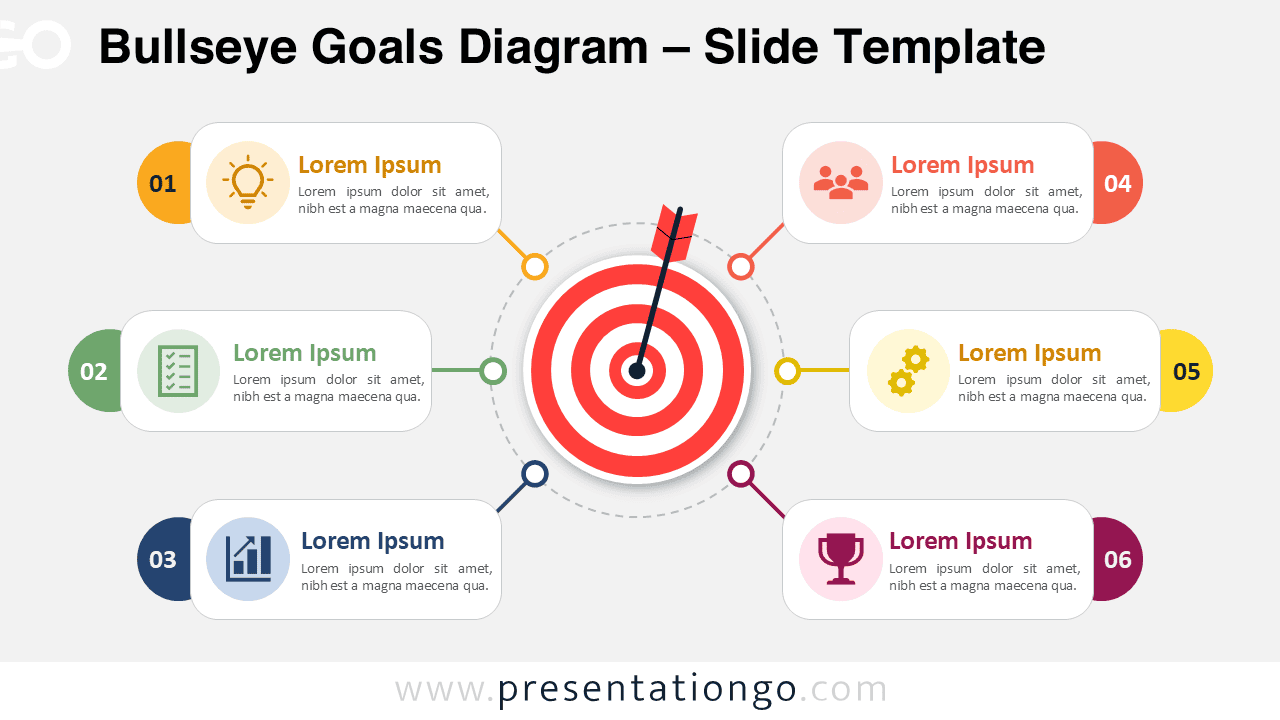
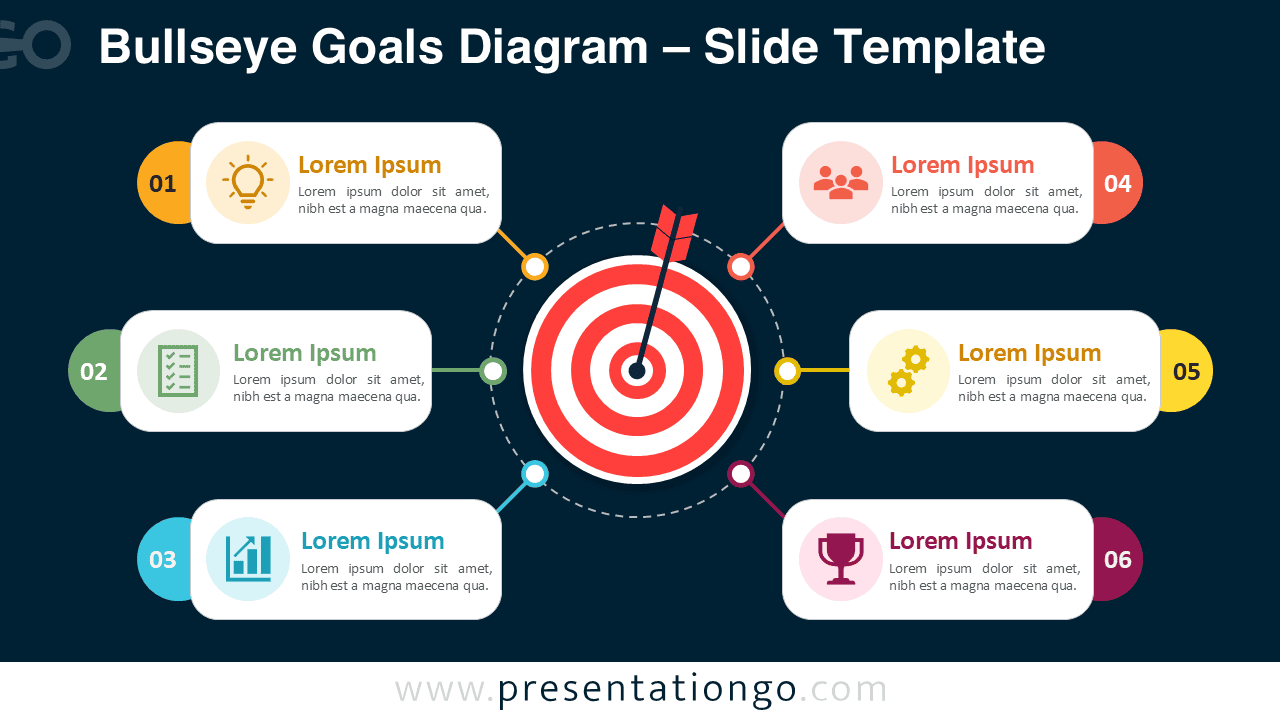
The Bullseye Goals Diagram helps you present objectives with clarity and purpose. This editable PowerPoint and Google Slides diagram places a central target at the heart of the layout, then connects six goal sections around it. Use it to explain priorities, success factors, action areas, or strategic initiatives in a visual and memorable way.
Diagram Preview
Features and Customization Options
- Includes six editable goal sections arranged around a central bullseye target.
- Works with PowerPoint and Google Slides for easy presentation editing.
- Uses icons from the Office icon library, so you can easily modify or replace them.
- Allows quick updates to headings, body text, numbers, shapes, and connectors.
- Supports business, education, marketing, training, and project planning presentations.
- Helps structure objectives, priorities, milestones, success factors, or action steps.
Design and Structure
The Bullseye Goals Diagram uses a balanced radial structure to guide attention toward one central objective. Six connected cards surround the target and create a clear relationship between the main goal and its supporting elements. Each section combines a number, an icon placeholder, a short heading, and space for explanatory text. This structure makes the slide easy to scan during meetings, workshops, and executive briefings.
The diagram also supports a strong storytelling flow. You can start with the main objective in the center, then move through each surrounding point in order. This approach works well when you need to explain how several actions support one shared goal. It also helps audiences understand priorities without reading dense blocks of text.
Practical Applications
- Present six strategic goals during business planning sessions.
- Explain OKRs, KPIs, or performance drivers in a visual format.
- Show how several initiatives support one central mission.
- Organize marketing priorities, sales actions, or product objectives.
- Use the diagram in training, coaching, consulting, or project updates.
- Summarize success factors for proposals, reports, and team meetings.
Summary
The Bullseye Goals Diagram gives presenters a practical way to connect actions with outcomes. Its target-based layout makes the message direct, focused, and easy to follow. Since the diagram is fully editable in PowerPoint and Google Slides, you can adapt it quickly for your own goals, content, and audience. Use it when you need to turn strategy, planning, or performance topics into a clear visual story.