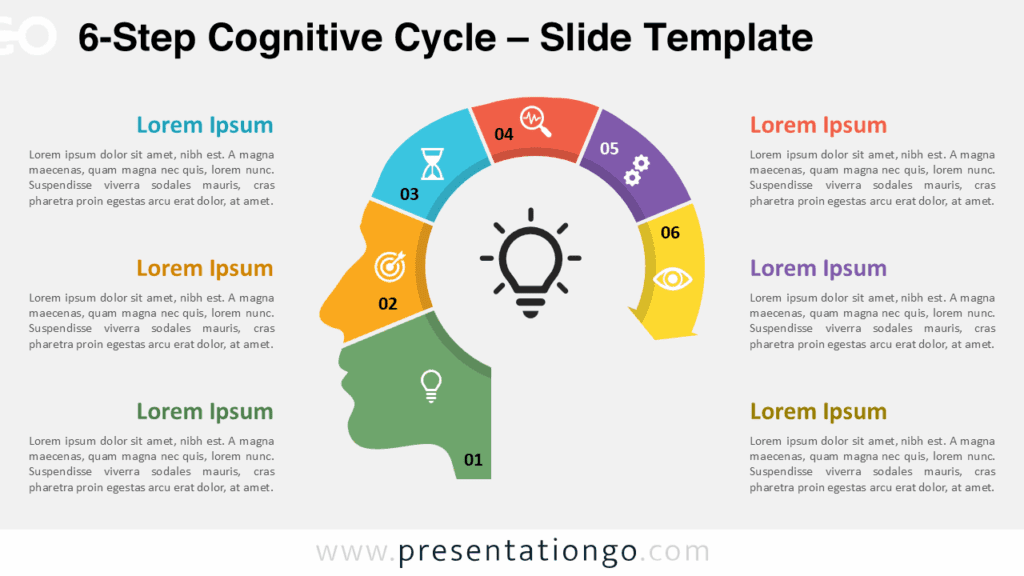
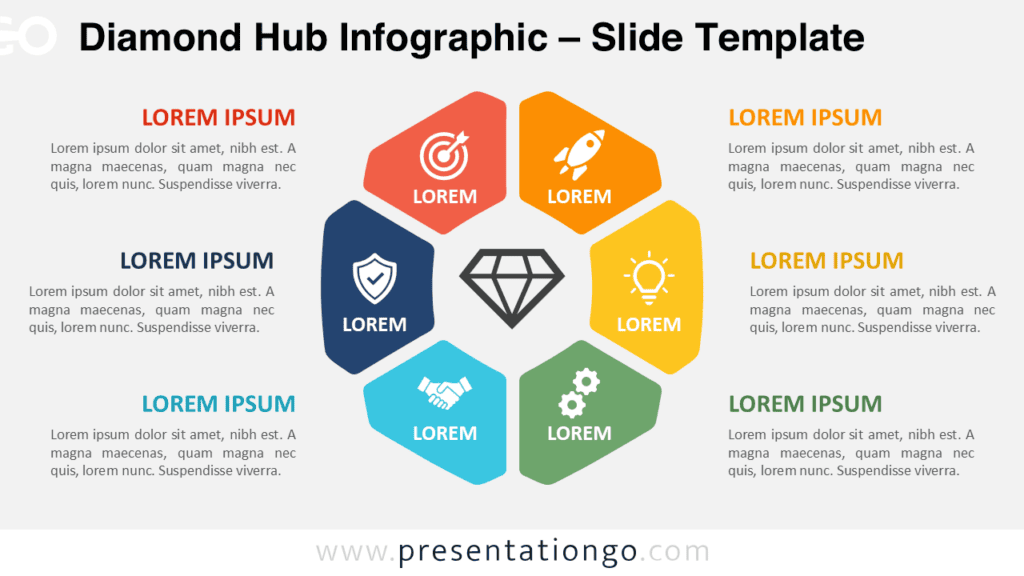
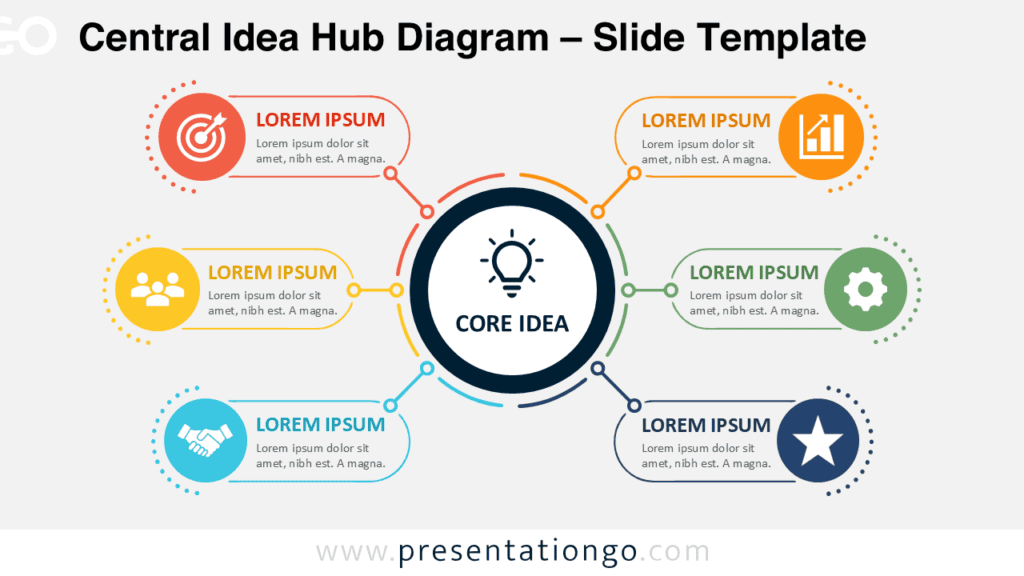
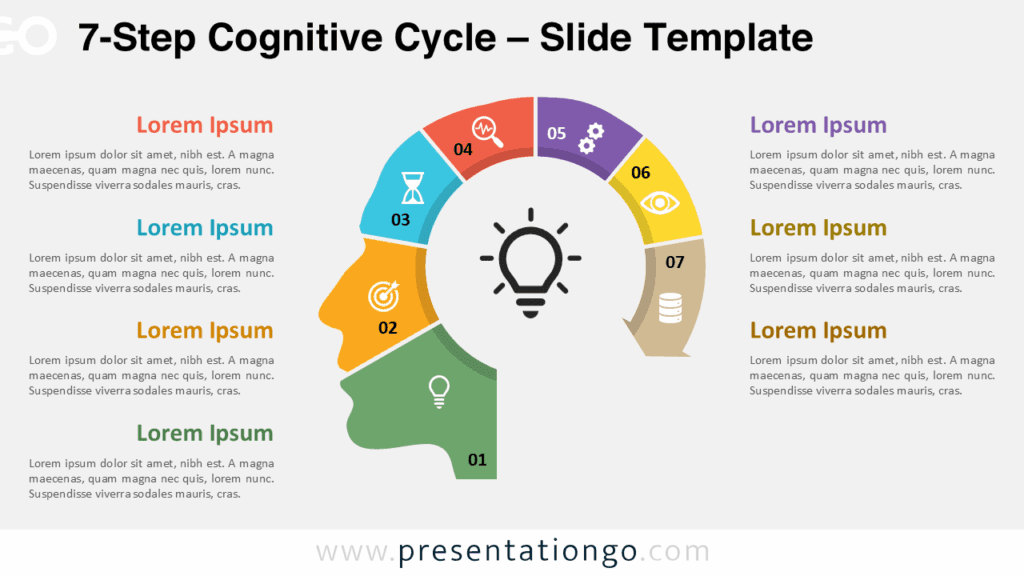
The Six-Step Idea Wheel helps presenters organize six related ideas around one central concept. Its circular structure makes relationships easy to understand. A light bulb anchors the center and reinforces themes such as innovation, creativity, strategy, and problem-solving. Each section connects clearly to its supporting title and description.
This diagram works well when six ideas share equal importance. It also helps audiences follow a process without suggesting a rigid beginning or endpoint. You can use it for strategic priorities, innovation stages, project themes, business pillars, learning objectives, or product development topics.
Diagram Preview
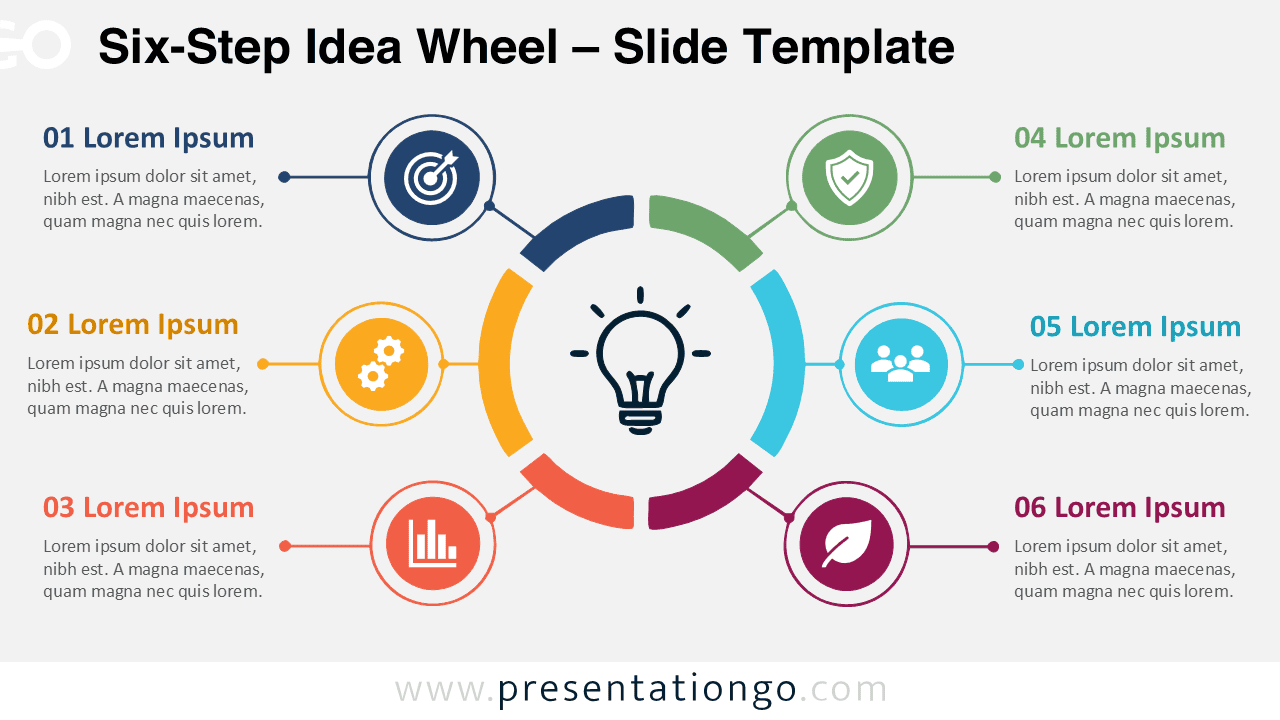
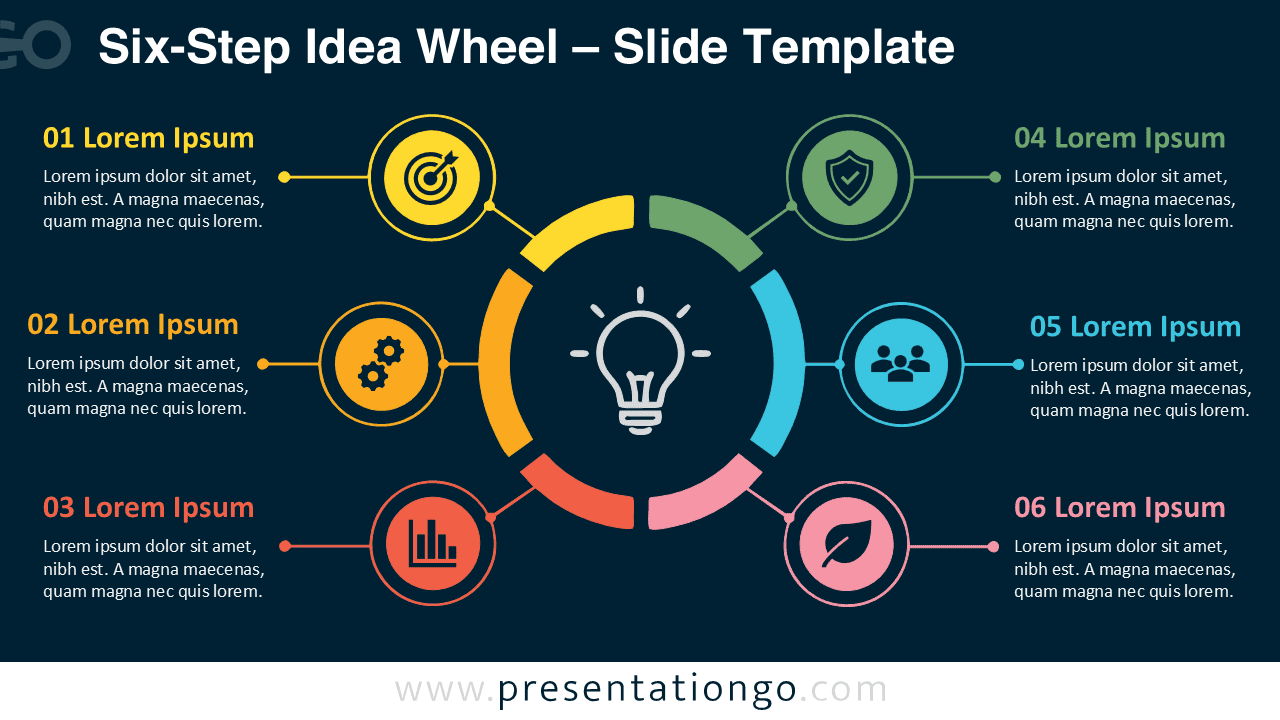
The Six-Step Idea Wheel includes two coordinated slide versions. Both versions use the same balanced layout and content structure. This consistency lets you choose the format that best suits your presentation while keeping the visual message unchanged.
Features and Customization Options
- Six connected sections arranged around one central idea
- Editable titles, descriptions, shapes, and connector lines
- Central light bulb that highlights innovation or creative thinking
- Symbols sourced from the Microsoft Office icon library
- Office library symbols that are easy to replace, resize, recolor, or modify
- Two coordinated slide versions for different presentation environments
- Compatible with PowerPoint and Google Slides
- Flexible structure for processes, themes, priorities, stages, or categories
- Clear visual hierarchy for faster audience understanding
Design and Structure
The diagram places the main concept at the center of the slide. Six surrounding sections form a complete circular framework. Connector lines link each section to its supporting text block. This layout creates a natural reading path and keeps every idea visually connected.
The Six-Step Idea Wheel gives each section equal emphasis. That balance makes it suitable for frameworks without a fixed ranking. Presenters can shorten or expand the labels to match different subjects. The generous text areas also support concise explanations without overcrowding the slide.
Practical Applications
- Present six strategic priorities within a business plan.
- Explain six phases of a project or implementation process.
- Illustrate innovation frameworks and creative thinking methods.
- Summarize six business pillars, capabilities, or core values.
- Compare six products, services, or solution categories.
- Highlight six objectives, initiatives, or performance drivers.
- Organize brainstorming ideas around a central concept.
- Show six marketing channels, campaign components, or customer touchpoints.
- Present learning modules, course topics, or training objectives.
- Visualize continuous improvement initiatives or transformation programs.
Summary
The Six-Step Idea Wheel turns six related points into a clear visual framework. Its central light bulb strengthens messages about ideas and innovation. The editable structure adapts easily to business, education, marketing, planning, and project presentations. Use it to simplify complex information and guide attention toward one shared concept.