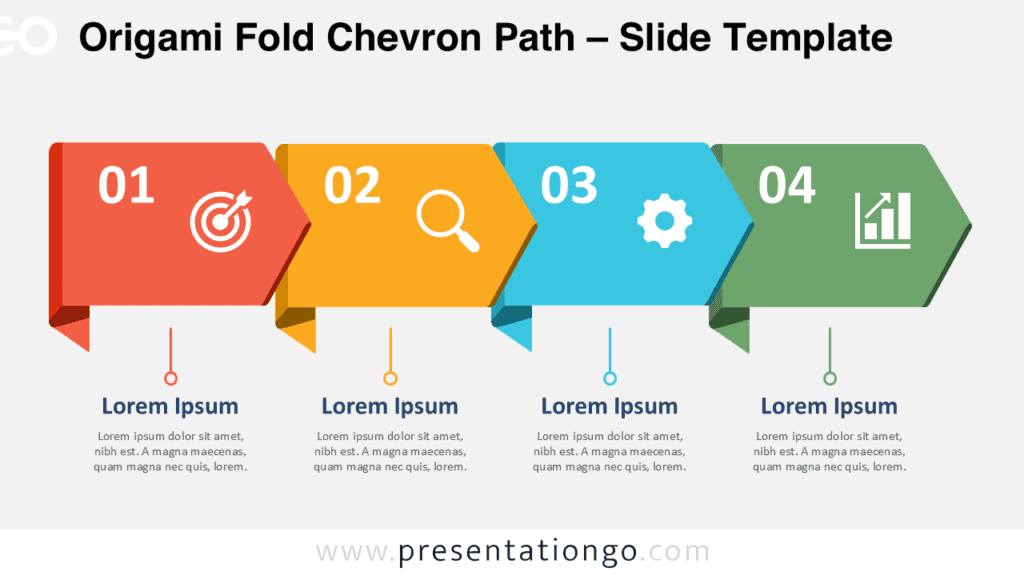
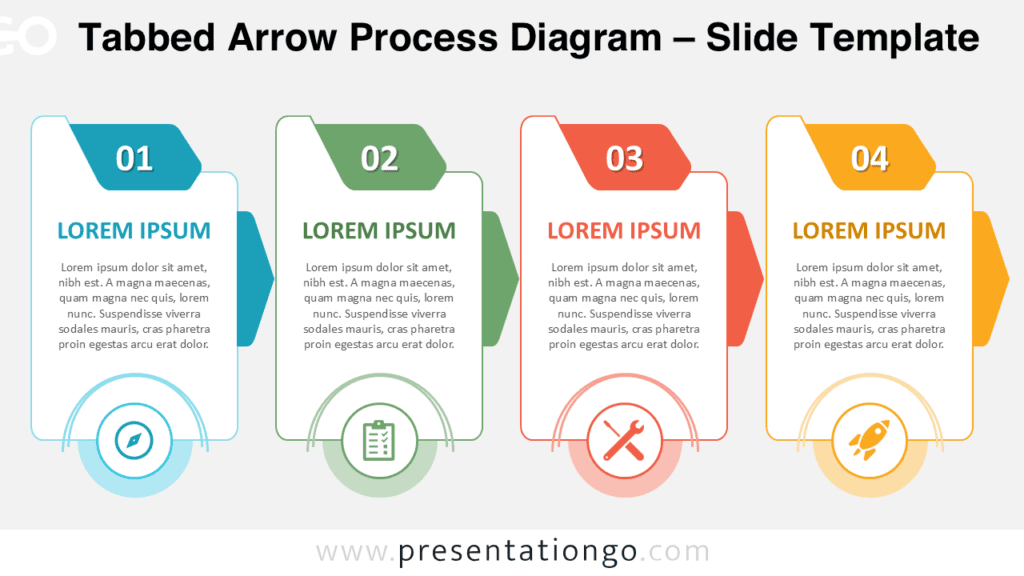
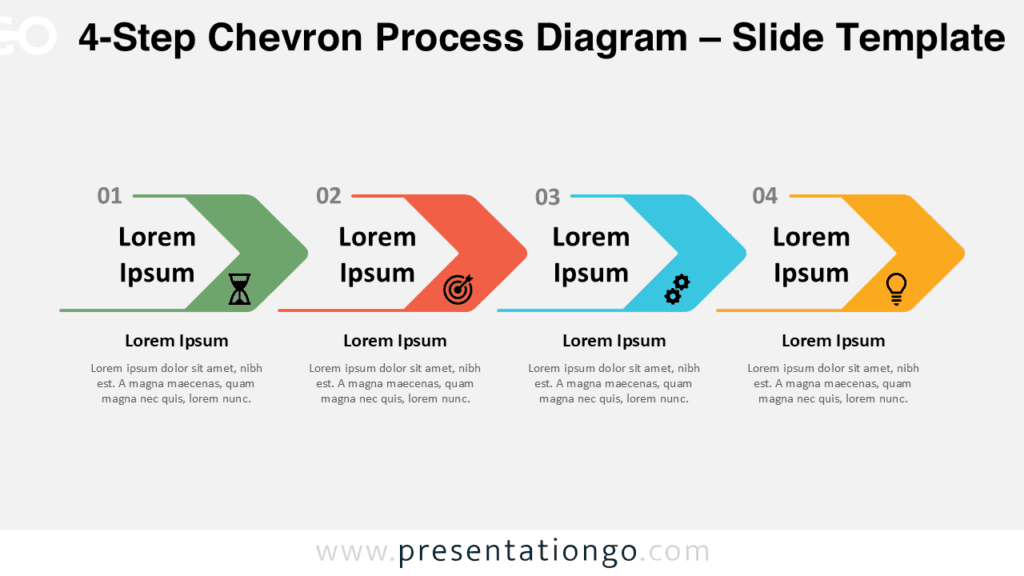
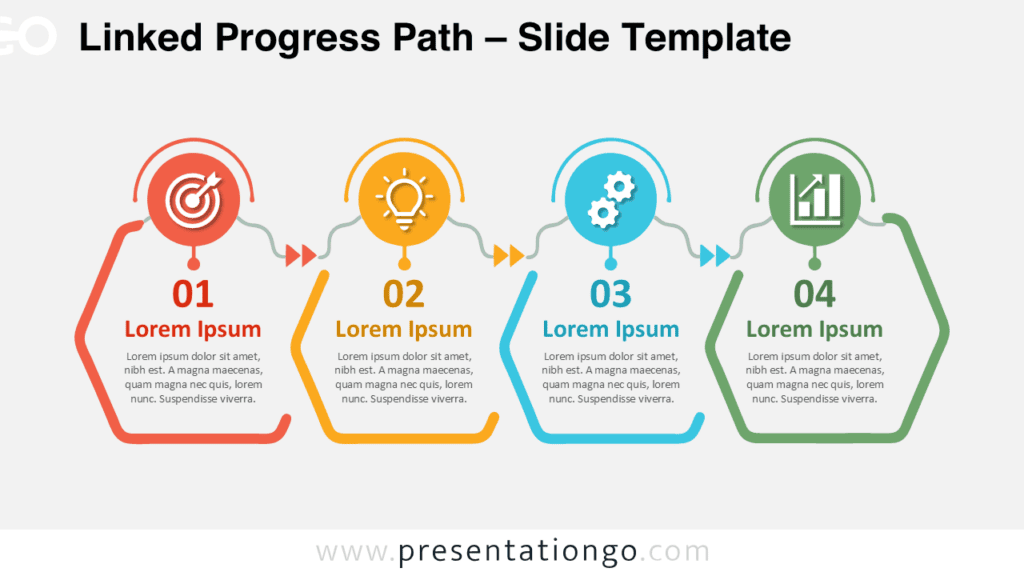
The Four-Step Icon Workflow offers a simple way to explain a process with four connected stages. Its horizontal structure guides the audience naturally from one step to the next. Each stage provides room for a number, short heading, supporting text, and visual cue. The diagram works in both PowerPoint and Google Slides, making it easy to adapt for different presentation needs.
Diagram Preview
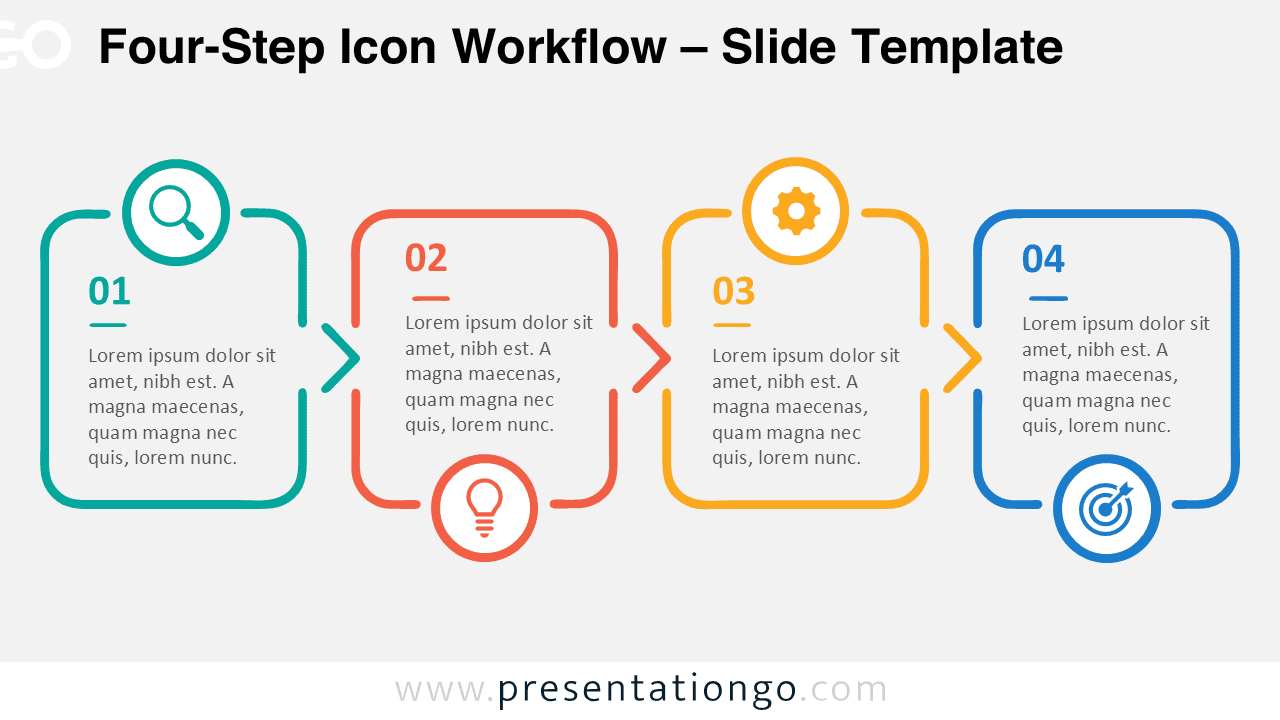
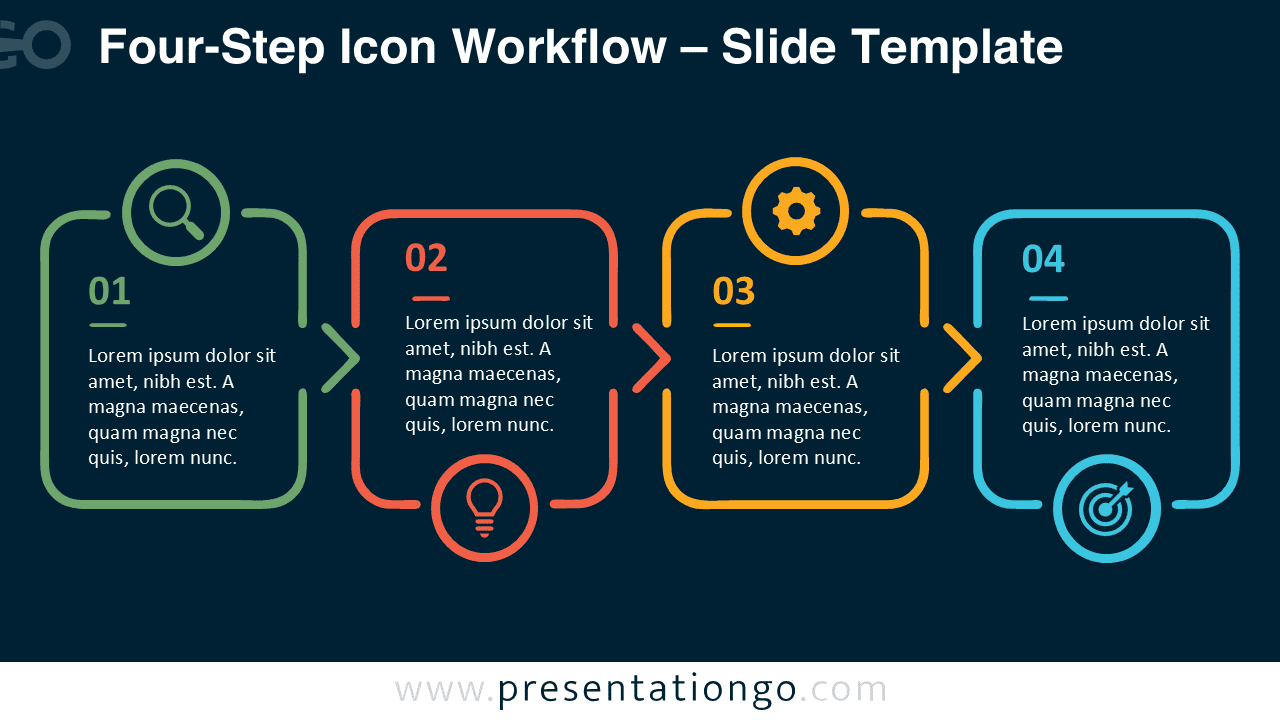
The diagram arranges four rounded sections along a continuous horizontal path. Directional connectors establish the sequence without adding unnecessary visual complexity. Alternating icon positions create balance while keeping every stage distinct. Each section can hold concise explanations, making the layout useful when every phase needs equal emphasis.
The Four-Step Icon Workflow is especially effective when a process follows a fixed order. Presenters can replace the sample text, adjust individual elements, and adapt the diagram to their subject. The layout remains easy to scan even when several supporting details appear inside each stage.
Features and Customization Options
- Compatible with Microsoft PowerPoint and Google Slides
- 4-step process diagram, fully editable
- Fully editable in just a few clicks
- Editable connectors and flow arrows
- Office library icon placeholders are illustrative and easily modifiable
- Includes both light and dark background versions
Design and Structure
The layout follows a clear left-to-right progression. Four equally important sections create a predictable reading order, while arrow connectors reinforce movement between stages. Rounded outlines soften the overall appearance and provide generous space for supporting text. Number labels help viewers identify the sequence immediately.
Icons add quick visual references without replacing the written information. They come from the Office icon library and serve illustration purposes only. You can modify, replace, resize, or remove them as needed. This flexibility makes the diagram suitable for business, educational, technical, or general-purpose presentations.
Practical Applications
- Explain a four-stage business process
- Present project phases or implementation steps
- Outline a product development workflow
- Summarize a marketing or sales process
- Visualize a research-to-results sequence
- Structure training or onboarding stages
- Present a strategic action plan
Summary
The Four-Step Icon Workflow combines a straightforward sequence with enough room to explain each phase clearly. Its connected structure helps audiences understand relationships and progression without requiring a complex chart.
Use it whenever four ideas need to appear in a defined order. Editable elements make the diagram easy to adapt while preserving its consistent visual structure across PowerPoint and Google Slides.