
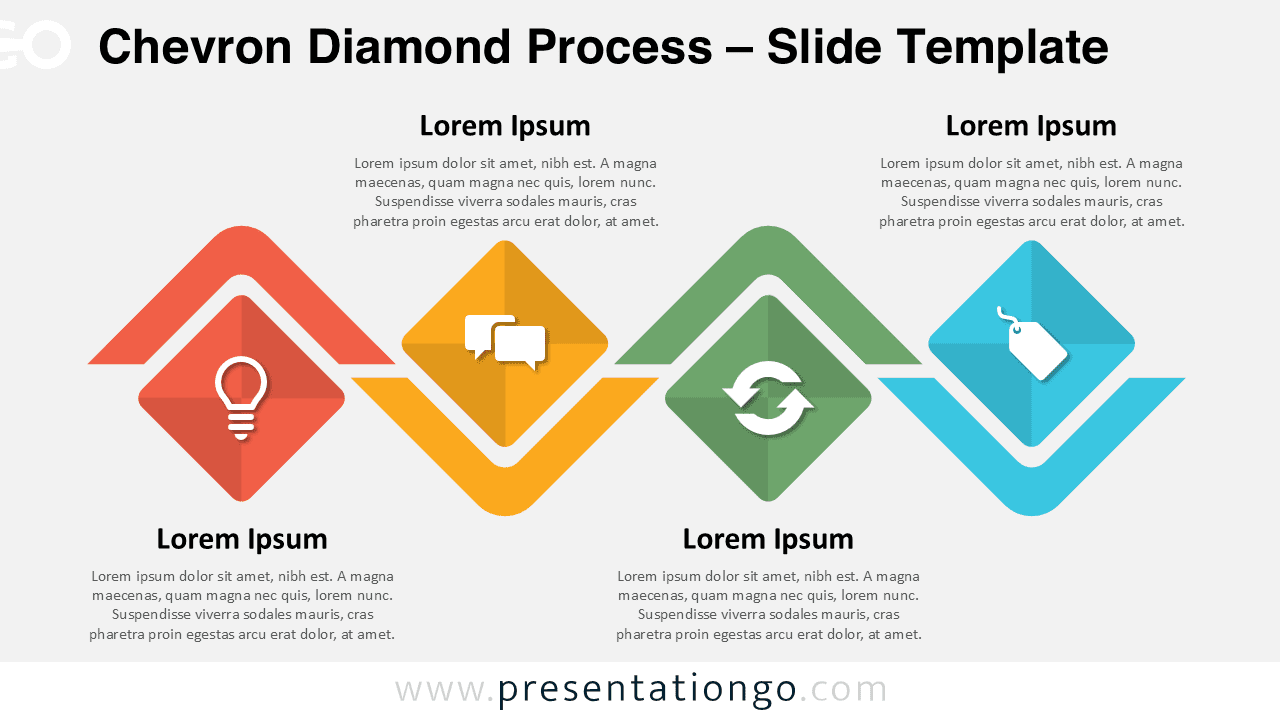
The Chevron Diamond Process displays four sequential steps through alternating diamond shapes and directional chevrons, designed for PowerPoint and Google Slides presentations.
Four-Part Visual Flow to Highlight Key Phases
The Chevron Diamond Process illustrates a clear four-step sequence designed for PowerPoint and Google Slides.
Each segment of the diagram features a central diamond shape layered over a V- or inverted V-shaped chevron element. The design alternates the chevron direction to create a rhythmic flow. The colored diamonds include icons and text placeholders, while the surrounding chevrons highlight direction and forward movement. The horizontal alignment across the slide ensures visual balance and allows each part of the process to stand out while maintaining overall cohesion.
Presenters commonly use process diagrams like this to communicate step-by-step workflows, timelines, or segmented strategies in a clear and digestible format. This design helps explain business processes, customer journeys, marketing plans, or project development stages. Its clean layout and directional flow maintain attention and guide the viewer through each step with clarity. For instance, a marketing team can use it to show four customer touchpoints, or a project manager can outline quarterly milestones.
This template offers two fully editable slides—one with a light background and the other with a dark theme. Users can adjust all shapes, colors, and icons to match their brand or message. The layout includes pre-inserted icons and placeholder text and supports both Standard (4:3) and Widescreen (16:9) formats. You can use it with both PowerPoint and Google Slides, making it flexible for any presentation.
Download this clean four-step diagram to present your process with clarity and visual consistency.
Widescreen (16:9) size preview:

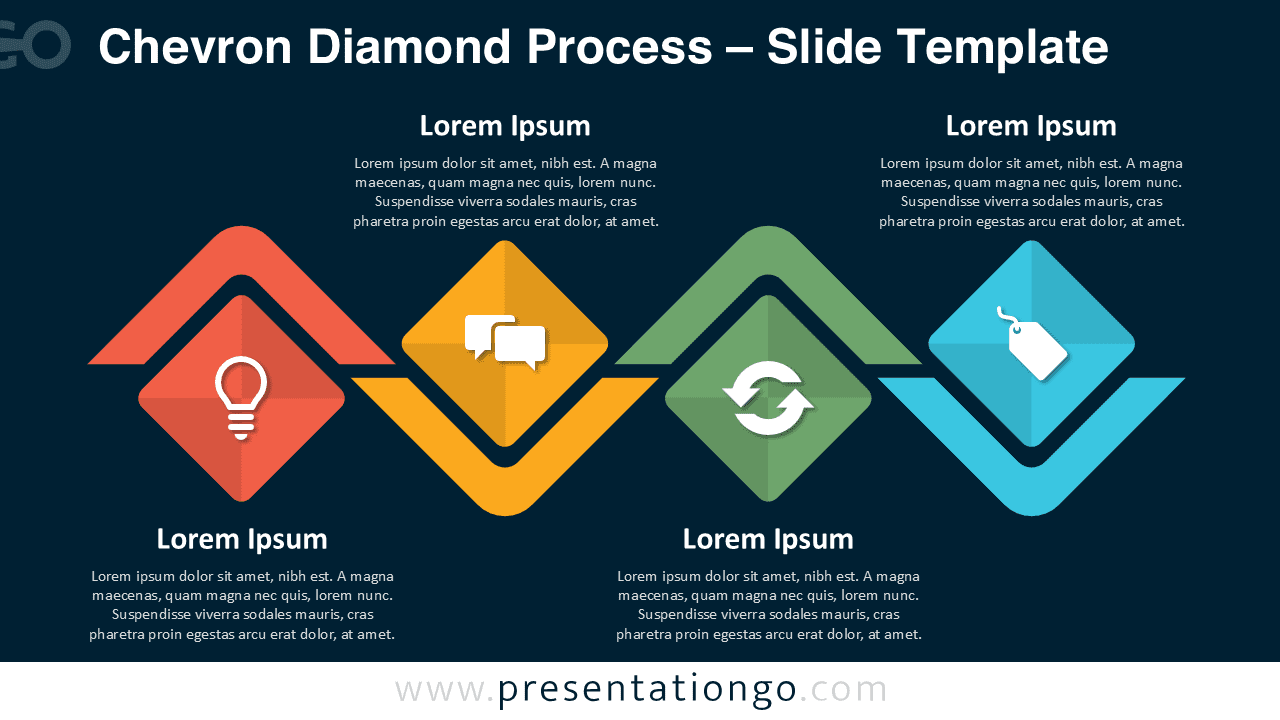


This template offers:
- 2 unique slides
- Options for both light and dark themes
- Pre-populated with icons and text placeholders
- Fully customizable shapes for complete control
- Available in both Standard (4:3) and Widescreen (16:9) ratios
- Offered in both PowerPoint PPTX and Google Slides formats






