The 2026 Modern Photo Calendar – Monday Start template presents a stylish, grid-based calendar layout for each month of 2026. Designed for PowerPoint and Google Slides, this version starts weeks on Monday, offering a European-style layout perfect for business and academic planners.
Template Preview
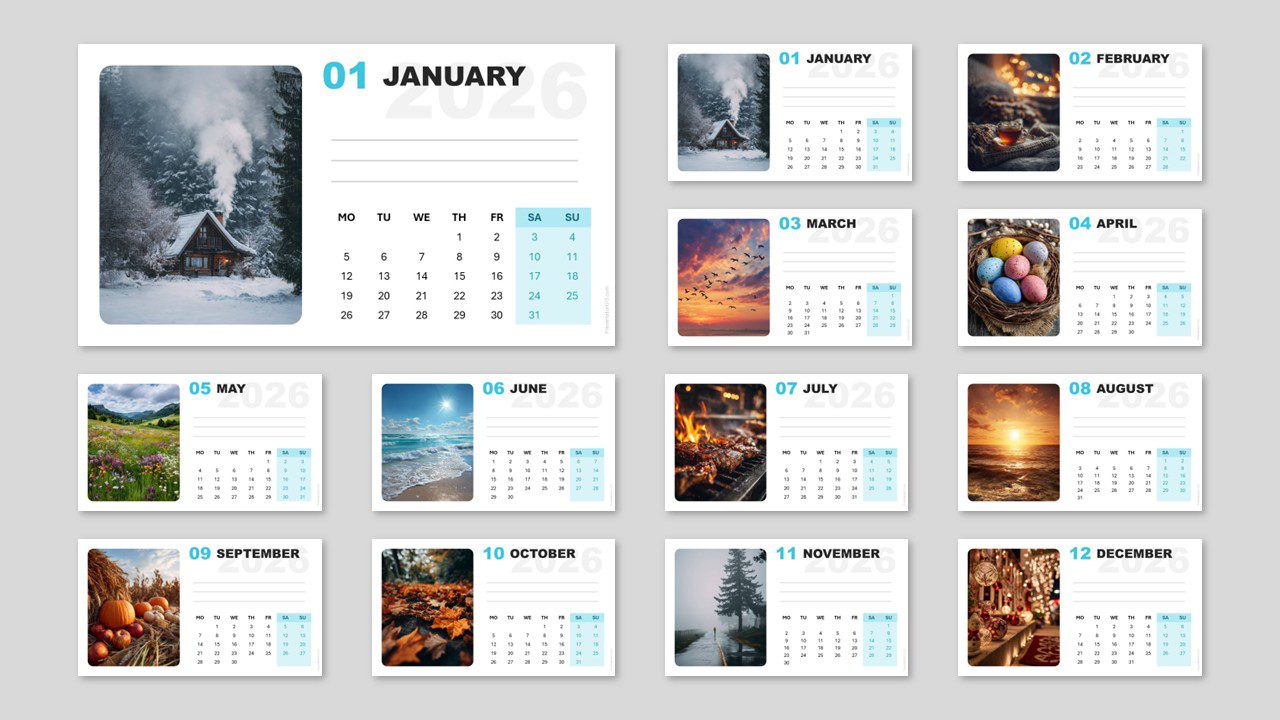
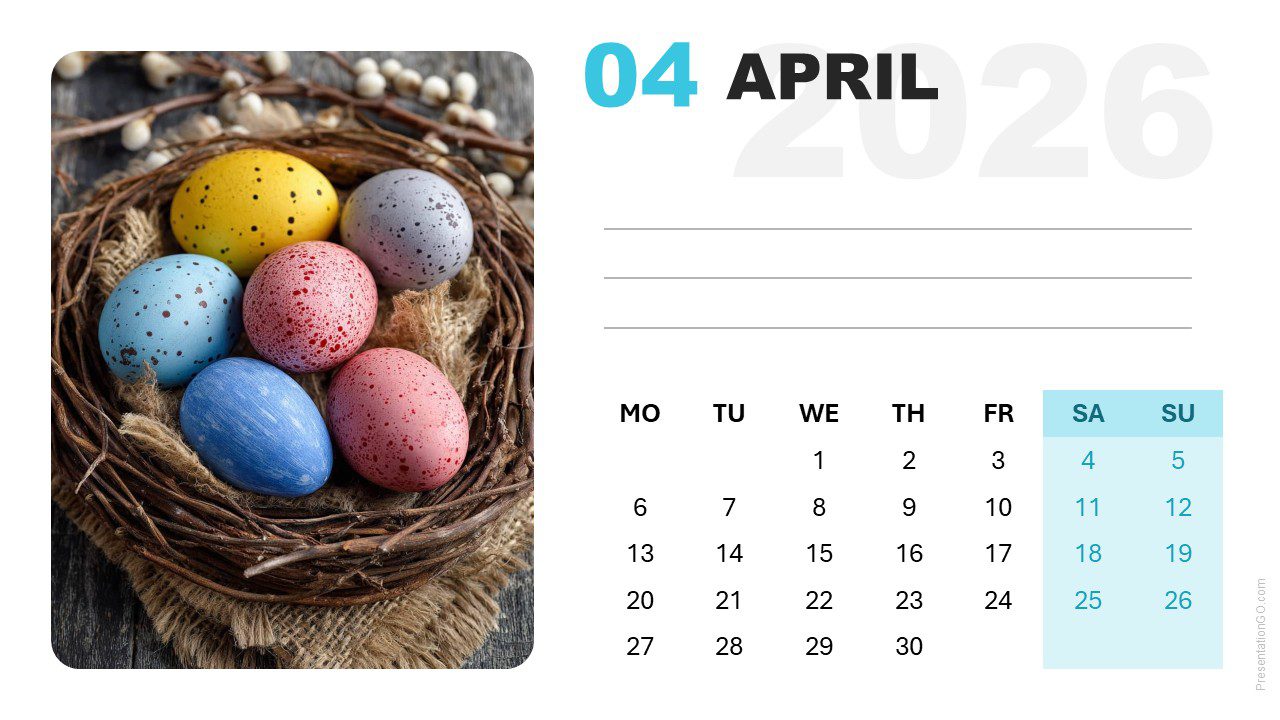
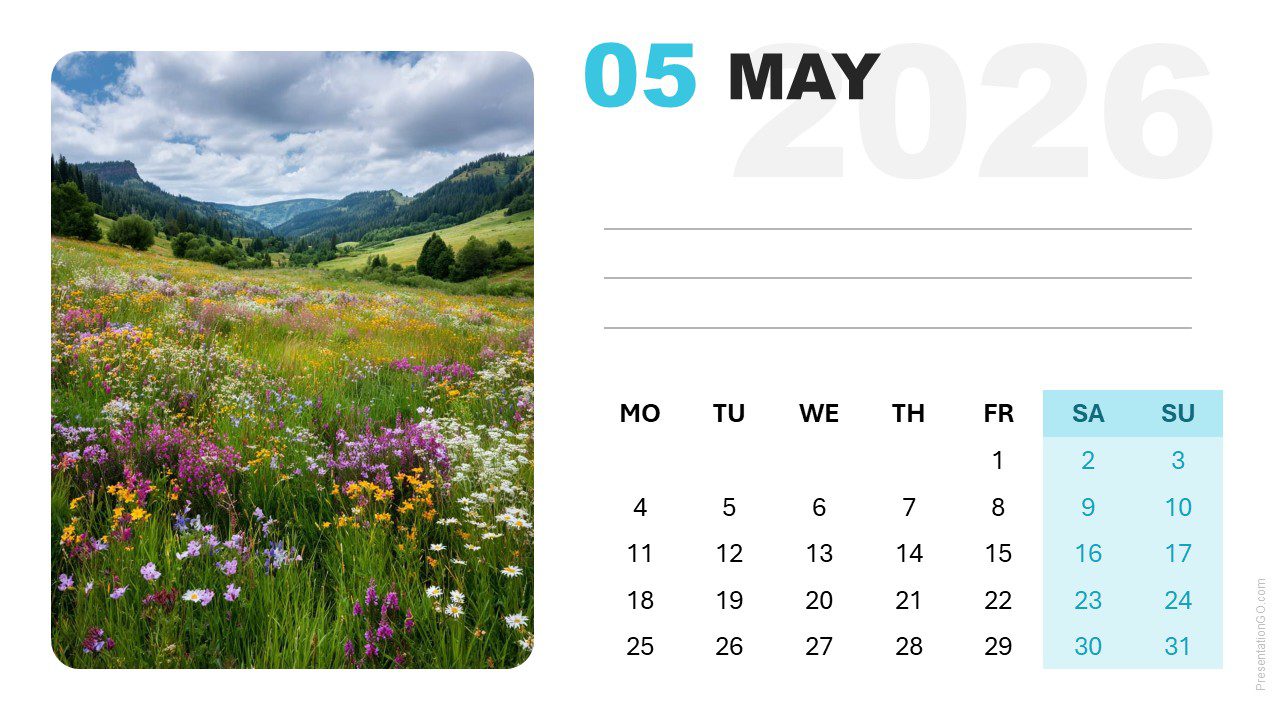
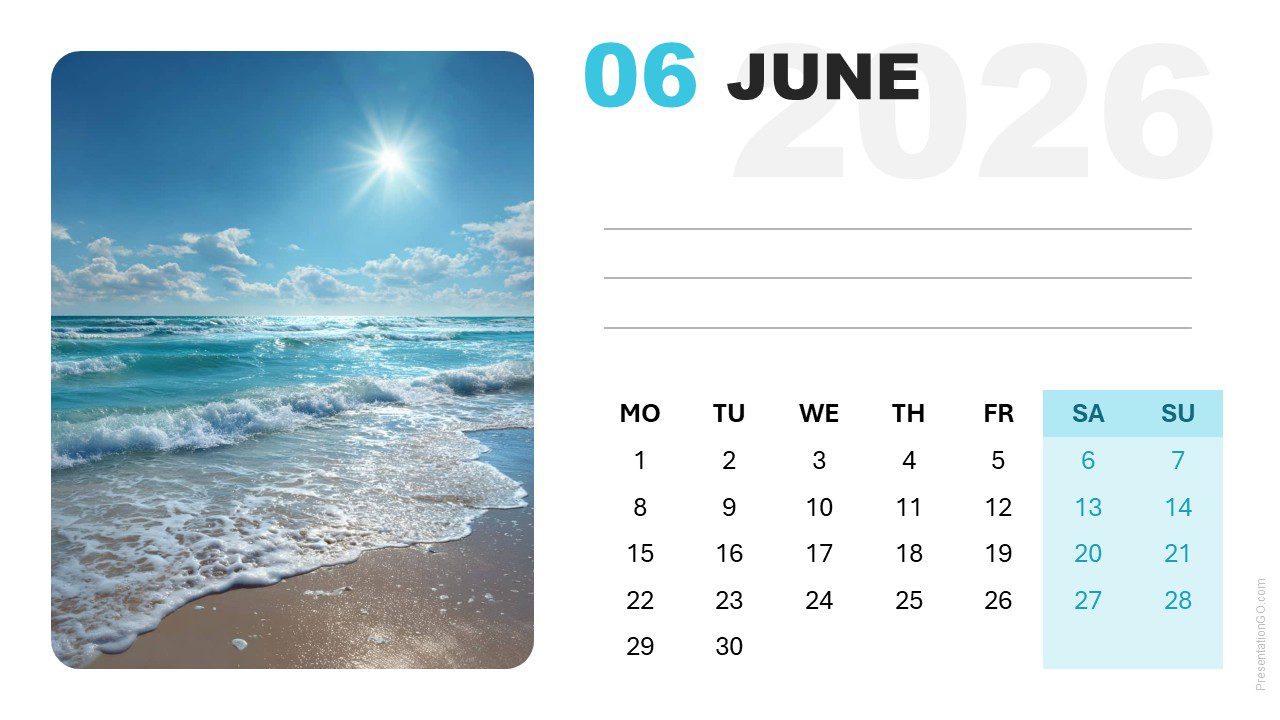
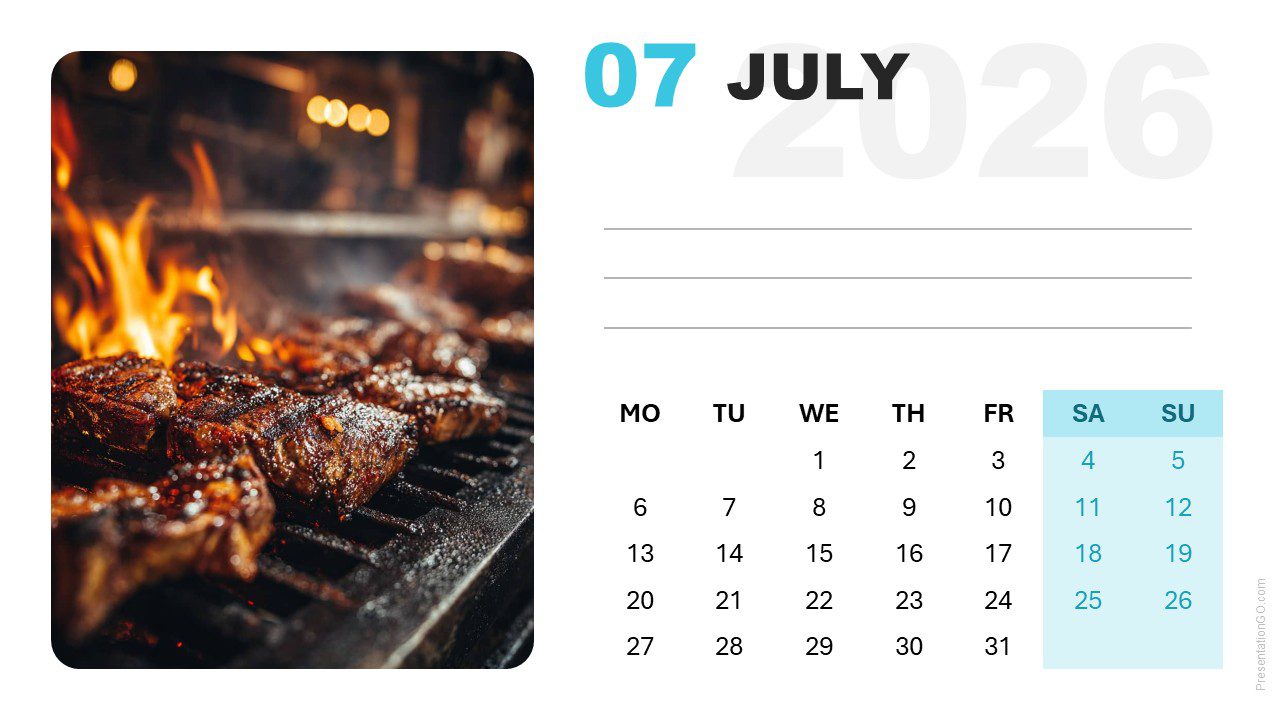
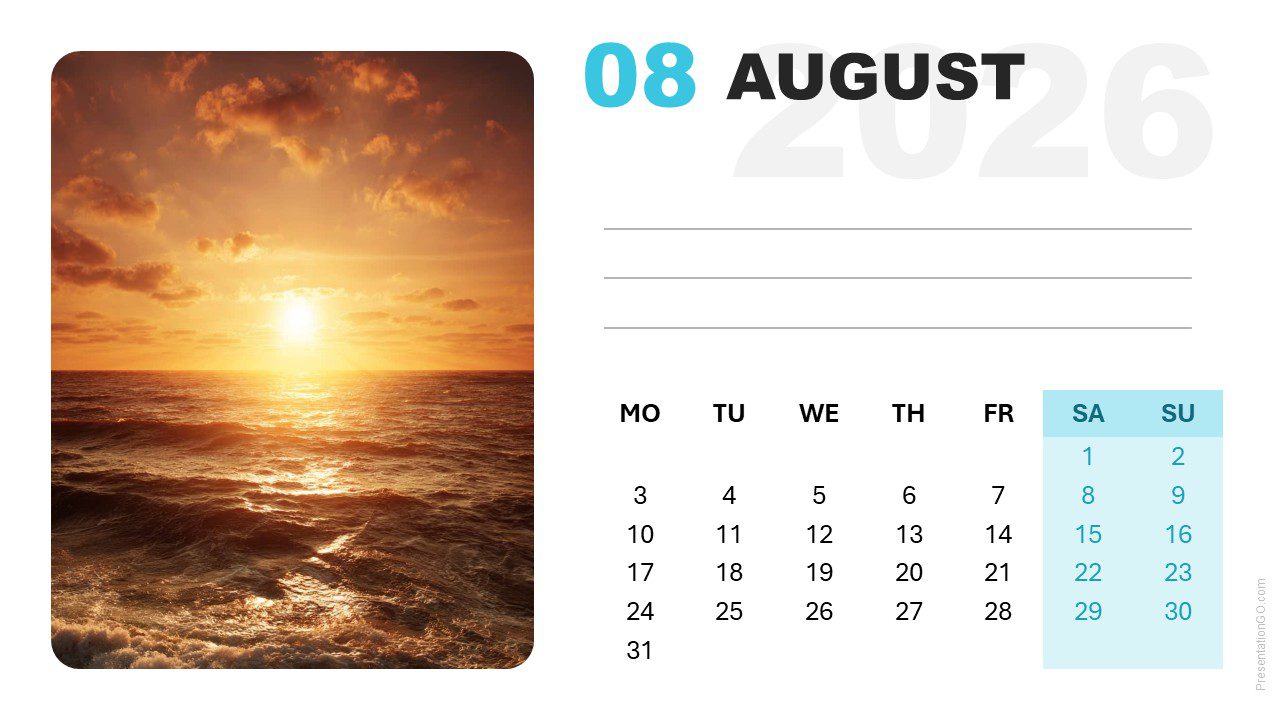
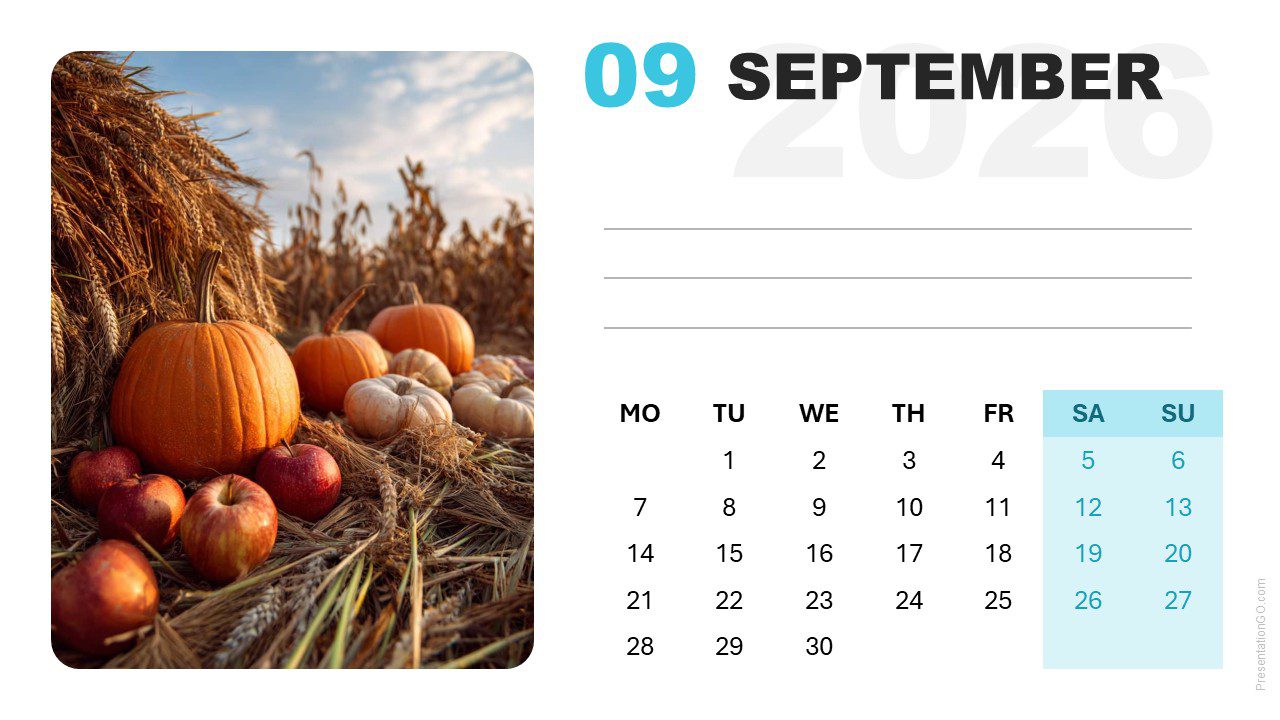
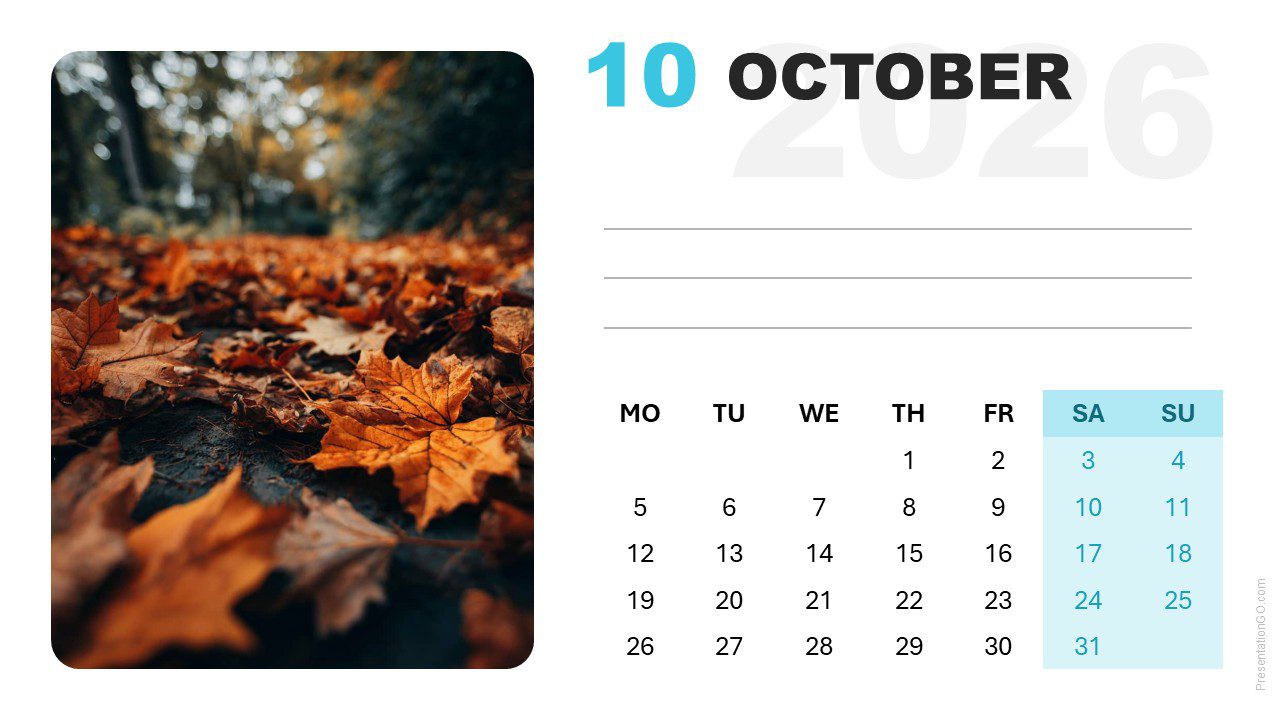
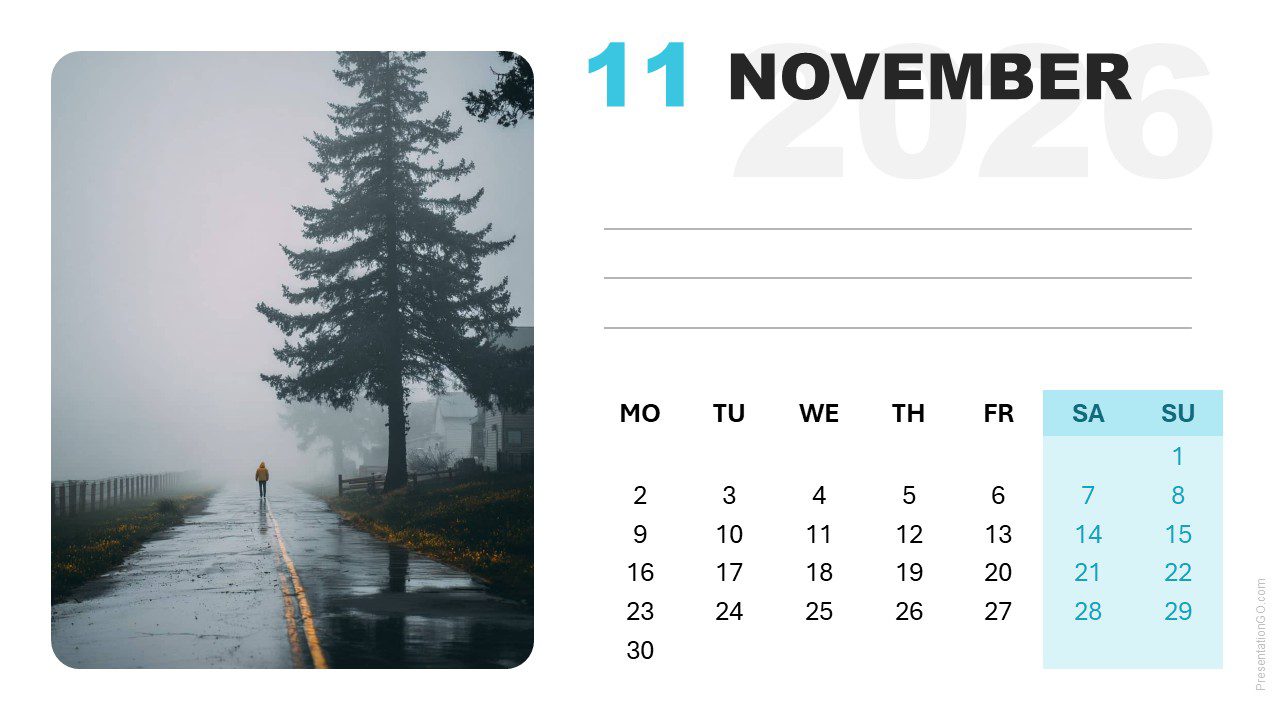
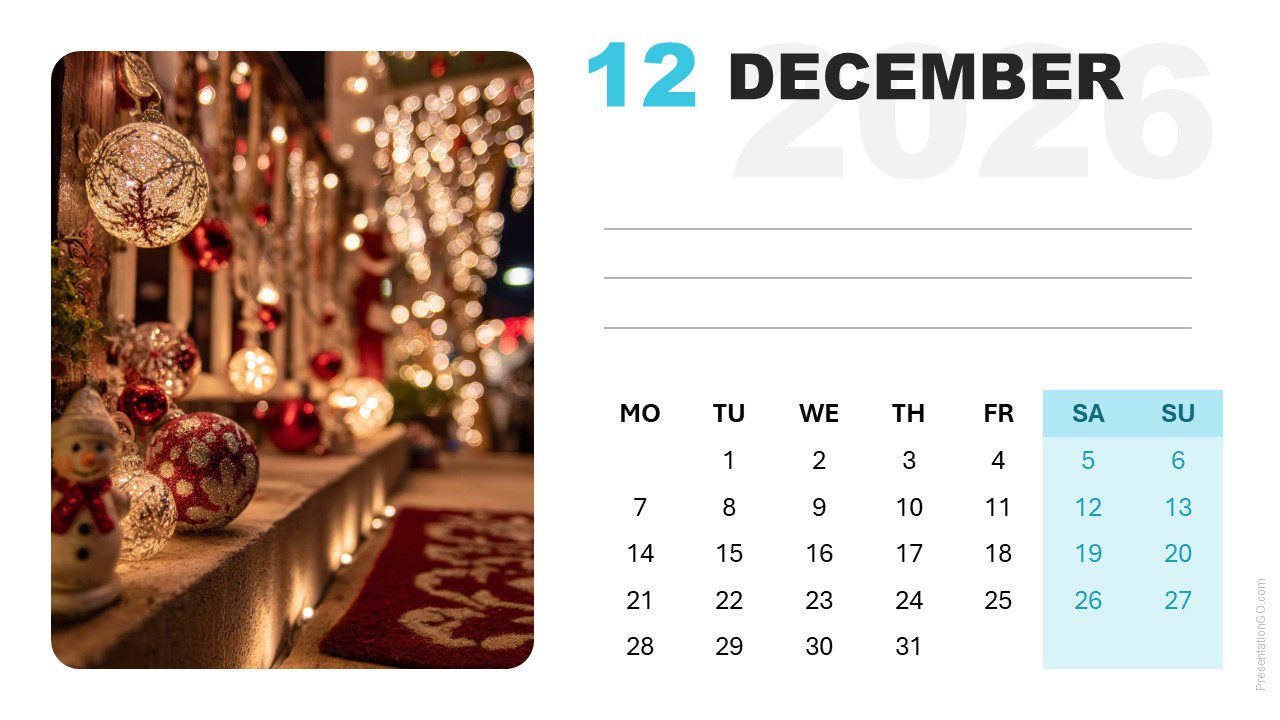


Template Features and Customization Options
- Includes 12 slides (January–December 2026)
- Modern layout with week starting on Monday
- Editable text and image placeholders
- Built-in photo placeholder in the Master slide
- Available in widescreen (16:9) format for PowerPoint and Google Slides
Design and Layout Overview
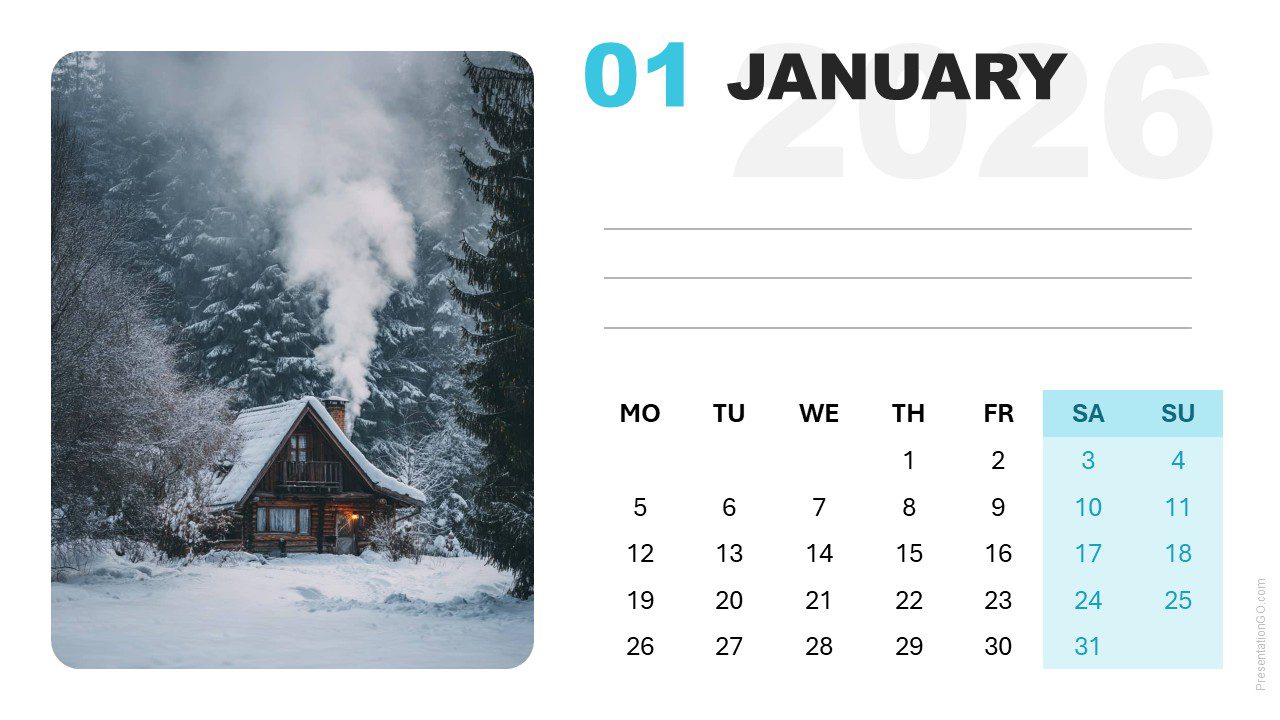
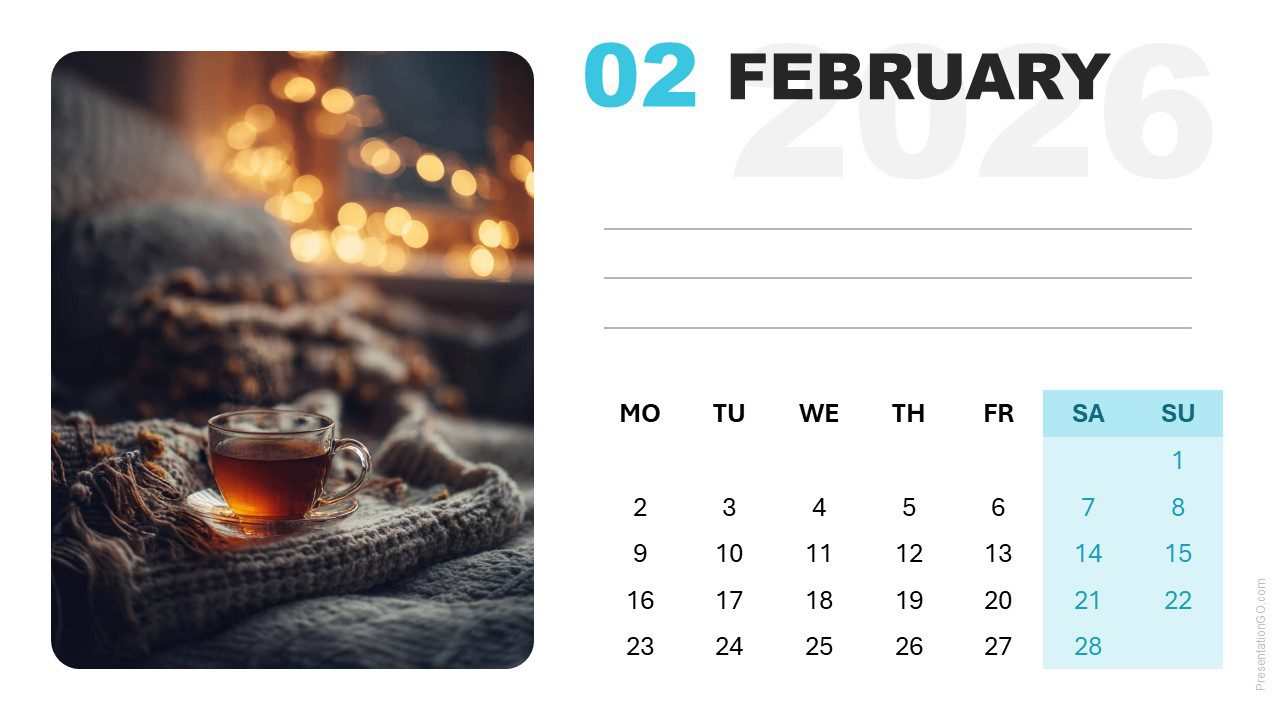
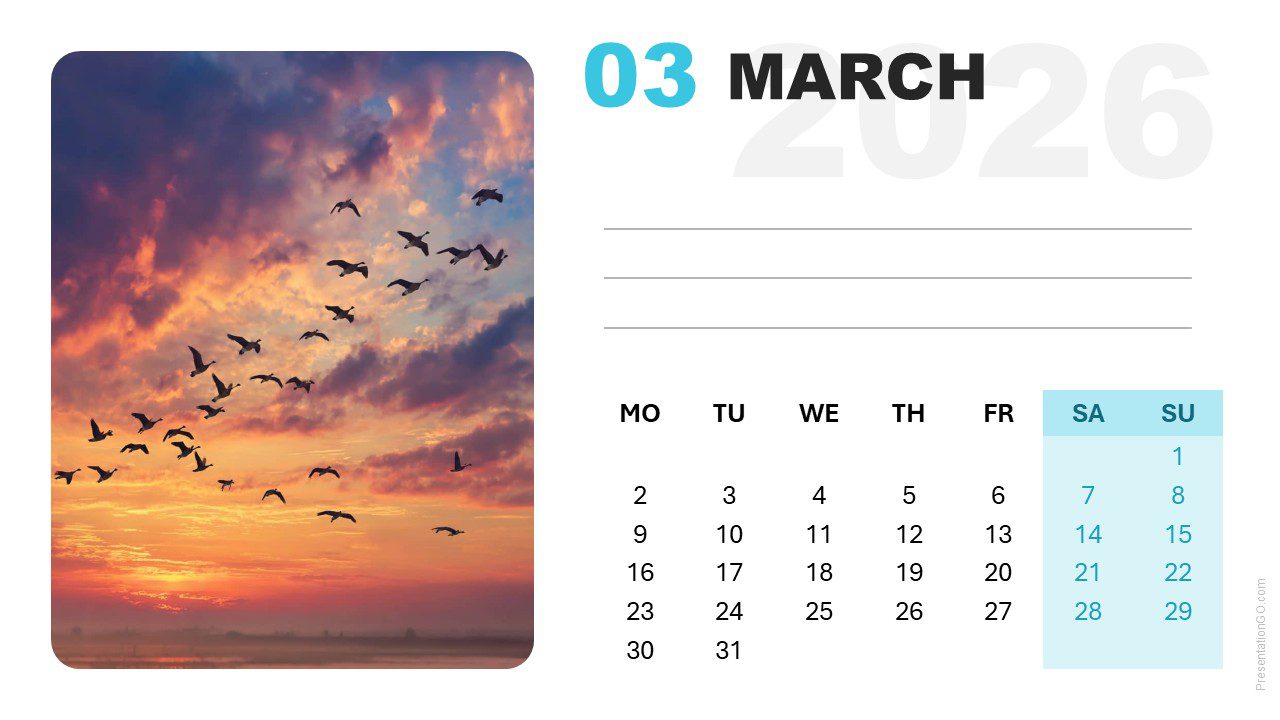
Each slide features a balanced two-column layout: a rounded photo area on the left and a clean monthly calendar on the right. The year “2026” appears subtly behind the month title, creating a contemporary and readable look. Light backgrounds and blue accent tones ensure visual harmony throughout all slides.
Practical Applications
- Business annual schedules and planning visuals
- Marketing content calendars
- Project or academic timelines
- Personal planners or lifestyle presentations
How to Edit
- Open the file in PowerPoint
- Remove the existing photo by clicking on it and pressing Delete
- Insert your own image: Go to Insert > Pictures, select your photo, and it will automatically fit the picture placeholder
- Edit month names, week labels, and notes fields as needed
- Customize fonts, colors, or accents as desired
- Open the file in Google Slides
- Click on the current photo to select it and press Delete
- Insert your new image: Go to Insert > Image, choose your photo, and click Insert
- Right-click the image and select “Send to back” to position it behind the background shape with the cutout
- Adjust and align the image so it perfectly fills the cutout shape
- Edit month names, week labels, and notes fields as needed
- Customize fonts, colors, or accents as desired
Summary
The 2026 Modern Photo Calendar (Monday Start) provides a polished and easy-to-use design. It’s ideal for professional planners and personal projects requiring a modern, clear calendar layout.