

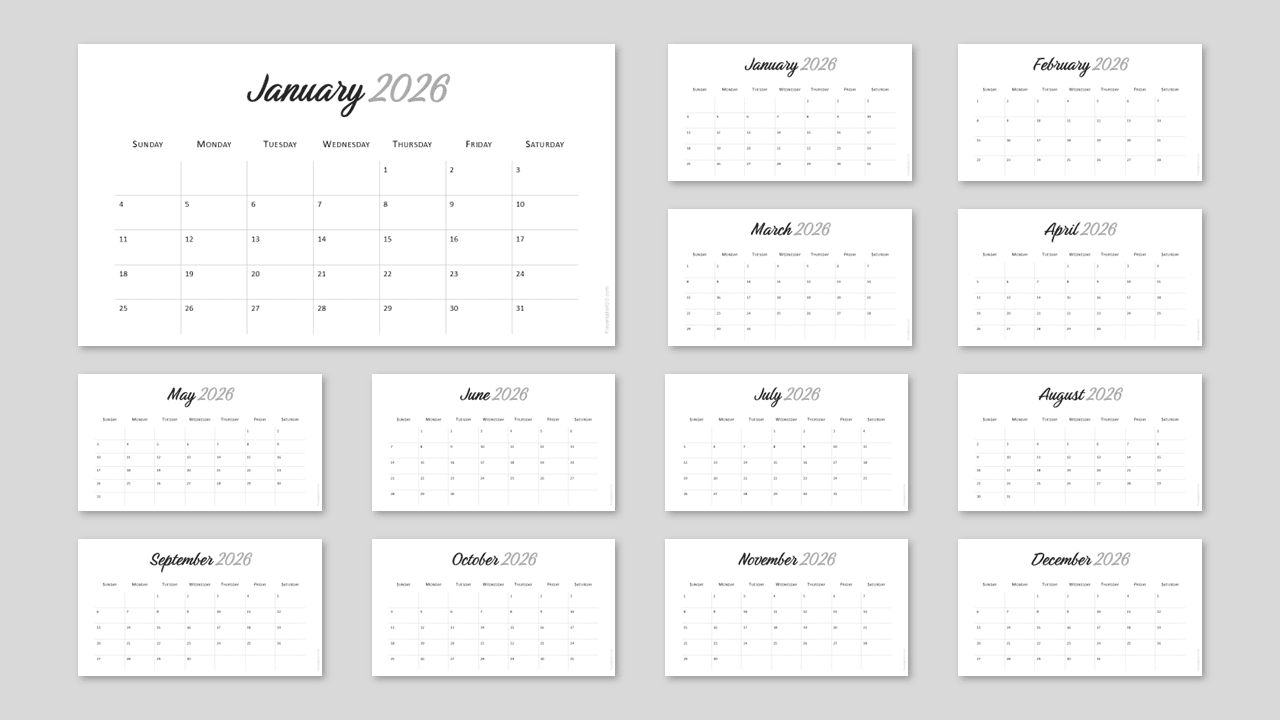
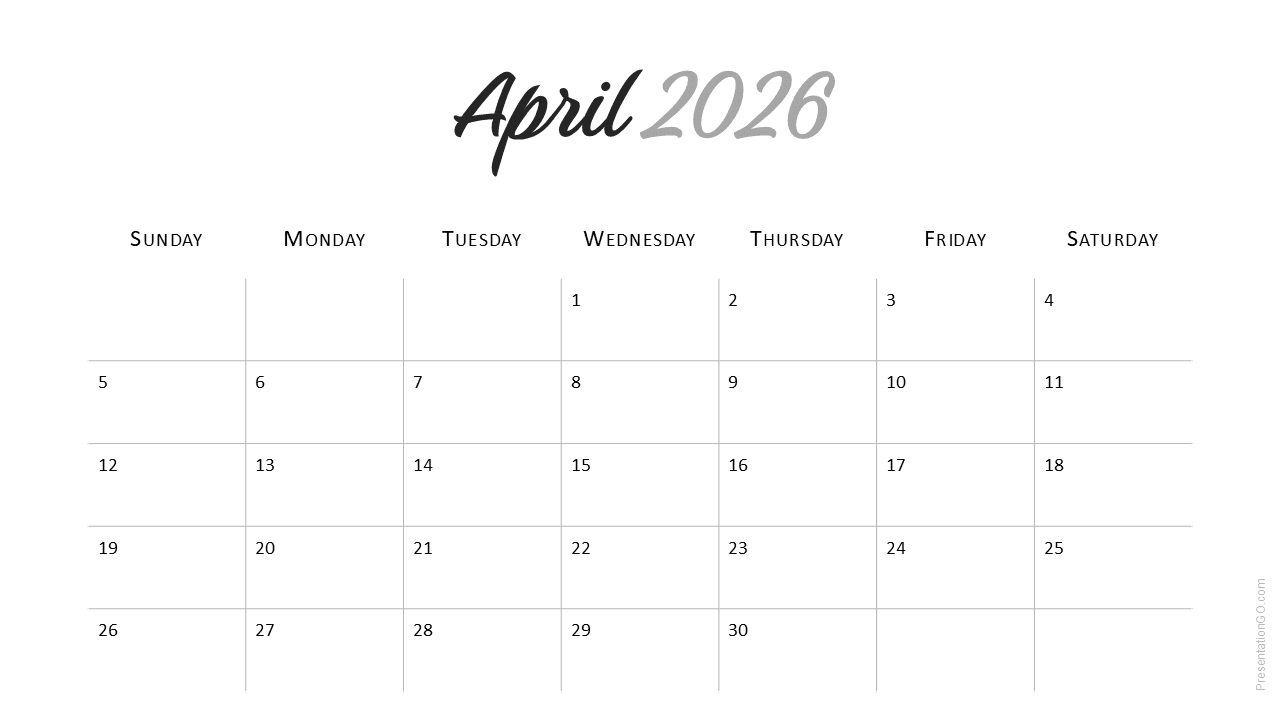
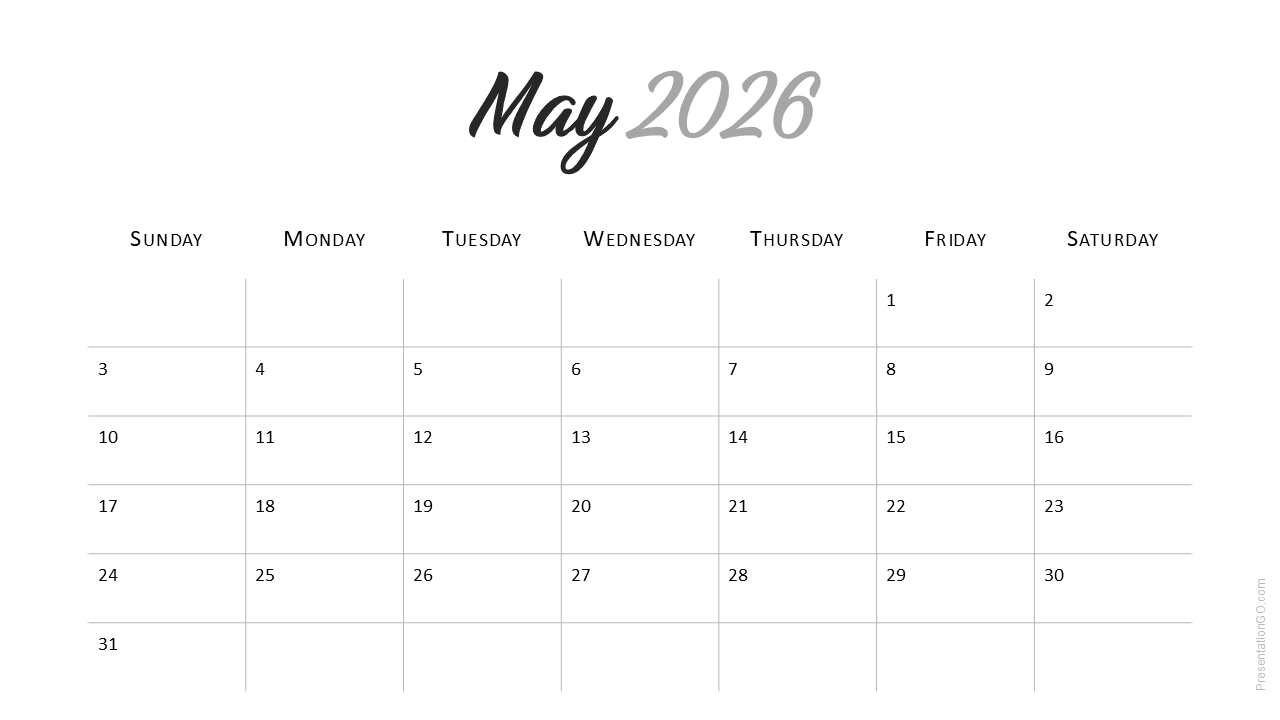
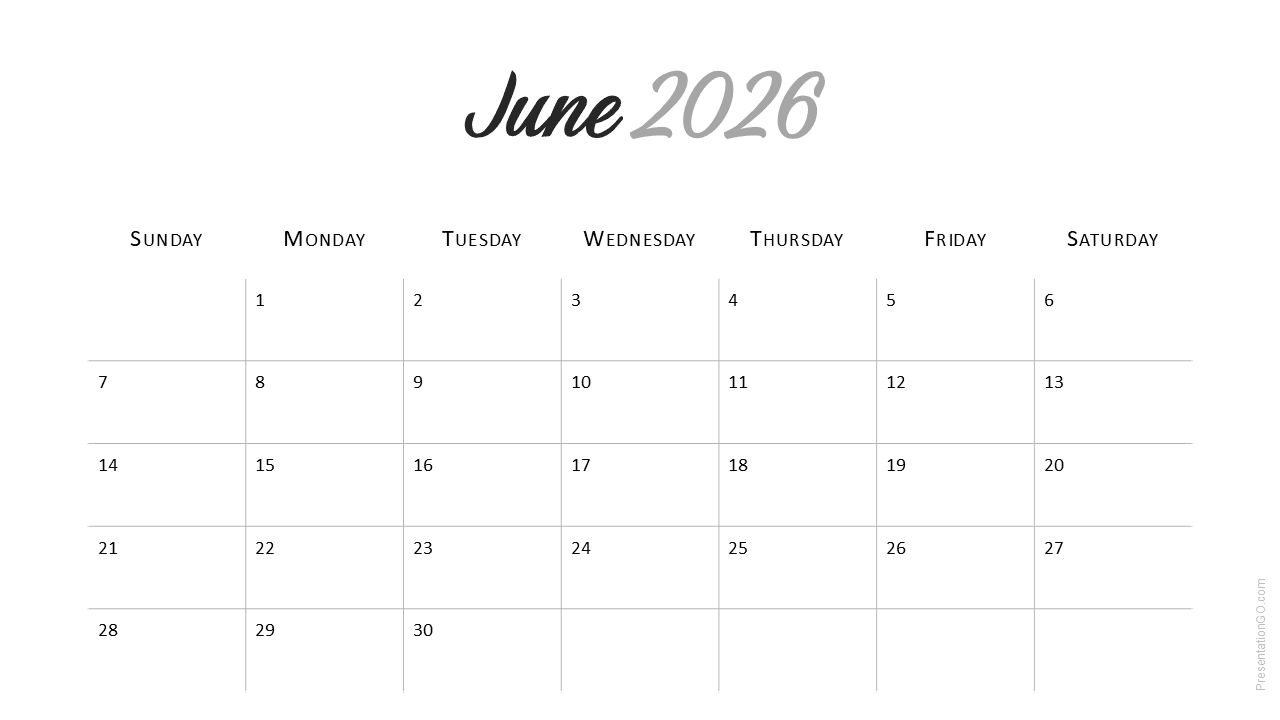
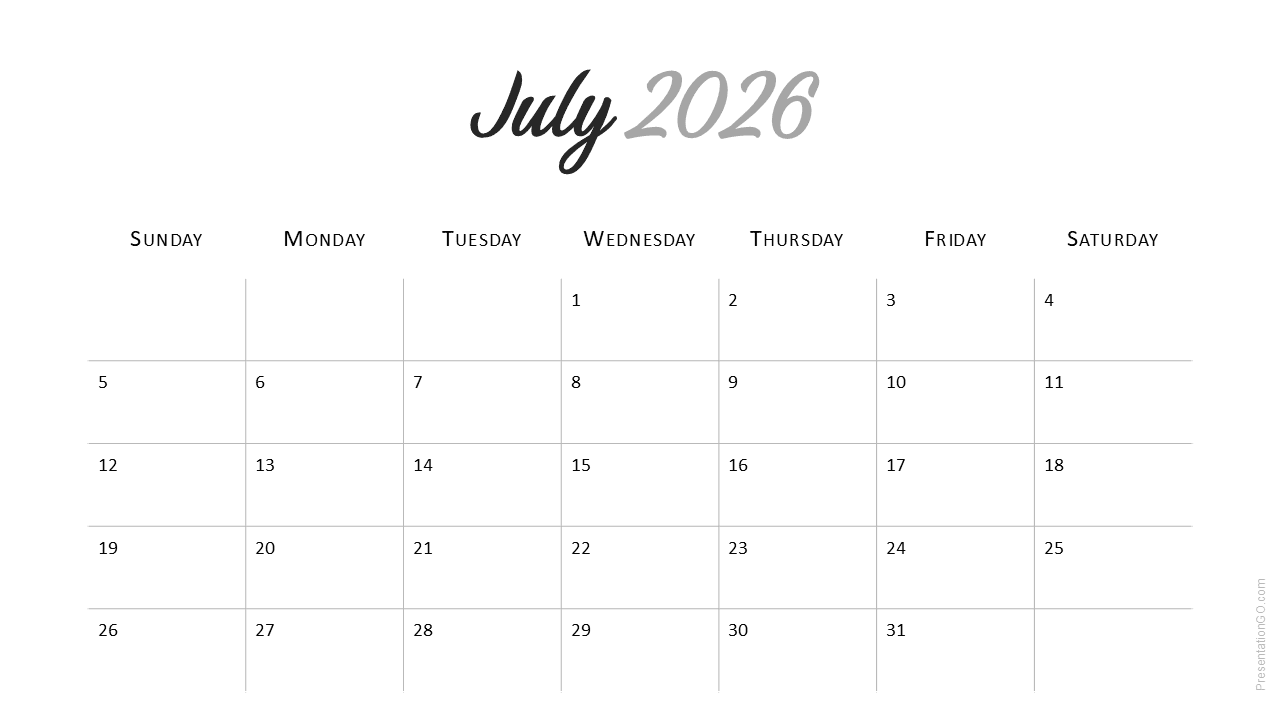
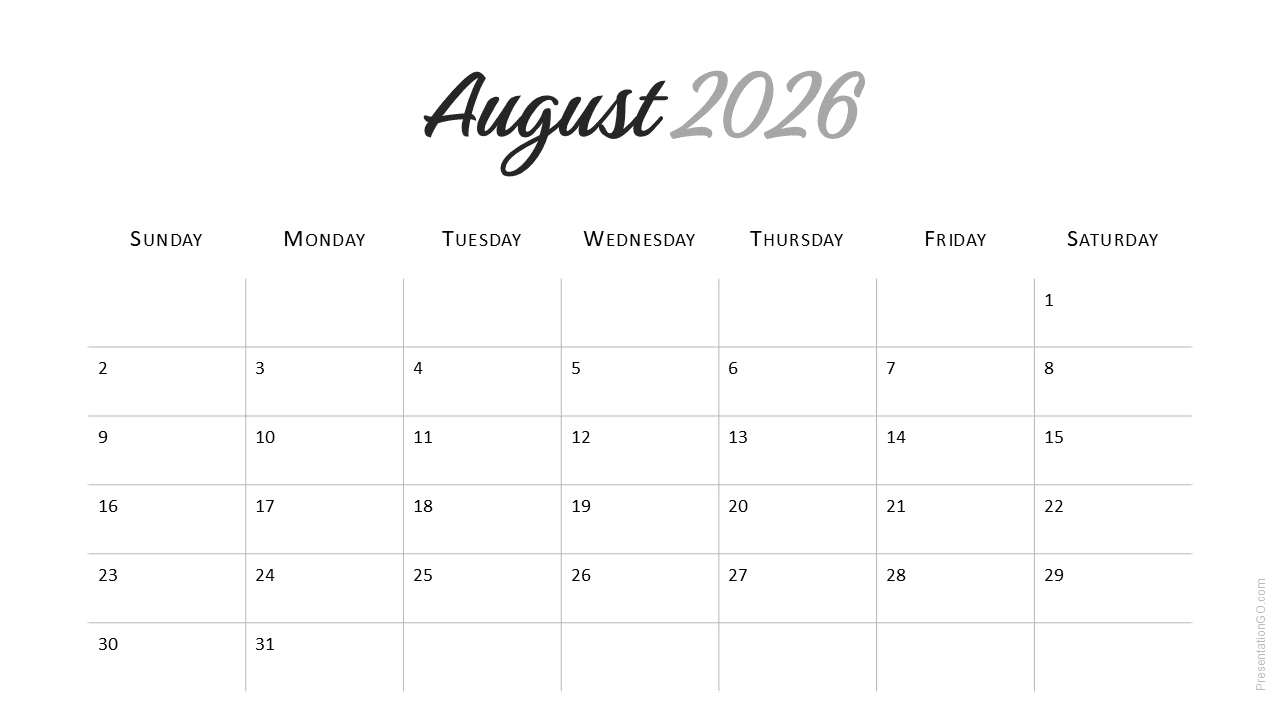
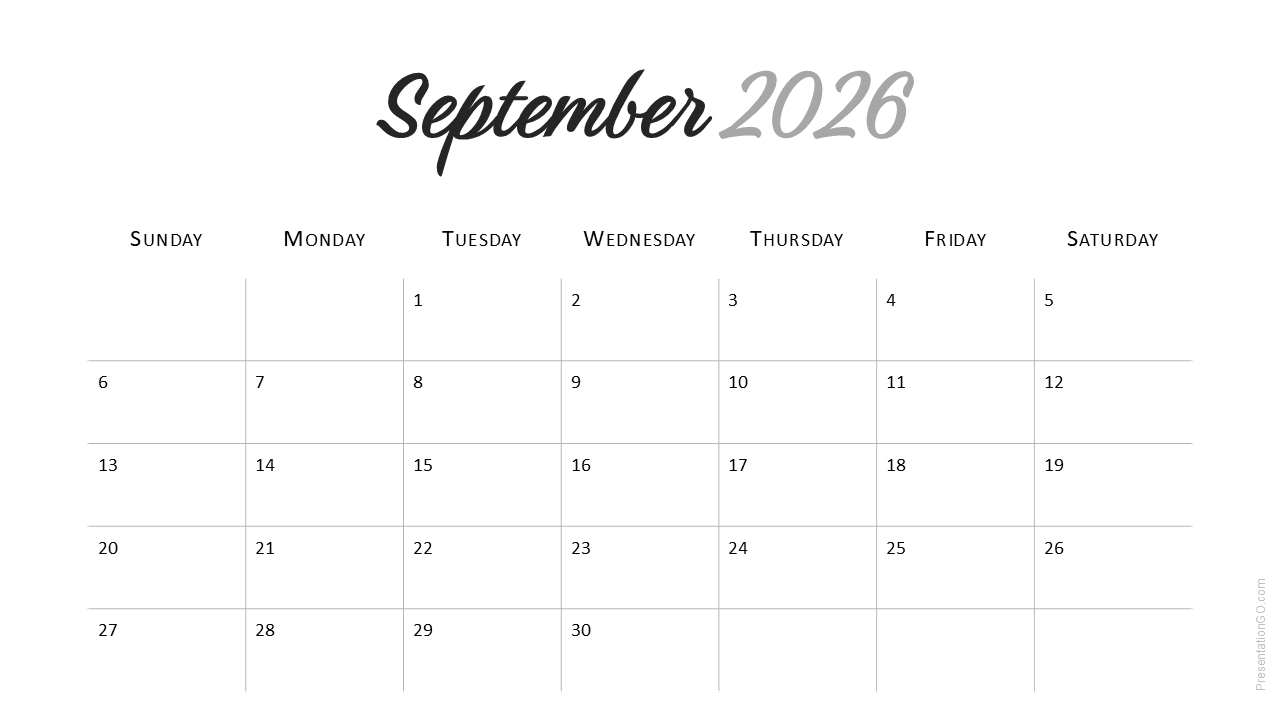
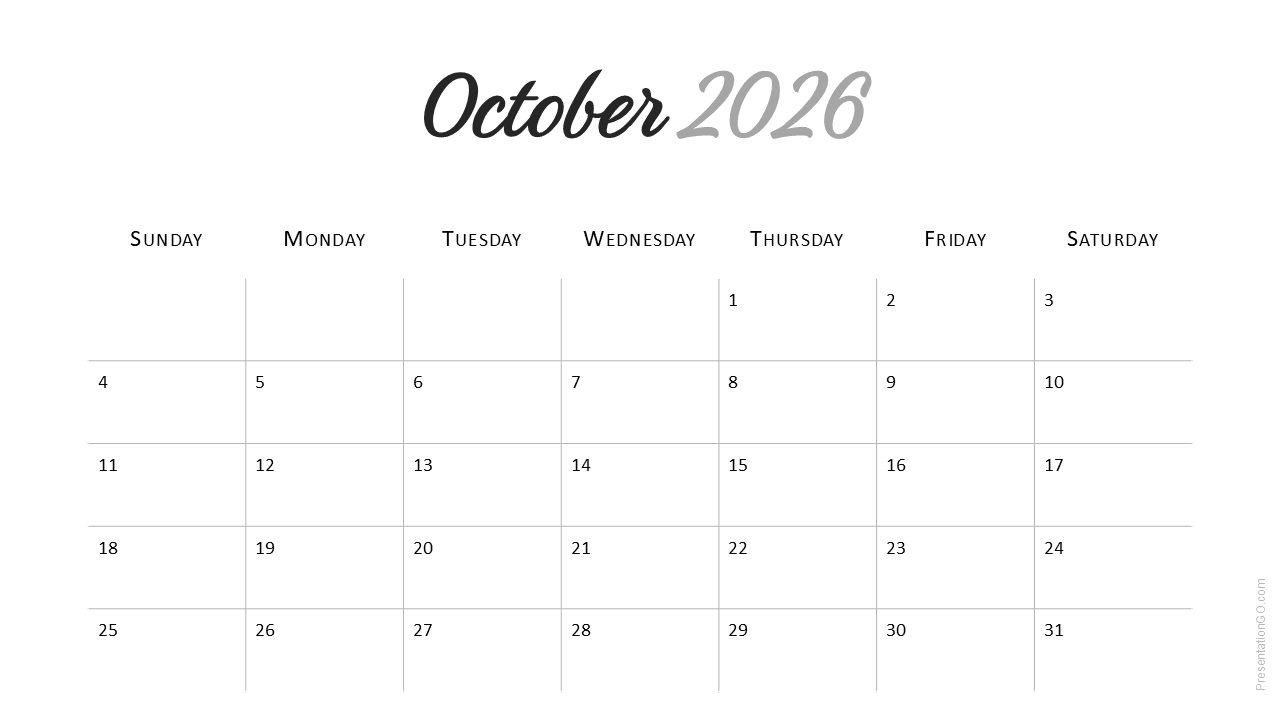
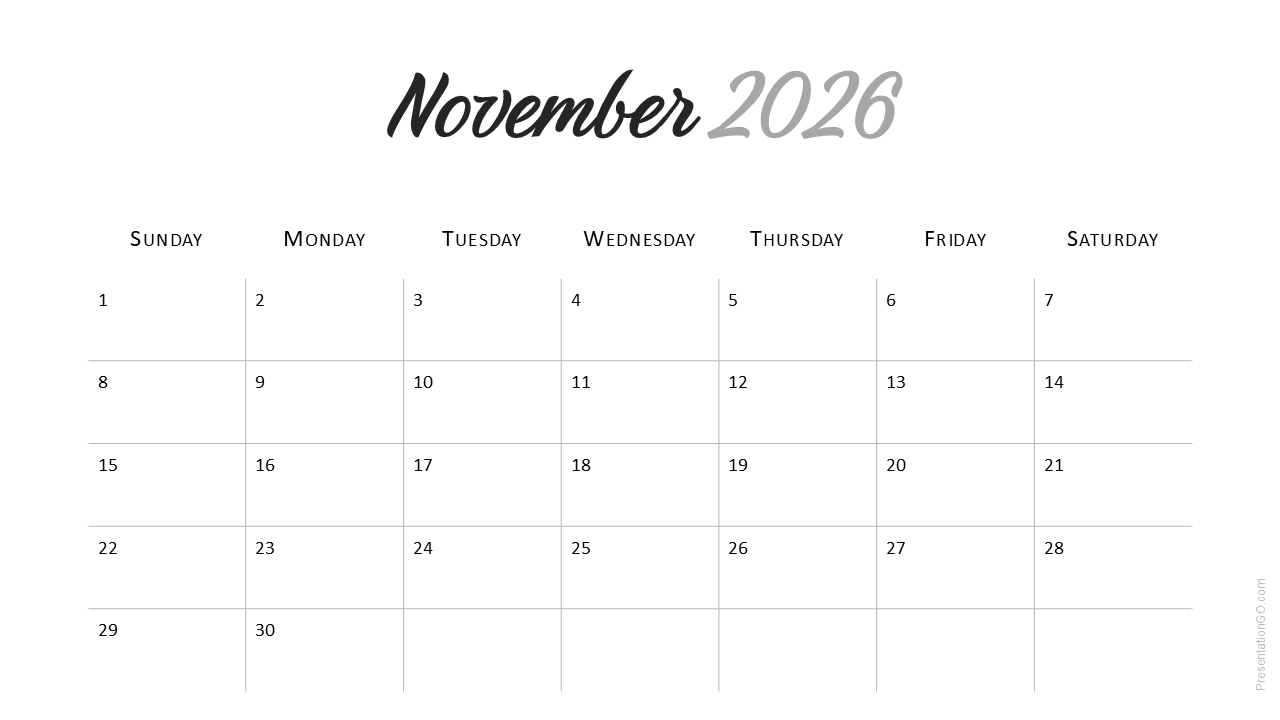
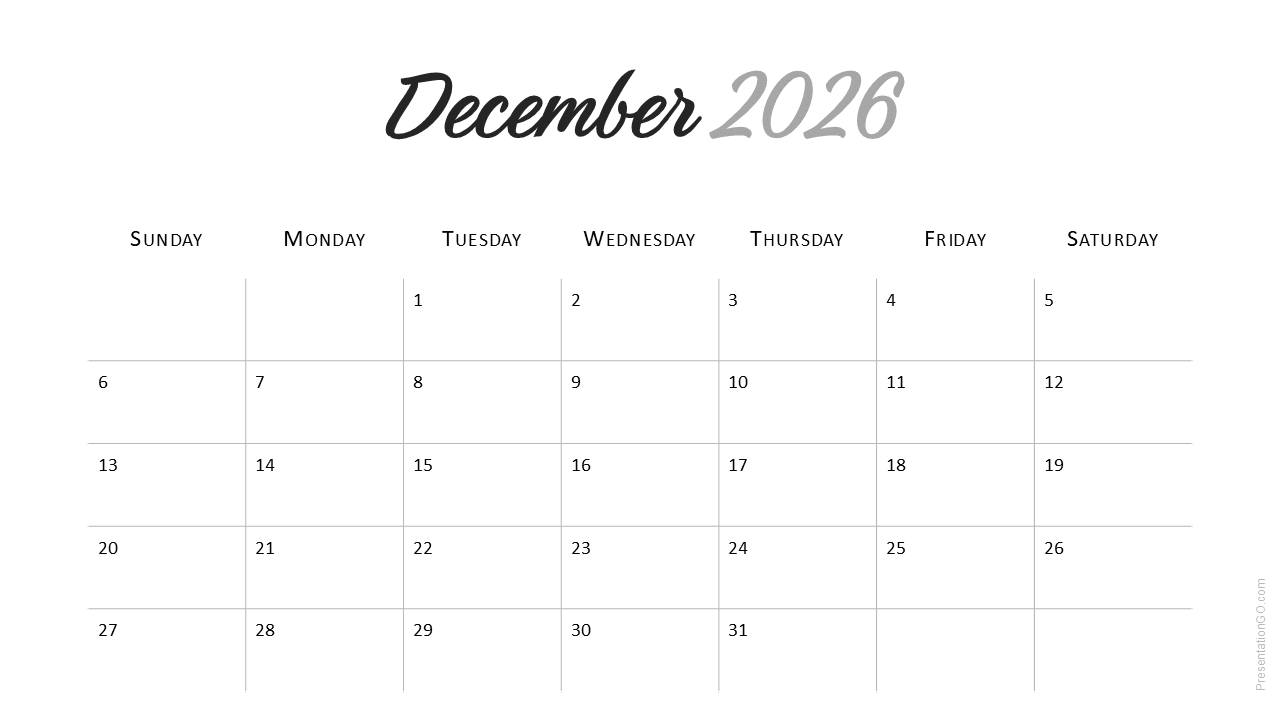
The Minimal 2026 Calendar (Sunday Start) template offers a clean and refined layout for monthly planning in PowerPoint and Google Slides. It’s ideal for business, education, or personal use throughout the year.
Template Preview


Features and Customization Options
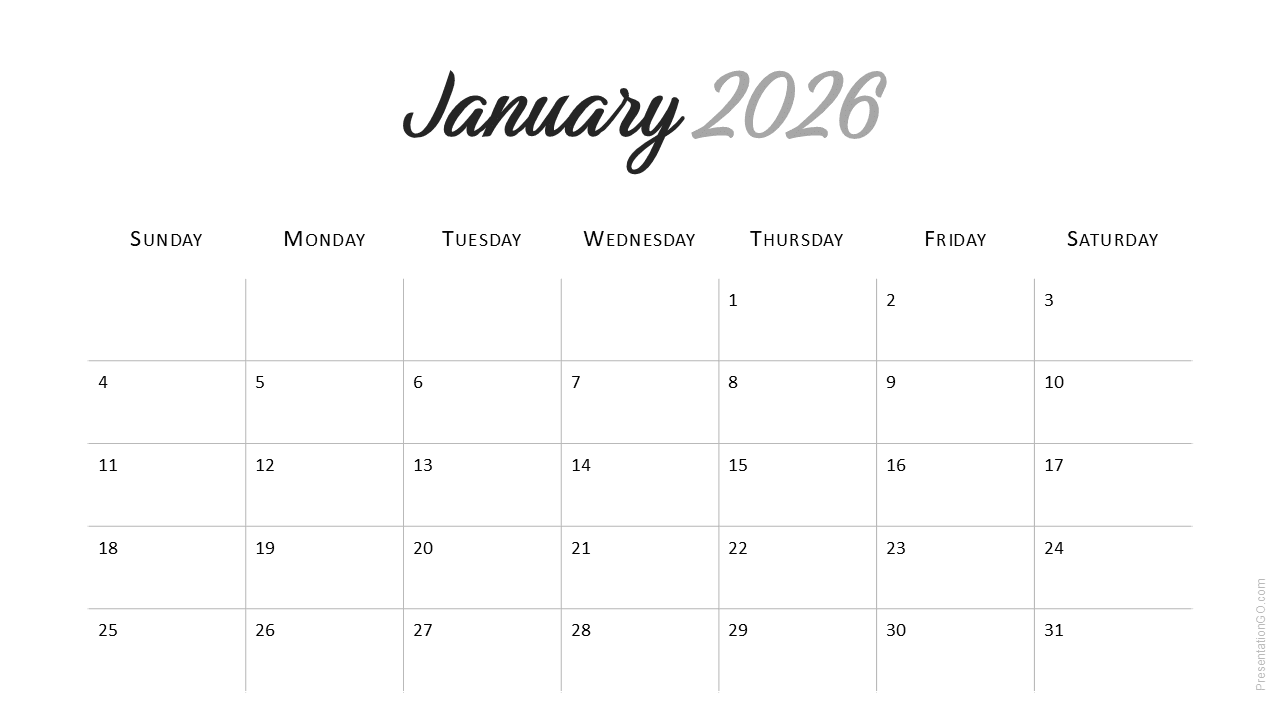
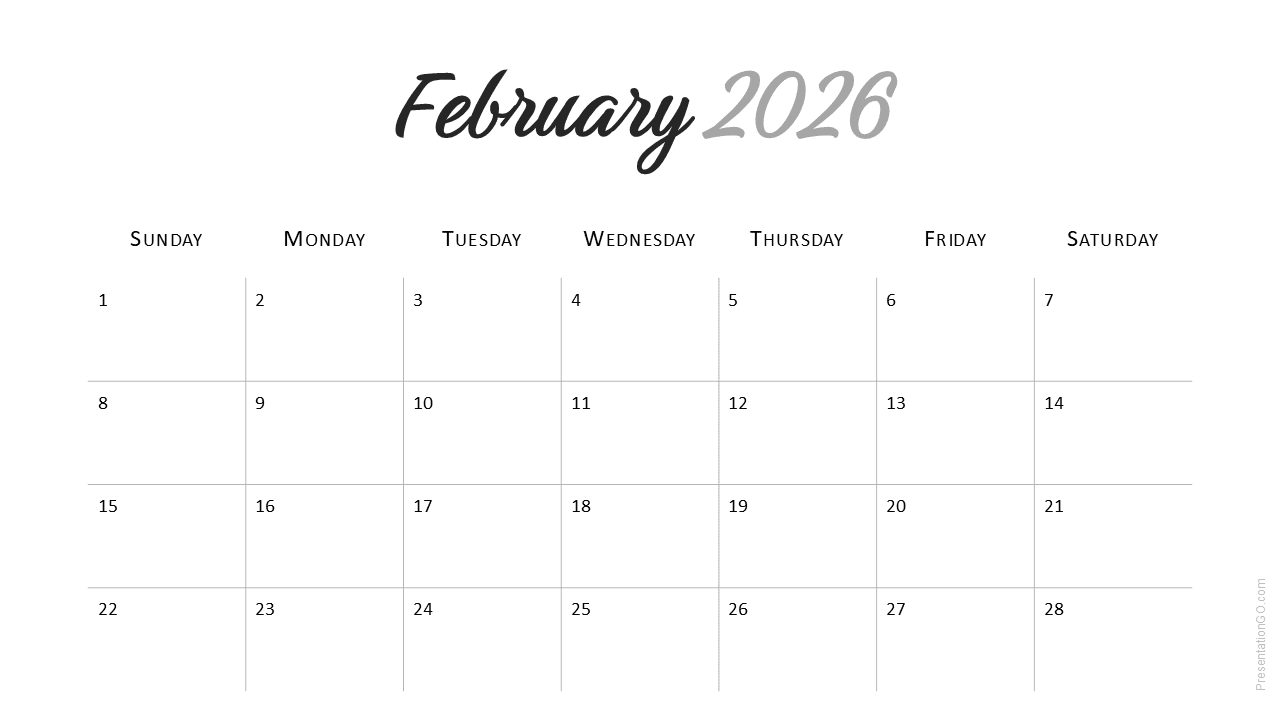
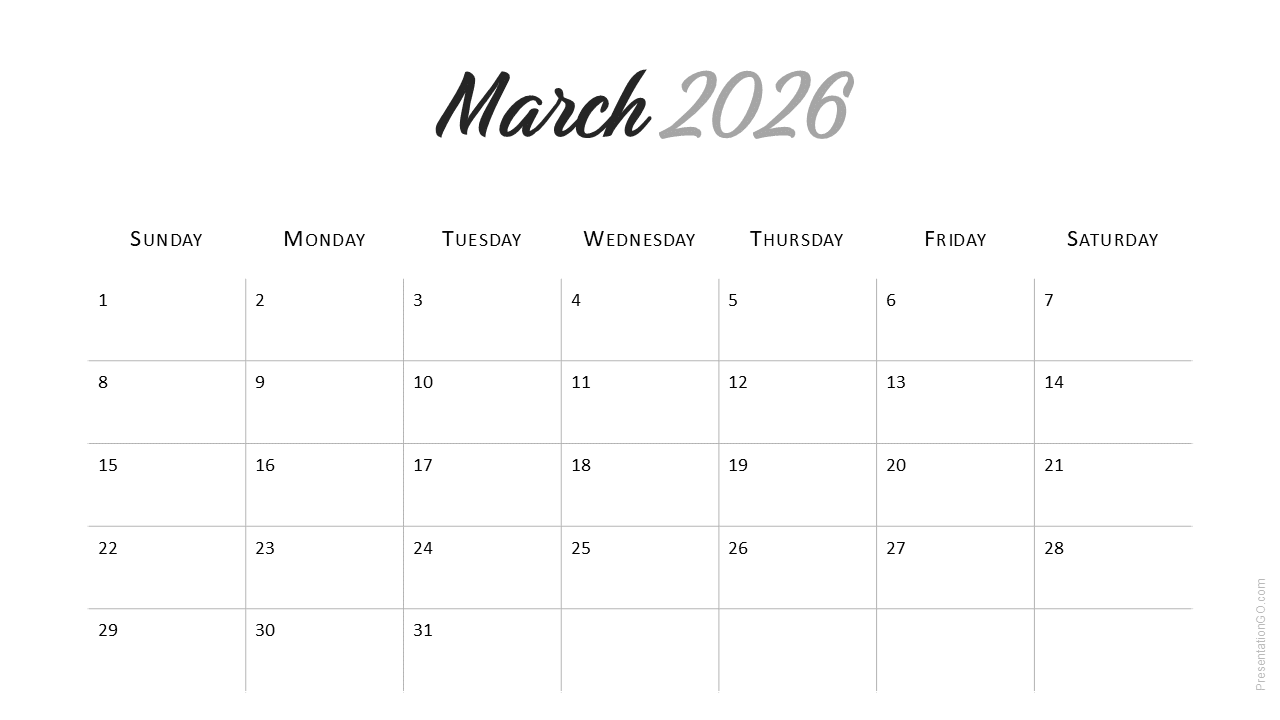
- 12 monthly slides (January to December 2026)
- Week starts on Sunday for traditional calendar format
- Uses the free Google Font Birthstone for month titles
- Light background for easy printing and on-screen clarity
- Fully editable text and colors via Slide Master
- Available in PowerPoint and Google Slides (16 : 9 widescreen)
Design and Layout Overview
Each slide features a single month with balanced spacing and subtle gray borders. The Birthstone font adds a soft, handwritten accent to the month titles while the year is rendered in a neutral sans-serif typeface. This combination creates a modern, minimal aesthetic that fits any presentation theme.
Practical Applications
- Business and marketing planning presentations
- Academic schedules and event tracking
- Personal or team yearly planning
How to Edit
- Open the template in PowerPoint or Google Slides.
- Edit dates or add notes for each month.
- Install the Birthstone font (if needed) for accurate text display.
- Customize colors and layout from the Slide Master.
- Print or export to PDF for offline use.
Summary
This Minimal 2026 Calendar (Sunday Start) delivers clarity and elegance for year-long planning. Ideal for professionals and students seeking a refined layout.
Frequently Asked Questions (FAQ)
The template uses Birthstone, a free Google Font. Download it at fonts.google.com.
Download and install the TTF file before opening the PowerPoint file to preserve the design.
Yes, customize them in Slide Master.



