

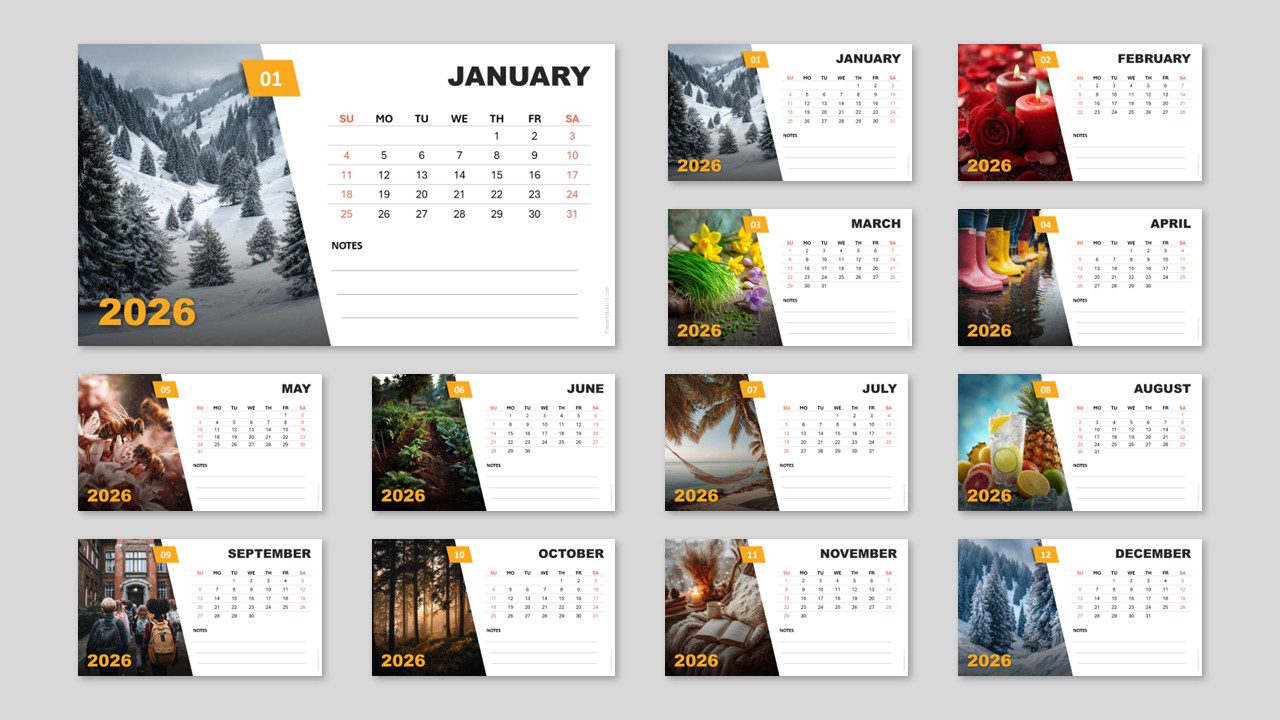
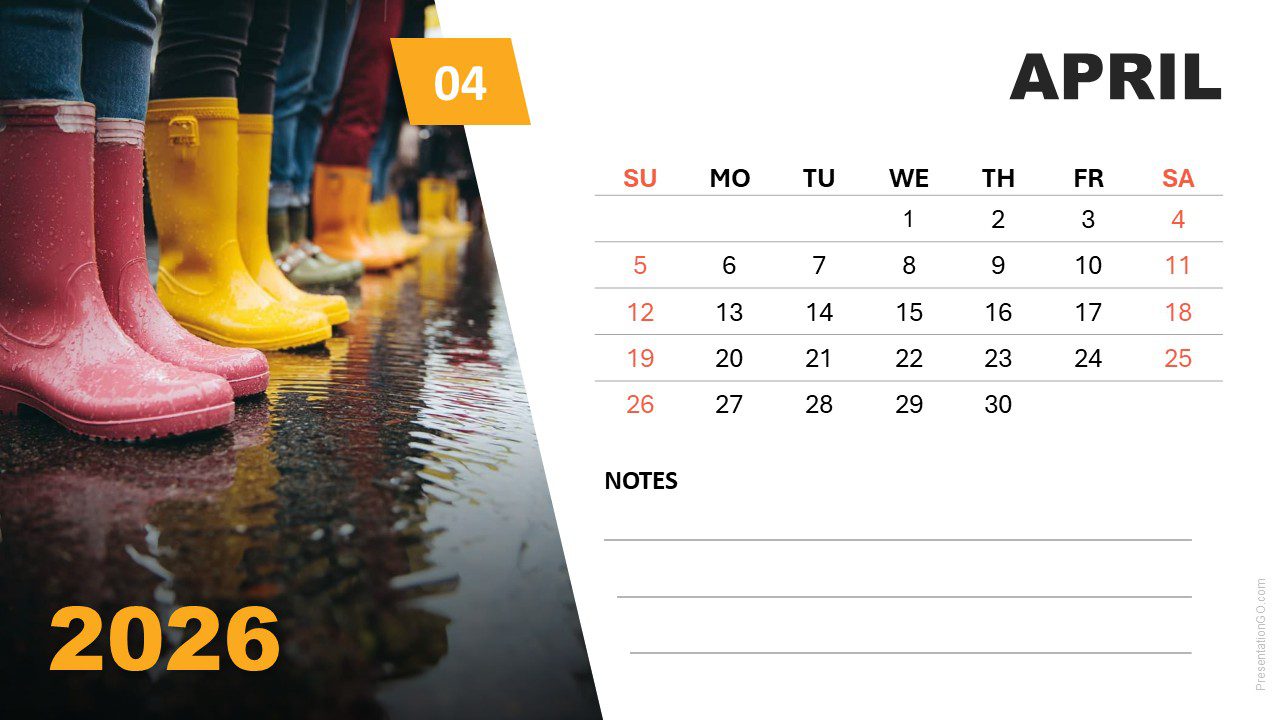
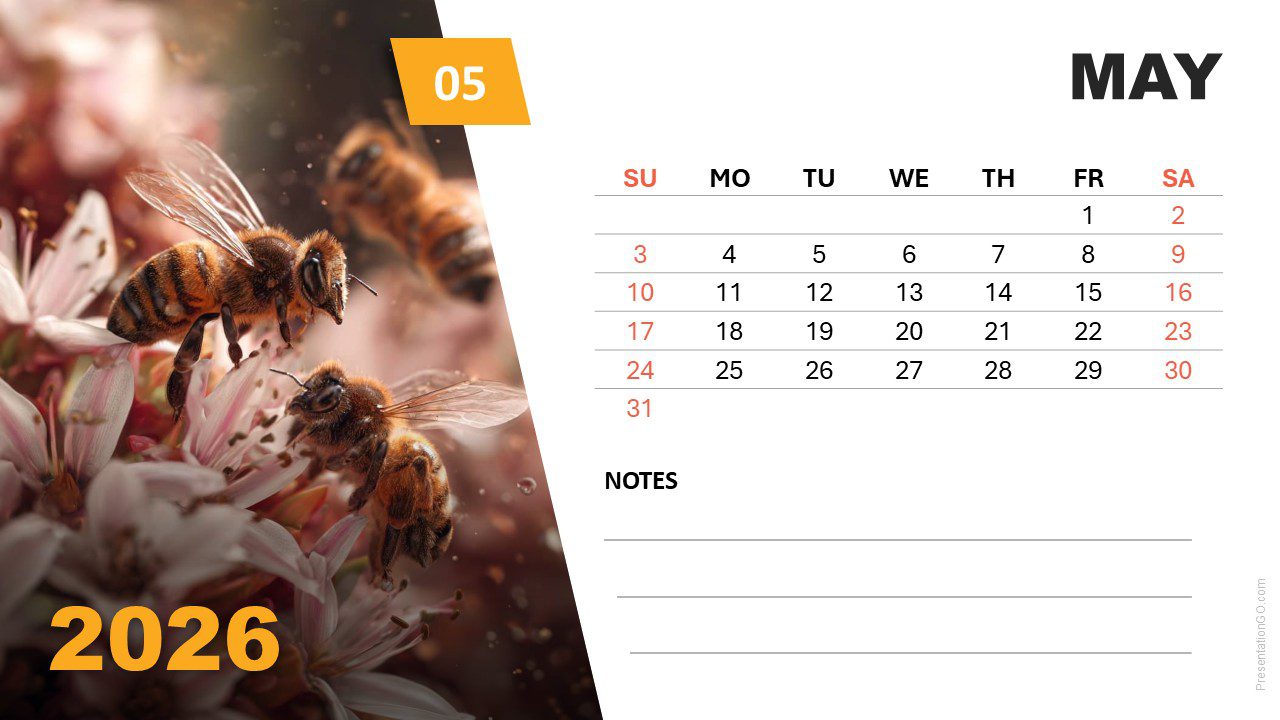
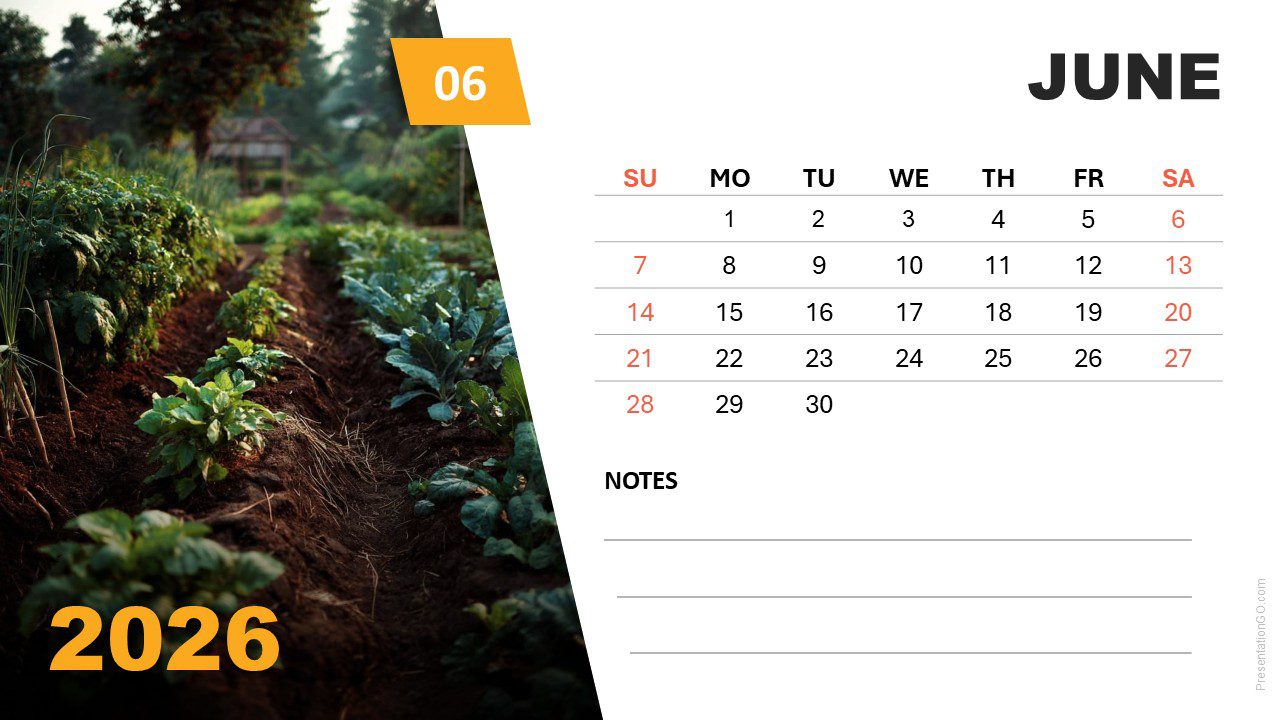
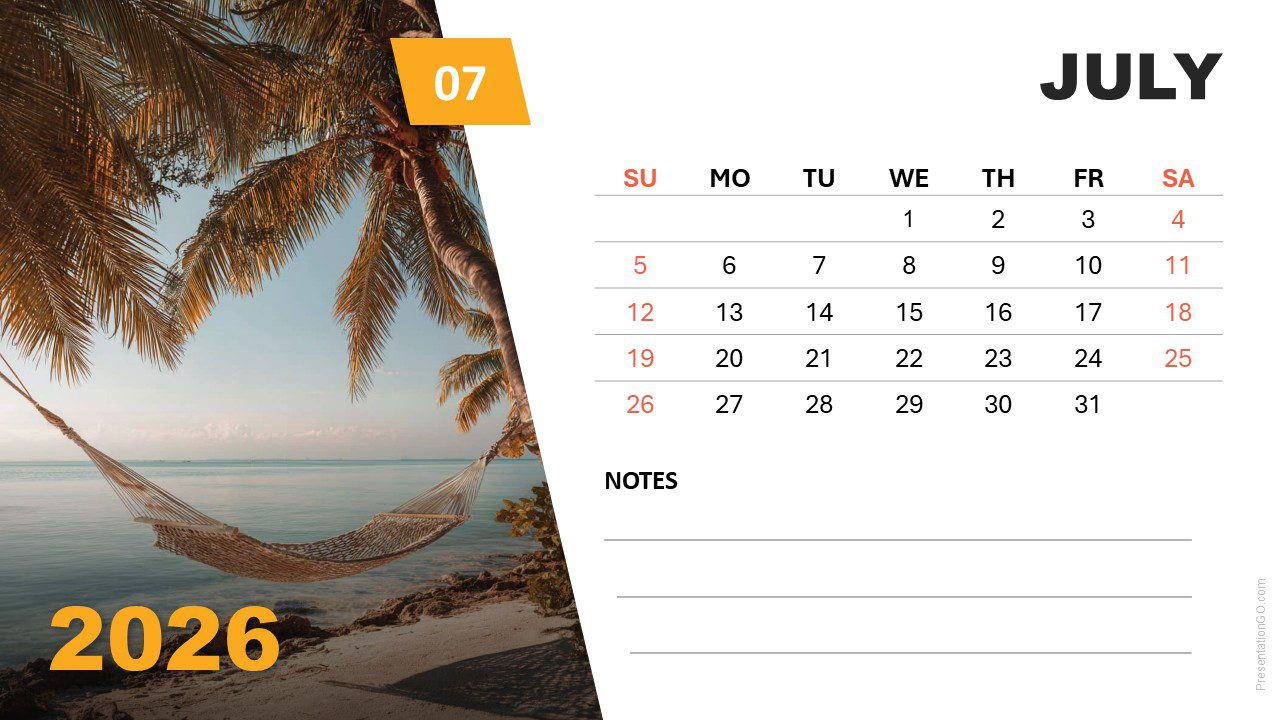
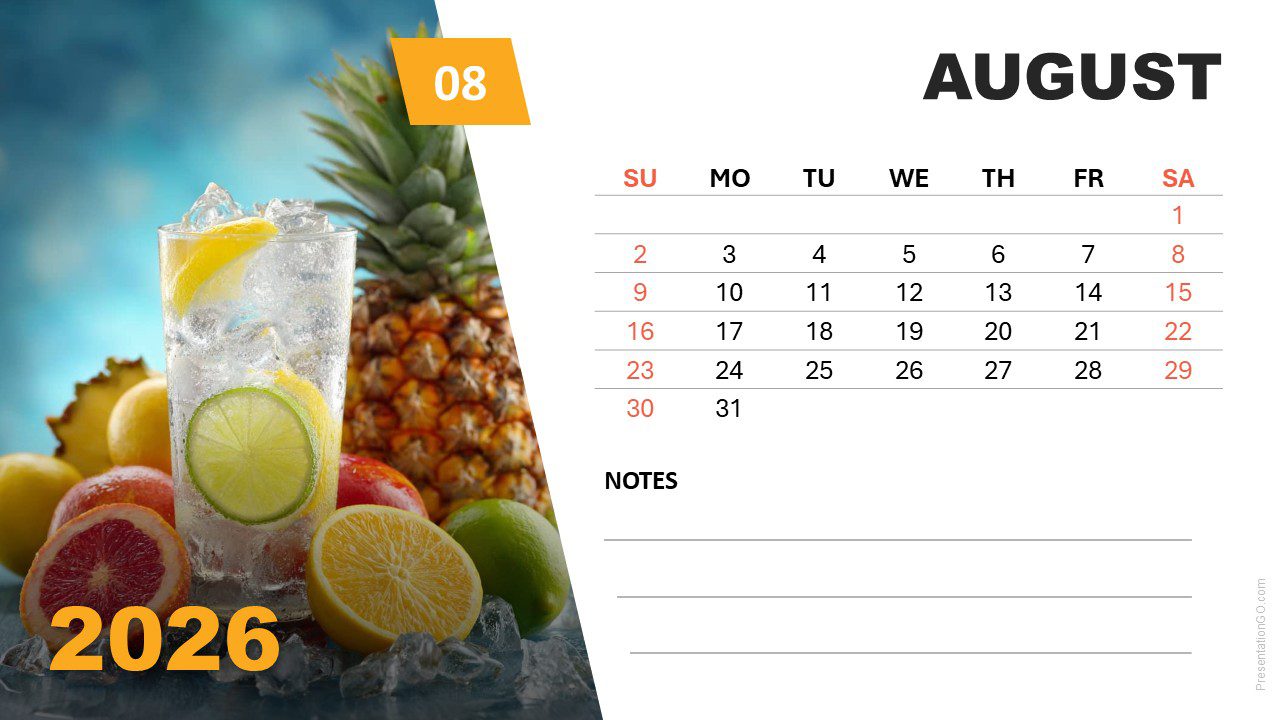
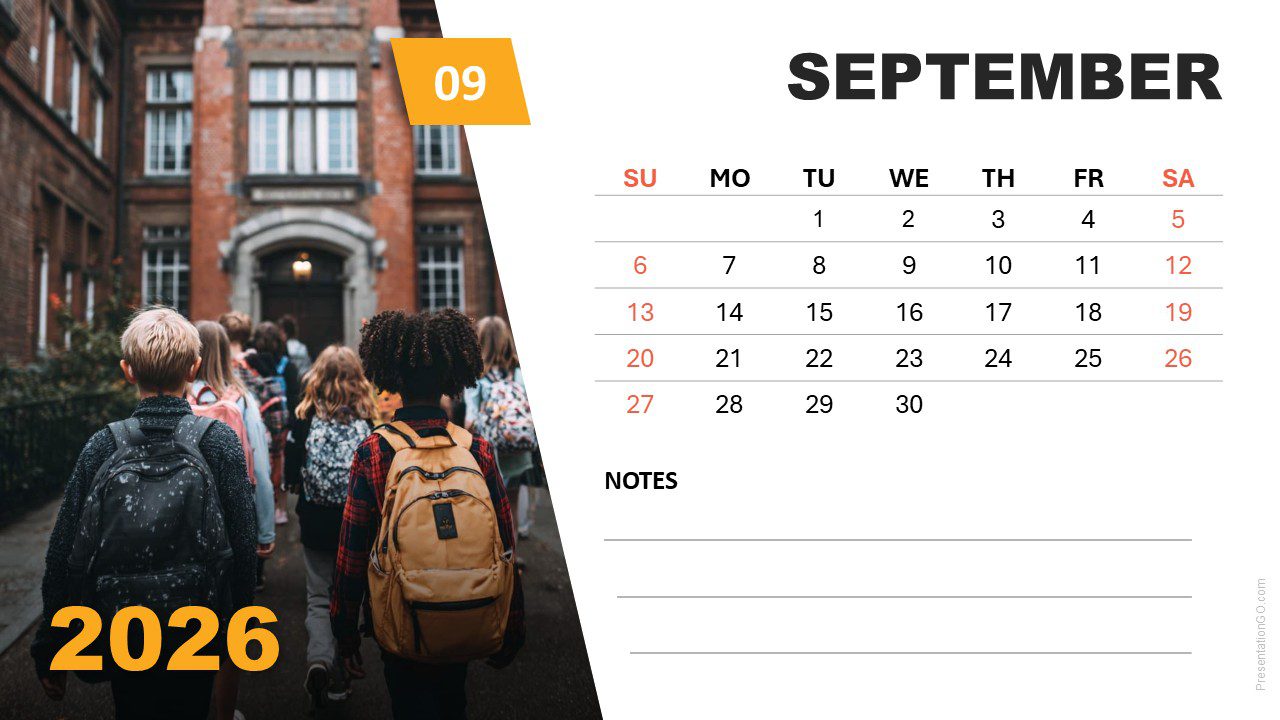
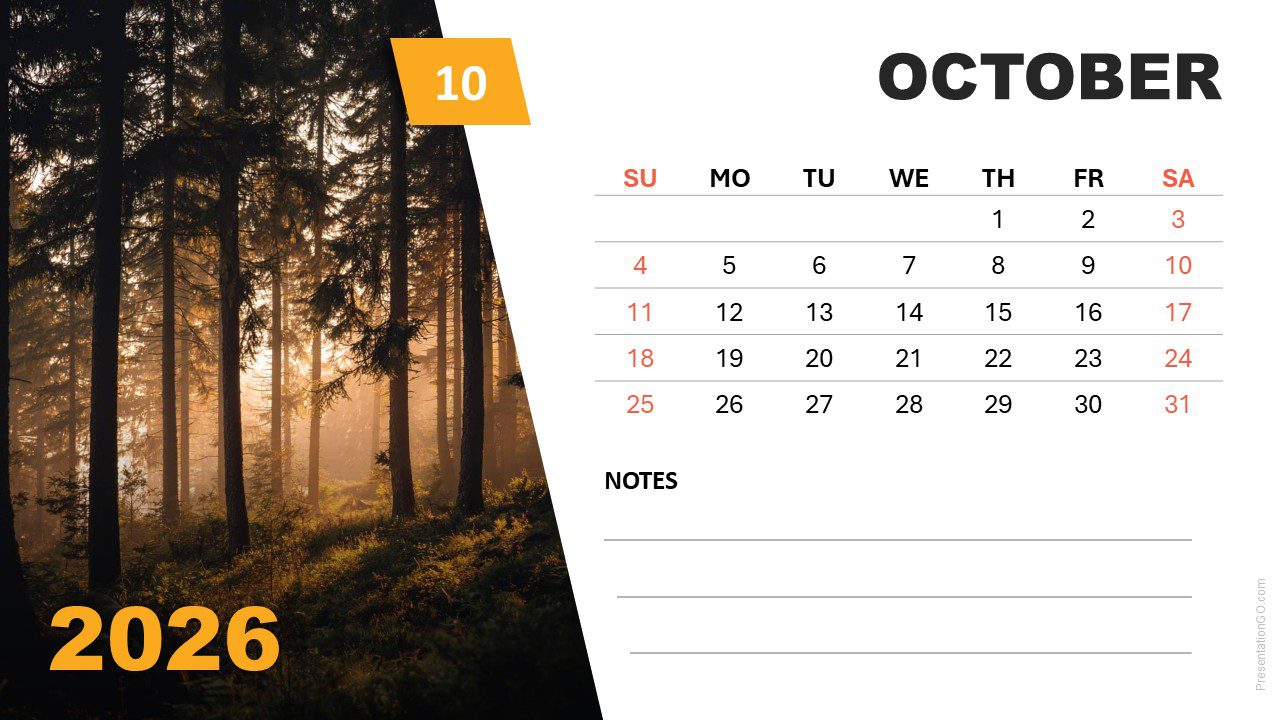
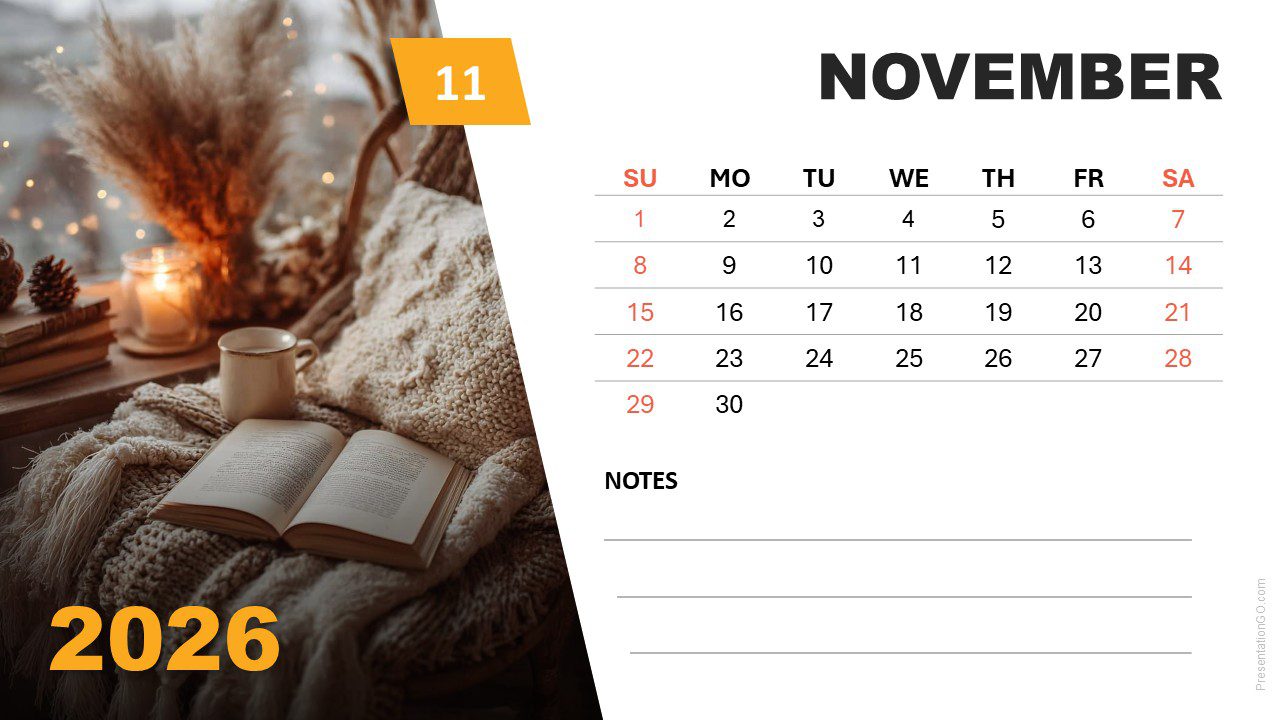
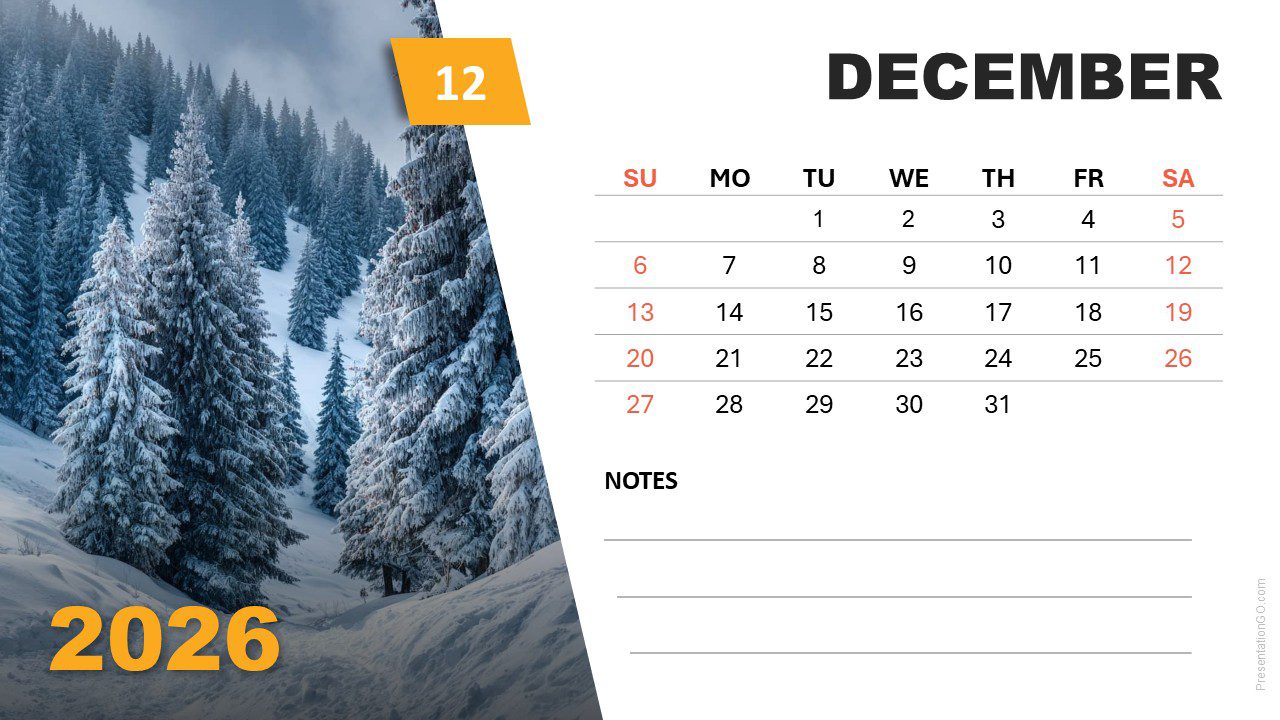
The 2026 Seasonal Photo Calendar (Sunday Start) is a modern and editable template for PowerPoint and Google Slides. Each month blends functional design with rich seasonal photography, creating a visual journey through the year. Perfect for planners, reports, or yearly overviews.
Template Preview


Features and Customization Options
- Includes 12 monthly slides with seasonal imagery
- Editable calendar text for 2026, starting on Sunday
- Picture placeholders for quick image replacement
- Light background for readability and easy printing
- Available for both PowerPoint and Google Slides
Design and Layout Overview
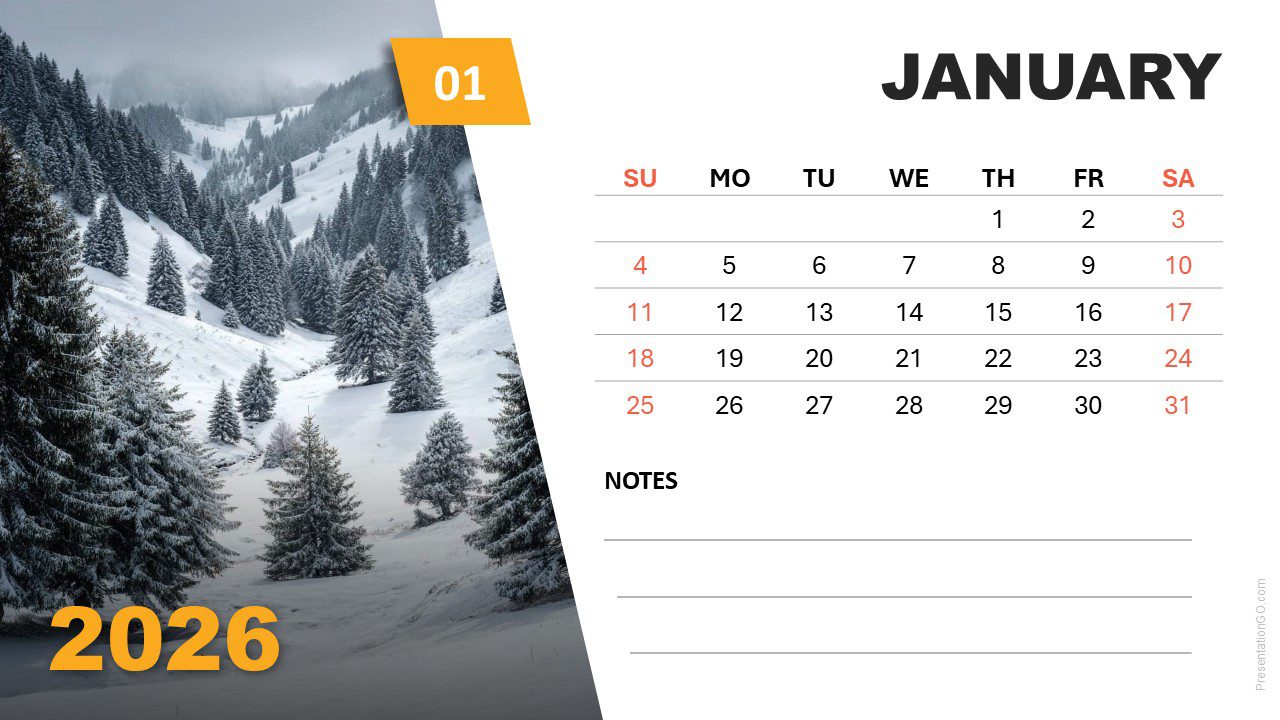
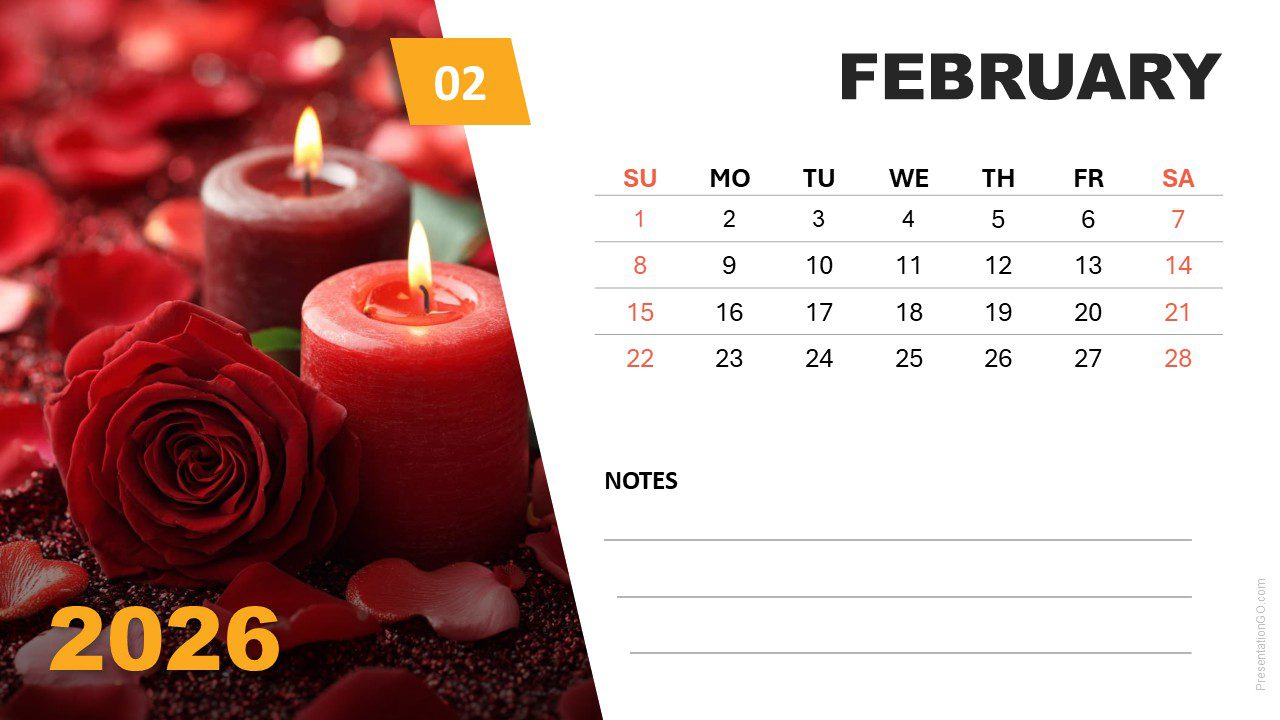
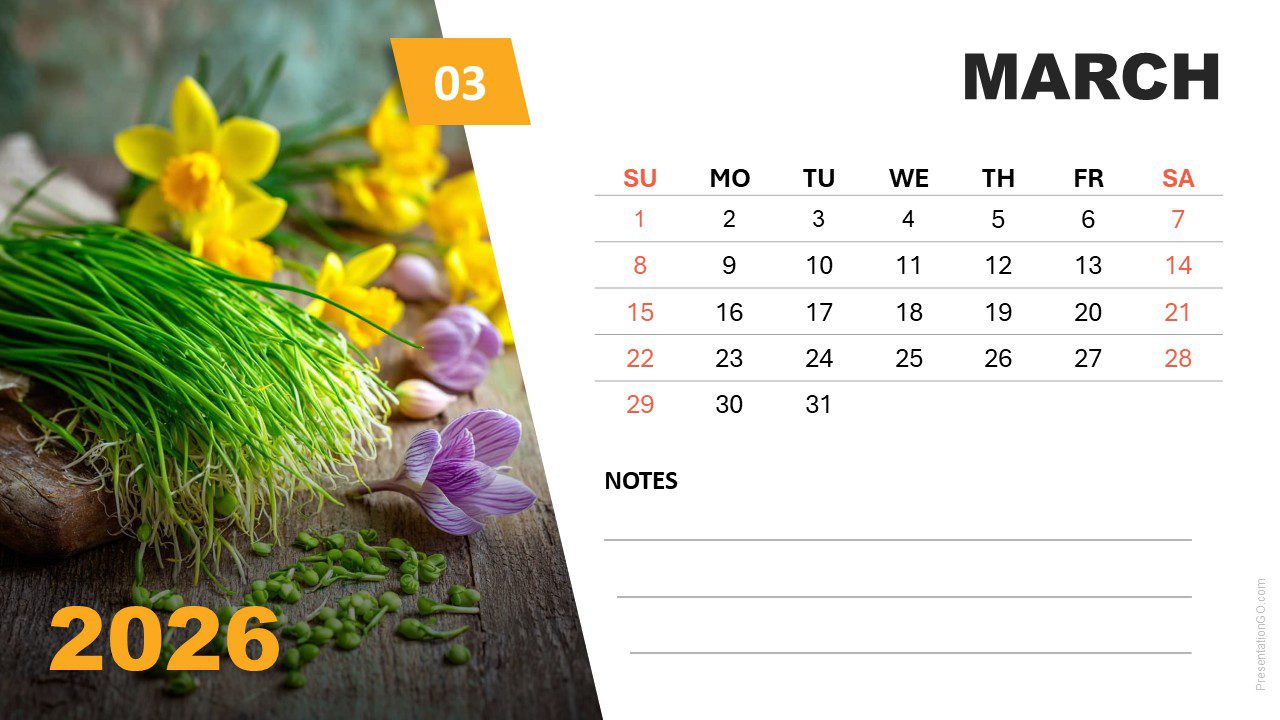
Each slide presents a two-column layout: a photo on the left and a minimalist calendar grid on the right. A bold month header and an orange-yellow accent define the visual rhythm. The seasonal theme transitions smoothly from snowy winters to warm summer tones, emphasizing visual harmony and simplicity.
Practical Applications
- Marketing or content calendars
- Corporate project planning
- Educational or personal scheduling
- Printable or digital wall calendars
How to Edit
- Open the file in PowerPoint
- Remove the existing photo by clicking on it and pressing Delete
- Insert your own image: Go to Insert > Pictures, select your photo, and it will automatically fit the picture placeholder
- Edit month names, week labels, and notes fields as needed
- Customize fonts, colors, or accents as desired
- Open the file in Google Slides
- Click on the current photo to select it and press Delete
- Insert your new image: Go to Insert > Image, choose your photo, and click Insert
- Right-click the image and select “Send to back” to position it behind the background shape with the cutout
- Adjust and align the image so it perfectly fills the cutout shape
- Edit month names, week labels, and notes fields as needed
- Customize fonts, colors, or accents as desired
Summary
The 2026 Seasonal Photo Calendar (Sunday Start) combines elegant imagery with clean typography. Its editable placeholders make customization effortless while maintaining a professional seasonal theme.



