

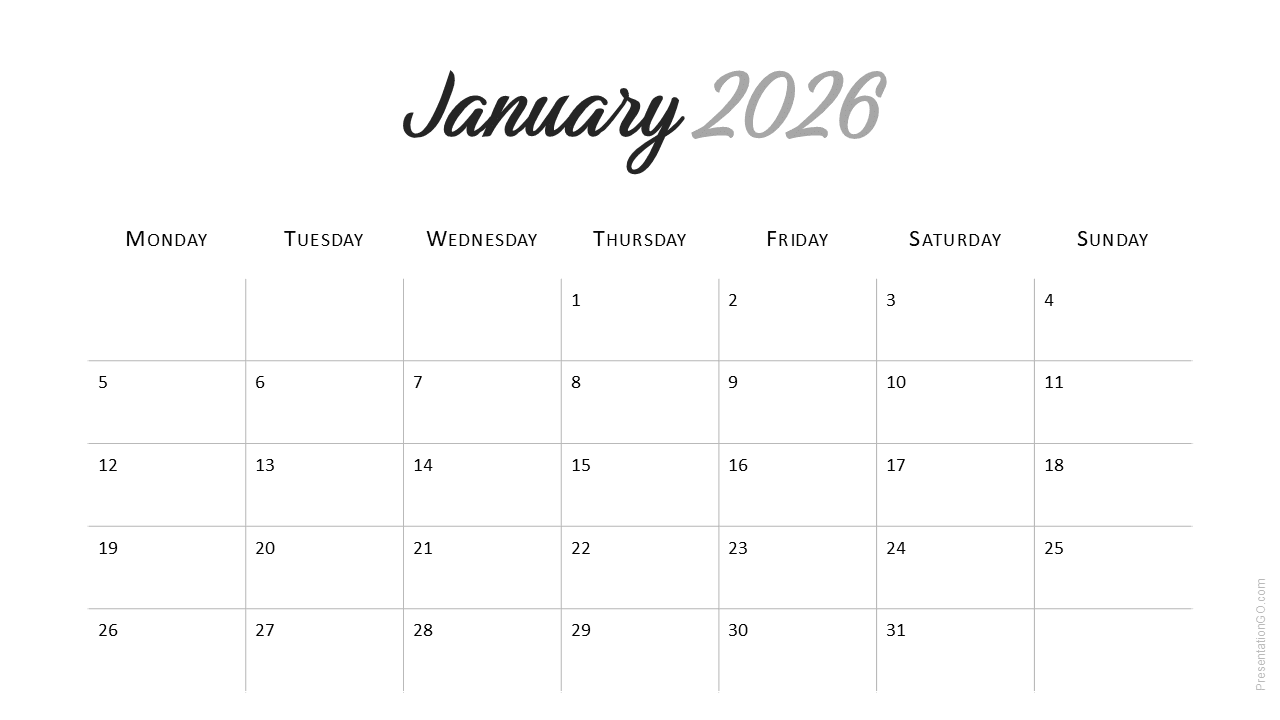
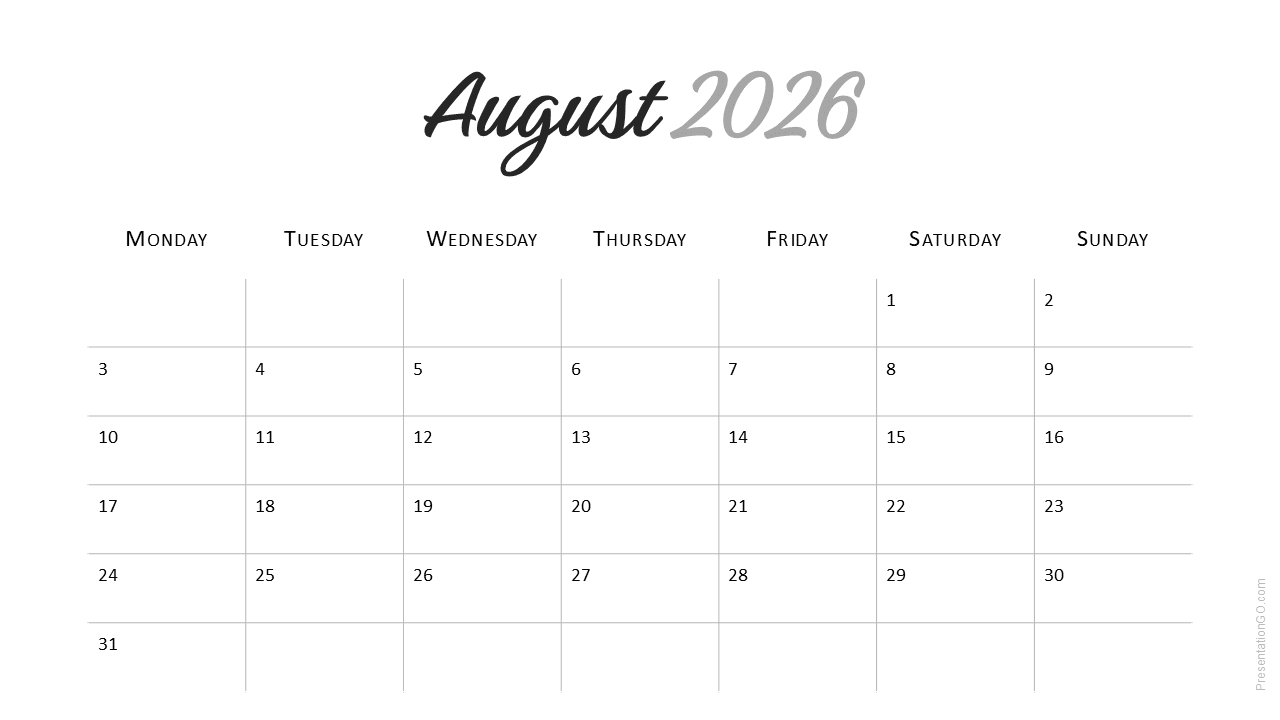
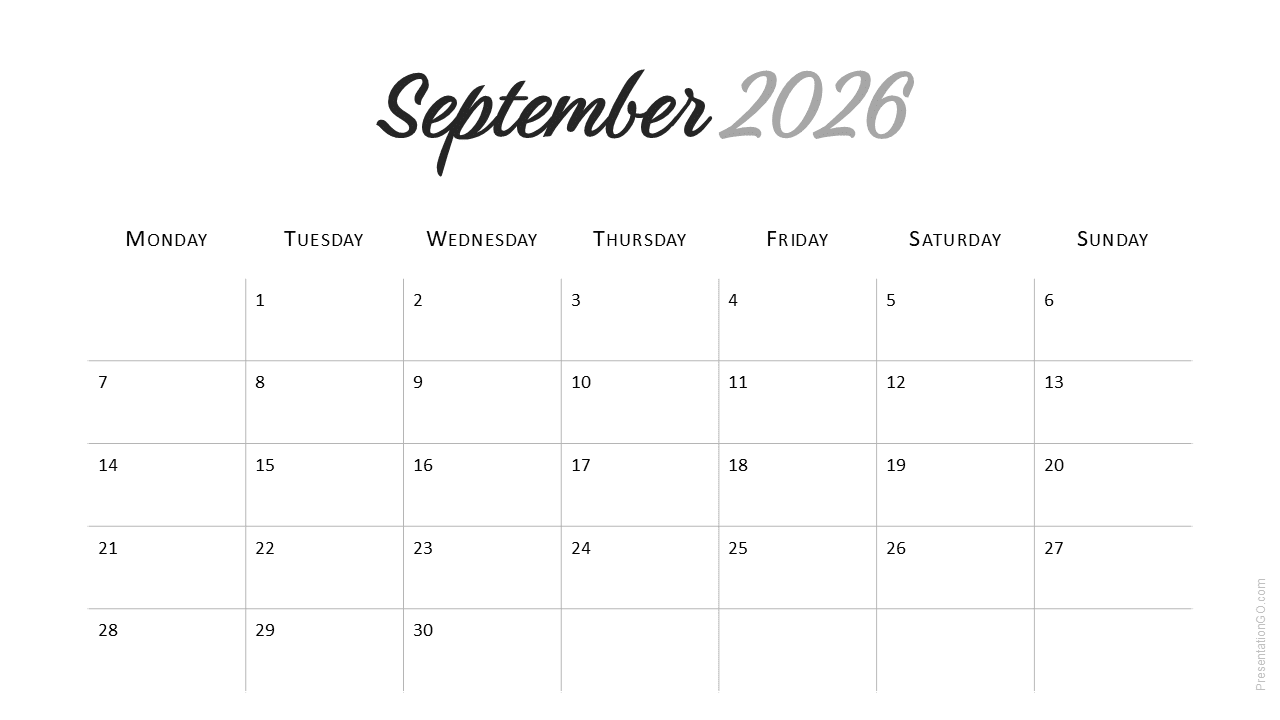
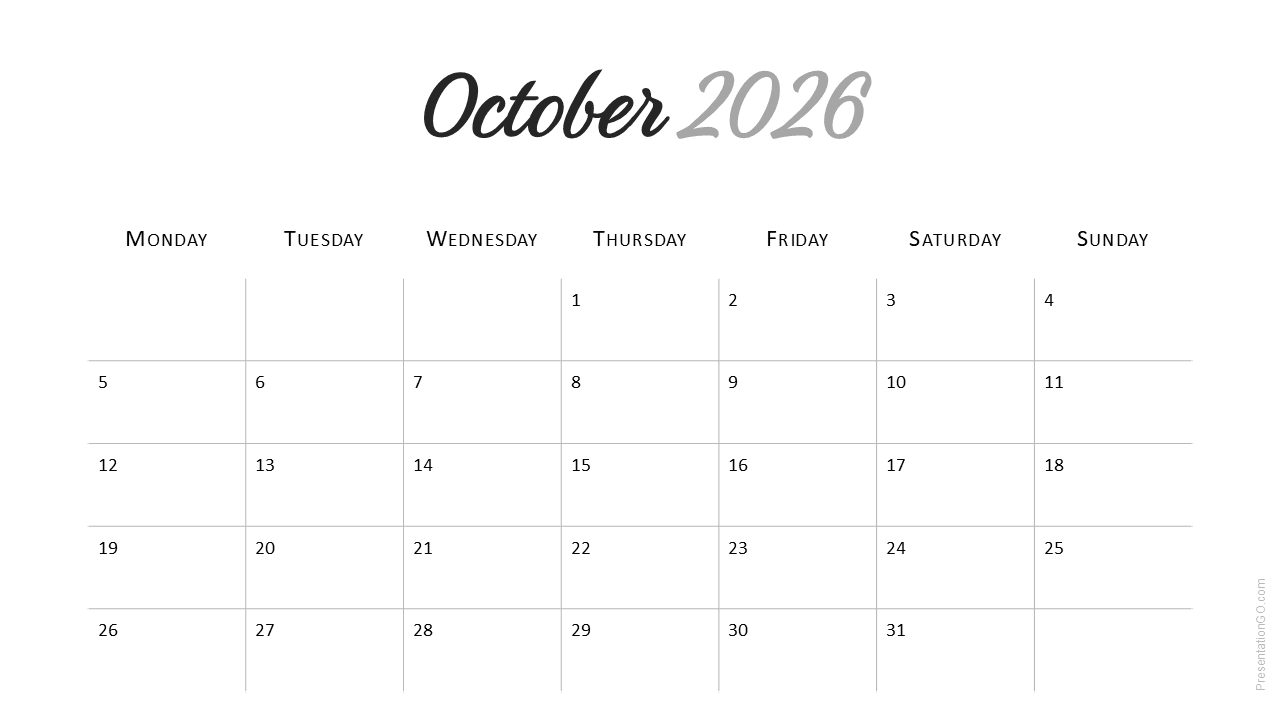
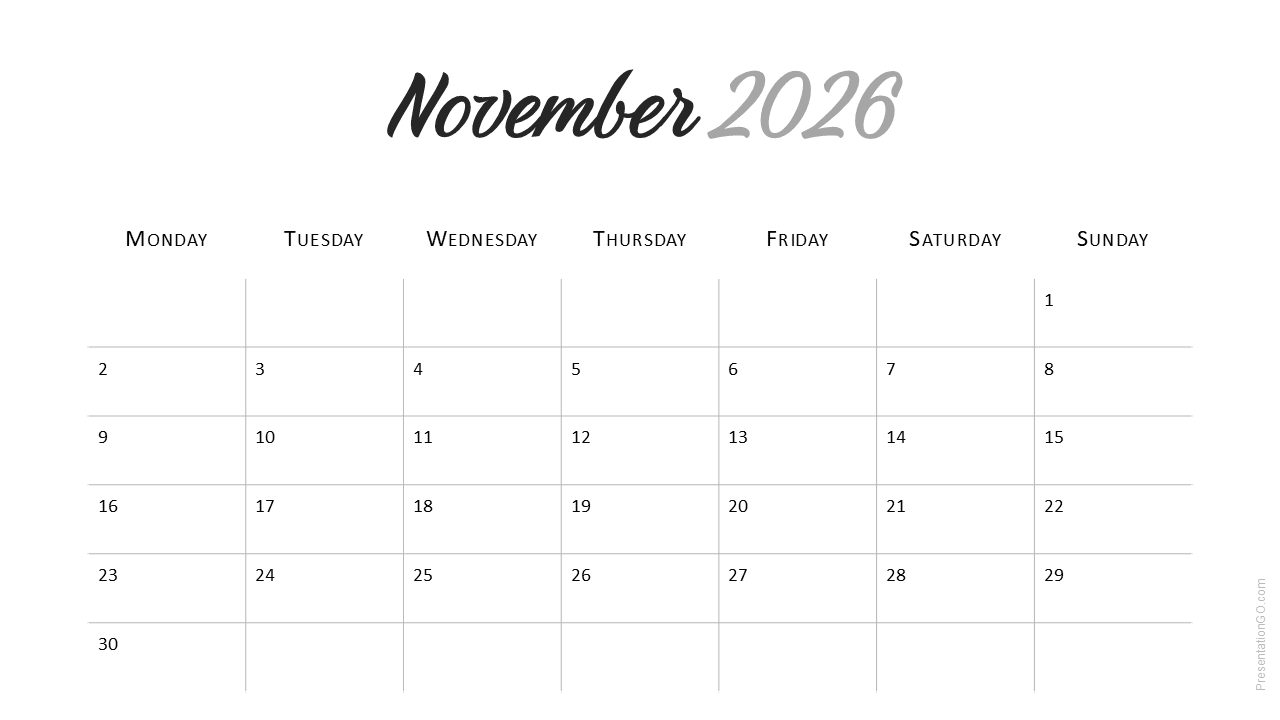
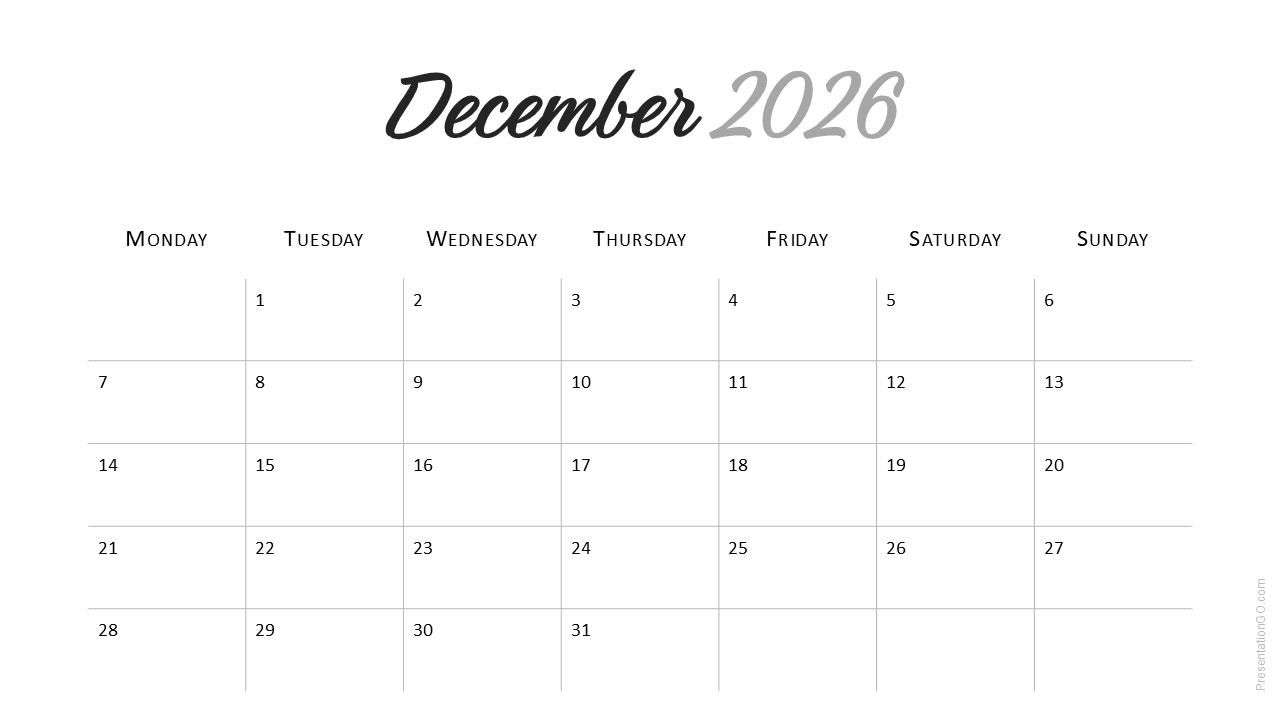
The Minimal 2026 Calendar (Monday Start) template is a modern and functional planner for PowerPoint and Google Slides. Designed for clear visual organization, it uses a Monday-first layout popular in business and European formats.
Template Preview
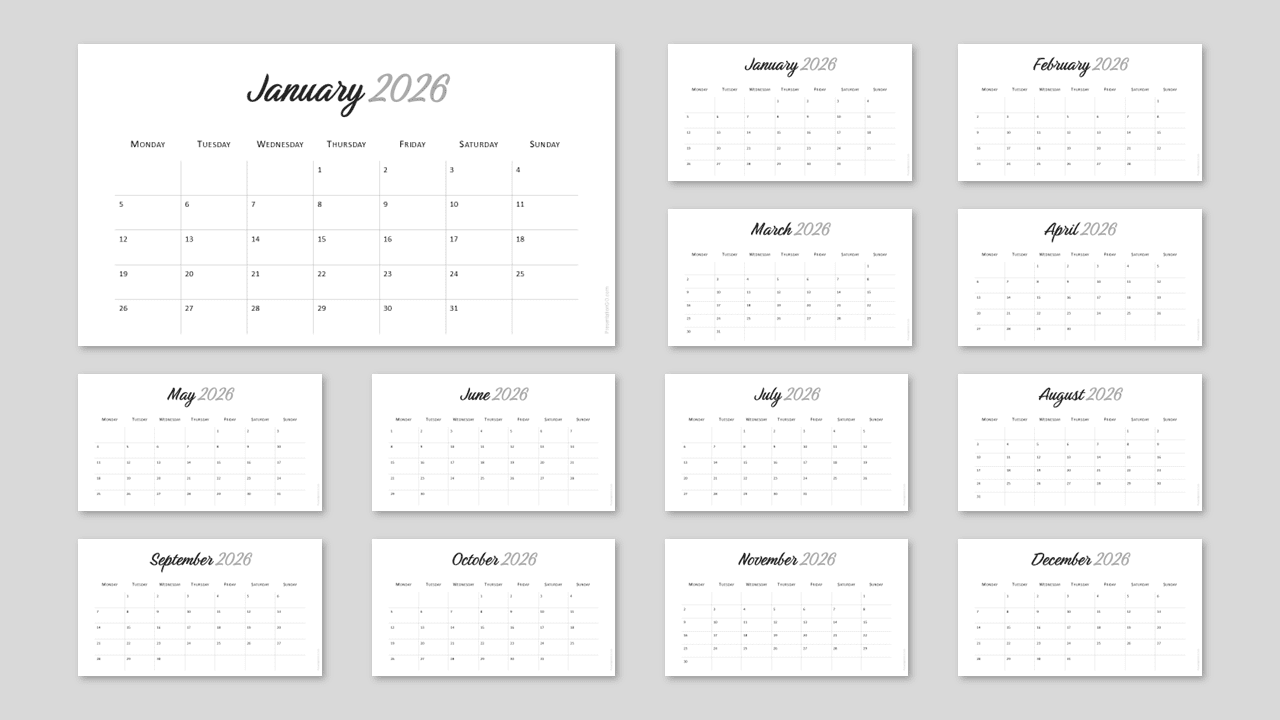
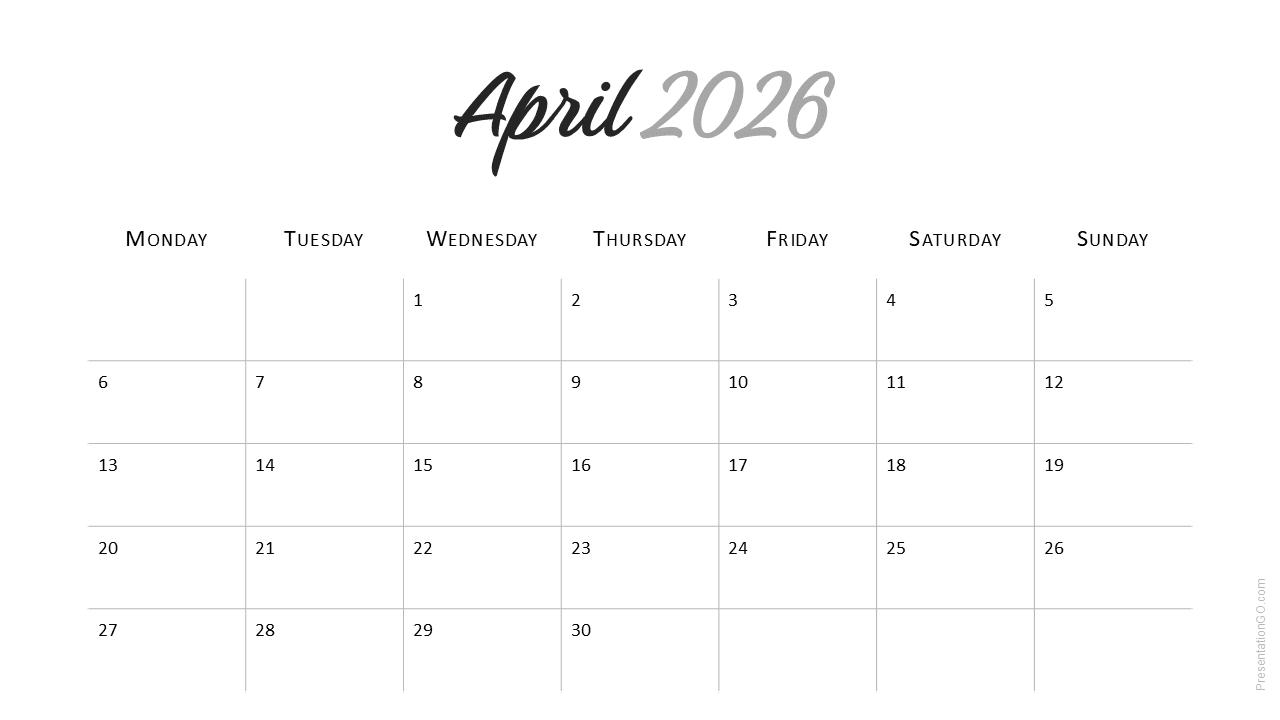
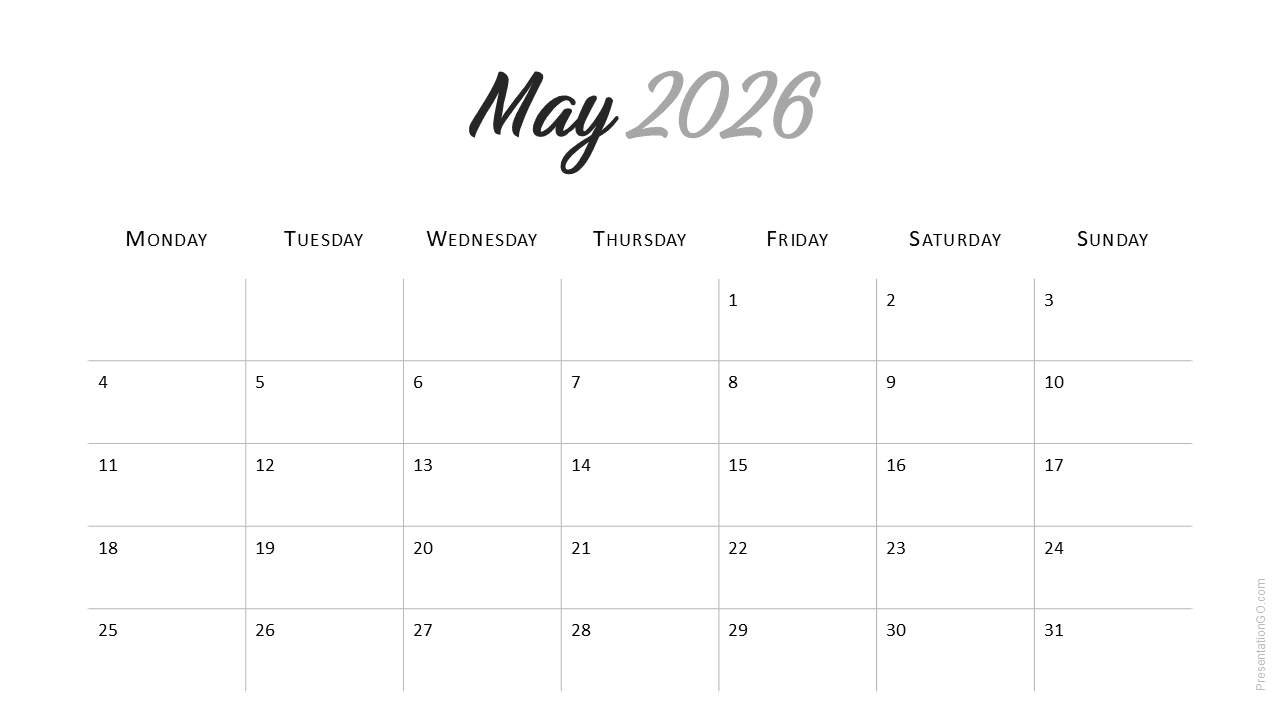
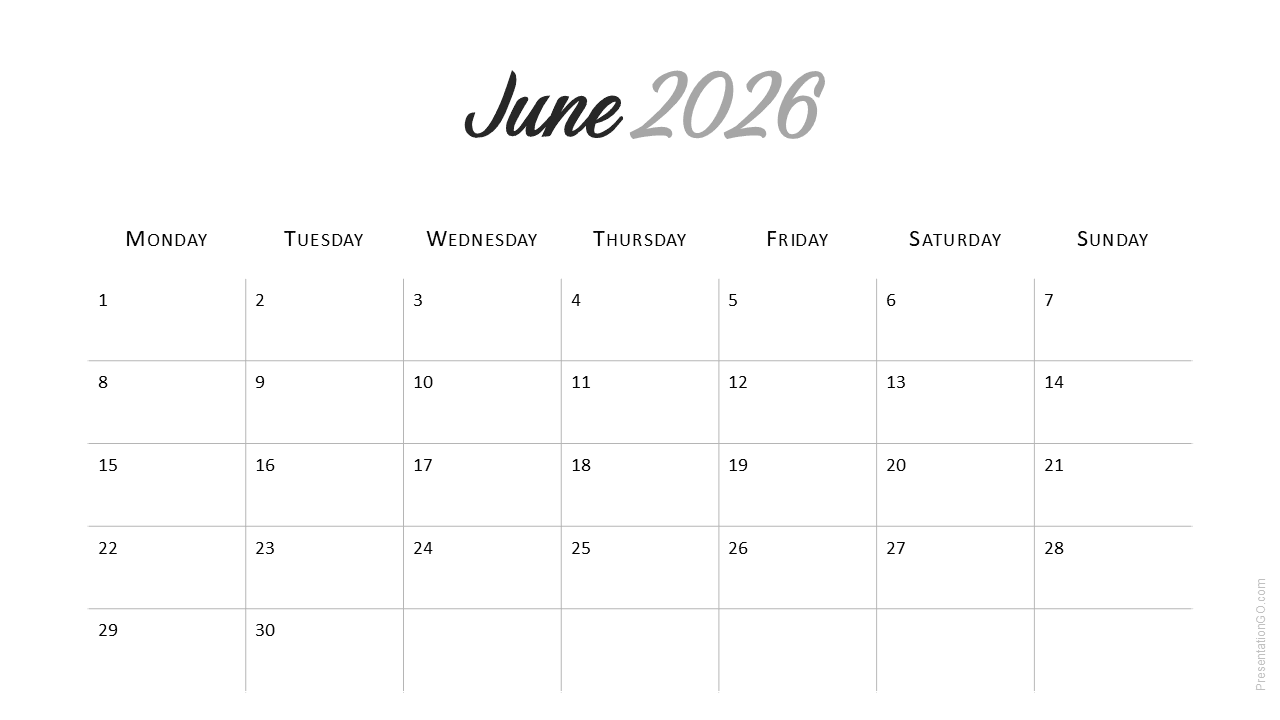
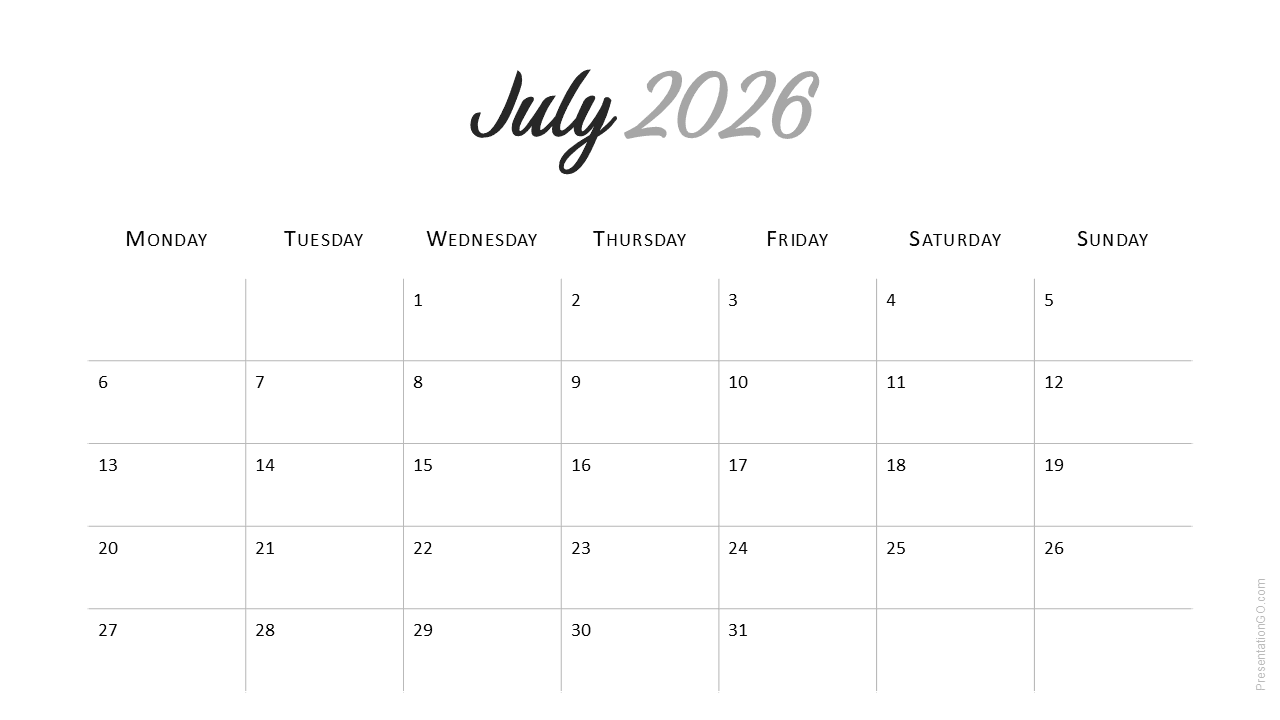


Features and Customization Options
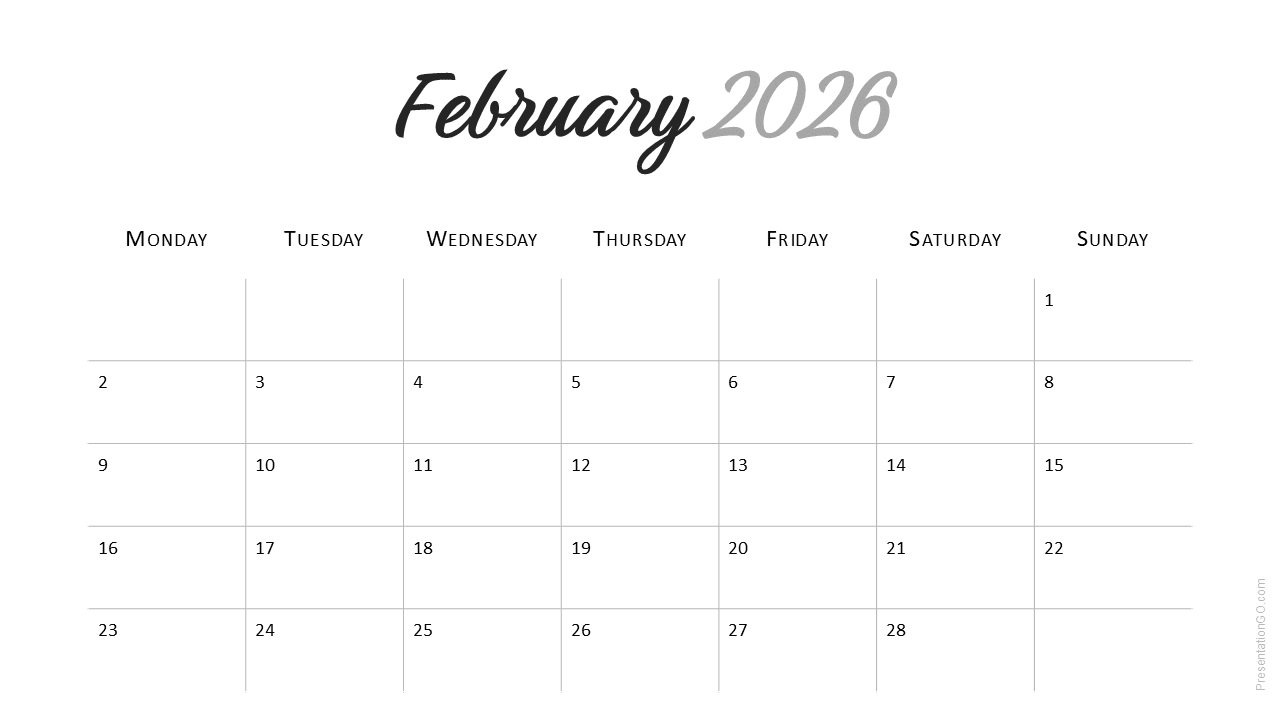
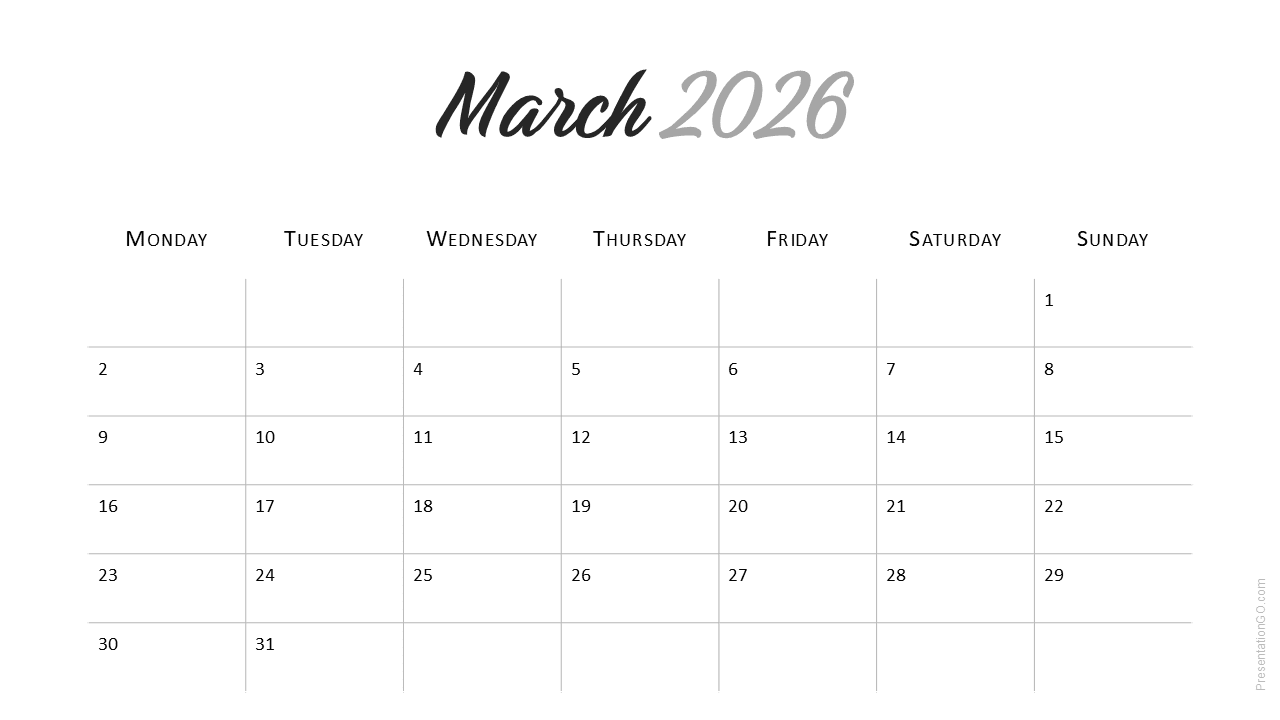
- 12 monthly slides (January–December 2026)
- Week starts on Monday for corporate and European formats
- Handwritten titles with Google Font Birthstone
- Light background for printing and presentation use
- Editable colors, fonts, and text through Slide Master
- Available for PowerPoint and Google Slides in 16 : 9 ratio
Design and Layout Overview
The Monday-Start variant follows the same minimalist style as the Sunday version but adjusts the grid to begin each week on Monday. The Birthstone font brings a unique handwritten charm, balancing creativity and professionalism for business and academic planning.
Practical Applications
- Project and content planning
- Team task management
- Academic and course scheduling
How to Edit
- Open in PowerPoint or Google Slides.
- Install the Birthstone font if needed for proper display.
- Edit dates or notes freely.
- Adjust colors and layout from Slide Master.
- Print or export to PDF for offline use.
Summary
The Minimal 2026 Calendar (Monday Start) offers clarity and balance for structured planning. A perfect tool for professionals and teams using a Monday calendar layout.
Frequently Asked Questions (FAQ)
The template uses Birthstone, a free Google Font. Download it at fonts.google.com.
Download and install the TTF file before opening the PowerPoint file to preserve the design.
Yes, customize them in Slide Master.



