

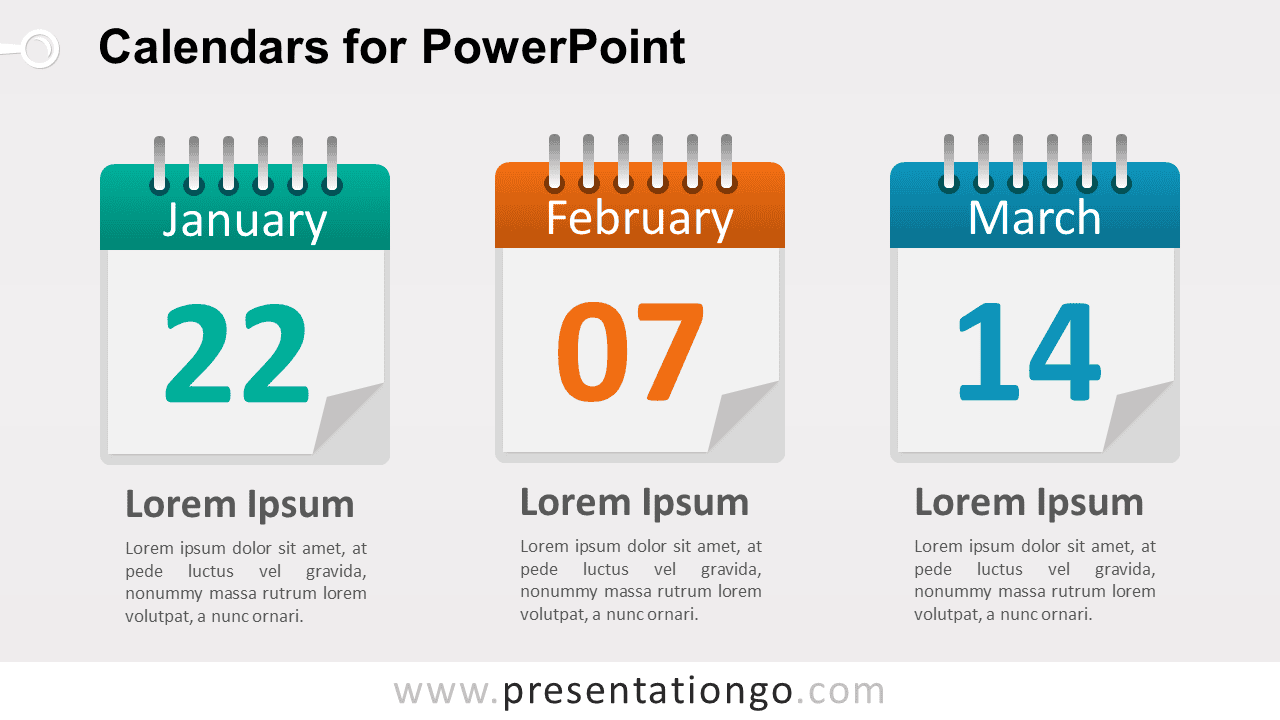
The 3 Calendars Diagram for PowerPoint presents three key dates in a clean horizontal layout. Each calendar card includes a month label, a large date number, and a supporting text area below. The format works well for milestones, deadlines, events, launch dates, campaign schedules, and monthly highlights.
Diagram Preview


Features and Customization Options
- Includes 16:9 and 4:3 versions for Microsoft PowerPoint
- Includes 2 editable slides with matching layouts
- Three editable calendar cards
- Editable text, shapes, colors, and sizes
- 100% editable vector shapes — no quality loss when resized
- Includes both light and dark background versions
Design and Structure
The 3 Calendars Diagram uses three desk-calendar cards arranged side by side for easy comparison. Each card gives the month and date strong visual priority, while the text block underneath provides room for context, notes, or milestone details. The repeated structure keeps all three dates consistent and easy to scan.
You can edit the month names, date numbers, headings, descriptions, shapes, and sizes directly in PowerPoint. The diagram works especially well when three dates need equal visual weight. The package also includes both 16:9 and 4:3 presentation sizes for different slide setups.
Practical Applications
- Highlight three project deadlines
- Present event or conference dates
- Show campaign launch milestones
- Organize monthly planning checkpoints
- Feature three important business dates
- Summarize upcoming scheduled activities
Summary
The 3 Calendars Diagram provides an editable PowerPoint layout for presenting three important dates with equal emphasis. Its calendar cards, large date numbers, and supporting text areas suit milestones, deadlines, events, launches, and other schedule-based presentations.



