
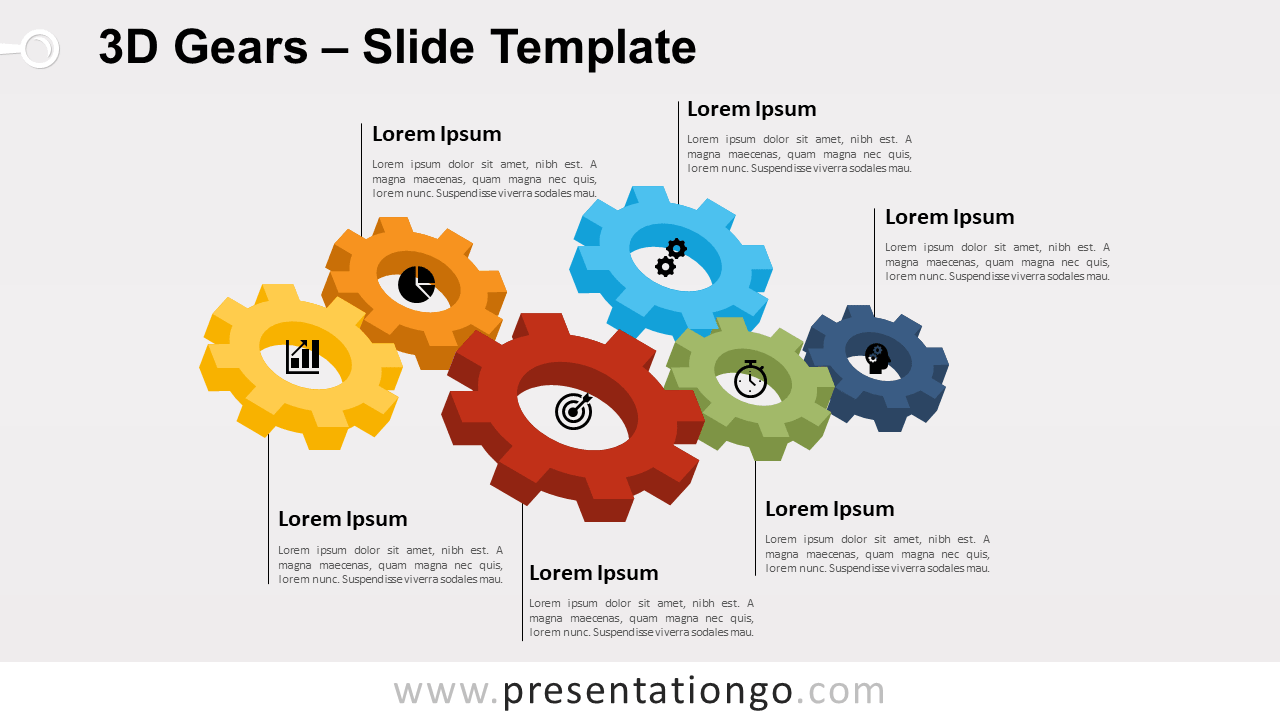
Free 3D gears for PowerPoint and Google Slides. An alternating flow of gears with a 3D effect. A perfect template to show interlocking ideas. Editable graphics with icons and text placeholders.
3D Gears to show interlocking ideas
Diagrams with gears are a common alternative to showcase ideas or processes. Indeed, the visual representation of interlinked elements is pretty straightforward to understand. Also, the gears add an explicit movement dimension to the visual.
Microsoft 365 even offers gears in the SmartArt graphic library. They are part of the Cycle graphics.
Specifically, this template shows a set of six interlocked colorful gears with a 3D effect. In addition, the gear shapes are of different sizes. You can use it for example to illustrate interlocking ideas.
Shapes are 100% editable: colors and sizes can be easily changed.
Includes 2 slide option designs: Standard (4:3) and Widescreen (16:9).
Widescreen (16:9) size preview:
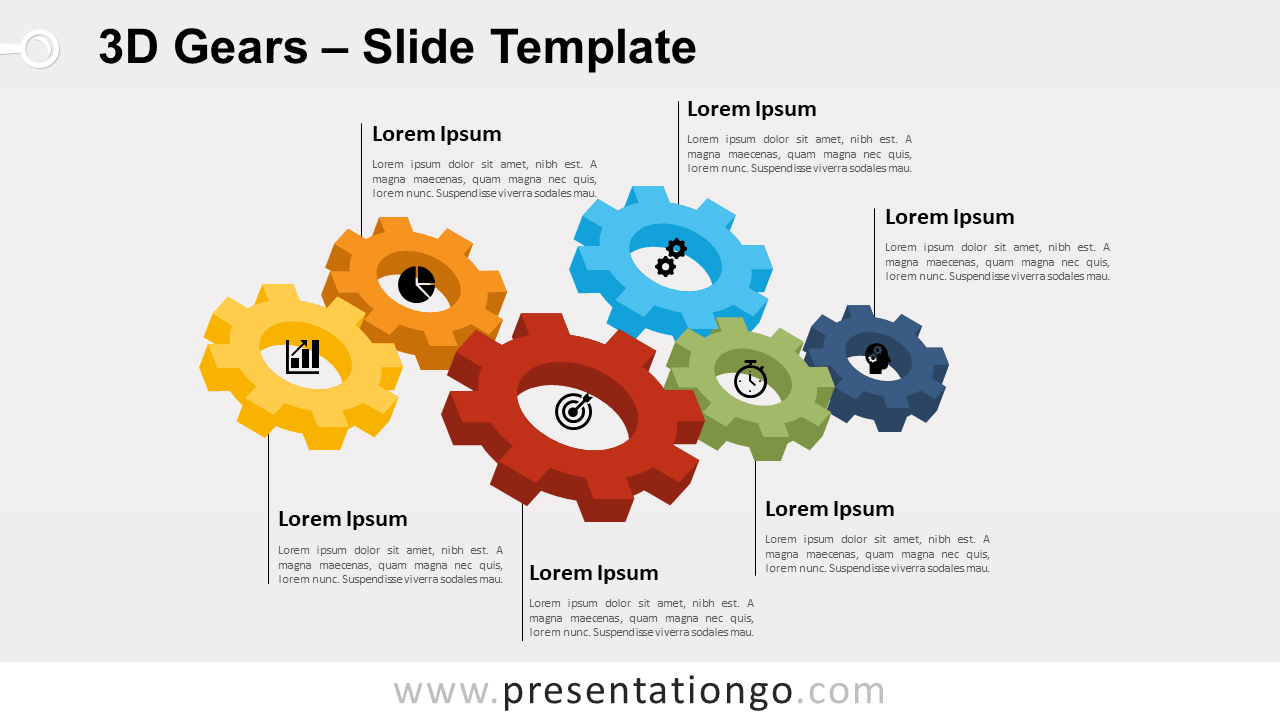
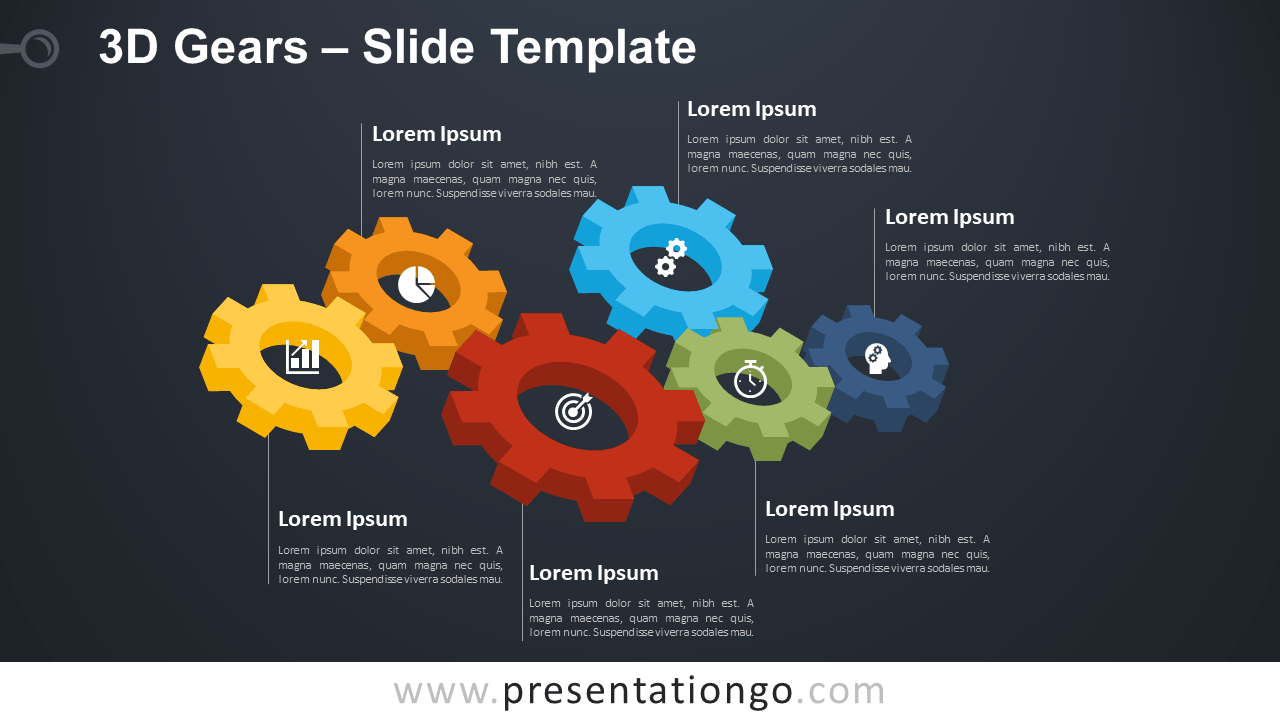


This ‘3D Gears for PowerPoint and Google Slides’ features:
- 2 unique slides
- Light and Dark layout
- Ready to use template with icons and text placeholders
- Completely editable shapes
- Uses a selection of editable PowerPoint icons
- Standard (4:3) and Widescreen (16:9) aspect ratios
- PPTX file and for Google Slides
Free fonts used:
- Helvetica (System Font)
- Calibri (System Font)



