The 4-Card Progress Grid is a PowerPoint and Google Slides diagram designed to display four independent progress indicators in a structured, easy-to-follow layout. Each card combines a descriptive heading, supporting text, a horizontal progress bar, and a percentage badge to communicate measurable results. This arrangement helps presenters compare completion levels, monitor ongoing activities, and highlight differences between multiple objectives. Rather than presenting a sequential process, the diagram treats all four items as parallel elements, making it especially useful when several initiatives need to be evaluated together. Its consistent card structure also allows audiences to review numerical information alongside brief explanations without losing sight of the overall picture.
Diagram Preview
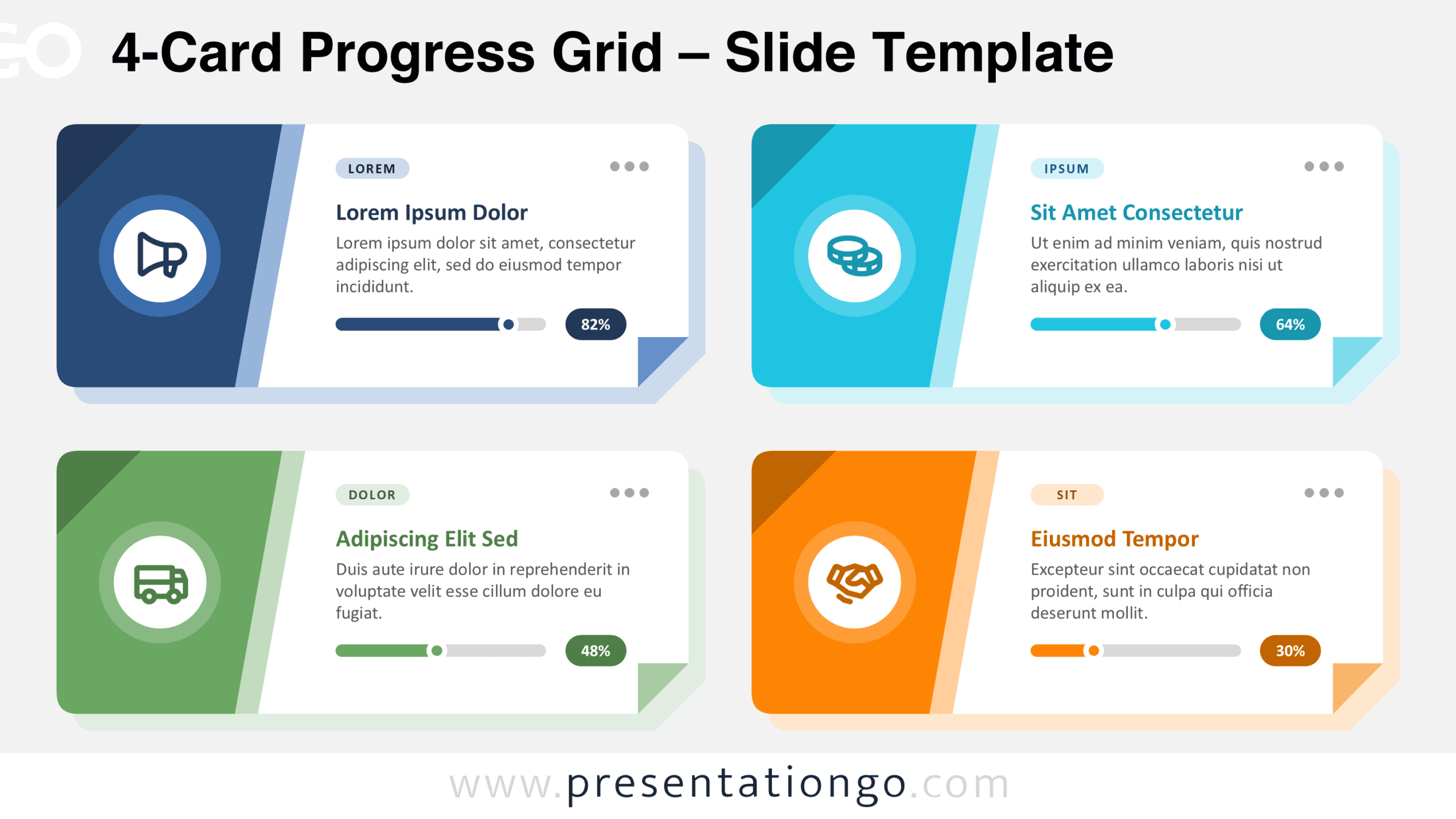
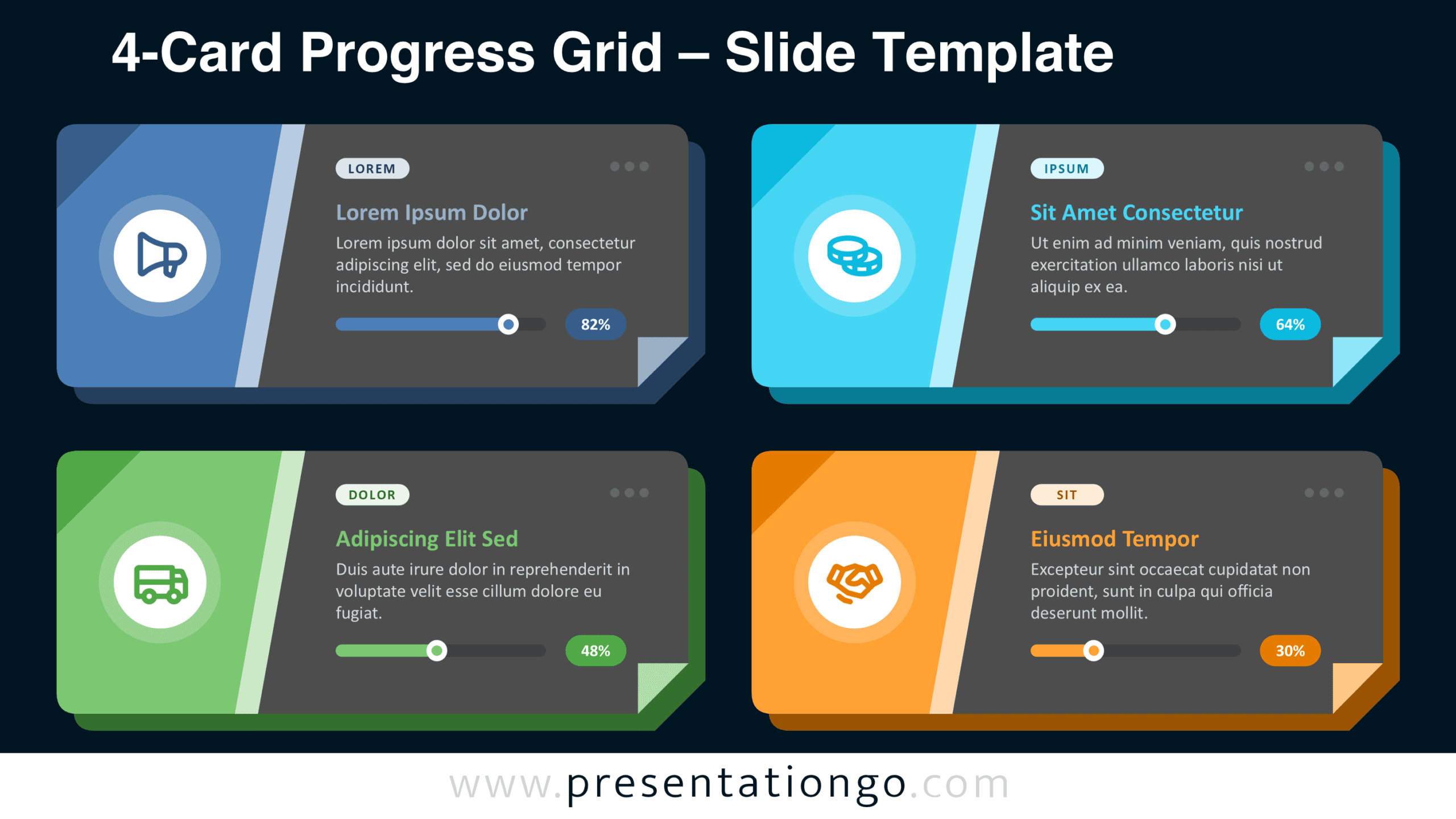
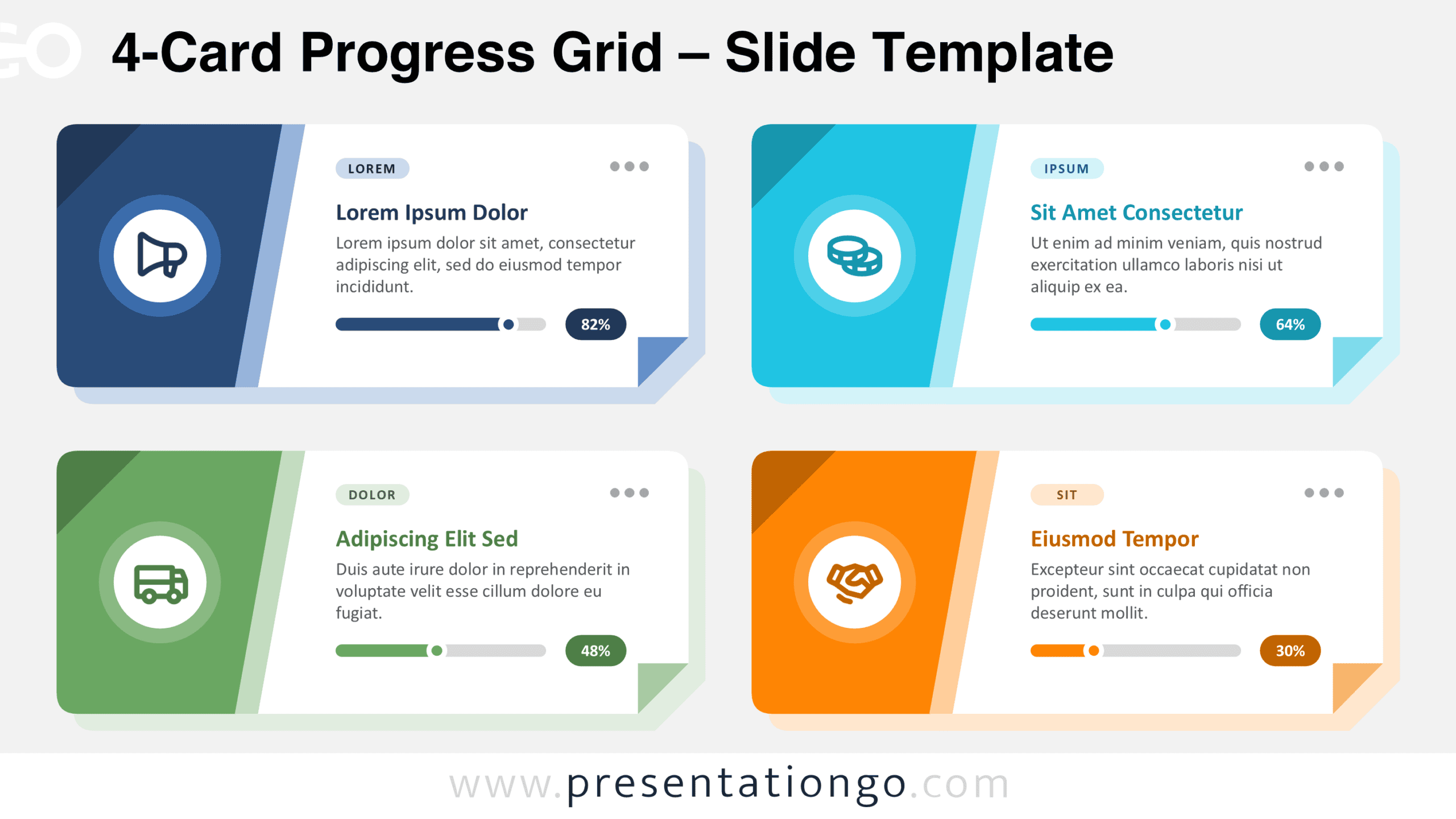
Explore the 4-Card Progress Grid in both Light and Dark background variations. The preview shows how the same design adapts to different presentation styles while maintaining visual consistency.

Features and Customization Options
- Slides: 2 slides with Light and Dark backgrounds
- Customization: Editable shapes, colors, and text
- Graphics: Scalable vector elements and replaceable illustrative icons
- Format: 16:9 widescreen
- Compatibility: Microsoft PowerPoint (.PPTX) and Google Slides
Design and Structure
The diagram features four rectangular cards arranged in a symmetrical 2×2 grid. Each card combines an angled side panel, circular icon placeholder, descriptive text, and a horizontal progress bar with a percentage badge. Layered edges, consistent alignment, and balanced spacing reinforce the overall composition.
Practical Applications
- Project Status: Compare completion percentages across four projects during regular progress review meetings.
- Goal Tracking: Monitor progress toward four measurable objectives using individual percentage indicators.
- Performance Reviews: Present four performance metrics with supporting descriptions and clear progress comparisons.
- Team Updates: Summarize the status of four workstreams in a coordinated reporting layout.
- Milestone Monitoring: Track completion levels across four milestones without suggesting sequential dependencies.
- Operational Reporting: Display progress measurements and contextual notes during recurring management review sessions.
Summary
The 4-Card Progress Grid provides a practical visual framework for comparing four independent progress measures while keeping numerical results and supporting information organized within a unified layout.