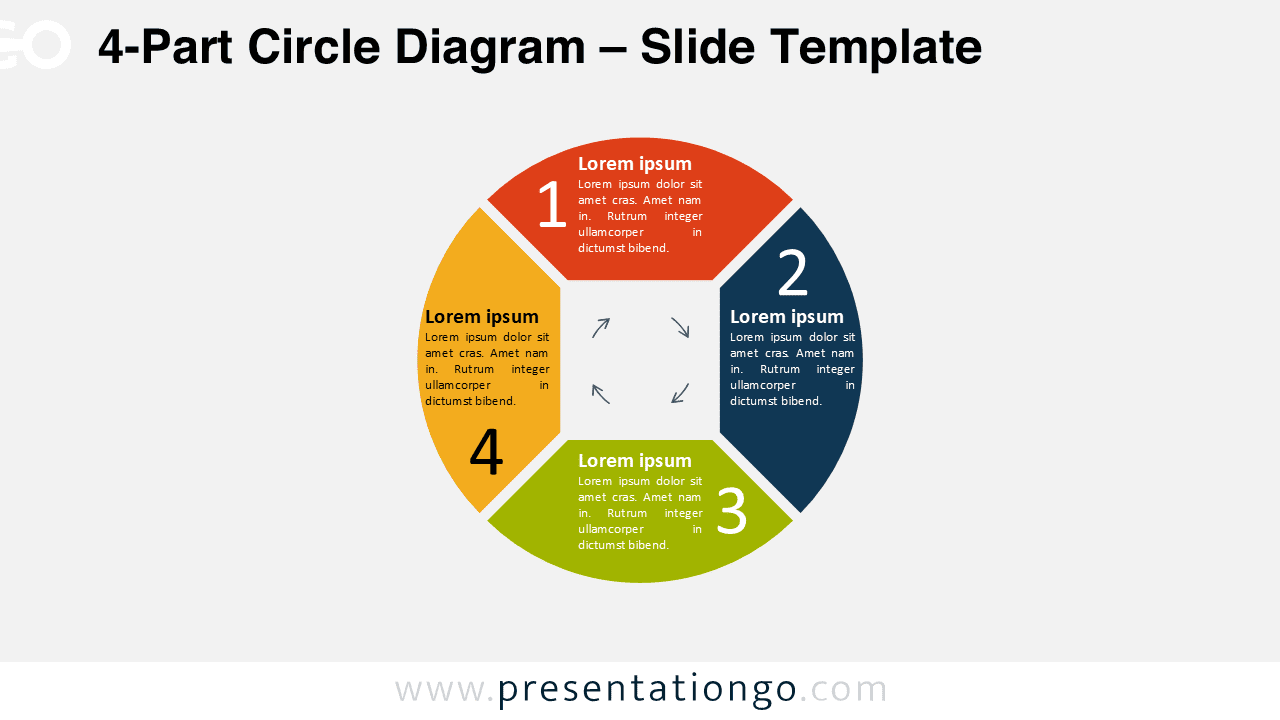
Free PowerPoint diagram representing a circle with 4 independent and editable parts. Vector circle infographic. Can be used for any business concept with 4 options, equal parts, steps, or processes.
4-Part Circle Diagram
This free 4-Part Circle PowerPoint Diagram shows a circle with a square in its center. Like a pie chart with 4 equal parts and a negative square in the center.
This original and beautiful geometrical figure is also extremely useful for many purposes: charts with 4 equal parts or 4 options, a list of 4 groups of information, or 4 steps in a circular process. For example, the white square in the center can be used to display any icon, text, or even 4 arrows to show the direction of your circular process. Besides, the outside of the circle shows 4 colorful parts large enough to include numbers, titles, and text.
You can easily edit the 4 sections of this free 4-Part Circle PowerPoint Diagram. Therefore, you can use it as a circular process, task, or workflow with 4 steps. You can also show 4 equal parts in a group of information.
Shapes are 100% editable: colors and sizes can be easily changed.
Includes 1 slide option design: Standard (4:3).
This ‘4-Part Circle Diagram’ template features:
- 1 unique slide
- Light layout
- Ready to use template with text placeholders
- Completely editable shapes
- Standard (4:3) and Widescreen (16:9) aspect ratios
- PPTX file (PowerPoint)
Free font used:
- Calibri (System Font)