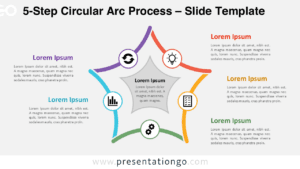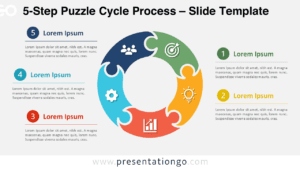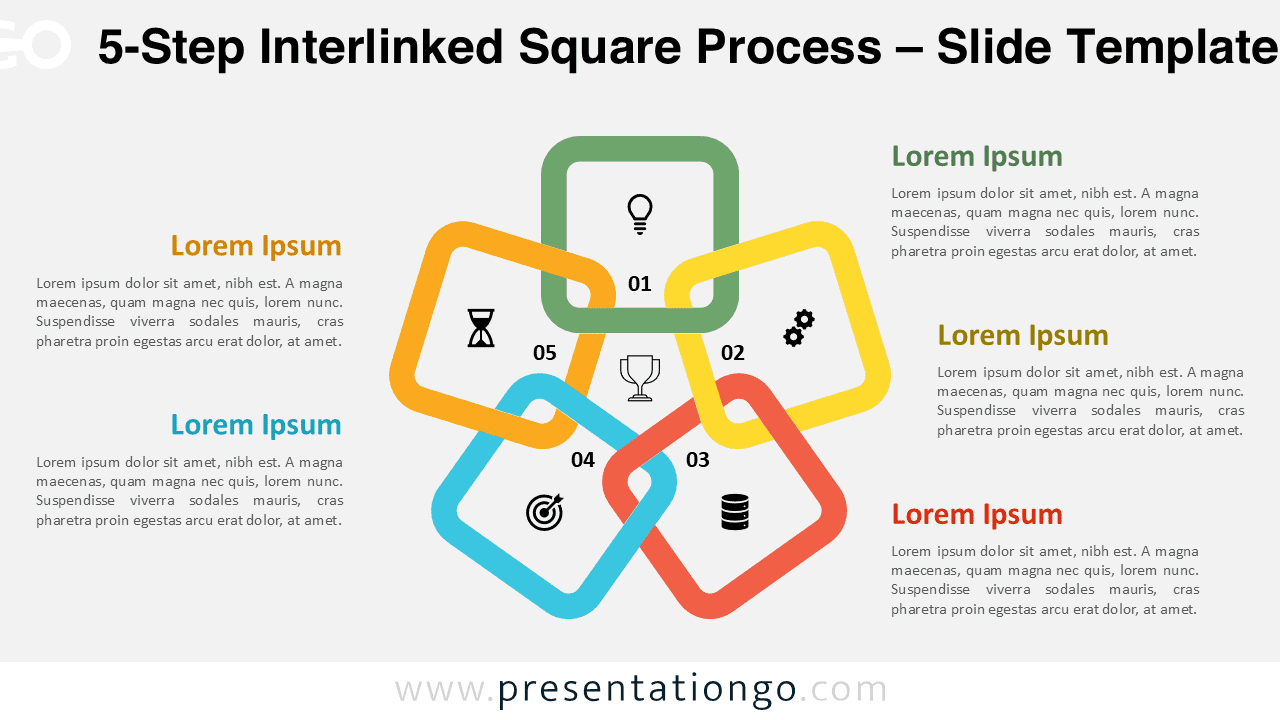
The 5-Step Interlinked Square Process diagram is a creative infographic that connects five colorful squares to represent linked stages or steps. Ideal for illustrating processes, cycles, and relationships, this geometric layout helps your audience grasp continuity and flow in your PowerPoint or Google Slides presentation.
Widescreen (16:9) Preview


Features and Customization
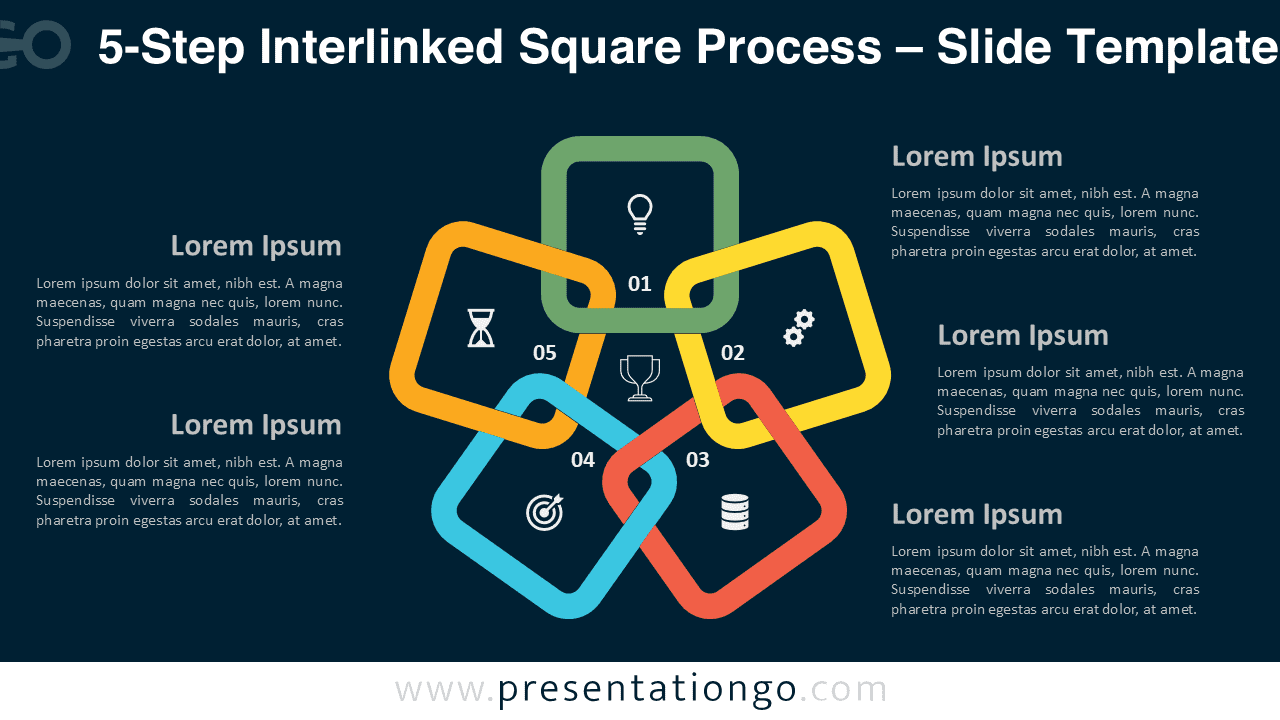
- Includes 2 slides (light and dark backgrounds)
- Fully editable shapes, text, and icons
- Easy color and layout adjustments in PowerPoint or Google Slides
- Ideal for circular processes or linked workflows
- Consistent, modern, and professional design
Design Overview
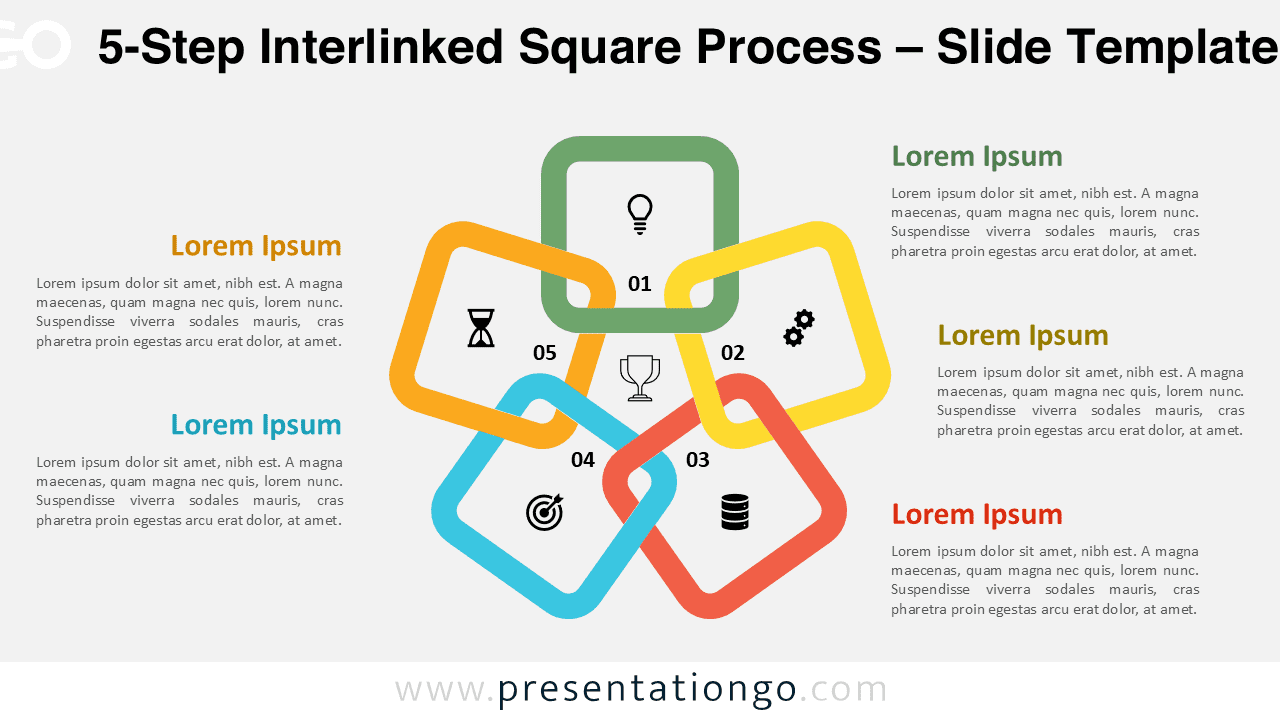
This diagram displays five interlinked squares arranged around a central icon, forming a closed loop that symbolizes interconnection and progress. Each square uses a unique color for visual separation, while the rounded corners soften the overall look. The design balances simplicity with clarity, making it perfect for business, education, or project management slides.
Practical Applications
- Show five connected steps in a process
- Illustrate teamwork or linked responsibilities
- Visualize data cycles or continuous improvement models
How to Edit
- Open the file in PowerPoint or Google Slides.
- Replace text and icons with your own content.
- Change colors and fonts using the Slide Master.
- Adjust layout or animation as desired.
Summary
A sleek, colorful 5-step diagram designed to represent continuous processes or linked actions. Perfect for professional, corporate, or educational presentations.
Complete Collection
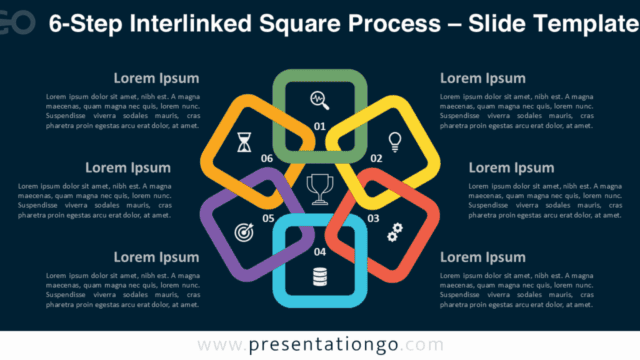
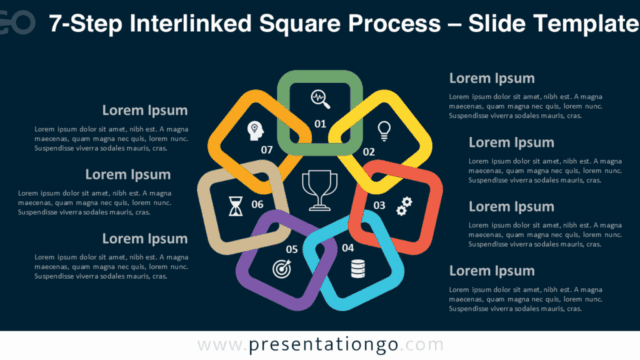
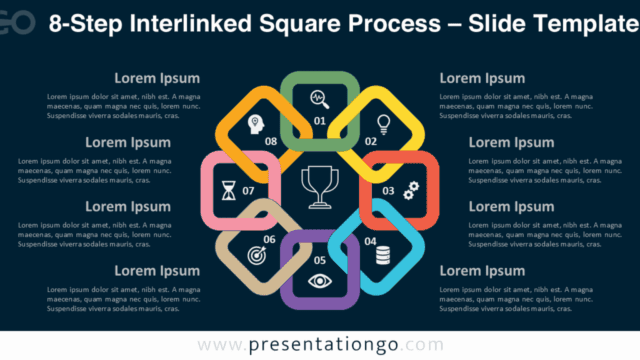
Also available in 6-step, 7-step, and 8-step variants for versatile process visualization.


Frequently Asked Questions (FAQ)
Yes, all shapes and colors are fully editable in PowerPoint and Google Slides.
Simply right-click on any icon, select “Change Graphic,” and choose the source (for example, from Icons, Stock Images, or This Device). You can easily replace it with a new icon from the built-in Office library or your own files.