

The 5-Step Key Stair Diagram adds another level to the visual progression of the 4-Step version, offering five distinct stages of development.
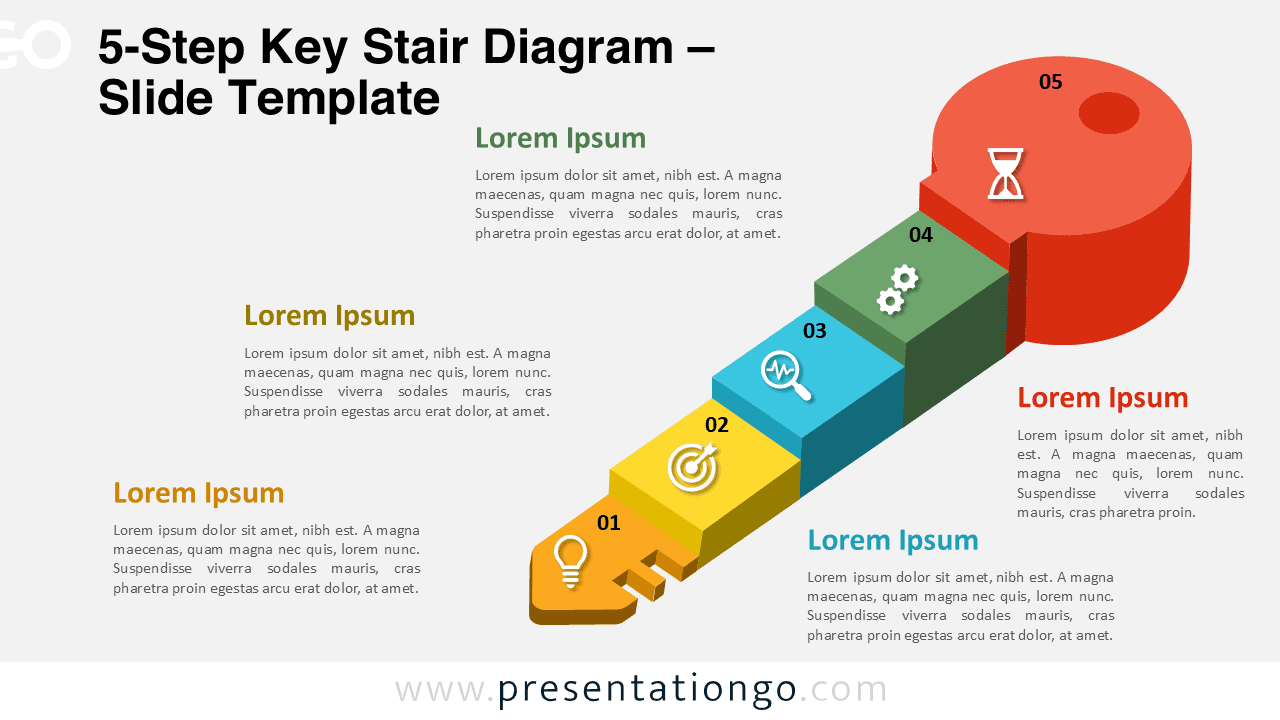
This design combines a 3D stair-like structure and a symbolic key shape to illustrate progress toward a final objective or success point. Fully editable for PowerPoint and Google Slides.
Diagram Preview


Features and Customization Options
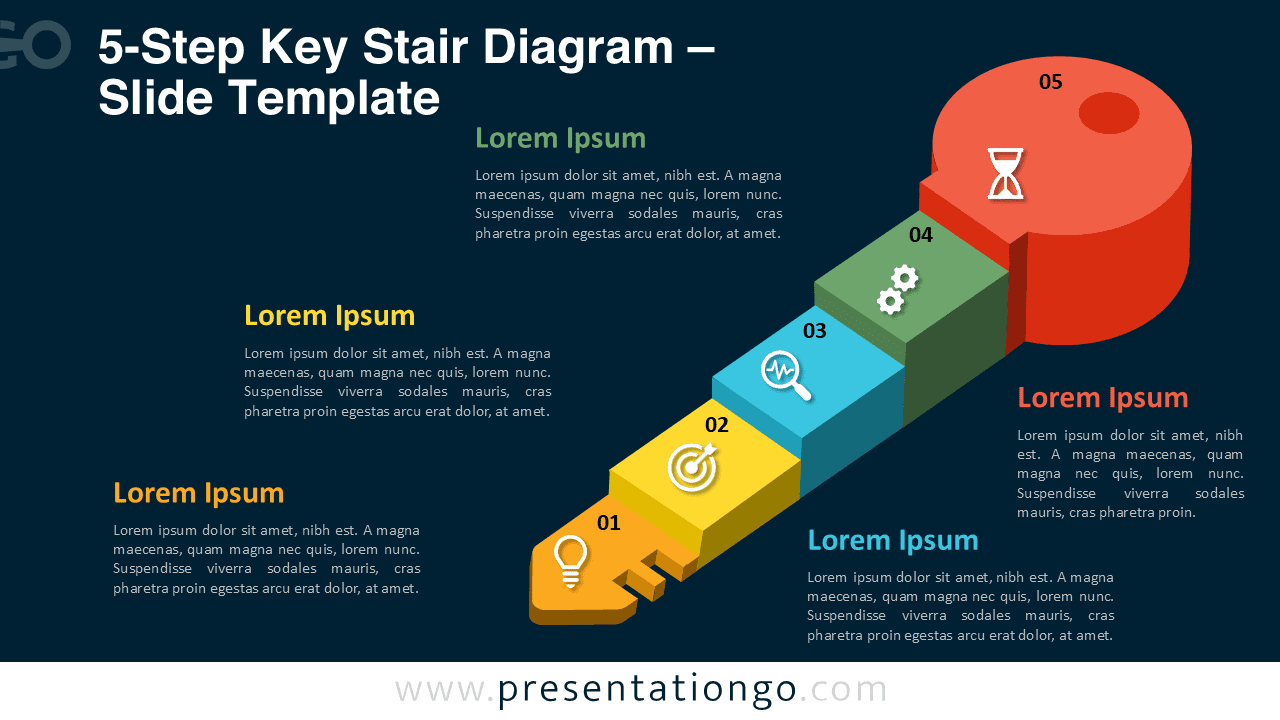
- Includes 2 slides (light and dark background versions)
- 5 connected 3D steps forming a key and staircase layout
- Editable text boxes and modern vector icons
- Customizable colors, shapes, and fonts in both tools
- 16:9 widescreen format for PowerPoint and Google Slides
Design Overview
Each stage of the 5-Step Key Stair Diagram represents a critical phase of progress, symbolized through ascending blocks that build up to a circular key head.
Soft shadows, geometric balance, and vibrant tones create a professional and modern presentation layout.
Practical Applications
- Extended business or project workflows
- Five-phase strategic roadmaps
- Performance tracking and goal setting
- Educational or motivational progress diagrams
How to Edit
- Open the file in PowerPoint or Google Slides.
- Edit text, colors, and icons to fit your message.
- Use the Slide Master for consistent design adjustments.
- Duplicate steps if you want to extend the sequence.
Summary
The 5-Step Key Stair Diagram enhances the concept of progress and achievement with one extra step for detail-rich storytelling. Ideal for presenting detailed workflows or strategies using a clean key-and-stair layout.
Frequently Asked Questions (FAQ)
In PowerPoint, right-click the icon → choose “Change Graphic” → “From Icons” or “From File”.
In Google Slides, use “Insert” → “Icons” or replace with your own SVG by drag-and-drop.



