The 6-Phase Milestone Timeline is a structured visual resource for presenting project schedules, key deliverables, and progress updates in PowerPoint and Google Slides. Its six connected stages combine chronological milestones with descriptive information, making it easier to communicate what has been completed, what is currently underway, and what comes next.
Diagram Preview
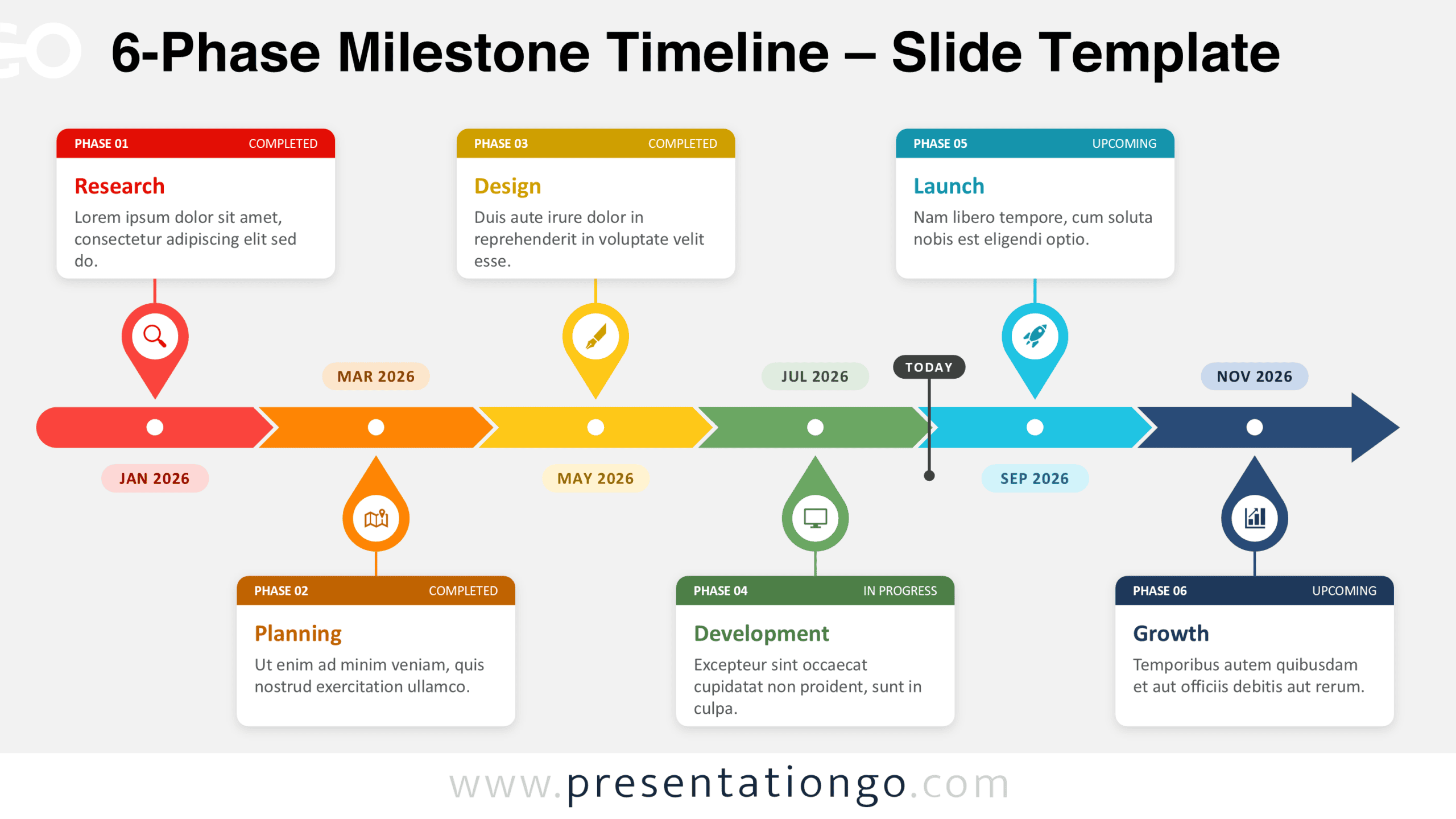
The preview displays the same six-phase timeline with Light and Dark backgrounds. Both arrangements include a horizontal milestone path, alternating information cards, date labels, progress statuses, and a dedicated today indicator. The consistent structure allows viewers to follow each phase while keeping its corresponding details visible.



Features and Customization Options
- Slides: 2 slides with Light and Dark backgrounds
- Customization: Editable shapes, colors, and text
- Graphics: Scalable vector elements and replaceable illustrative icons
- Format: 16:9 widescreen
- Compatibility: Microsoft PowerPoint (.PPTX) and Google Slides
Design and Structure
A continuous horizontal arrow connects six milestone segments from left to right. Dated markers sit along the central path, while descriptive cards alternate above and below it. Vertical connectors link each card to its phase, and a separate today marker identifies the current position.
Practical Applications
- Project Planning: Organize six project phases with key milestones, deadlines, and deliverables.
- Progress Tracking: Highlight completed, ongoing, and upcoming activities along a chronological timeline.
- Product Roadmaps: Present development stages from initial research through launch and growth.
- Implementation Plans: Outline rollout phases, important checkpoints, and expected completion dates.
- Stakeholder Updates: Summarize project status, recent achievements, and upcoming priorities.
- Campaign Scheduling: Coordinate campaign phases, milestone dates, and planned activities.
Summary
The 6-Phase Milestone Timeline provides a practical framework for explaining project progression, connecting important dates with supporting details, and communicating schedule status within one organized visual.