
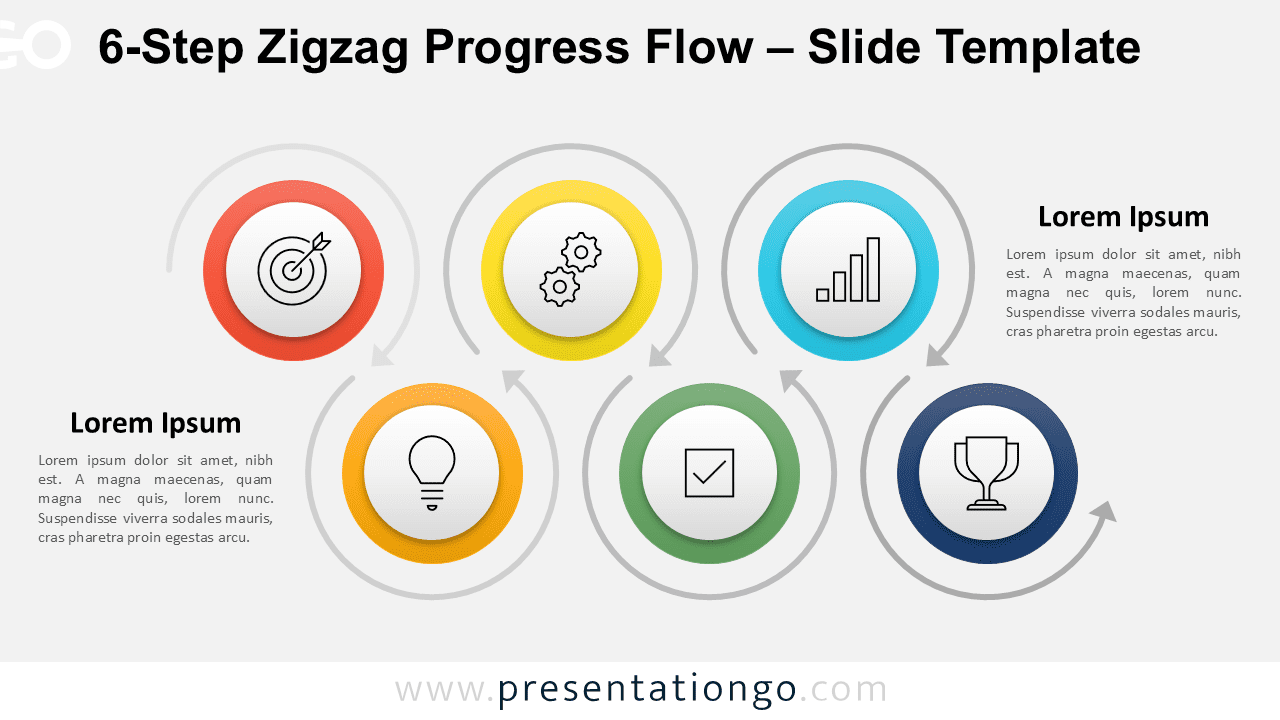
The 6-Step Zigzag Progress Flow presents a dynamic horizontal layout that guides audiences through six sequential stages in PowerPoint and Google Slides presentations.
Visualize Sequential Progress with a Zigzag Layout
This diagram consists of six evenly spaced circular nodes arranged in a dynamic zigzag layout—three aligned across the top and three along the bottom. Each step is framed by a vibrant ring and centered with a monochrome icon, helping distinguish and symbolize individual phases without distraction. Curved arrows sequentially connect the steps in a clockwise direction, creating a continuous and clear sense of movement. The cycle begins at the top left and concludes at the bottom right. Additionally, large text placeholders accompany the first and final steps, positioned at either edge to emphasize entry and exit points of the flow.
Zigzag process diagrams are ideal when illustrating sequential stages that alternate position to aid clarity. This format offers a visual metaphor for movement, decision-making, or growth over time—helping break monotony and support visual tracking. In practice, this specific six-step layout is perfect for showcasing project lifecycles, marketing funnels, or strategy phases. For example, you might present six stages of product development, from research to launch, or outline a six-step customer journey. The visual rhythm combined with arrow-guided navigation makes it easy for audiences to follow along and absorb each part of the process.
This template includes two editable slides already populated with icons and placeholder text. Users can customize every shape, switch icons with numbers, and adjust color schemes as needed. It comes in both Standard (4:3) and Widescreen (16:9) formats and supports both light and dark backgrounds. Compatible with PowerPoint (PPTX) and Google Slides, it offers flexible presentation design across platforms.
Download this versatile template to transform your sequential presentations with six clearly defined progression steps that engage audiences and clarify complex workflows.
Widescreen (16:9) size preview:


This template offers:
- 2 unique slides
- Options for both light and dark themes
- Pre-populated with icons and text placeholders
- Fully customizable shapes for complete control
- Available in both Standard (4:3) and Widescreen (16:9) ratios
- Offered in both PowerPoint PPTX and Google Slides formats





