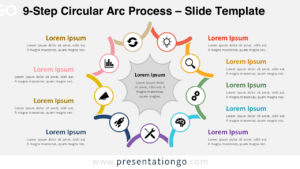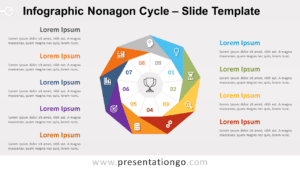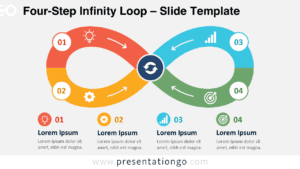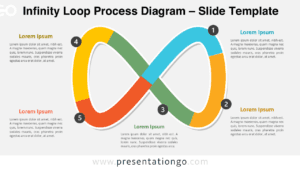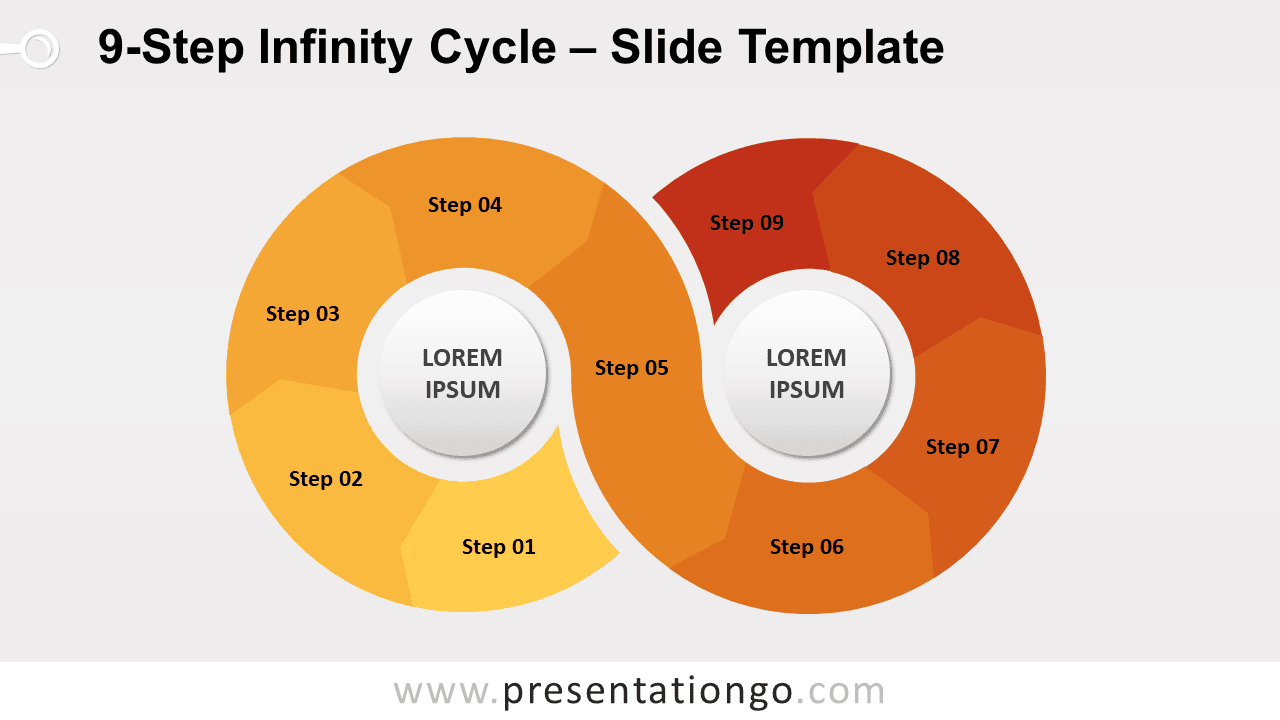
Free 9-Step Infinity Cycle for PowerPoint and Google Slides. A horizontal 8-shape cycle designed with 9 curved arrows. Editable graphics.
9-Step Infinity Cycle
Great things are usually achieved one step at a time. This 9-Step Infinity Cycle slide template with 9 options will take your presentation to infinity and beyond.
Do you want to describe in a clear and creative way the progression and conversions of your project? Then download this circular diagram in the shape of the infinity symbol. The eight-figure shape with gradient colors is perfect to showcase repetitive or endless sequences that form a cycle. In addition, you can write your titles in the center of this doughnut chart. You can also specify the name of each step.
One small step for you, one giant leap for your presentation! Use this 9-Step Infinity Cycle slide template for free!
Shapes are 100% editable: colors and sizes can be easily changed.
Includes 2 slide option designs: Standard (4:3) and Widescreen (16:9).
Widescreen (16:9) size preview:


This ‘9-Step Infinity Cycle for PowerPoint and Google Slides’ features:
- 2 unique slides
- Light and Dark layout
- Ready to use template
- Completely editable shapes
- Standard (4:3) and Widescreen (16:9) aspect ratios
- PPTX file and for Google Slides
Free fonts used:
- Helvetica (System Font)
- Calibri (System Font)